


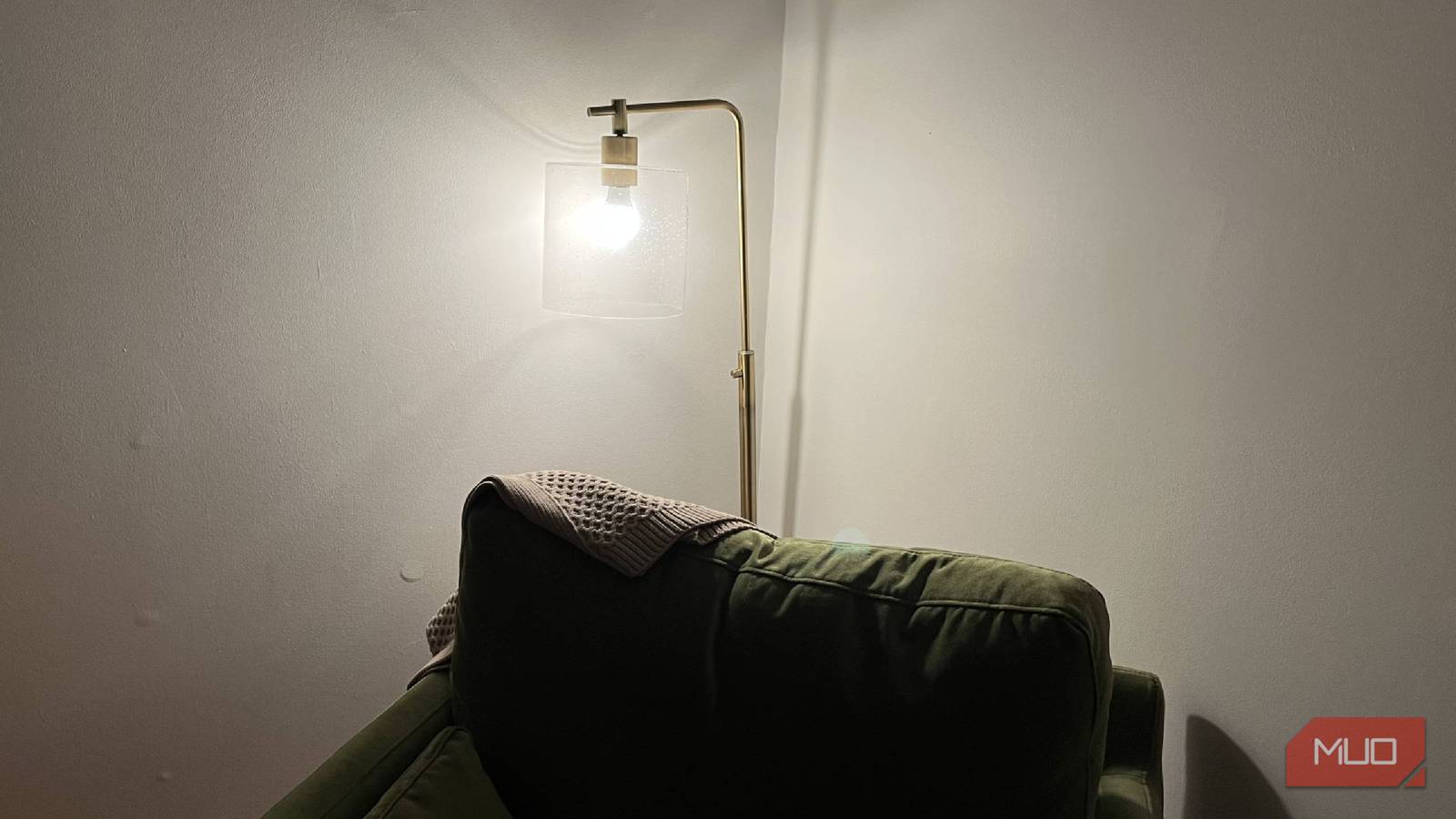
I added smart bulbs to my home to try to make my life a little simpler. On occasion, there are hiccups where the Wi-Fi isn’t working great, and one of them isn’t responding to voice commands. Sometimes, this is more of an Alexa issue than it is a lights issue. But it can be frustrating when your lights aren’t working, and you’re forced to go up to the light and turn it on yourself.
That, in and of itself, shows what a nice upgrade smart bulbs are. Having to turn on a light can be burdensome for someone used to smart bulbs. Using smart bulbs can be a game-changer for a home, as setting up automations to have them turn on if something triggers them or having them turn on with your voice commands takes your smart home to the next level. But while you’re using your smart bulbs, you want to make sure you’re using them properly. If you’re using them at 100% brightness at all times, you’re actually doing it all wrong.
You don’t need continuous 100% brightness for your smart bulbs
There are reasons why this is a bad idea
If you’re using a smart bulb, it almost certainly has an accompanying app that lets you explore its features. Depending on the kind of bulb you have, it can be one continuous color or have the ability to change colors. Regardless of what the color is, it’s the brightness that you need to pay attention to.
100% brightness obviously gives you the maximum illumination that the smart bulb can offer. You’re going to get the brightest room possible when you set your light all the way up, even if you’re doing so with an automation. For example, my daughter’s room is rather dark throughout the day. She gets some sunlight in the mid-morning hours, but most of the room ends up being in the shade. So, being able to crank up the brightness makes a lot of sense.
But I generally keep her room at around 75% brightness because, for a small room, 100% brightness is overwhelming. Not only do I have aesthetic issues with how aggressively bright 100% is, but it’s also not as good for my home or the light bulb to keep it at 100%.
It should be noted that I don’t leave my daughter’s light on all day, so it’s not like I have her room set to 100% brightness for 24 hours.
The real reason you don’t do it so brightly is that it gets too hot
The higher the lumens, the higher the power needed

If you’re using a smart bulb, there’s virtually a 100% chance you’re using an LED bulb that didn’t set you back too much. LED bulbs generate more heat at higher brightness levels. A lower brightness means lower heat being produced by the LED bulbs, meaning it’s safer to be around. While you may not find bulbs that are going to burn your hand off if you happen to touch them, you’d still probably like to avoid having to be near a hot light bulb at any turn.
The light bulb could also very well last longer because you’re running it at a lower dimness. Higher brightness and higher heat can cause more substantial wear and tear on the light bulb. While light bulbs aren’t the biggest problem in terms of heat, it’s still worth noting that they can get hot, jeopardizing how long they last.
There’s no denying that you will need to use your light bulb at 100% brightness at some point. If you’re like me, you’re turning 100% brightness up in your daughter’s room because it’s easier to look for toys on the floor when it’s bedtime, when the lights are all on.
The light bulb can save you money if you use it right
Another win for the dim

Using your light bulb at 100% brightness is going to use up as much power as the light bulb can muster. While smart lights aren’t the #1 offender in terms of devices that suck up your power and Wi-Fi (they’re probably not even in the top 40), they still have an impact.
By changing the brightness to 75% or 50% when those numbers make sense, you can save incremental amounts of energy. Over time, those incremental amounts of energy can add up, and you can actually see some money back compared to the previous month when you might’ve been running the lights at a higher brightness. The long-term gains can be worth it, as you can save some money and keep the bulb longer.
A great way to make sure that you’re not going overboard with the brightness is by setting up a schedule. In the apps that the smart bulbs typically have, you should be able to find a way to set a schedule. When you do so, there tends to be a setting that highlights sunrise and sunset or wake-up and bedtime. These progressive settings can turn on a light at a lower level when the person wakes up, and the light can gradually get brighter as they wake up to help them get out of bed.
As the day is winding down, it will lower the brightness to help the person ease into sleep. Dimmer lights can not only set an ambiance, but also help make people tired. Using a routine that can gradually raise and lower the brightness can ease you into and out of each day.
Don’t run those bulbs too high
It took me a bit of time to realize I didn’t need to have my smart bulbs burning high all the time. Minimizing the brightness has helped my smart bulbs last longer, and I’ve saved small amounts of energy. The dimmer settings are easier on the eyes, and the idea as a whole works well because the aesthetic will look better, too.
