


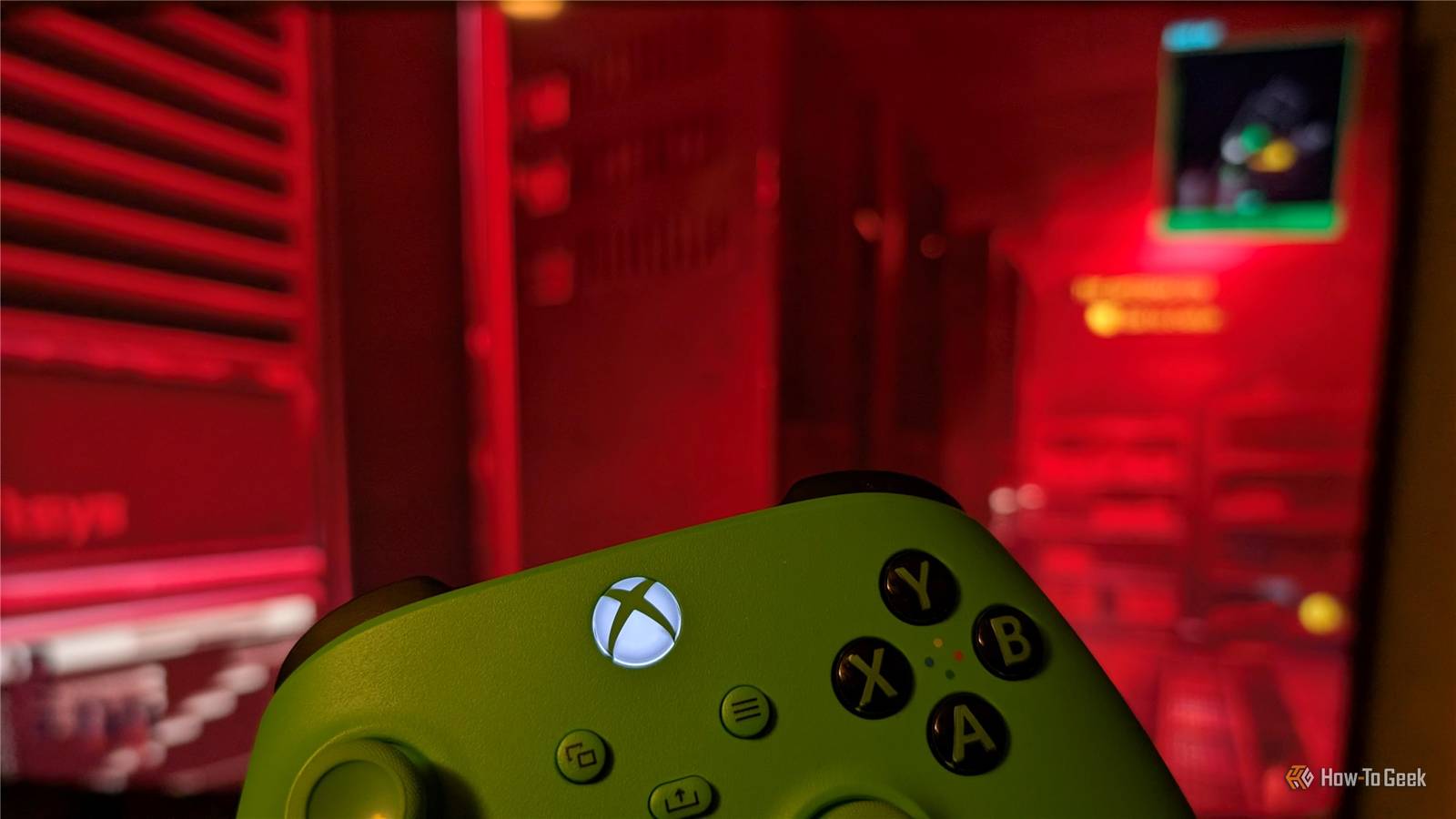
Gaming isn’t a cheap hobby, and it only gets more expensive if you want to branch out and use multiple consoles. A gaming PC and a console can easily cost more than $1200 together.
But what if you don’t need to buy a console at all to have a console gaming experience? Here is a free way to turn your gaming PC into a console without dragging it into another room.
What do the Xbox and Playstation offer?
Regular PC gaming is great, but consoles offer a very different experience. You don’t normally play games on them using a keyboard and mouse. Usually you’re on a couch or somewhere more comfortable than an office chair. If you work at a computer all day, you also get to game somewhere else besides parked in front of a computer, which is a welcome change in scenery.
Console games also often emphasize co-op, where you’re playing the game with the person sitting next to you.
You might be playing the same games on your Playstation and your PC, but the entire experience is different. So how do you recreate the console experience without forking over a few hundred dollars?
Using your PC instead of a console
If you already have a gaming PC and a television, you don’t need to buy a separate console—you already have what you need.
This entire setup relies on two pieces of software: Moonlight and Sunshine. Sunshine is a streaming service that you install on your gaming PC. It sends whatever is happening on your PC to a client.
The client, in this case your television, has the client software, Moonlight. The software pair functions almost like a mini GeForce Experience setup, except instead of cloud gaming, you’re streaming games from your own PC to your television.
Ideally, you should connect both your PC and your television to your home network using Ethernet cables. Wi-Fi can be fast, but latency fluctuations when you’re streaming a game wirelessly can be jarring, immersion breaking, or otherwise unpleasant. Ethernet takes a lot of that sort of thing out of the equation.

How to Fix Slow Ethernet on a Windows PC
Speed up the slow connection.
If you do need to use Wi-Fi, try to make sure nothing really dense (like a brick chimney) sits between your PC and your router or your TV and your router, you’ll probably get a better connection. Additionally, if the devices are close enough to all use the 6GHz band, you should try that first—you may get better performance.
Once you have Sunshine running on your PC and Moonlight running on your television, all you need to do is sit down, launch Steam (or Galaxy of Gamers, or Epic), pick a game, and get to playing.
Setting up Moonlight and Sunshine
Luckily for everyone, getting Moonlight and Sunshine working is extremely easy.
First, download and install Sunshine on your PC.
Launch the program once and set up your login and make sure to save your password—you won’t be able to recover it later if you forget it.
Once that is done, head over to your TV and search the app store for Moonlight.
Moonlight is available on most major TV OSes except for Roku and Samsung TV. If you have either of those, you’ll need an extra component. One popular option is a Fire TV Stick, since Moonlight has an official client for FireOS. In the past, I’ve also used a Raspberry Pi 4 connected to my TV with an HDMI cable, which I found worked very well too.

- Integrations
-
Alexa
- Storage
-
16GB
- Operating System
-
Fire OS
The Fire TV Stick 4K Max brings you all of the quality improvements of the 4K but with the addition of upgraded hardware and faster and more reliable Wi-Fi 6 connectivity.
Launch the Moonlight app on your TV, then wait until it detects your PC on the network. Once it does, select your desktop.
It’ll display a four-digit code you need to enter on your PC. On your PC, right-click the Sunshine icon on your taskbar and hit “Open,” then navigate to the “Pin” tab and enter the code provided on your TV.

It really is that simple. Just open your game library and select whichever game you’d like to play.

My TV allows me to pair my controllers directly with it using Bluetooth and I haven’t had any issues with that. However, not every TV has a great Bluetooth controller, which can aggressively hurt how responsive your game feels. If you experience latency, I’d suggest trying a wired connection instead.
Since I originally set this system up a few weeks ago, I’ve played through much of Cyberpunk 2077 and more Baldur’s Gate 3 than I care to admit. In that time, I had only one single hiccup which was resolved by restarting Steam. Given the cost savings, I can definitely live an occasional restart to debug something.
