


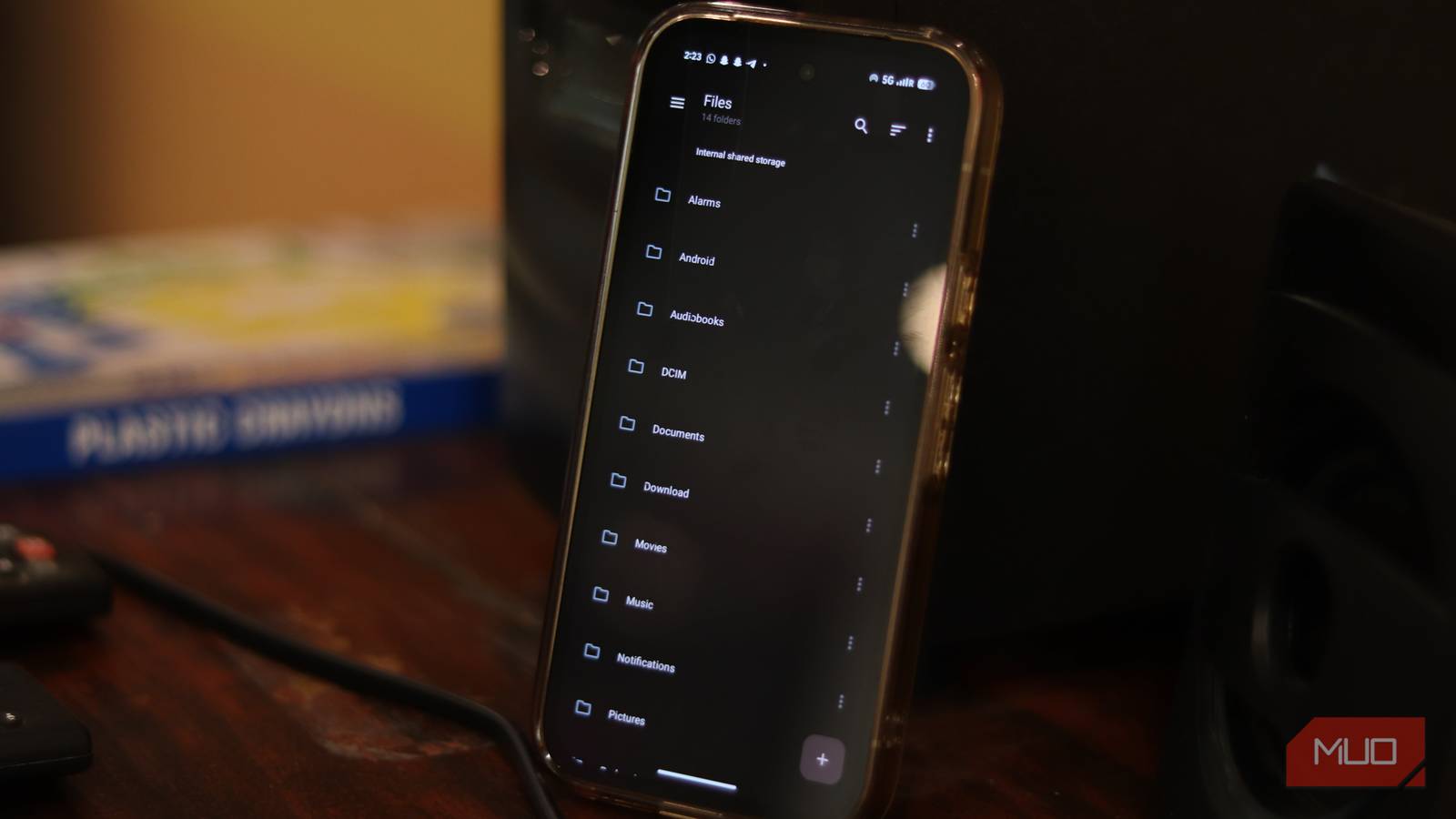
Phone file managers aren’t given a lot of thought. After all, a majority of your interaction with your phone happens via well-polished apps. Unless you need to find a specific file on your phone, the file manager app doesn’t get a lot of use.
That said, if you do manage files on your Android phone, you’ll quickly realize that most Android file managers are quite limited in functionality. Open source software may not always be the best choice, but this criminally underrated Android file manager definitely is.
What is Material Files?
A modern, open-source file manager that actually feels native to Android

Material Files is a free, open-source file manager for Android that’s available on both the Google Play Store and F-Droid. It stands out immediately because it looks and feels like a modern Android app. Instead of an outdated interface or a chaotic layout (which is surprisingly common in file explorers), Material Files follows Google’s Material Design principles closely.
The result is an interface that feels clean, lightweight, and logical, even if you’ve never used it before. There are no confusing menus buried beneath multiple tabs, no cryptic icons that leave you guessing, and no settings that feel like leftover developer tools. Everything is where you’d expect it to be.
Open-source projects often struggle with UI polish. While Material Files isn’t going to wow you out of the box, it can be used without extensively customizing the app.

- OS
-
Android
- Price model
-
Free, Open-source
An open source Material Design file manager.
A surprisingly complete feature set
Desktop-style navigation, root access, archive tools, and proper network support—all in one lightweight app
If the simple interface makes you think that the file manager is lacking in features, you’re in for a surprise. Material Files doesn’t introduce any radical new features that you’ve never seen before in a file explorer, but it does a pretty good job of bringing desktop-grade file management features to your phone.
The standout feature is the breadcrumb navigation bar at the top of the app. As you go through folders, the file path is laid out in front of you, much like Windows’ File Explorer. You can tap any folder in that breadcrumb chain to jump back instantly instead of hitting the back key multiple times to get back to your root directly.
It’s an incredibly small detail, but once you experience it, you’ll quickly realize how much time you’ve been wasting navigating any folder structures on your phone.
Material Files also has full root support. This means you can access system files and protected directories, including files that most Android file explorers don’t even show you. You also get archive support that lets you browse, extract, and create ZIP, TAR, and other common compressed formats.

Stop paying for Google Drive and start doing this with your old phone
Why pay for storage when you’ve got free storage in your drawer?
For anyone running a network storage solution, the file explorer also features support for FTP, SFTP, SMB, and WebDAV servers. This means you can connect directly to your NAS, your home server, or any other network-attached storage without needing multiple apps.
Last but not least, there’s a decent amount of customization that lets you give the app a unique look. You can theme the user interface to match your phone’s color scheme thanks to Material You support, enable dark mode, and even go true black for OLED screens.
Drawbacks to watch out for
The occasional gimmicks can be a letdown for some
Like all things tech, Material Files isn’t perfect. I found network transfers, specifically over SMB, painfully slow, especially in comparison of commercial apps like Solid Explorer. If you’re moving a ton of data back and forth between a network drive or your phone over SMB, Material Files isn’t as good a choice.

It does include a basic text editor, which is also quite limited in functionality. It’s fine if you want to make quick edits to a note or configuration file, but that’s about it. The multi-select feature isn’t as reliable as the Google Files app, and you’ll occasionally run into stability issues with complicated network setups.
Keep in mind that these are the usual trade-offs that a lot of open-source projects come with. You get freedom, privacy, and a feature-loaded piece of software at the cost of that final coat of polish that a paid team of developers provides. There are open-source programs I’d happily pay for; Material Files isn’t quite there yet.
Should you switch to Material Files
Why this open-source file explorer is ideal for most Android users
If you’re wondering why Material Files isn’t more popular if it’s that good, part of the reason is visibility. Open-source apps often can’t compete with paid apps simply because they do not have the marketing budget. Additionally, it also doesn’t have the years of reputation that other, older apps have built up.
If you want root access, Linux-friendly protocols like SFTP, and a clean, ad-free experience that feels native on modern Android phones, Material Files is totally worth the switch.
That said, if you’re into cloud storage or rely heavily on ultra-fast SMB transfers for big files, this is not the file manager for you—at least in its current state. Regardless, for a majority of users, switching should be a massive upgrade.
