


Have you ever pulled your phone out of your pocket and saw the flashlight blaring, or worse—a random text message or call to your last contact? Welcome to the accidental touch problem that plagues Android users in situations where you’d think your screen wouldn’t be getting prodded by your thigh for 10 minutes straight.
There are ways to fix ghost touch problems with Android, but those don’t do much good when you don’t know what’s causing the problem. That is, until I found a niche app which fixed a genuinely annoying problem I didn’t realize was worth solving until I started using it.
A problem you don’t notice until it annoys you
Small, everyday frustrations that add up faster than you think
Accidental screen touches are very random in modern smartphones, or at least on my Pixel 9a. I could be riding my bike with my phone in my pocket for hours on end just fine, but then one traffic stop later, suddenly my screen is spammed hundreds of times within a few minutes.

These touches might seem harmless, but they can actually get you in a lot of trouble. Other than the random text or call that might go out, the most common problem I faced was accidental password inputs. Your phone automatically locks after a certain number of incorrect password attempts, and I was often reaching for my phone only to find out that I had to wait to unlock it.
The worst part? Modern Android phones are incredibly responsive. They’re designed to recognize even the slightest touch. If you’ve got the touchscreen sensitivity dialed up because you’re wearing gloves, the problem becomes worse.
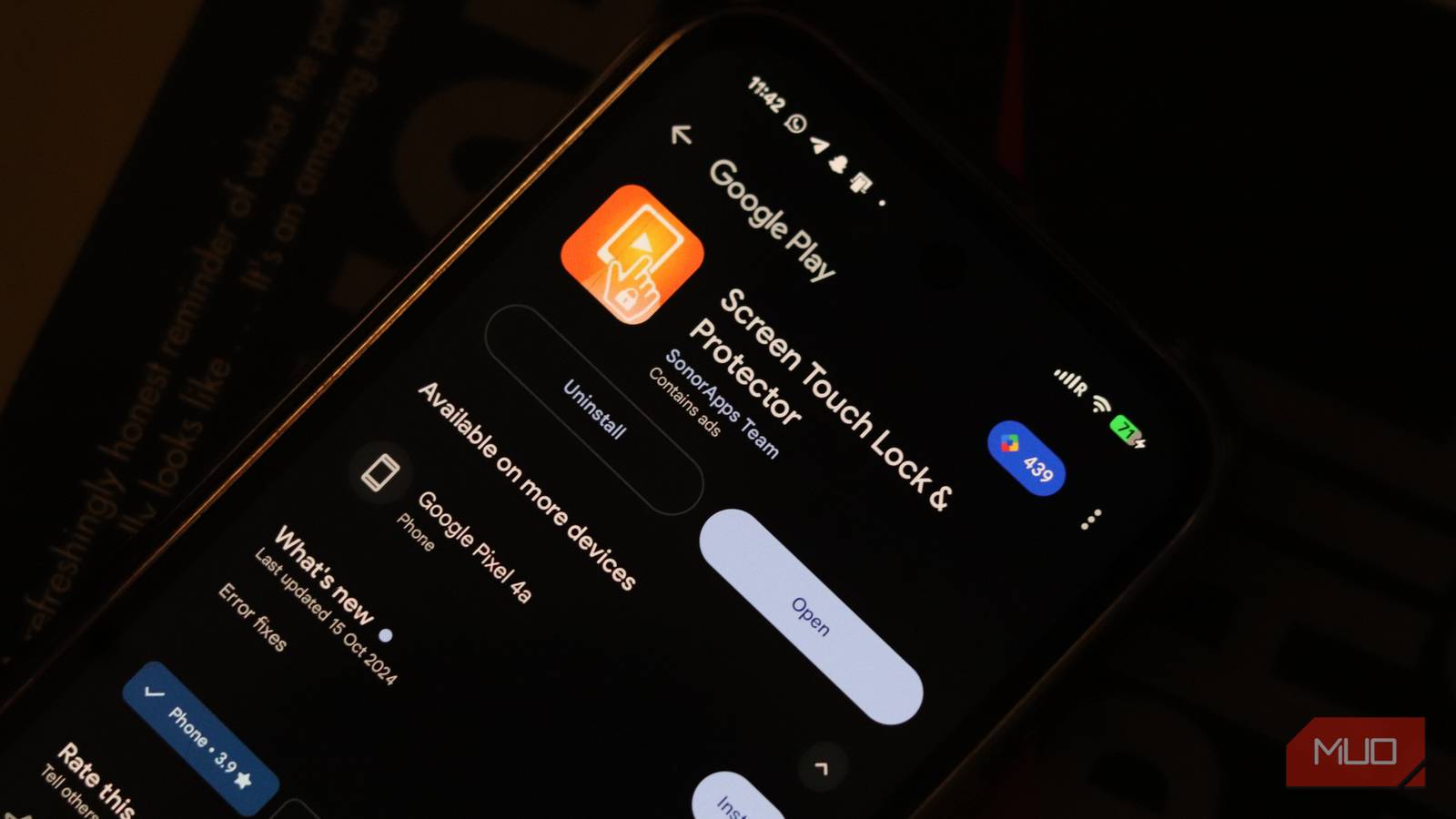
Most phones don’t have built-in accidental touch protection. So if you’ve got an Android phone, and you’re tired of pocket dialing your boss, spamming your work Slack with random strings of text, or finding your phone locked every time you take it out of the pocket, I’ve got a solution—the Screen Touch Lock & Protector app.
Save your phone from accidental inputs
Accidental taps, swipes, and pocket inputs waste both time and battery
Screen Touch Lock & Protector (also called Touch Lock) is very easy to use. Just install the app, provide the required permissions, and activat the lock. Once done, you’ll see a lock screen button in your notification shade that can be used to enable or disable touch input on your phone screen as and when you want.
Tapping the lock screen notification will disable all touch input on the screen except for a greyed out lock icon. When you want your phone to function as usual, just double tap the lock icon and you’re good to go.
The best part about this approach is that it’s not fighting against Android’s nature—it’s working with it. Instead of trying to use sensors or complex detection methods, the app provides a straightforward toggle. Putting your phone in your pocket? Lock the screen. Need to use it again? Two quick taps and you’re back in business.
The fix isn’t flashy, but it works
It’s more of a band-aid fix than a complete solution
Before you install the app thinking it’s the perfect solution to your accidental touch screen problem, keep in mind that there are some issues that can hamper functionality.
While the app technically works, it’s got a lot of ads. So much so that you’ll likely have to see multiple ads just to get the screen locking notification to show up. There is no paid version you can buy to get rid of the ads either.

Secondly, the app requires permission to display over your screen in order to disable touch. It essentially runs in full screen mode across your phone’s screen and renders touch inputs useless. This is a rather simple approach to disabling touch input, and while it works, it also involves giving the app a rather sensitive permission.
Google Play Store reports that the app doesn’t collect any data for itself and whatever data is shared with third-parties is encrypted and not anything sensitive from your phone. However, if you’re uncomfortable granting Touch Lock control over your screen, you might want to explore other options.
Use your phone without fighting it
Daily use gets better when accidental touches stop happening
Honestly, I’d love a built-in feature that can lock your touch screen. Until then, apps like this are the solution you’re going to need for this major problem that’s hiding in plain sight. This small gap in Android’s feature set is also the reason why niche apps matter. They exist because someone decided to build a solution that resonates with other people.

This app fixed Android’s worst notification problem for me
I no longer feel my phone vibrating in my pocket all day.
If you’ve ever felt that frustration—a moment when your phone does something you didn’t ask it to do—then this app probably speaks to you too. It’s a small thing, but sometimes the most valuable tools are the ones that silently solve problems you didn’t know you had.
