


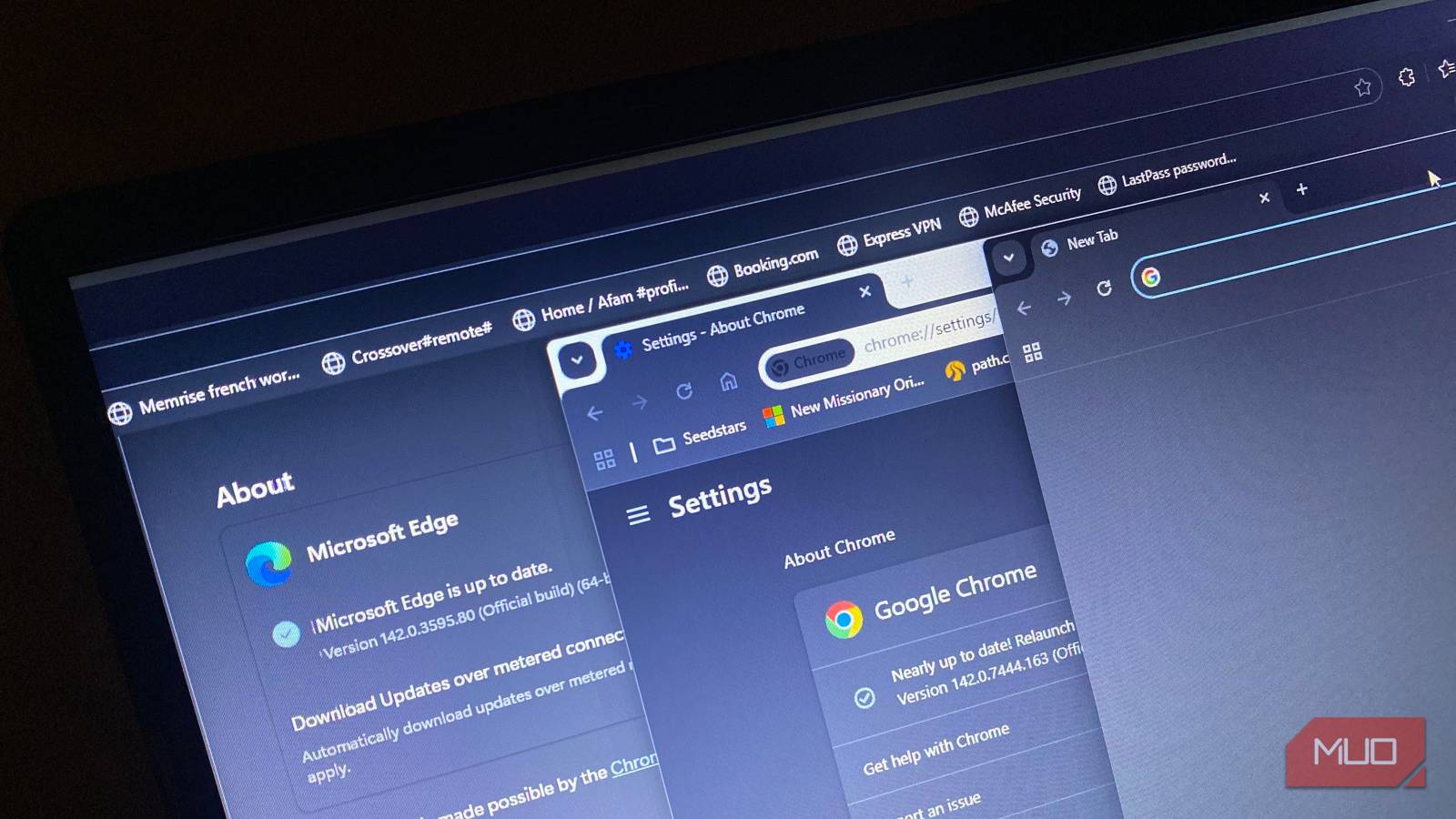
It’s common to support or use alternatives to Chrome. Chrome is one of the best options for convenience, but it’s often seen as a resource hog. Even though it’s built on the open-source Chromium project, it’s closed source. Chrome is also tied to Google, and without clearly understanding how it handles data, it’s hard to fully trust the browser with your information.
Several browsers position themselves as Chrome alternatives, fixing specific Chrome pain points. However, before jumping ship, you should be sure the new browser isn’t coming with baggage worse than Chrome. Some are lightweight but not secure, and others may simply not be practical for daily use.
Thorium Browser
Fast but risky for long-term use

Thorium Browser is built on the Chromium engine, offering a similar interface and learning curve for first-timers. It supports Chrome extensions and is considerably lighter on resources, addressing speed and bloat issues. In addition, it’s open source.
However, it has major issues you should not ignore. Among them, the most significant issue is an update cadence slower than that of major browsers. This means security patches may lag behind those of major browsers. Once the core Chromium project patches a flaw, it typically publishes the vulnerability details, creating a window for exploitation in unpatched browsers.
Thorium is also a small project, and when there are delays in patches, it makes you question long-term support, a real risk if you are to use the browser as your daily driver. It’s largely functional, but I wouldn’t overlook the trade-offs in security and the uncertain long-term support.
Edge
Familiar, convenient, but not a real alternative
Edge comes preinstalled on Windows, even though for many, it serves the sole purpose of downloading Chrome. But it shares many similarities with Chrome; it’s Chromium-based, supports the same vast extension library, and inherits Chrome’s speed and compatibility.
But sharing a lot in common with Chrome is one reason why it can’t replace Chrome. Just like Chrome, it’s closed source, so you have to rely on blind trust rather than understanding its underlying workings and code. This is the exact relationship most people have with Chrome, and if I want to choose an alternative, it has to be open source, so the code can be audited and verified. What Chrome is to Google is what Edge is to Microsoft, and giving up Google telemetry for Microsoft telemetry isn’t much of a change.
Edge can feel intrusive with forced updates and automatic integration with Windows-specific features. It also offers fewer customization options than some other Chromium-based alternatives.
Edge may rival Chrome in speed and convenience, but both browsers share a data-hungry telemetry model. This means it doesn’t offer any value that beats what Chrome already gives, and can’t be a true replacement.
Ungoogled Chromium
Privacy gains with significant trade-offs

Many experts argue that Ungoogled Chromium is a perfect Chrome alternative. Some of the obvious arguments are that Ungoogled Chromium uses far less system resources and strips away all Google-specific web services. While this is true, there are still some concerns.
The most noteworthy is security. By stripping away core Google web services, it removes Google’s Safe Browsing cross-browser protection, reducing automatic defense against phishing and malware. uBlock Origin may help, but it can’t replace this critical protection for everyday users.
Additionally, it may require complex manual installation for essential features such as built-in PDF viewing, automatic translation, and Widevine DRM (needed for Netflix and other streaming services). It’s also harder to install extensions because it disables access to the Chrome Web Store. Workarounds include relying on third-party helpers or manually downloading files, both of which increase the risk of exploitation.
Iridium Browser
Strong intentions but unreliable long-term support

I love privacy-focused browsers. This is one of the reasons why Brave is the only Chromium browser I trust. However, there are several other privacy-focused Chrome-based browsers that I avoid, and Iridium is a good example.
Iridium disables Google telemetry and prediction services, reduces WebRTC leaks or tracking, and appeals to someone seeking stronger privacy defaults without leaving the familiar Chromium ecosystem. However, it is community-driven, and development is on a far smaller scale than mainstream browsers. Just like Thorium, which has slow updates, it poses the same dangers since security patches (CVEs) must be applied in a timely manner.
But aside from that, it has limited extension support, which makes it less functional as a daily driver replacement for Chrome. Some sites or streaming platforms that rely on DRM will break due to missing proprietary codecs.
Before you switch, know what you’re trading
You may assume that choosing a Chrome alternative is about finding something that’s faster, lighter, or more private, but there is more to it. The philosophy of a browser is typically baked into its design, and you only start seeing the trade-offs weeks after using it.
Replacing Chrome means replacing your daily browser, and whatever replacement you pick must be just as functional. Convenience shouldn’t be underestimated, and even though no browser will be as convenient as Chrome, you want to pick a replacement that comes close.
