


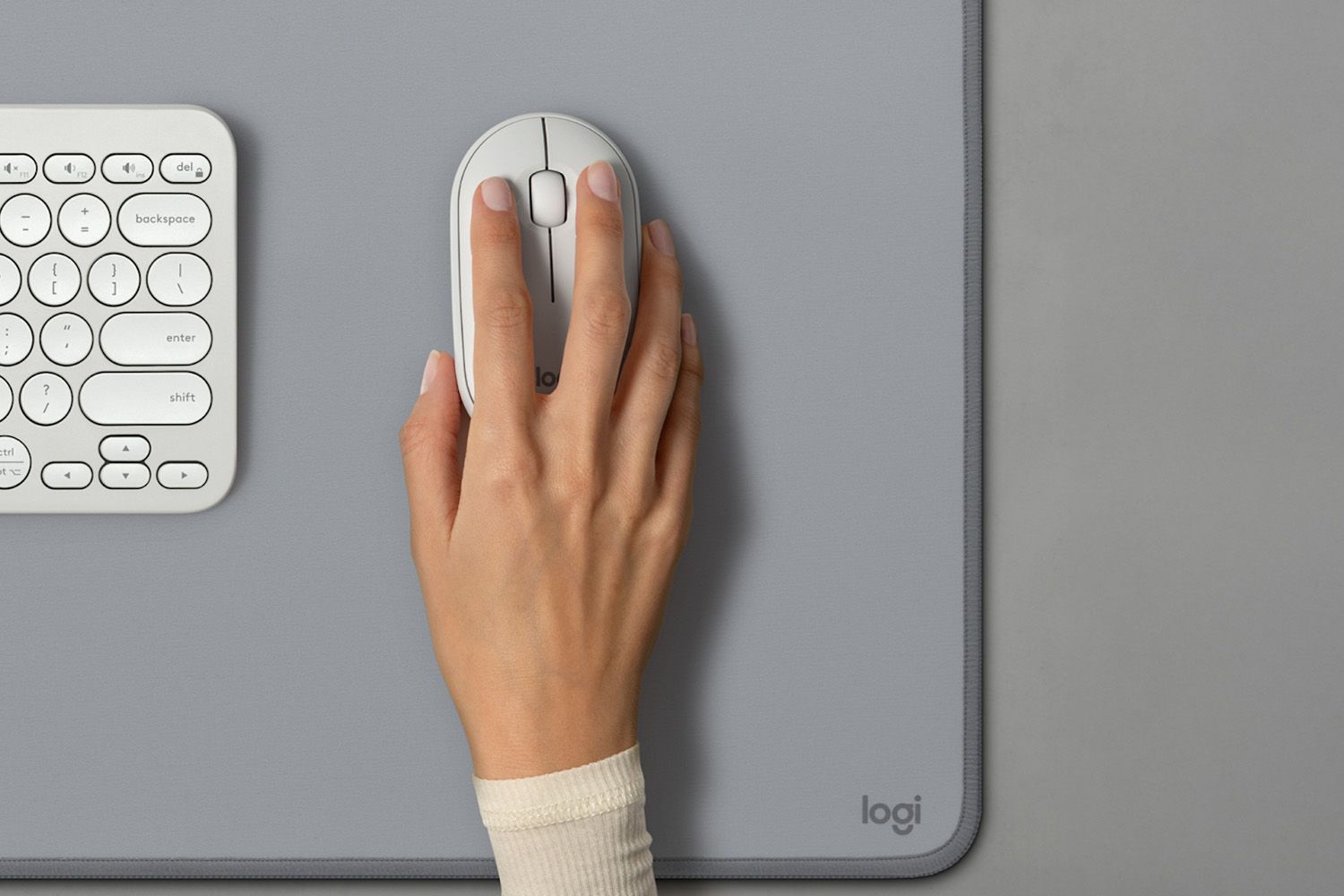
The best mice for iPads work seamlessly with iPadOS and offer excellent portability and comfort.
After real-world testing and extensive research, these are our top contenders from Apple and Logitech.
Note: Prices are subject to change.
:max_bytes(150000):strip_icc()/apple-magic-mouse-lw-ec-badge-8a60c5ca3b714fbaba4ede732110dcad.jpg)
TL;DR: It’s not the perfect option for productivity, but the Magic Mouse’s sleekness and portability make it an excellent iPad companion.
Why We Recommend It
The Apple Magic Mouse has become quite a fixture in the Mac peripherals space—with many lamenting its questionable ergonomics while others praise the design and gesture controls.
While I don’t think I fall entirely in either camp, its possibilities for an iPad mouse are pretty compelling.
I’ll start with the good—and there’s a lot of good here—which is why it earns my top spot.
First, it’s undeniably small and portable. Its thin, flat construction makes it super easy to slide into the side pocket of a backpack, so it’s ready when you get to the coffee shop with your iPad.
It’s also perfectly paired with Apple’s functionality thanks to its fully glass build, which allows it to double as a standard clickable mouse and a gesture-based trackpad.
The mouse clicks feel quite good as well, and the tracking accuracy feels smooth and responsive—particularly with iPadOS’s circle cursor navigation. Plus, the design fits well with the Apple ecosystem.
There are trade-offs, though. Its supreme portability makes it very flat, and it might not be the best fit for larger hands, which could lead to fatigue over time.
The design choices are also questionable in other ways. If you have the rechargeable model, you have to plug the cable into the bottom so it can’t be charging while you’re using it.
I also think that the durability of the glass top could be suspect over time.
Finally, the price is pretty steep for the offering, even if that price includes solid quality, iPad-friendly features, and a premium design.
- Who else recommends it? While reviews are somewhat mixed, most publications, such as RTINGs.com, PC World, and others, celebrate the Magic Mouse’s build quality and functionality.
- What do buyers say? The Magic Mouse earns an average 4.6-star rating on Amazon based on the over 20,000 reviews from satisfied buyers.
:max_bytes(150000):strip_icc()/LogitechComboTouch_23-49af3d5cd3274cc2931fd4c69bfb1d20.jpg)
TL;DR: Logitech’s answer to the Magic Keyboard case adds a pretty capable trackpad to your iPad.
Why We Recommend It
While a high-quality external mouse is an excellent accessory for an iPad, the Logitech Combo Touch is an impressive all-in-one case solution that nearly turns the iPad into a laptop—essentially attaching a trackpad and a keyboard to your device.
Pros
Decent trackpad experience
Reliable connectivity via pogo pins
Keyboard and protective case functionality
Cons
A tad expensive if you just want a mouse
No wireless connection options
Trackpad can feel a little cramped
First, its detachable construction means you can use the case as a tabletop laptop when you need it. Or, you can pop the keyboard cover off via magnets and use your iPad, complete with a high-quality case.
When it is in laptop mode, the trackpad is pretty solid. I tested it in various workflows, from snapping through Apple’s iPad gestures to typing this review.
The scrolling is solid, the gesture support is adequate, and the feel is nice for an all-plastic construction.
There are a few trade-offs if you choose this case as your mouse option, though.
For starters, it connects via the attachable pogo pins, so there’s no Bluetooth functionality like an external mouse would provide.
I like the feel of the trackpad, but a full-fat glass trackpad on a high-end laptop is admittedly better. The trackpad footprint on my iPad Air 5 model also feels a tad cramped.
But, there is something satisfying and versatile about having a case that doubles as a laptop transformer—trackpad and all.
- Who else recommends it? TechRadar, The Verge, Wired, and more top tech publications position the Combo Touch as a great alternative to Apple’s Magic Keyboard case.
- What do buyers say? Amazon purchasers largely report satisfaction with the various Combo Touch models, but the 7th-, 8th-, and 9th-generation model holds an impressive 4.5 stars out of 5.
:max_bytes(150000):strip_icc()/LogitechPebbleMouse_15-32398fa568634b129898a60a7e7fa2dd.jpg)
TL;DR: This ultra-portable, iPad-friendly mouse is also supremely affordable.
Why We Recommend It
Because the iPad is—for many people—a secondary, supplemental device, you may want to save money when purchasing the mouse.
The Pebble Mouse 2 (M350s) accomplishes both as a capable device that strikes a good balance between portability and functionality.
Pros
Affordable price point
Very portable
Decent build quality
Cons
Could fatigue larger hands
Plastic design may be prone to scuffs over time
No extra buttons or functionality
That’s because it’s pretty slim (measuring just over an inch tall) but features an excellent rounded curvature, so most hands will fit nicely over it. Don’t get me wrong: This is not an ergonomic mouse.
The trade-off you make for portability is that you’ll have to get used to keeping your hand relatively flat while using it. This design could be problematic for folks with large hands or long fingers.
If you’re comfortable with that, I can confirm that this mouse works great for basic iPad productivity work.
The primary click buttons are solid, the tracking functionality fits nicely with Apple’s rounded cursor software, and I also found that the plastic used felt premium and approachable.
On the flip side, the same plastic-y build will start to get scuffed over time, especially if you toss it into a bag to use on the go.
I would also have liked to see some additional functionality—if not the gestures available on more “official” Apple mice, at least a few assignable buttons.
But overall, Pebble is rock-solid at a very affordable price point.
- Who else recommends it? Trusted Reviews and CNET tout this mouse’s affordability and functionality as solid for most people.
- What do buyers say? Over 1,100 Amazon reviewers award the Pebble Mouse an average rating of 4.6 out of 5 stars.
How We Tested
To consider which of the mice I use are best suited to the iPad, I considered their portability, functionality, and how well they translate to iPadOS.
I took these mice and my iPad to local coffee shops and on family trips to see how much they expanded my use cases.
I tried my best to spend a long period of uninterrupted time with each mouse to test how good their ergonomics were over long work sessions.
I also tested each mouse’s durability and battery life to ensure that they could withstand being shuffled about and offer longevity.
What to Look For
In 2026, an iPad will be much more than just a tablet—it will have full computing power, impressive processors, and a whole host of productivity features.
While many folks use their iPads seated at their desk at home, it’s no surprise that a compact mouse that can slide right into your bag alongside your iPad will ensure that you’ve always got that flexibility when you’re on the go.
Beyond portability, as with using a mouse for a computer, there are other considerations when shopping for an iPad mouse. These include:
- Compatibility and functionality, specifically with iPad
- Design and build quality
- Battery life and connectivity
Mouse Brands We Considered
I researched or tried out products from:
- Apple
- Dell
- Lenovo
- Logitech
- Microsoft
- Satechi
Thanks for letting us know!
Tell us why!
