


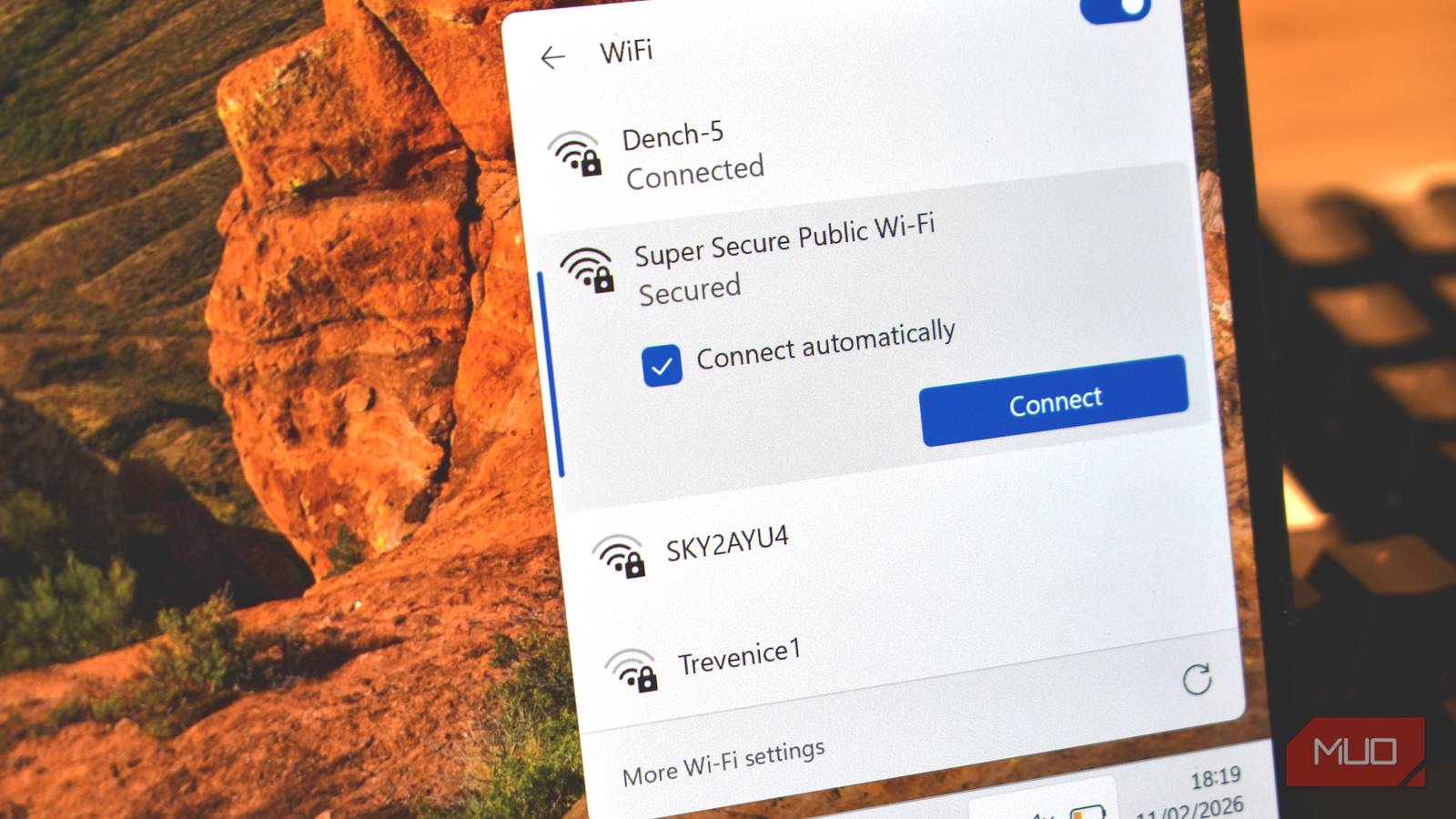
One of the key selling points for VPNs is keeping you safe in public. But in reality, that need is overstated, and is just a scare point to keep you subscribed to expensive VPNs when you don’t really need them.
There is a need for VPNs: they protect your privacy, help you access geo-locked content, or access your company’s intranet when you’re abroad. Modern VPNs are also a dab hand at blocking malware and some phishing sites.
But the reality is that with how the modern web is structured and the numerous security advancements we have that keep us safe every day, using a VPN to connect to every public Wi-Fi network you see just isn’t as vital as it’s made out to be.
Why VPN providers say you need protection
Public Wi-Fi is big and bad and full of nasty stuff

There are undoubted threats you can encounter when using public Wi-Fi. On an unsecured connection, your network traffic could be intercepted, and there is always the risk of the Evil Twin attack, where someone spoofs the Wi-Fi network and you join and give away private data without realizing.
Furthermore, in the early days of Wi-Fi, internet snooping and Wi-Fi interception were much easier. Most websites didn’t encrypt web traffic by default, making it easier to capture data with basic packet-sniffing techniques.
The reality now is that it’s just not as unsafe as VPN providers would have you believe, and in many cases, they want you to ignore two vital security developments in the past few years.
Wi-Fi is more secure than in the old days
The general internet is, too

First, the word unsecured refers to a Wi-Fi connection that doesn’t require any form of login, such as a specific password.
The act of logging into the network means you’re completing an authentication process to access the Wi-Fi network, which typically means some form of Wi-Fi network security is in place. While Wi-Fi security varies between its versions (WPA3 is the latest), the fact that at least one of the Wi-Fi security protocols is in place means your data can’t be hoovered up by anyone.
I’ll say that it doesn’t make it impervious to interception, as there are other ways your data can be intercepted, but it’s a layer of security that makes a difference.
Logging in via a captive portal, like a hotel or airport login page, doesn’t automatically mean the Wi-Fi is secure. These pages are often used to authorize your device, but that doesn’t necessarily mean the Wi-Fi is using WPA encryption to keep your device secure.
The second reason is that HTTPS changed everything for internet users. HTTPS encrypts the connection between your device and the website using TLS (Transport Layer Security). That encryption means even if someone captures your network traffic, what they see is unreadable ciphertext.
That basically means that no one can see your password, messages, banking details, and so on, making a good part of what VPN providers want you be worried about moot.
Other tech is working with HTTPS to keep you safe, too. HSTS (HTTP Strict Transport Security) is a protocol that prevents websites from silently downgrading to insecure HTTP, keeping you safe from man-in-the-middle attacks and other data-collection and snooping. Then there is the giant HTTP warning I’m sure you’ve encountered periodically. If the website you’re trying to visit isn’t using HTTPS, most browsers will show a stern warning and ask whether you want to continue.
What can actually be seen when you use public Wi-Fi
Wi-Fi’s built-in protections and HTTPS aren’t foolproof
It all adds up to a much safer internet. But as said, public Wi-Fi does have issues, and WPA encryption and HTTPS can only do so much lifting. There is still a bunch of data that can be seen when you use public Wi-Fi.
The network operator — whether that’s a café, hotel, or airport — can potentially log which domains you connect to. If you aren’t using encrypted DNS (such as DNS over HTTPS), they may also see DNS queries. They can monitor metadata like connection times and bandwidth usage.
It boils down to the fact that the “metadata” you produce is easier to collect—but the actual content can’t be read.
There are times when a VPN is actually useful
VPNs have a bunch of features worth using

VPNs are useful, don’t get me wrong. Using one with a public Wi-Fi network isn’t going to actively harm your connection. It will make you safer overall; I’m not arguing that you shouldn’t bother with a VPN at all, just that VPNs want you to think they’re vital to keep that sweet subscription money rolling in.
For example, if you don’t trust the network, absolutely use a VPN. It’ll prevent the network operator from any potential logging, and the encrypted VPN tunnel keeps your data safe. Similarly, if you’re in a country with heavy network surveillance or filtering, a VPN can also help bypass restrictions and reduce monitoring.
Another prime time to use a VPN on public Wi-Fi is when handling sensitive work documents and similar data that must remain secure. f you’re accessing corporate dashboards, internal tools, or client systems on public Wi-Fi, a VPN makes sense as part of layered security. Many companies require employees to connect through a corporate VPN for exactly this reason.

You Can Use Public Wi-Fi—But Only If You Follow These Safety Rules
You’re good to connect to public Wi-Fi networks. Just take some precautions first.
What matters more when it comes to public Wi-Fi security
You should be cautious of public Wi-Fi, but you don’t need to worry that every single connection will steal everything from you. Better still, you can make it even less worrisome by hitting the core security fundamentals that keep your data and accounts safe to begin with.
That means:
- Keeping your device updated with the latest security updates
- Using a secure password manager to keep track of your accounts
- Enable 2FA or passcodes on the accounts where it’s available
- Disable features like “automatically join Wi-Fi” to keep your device secure
- Double-check you’re using HTTPS across all sites
Mostly just remember that while public Wi-Fi isn’t completely risk-free, it’s also not a cybercrime ambush waiting to happen the moment you walk away from your laptop and order a triple-shot vanilla caramel latte.
