


Software updates can be annoying because they often feel disruptive or even break a few things. For these reasons, most of us try to delay updates or don’t bother with them even when the notification is in our face all the time. Microsoft figured this out years ago, which is why Windows force-installs some updates whether you like it or not.
While delaying feature updates for your phone and PC for a few weeks to a year is fine, delaying firmware updates on your Wi-Fi router, NAS, and smart home devices can put you at risk.
Why do people delay software updates?
Fear of something breaking, but mostly a lazy attitude

Most people delay updates because they underestimate the risk and overestimate the inconvenience. A CMU study found that people only applied security updates 54% of the time, and even then, 65% of those were delayed. We see the “Update Now” prompt and think we’ll do it later. And that later becomes next week, next month, never.
Sure, there are legitimate reasons to wait for feature updates. New iOS or Android versions can introduce bugs, drain battery, or break apps you rely on. So, waiting a few weeks lets others discover the issues first.
But firmware updates aren’t feature updates. They’re not adding new emoji or redesigning your settings menu. They’re often patching security holes that attackers are actively exploiting. Where the immediate cost of restarting your router feels real, the remote possibility of getting hacked feels abstract, until it isn’t.
So while you can delay that shiny new Android version for a few months, some devices don’t give you that luxury.
Don’t skip updates for your routers and modems
They protect your entire network

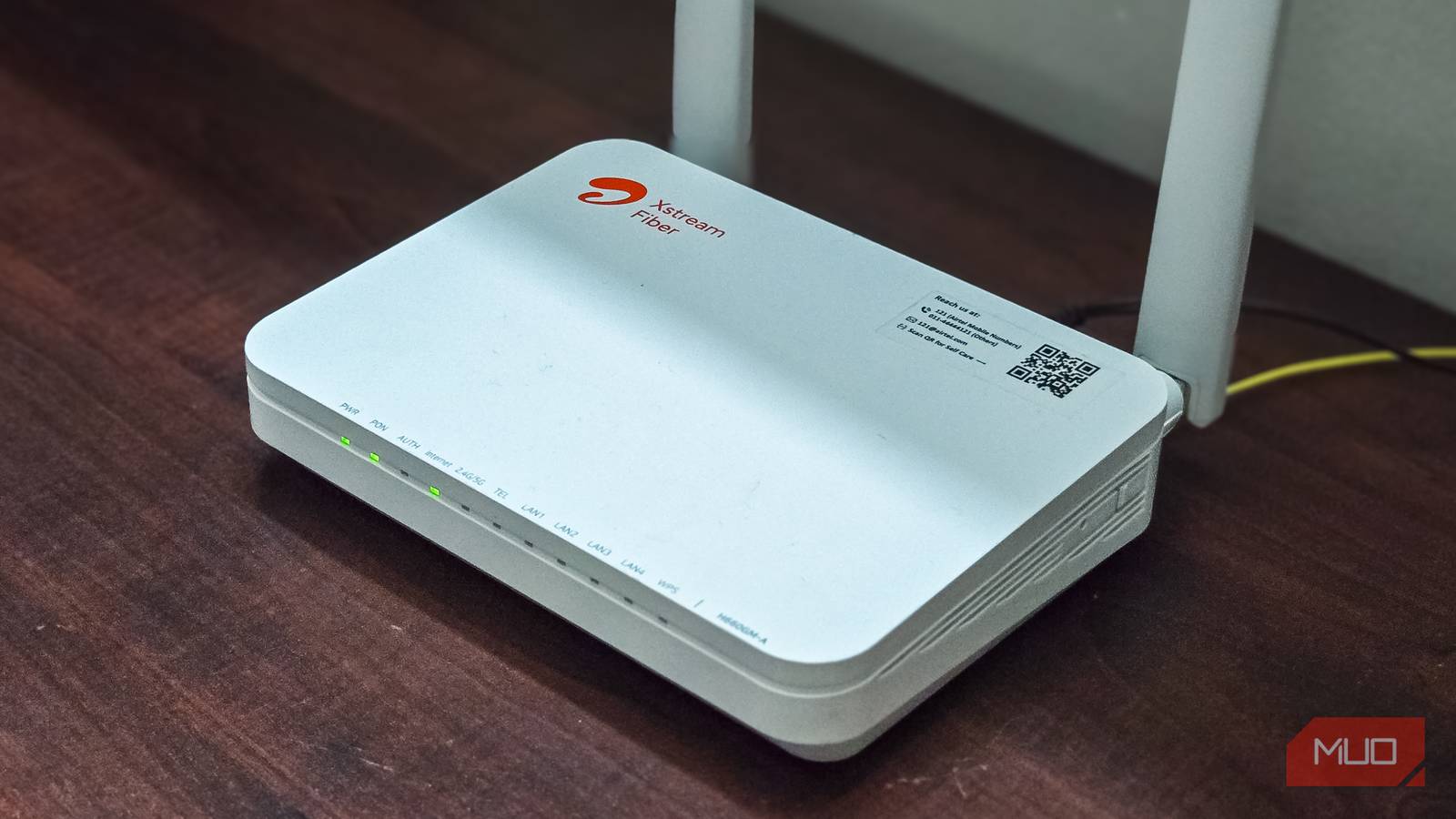
Your router is probably the most neglected device in your home, yet it’s the one device that sits between every gadget you own and the internet. Every smart TV, phone, laptop, and security camera connects through it. If your router is compromised, everything behind it is vulnerable.
Router firmware updates often include critical security patches. When a vulnerability gets a CVE number, that’s basically a public announcement telling attackers exactly what to exploit. Some router manufacturers push automatic updates, but many don’t. That means the responsibility falls on you to log into the admin panel and check manually.
I use the TP-Link companion app on my phone to check my router firmware every few months, or whenever I see news about a router vulnerability. If the release notes mention security fixes, I don’t delay my updates more than a few days to see if there’s any issue with the release.
NAS devices
Your storage devices are ransomware magnets

A NAS (Network Attached Storage) device is essentially a small computer filled with hard drives. People use them for everything: private cloud storage, Plex media servers, photo backups, and business file sharing. However, all that data in one place makes a NAS an attractive target for ransomware.
QNAP, one of the popular NAS brands, recently patched seven zero-day vulnerabilities that were successfully exploited during a security competition. These weren’t theoretical risks; researchers demonstrated actual attacks that could take over the device. A year earlier, QNAP had patched similar critical flaws, including command injection and SQL injection bugs that allowed remote code execution.
If you are running a NAS, firmware updates should be near the top of your priority list. If you don’t want to do it manually, enable automatic updates if your NAS supports them, and periodically check the manufacturer’s security advisories. It’s certainly unwise to ignore security patches when your entire photo library and document archive live on one device.
Smart home cameras and doorbells
A privacy nightmare if compromised
Smart doorbells and security cameras monitor some of the most sensitive areas of your home: your front door, your living room, and sometimes even your bedroom. People use them to track deliveries, talk to visitors remotely, and keep an eye on things while traveling. That convenience, however, comes with risk.
The list of documented security flaws in smart cameras is long. Ring doorbells have had vulnerabilities that leaked Wi-Fi credentials in plain text and allowed attackers to intercept video feeds, and Nest cameras had bugs that let attackers take over the device entirely. Similarly, Hikvision cameras had an unauthenticated remote code execution flaw that was actively exploited in the wild. In each case, firmware updates fixed the problem, but only for people who installed them.
Most modern smart home devices update themselves automatically over the internet, which is genuinely helpful. But automatic updates can fail silently, especially if your device loses connection during an update window. It’s worth periodically opening the companion app to verify your devices are running the latest firmware.
Your SSDs
Bugs can cause unrecoverable data loss

Most people don’t think about SSD firmware at all. Unlike routers or cameras, SSDs don’t have obvious security implications. But firmware bugs can affect performance, wear leveling, and most critically, data integrity.
Samsung’s 990 Pro SSDs had a firmware bug that caused drives to report rapidly declining health even under normal use. Some saw their drives drop from 100% to 70% health in weeks. Samsung eventually released a firmware update that stopped the abnormal degradation, but it couldn’t restore the already-recorded wear.
This isn’t unique to Samsung, though. Crucial, Western Digital, and other manufacturers have pushed critical firmware patches for issues ranging from data corruption to premature wear, signs that are often associated with failing SSDs. Check your SSD manufacturer’s support page occasionally or use the companion app, such as Samsung Magician Tool or Crucial Storage Executive, to see the available updates.
Smart TVs
Security flaws often go unnoticed

Smart TVs run full operating systems, connect to the internet, and often have cameras and microphones. Yet people rarely think of them as computers that need security updates.
Sony Bravia TVs had a critical remote code execution vulnerability that Sony patched via over-the-air updates. LG’s webOS had a flaw that allowed authentication bypass and full device takeover on the local network. These aren’t obscure brands or theoretical attacks; they’re real vulnerabilities in TVs sitting in millions of living rooms.
The tricky part with TV updates is that they sometimes cause problems. There are documented cases where firmware updates broke picture quality or made apps unstable. It’s a legitimate frustration, but security patches usually outweigh these risks. If you’ve turned off specific smart TV settings for privacy, make sure automatic updates aren’t one of them.
Most TVs handle updates automatically when connected to the internet. Just don’t actively avoid them or disable the feature because you’re worried about changes.
Some updates really can’t wait
Firmware updates aren’t all equal. Delaying a phone’s feature update for a few weeks is reasonable. Ignoring a router security patch for months is not. Devices like routers, NAS units, cameras, SSDs, and smart TVs either guard your network, hold your data, or have access to sensitive parts of your life.
I used to delay updates until I understood it was a security risk. The few minutes of inconvenience are worth it when the alternative is a compromised network, encrypted files, or a stranger watching your doorbell camera. Check your devices, update what needs updating, and then forget about it until the next notification.
