Close Menu
SkytikSkytik

    Subscribe to Updates

    Get the latest creative news from FooBar about art, design and business.

    What's Hot

    At Least 32 People Dead After a Mine Bridge Collapsed Due to Overcrowding

    November 17, 2025

    Here’s how I turned a Raspberry Pi into an in-car media server

    November 17, 2025

    Beloved SF cat’s death fuels Waymo criticism

    November 17, 2025
    Facebook X (Twitter) Instagram
    • About Us
    • Contact Us
    SkytikSkytik
    • Home
    • AI Tools
    • Online Tools
    • Tech News
    • Guides
    • Reviews
    • SEO & Marketing
    • Social Media Tools
    SkytikSkytik
    Home»Guides»Notepad is getting Wordpad features
    Guides

    Notepad is getting Wordpad features

    AwaisBy AwaisNovember 22, 2025No Comments3 Mins Read0 Views
    Facebook Twitter Pinterest LinkedIn Telegram Tumblr Email
    Notepad is getting Wordpad features
    Share
    Facebook Twitter LinkedIn Pinterest Email

    Microsoft’s next update for Notepad will bring native table support and streaming results for its built-in AI text features. This is a significant move that continues to push the classic text editor away from its simple, lightweight roots, which isn’t where you’d want it to go.

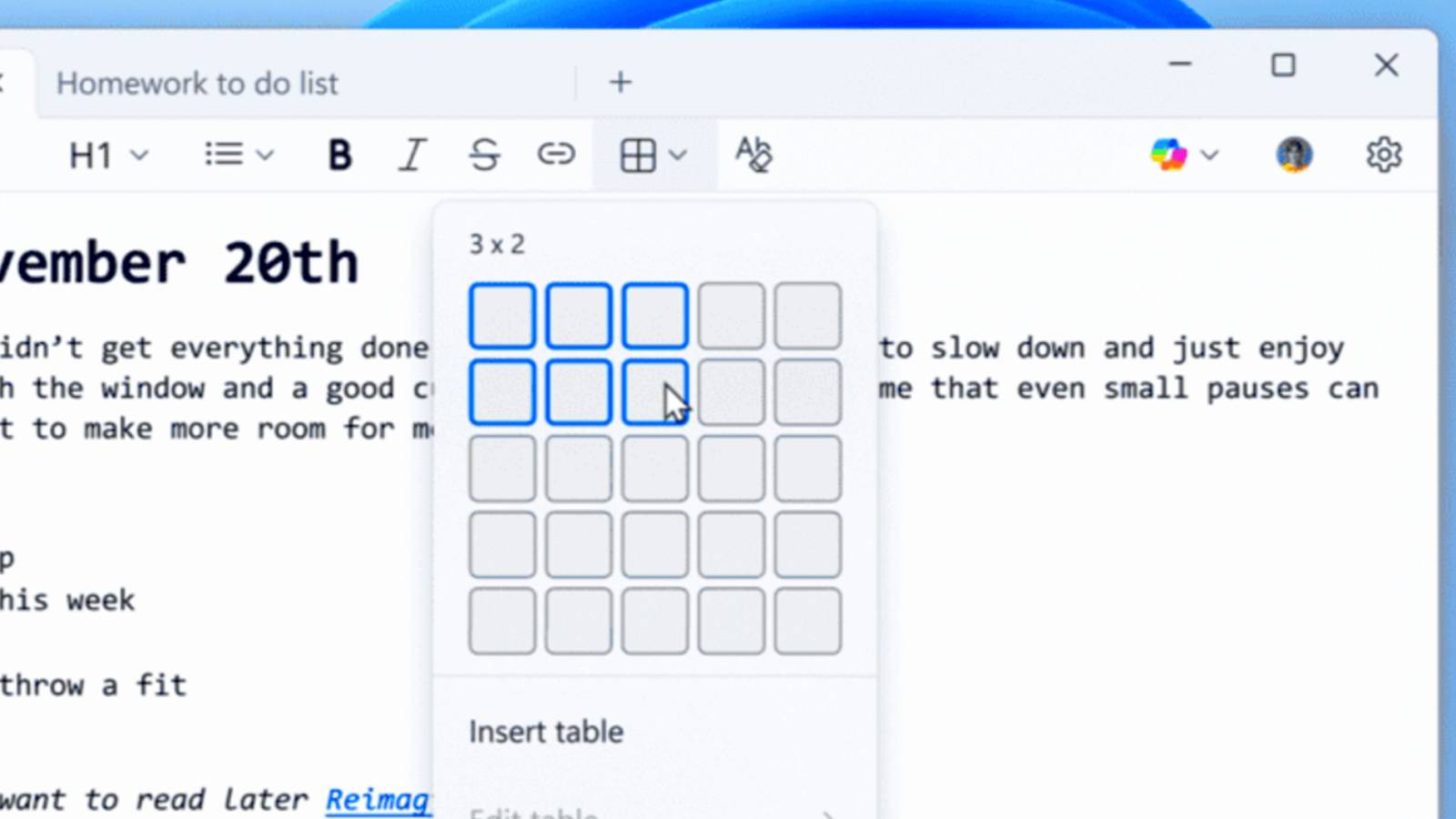
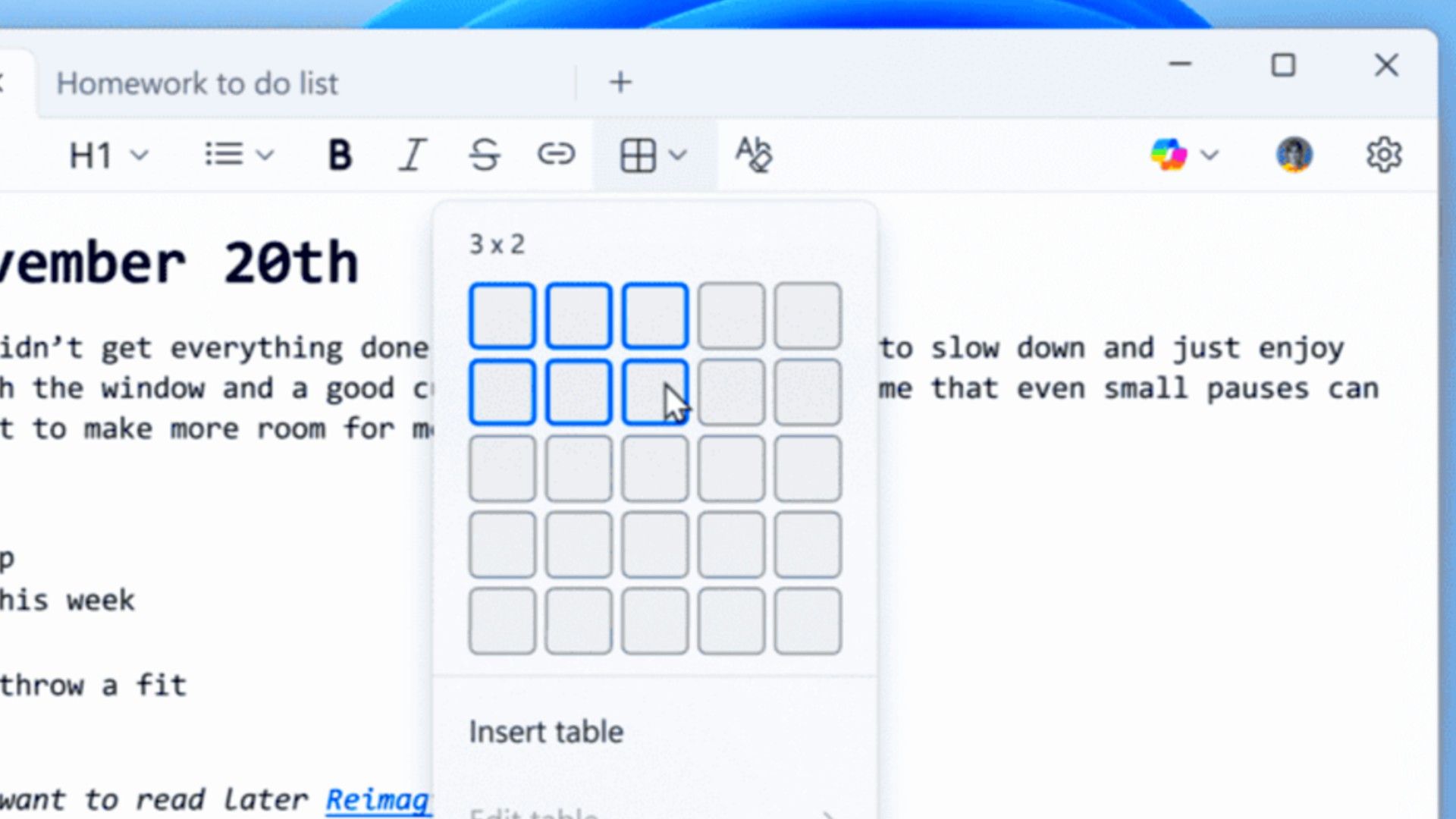
    The biggest visual change in this update is the expanded lightweight formatting, which now includes native support for tables. If you’ve ever needed to quickly structure a document or make a simple checklist that requires columns, you wouldn’t immediately think of Notepad—until now.

    You can insert tables using the new Table option in the formatting toolbar, or if you prefer the old-school approach, you can use standard Markdown syntax directly within the text. Once a table is in place, you can make quick edits to add or remove rows and columns using the right-click context menu or the dedicated Table menu in the toolbar.

    This lets you structure notes and basic documentation much more efficiently than trying to line up spaces and tabs. However, it’s Notepad, which was created to be a lightweight, easy-to-use app that keeps text plain.

    The second major feature focuses on the existing AI bloat that Microsoft has been integrating into Notepad. The company is adding AI to help you write, rewrite, and summarize text tools by introducing streaming result responses. Instead of waiting for the full summary or rewritten text to generate all at once, the results will now start appearing word by word. This makes the whole process feel much faster and more responsive, giving you a preview that you can interact with immediately.

    These new features come with some notable requirements and limitations, but don’t worry, that’s only for the AI. To use any of the AI-powered tools, you will need to sign in with a Microsoft account. Also, the improved streaming support for the rewrite function is currently limited only to Copilot+ PCs, meaning the results must be generated locally on-device.

    It’s clear that Microsoft is missing the point of Notepad entirely. People didn’t use it for features; it’s used to get away from features. For decades, Notepad served as the fast, simple program you could open instantly to store a generated password temporarily, grab a quick note, or look at any ASCII data without the overhead of a large word processor.

    By adding formatting, toolbars, and especially mandatory sign-ins for AI functionality, Microsoft is turning the app into a bloated mess. In fact, it looks so much more like WordPad, which Microsoft retired. So basically, Notepad is taking the place of WordPad. All this new code could even make it slower and less reliable.

    Microsoft is rolling this new version out gradually to Insiders in the Canary and Dev Channels, but the company is actively soliciting feedback through the Feedback Hub. So if you’re mad about this, now is your chance to say what you think of the idea.

    I don’t like the thought of Notepad just being ‘mini-Word,’ but it seems like we can’t escape the bloat and AI bundling that Microsoft is using to justify its own course.

    Source: Windows Insider Blog

    features Notepad Wordpad
    Share. Facebook Twitter Pinterest LinkedIn Tumblr Email
    Awais
    • Website

    Related Posts

    How to Make The Most of All Buffer’s Features

    February 24, 2026

    How to daisy-chain multiple monitors from a single cable

    February 19, 2026

    I finally found a great use for my TV’s USB port

    February 19, 2026

    A 32-inch 4K OLED 240Hz monitor for $799.98 is the kind of “finish the setup” deal that’s hard to ignore

    February 18, 2026

    AI is helping hackers make new malware faster and more complex than ever – and things may only get tougher

    February 18, 2026

    Is your Galaxy Z Trifold at risk of breaking? Fresh reports detail worsening screen issues

    February 18, 2026
    Leave A Reply Cancel Reply

    Top Posts

    At Least 32 People Dead After a Mine Bridge Collapsed Due to Overcrowding

    November 17, 20250 Views

    Here’s how I turned a Raspberry Pi into an in-car media server

    November 17, 20250 Views

    Beloved SF cat’s death fuels Waymo criticism

    November 17, 20250 Views
    Don't Miss

    Google AI Mode’s Personal Intelligence Now Free In U.S.

    March 17, 2026

    Google is opening Personal Intelligence to free-tier users in the U.S. Previously limited to paid…

    YouTube Social Listening 2026 Guide

    March 17, 2026

    To See is Not to Master: Teaching LLMs to Use Private Libraries for Code Generation

    March 17, 2026

    Post, Story, and Reels Dimensions

    March 17, 2026
    Stay In Touch
    • Facebook
    • YouTube
    • TikTok
    • WhatsApp
    • Twitter
    • Instagram
    Latest Reviews

    How to Sell AI Services Without Selling Your Soul : Social Media Examiner

    March 17, 2026

    Ratio-Aware Layer Editing for Targeted Unlearning in Vision Transformers and Diffusion Models

    March 17, 2026
    Most Popular

    13 Trending Songs on TikTok in Nov 2025 (+ How to Use Them)

    November 18, 20257 Views

    How to watch the 2026 GRAMMY Awards online from anywhere

    February 1, 20263 Views

    Corporate Reputation Management Strategies | Sprout Social

    November 19, 20252 Views
    Our Picks

    At Least 32 People Dead After a Mine Bridge Collapsed Due to Overcrowding

    November 17, 2025

    Here’s how I turned a Raspberry Pi into an in-car media server

    November 17, 2025

    Beloved SF cat’s death fuels Waymo criticism

    November 17, 2025

    Subscribe to Updates

    Get the latest creative news from FooBar about art, design and business.

    Facebook X (Twitter) Instagram Pinterest YouTube Dribbble
    • About Us
    • Contact Us
    • Privacy Policy
    • Terms & Conditions
    • Disclaimer

    © 2025 skytik.cc. All rights reserved.

    Type above and press Enter to search. Press Esc to cancel.