


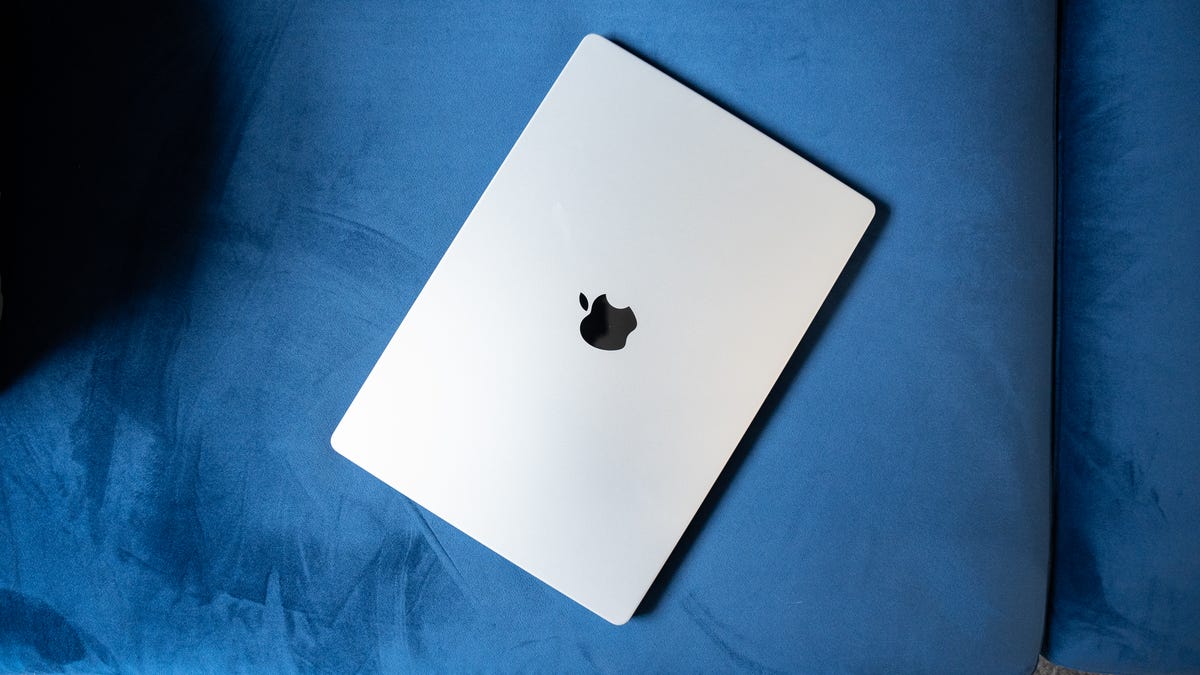
Most of us do it without thinking: You’re done working and so you close your laptop and walk away. No shut down — just snap the lid shut and move on.
But is that actually OK, or is it quietly hurting your laptop over time?
Like a lot of tech myths, the answer isn’t a simple “yes” or “no.” Closing your laptop usually isn’t bad, but there are situations where you should turn it off, or at least restart it.
Don’t miss: 10 Simple Ways to Improve Your MacBook’s Battery Life
What actually happens when you close your laptop
When you close your laptop lid, most modern computers automatically enter sleep mode. In sleep mode, your laptop pauses most activity, keeps your open apps, leaves your files in memory and uses a small amount of power to stay ready. That’s why it wakes up almost instantly when you reopen it.
This is obviously very different from shutting down, which fully stops all processes, clears memory and powers the system off completely.
Sleep mode is designed for convenience, not long-term rest. And most of the time, it works exactly as intended. Just make sure your display settings aren’t set to “never” for turning off the screen or sleeping, or your laptop will continue running even when closed.
On a MacBook, you can check this under the Battery and Lock Screen options in System Settings. For Windows laptops, look in System settings under Screen, sleep and hibernate and Lid and power button controls.
When closing your laptop is totally fine
For everyday use, closing your laptop is usually harmless, especially if you’re opening it again within a few hours or even a day.
Sleep mode is ideal when:
- You’re stepping away briefly
- You want to pick up right where you left off
- You’re moving between meetings or locations
- Your laptop is plugged in or has plenty of battery
Modern laptops, especially newer MacBooks and Windows PCs, are optimized for sleep mode. They manage power efficiently, pause background activity and handle short idle periods without issue.
If your laptop feels fast and nothing seems off, there’s usually no reason to worry.
When sleep mode can cause problems
That said, relying only on closing your laptop and never shutting it down can create issues over time. Sleep mode doesn’t fully reset your system. Apps stay loaded, background processes continue to run and small software glitches can pile up.
You may notice the following if you only ever put your computer to sleep:
- Slower performance after days or weeks without a restart
- Apps freezing or behaving oddly
- Battery drain while the laptop is “asleep”
- Missed system or security updates
- Fans spinning or heat buildup inside a closed bag
This is especially common if you run heavy apps — Photoshop, Steam or your web browser with dozens of open tabs — or connect external devices.
Sleep mode also isn’t ideal if you’re packing your laptop into a backpack for hours. Some laptops wake unexpectedly, which can lead to heat buildup and battery loss.
Check out: Best Budget Laptops I’ve Tested: Cheap Computers for Every Use
Why restarting or shutting down helps
Turning your laptop off, or at least restarting it, clears memory, stops stuck processes and gives the operating system a clean slate. It’s one of the simplest ways to fix minor issues and keep things running smoothly.
You should always restart your laptop when your laptop feels sluggish, apps won’t close properly, updates are pending or you’ve simply gone days (or weeks) without a reboot. Now, it’s not a guarantee that shutting down your computer will fix any or all of these issues, especially if it’s a bigger problem (low RAM, high CPU usage, nearly full hard drive), but it’s still worth doing, because a lot of the time, it does help.
You don’t need to shut down every night, but restarting occasionally is still good digital hygiene.
So… what should you actually do?
Here’s the practical middle ground most experts recommend:
- Close your laptop for short breaks or daily use
- Restart it every few days or at least once a week
- Shut it down if you won’t use it for a while or you’re traveling
- Power it off if it’s acting weird, before trying anything else
No, it’s not bad to close your laptop instead of turning it off — most of the time. But sleep mode isn’t a substitute for restarting or shutting down your computer. Think of sleep mode like leaving your car parked with the engine idling. It’s fine for short stops, but you wouldn’t want to leave it that way indefinitely.
