


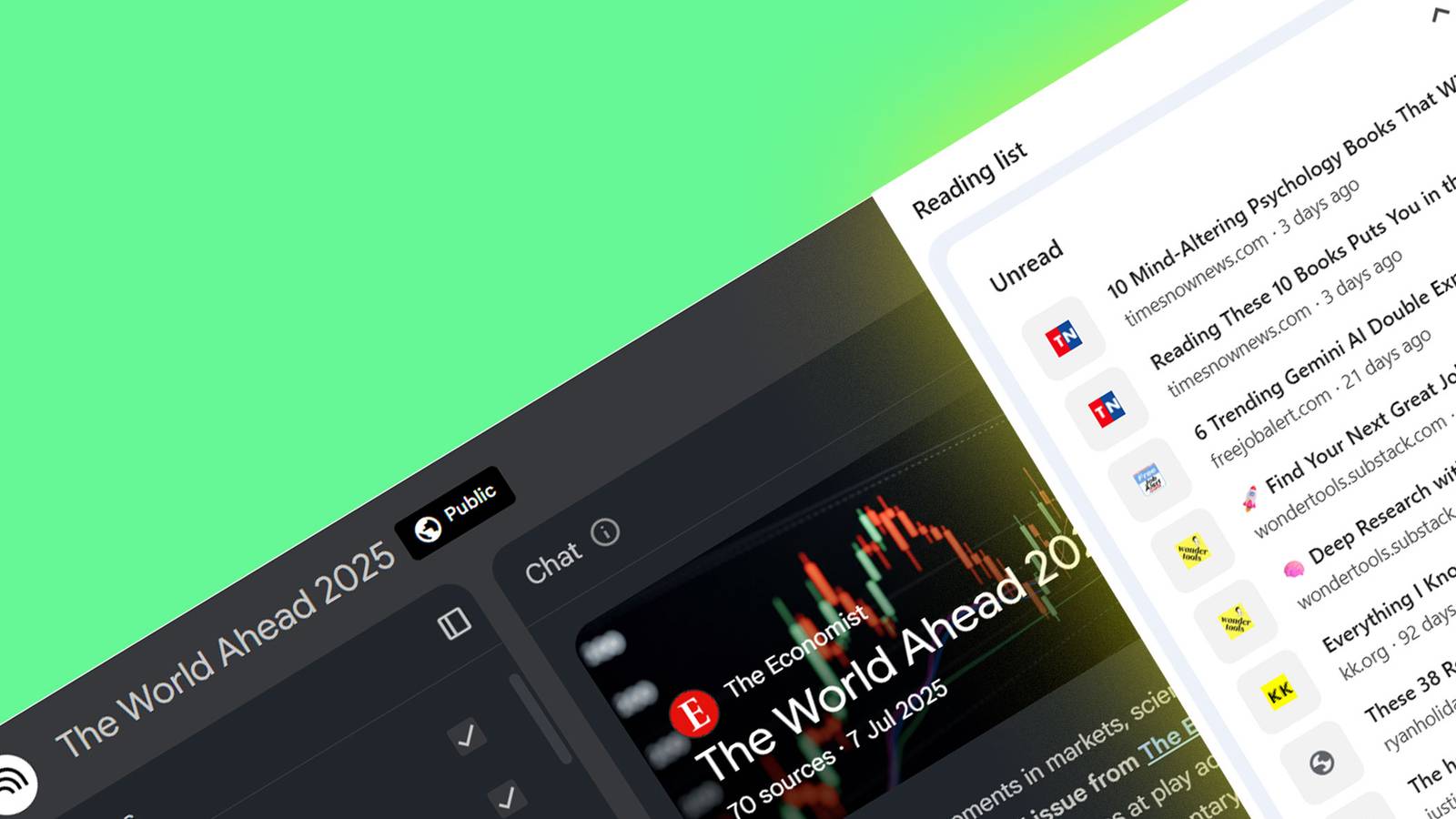
Digital hoarding is one of our default online habits. Browsers and read-it-later bookmarking apps often fail to turn us into efficient information managers. I have tried to become a more deliberate reader with smarter web clipping workflows and a dedicated personal knowledge management system. But the backlog of unread bookmarks just kept piling up.
I wanted to change my relationship with the saved content. Now, NotebookLM, Google’s AI-powered research tool, is quietly solving this problem for me. The NotebookLM tips below are making it fun to work through my backlog and actually use what I save.
5
Turn unread tabs into a podcast you can listen to anytime
Audio overviews are the fastest way to catch up on saved links
NotebookLM’s Audio Overview sounds so naturally human. I think it’s the single best feature to use when you are drowning in a lineup of read-it-later articles. I create a “temporary” notebook in NotebookLM with a loose theme from my read-it-later list. I upload 5 – 10 links and then hit Audio Overview.
NotebookLM instantly produces a banter-style podcast featuring two AI hosts who walk you through the highlights and insights from the articles. Even a 10-minute listen often gives you the gist of articles that would take an hour to manually skim. And if the audio skips nuances you care about, you can prompt it with instructions. For instance, “Focus specifically on the idea of a decision log to master subjects.”
Let NotebookLM act as your personal “serendipity engine”

This is one of my favorite techniques to come up with new ideas. I take a few loosely related or even unrelated bookmarks and upload them to a notebook titled “Random Sparks.” Then. I use a prompt like,
I have uploaded sources from very different fields. Identify 3 surprising intersections and/or similarities between these documents that aren’t immediately obvious.
For instance, I discovered the idea of “mise en place” as a mental model in the overlap between a cooking article and a productivity essay.
Look at the suggested question chips that appear at the bottom of the chat interface immediately after uploading the sources. These are AI-generated based on your specific sources and are often the fastest way to query any content.
3
Compare conflicting articles to avoid cognitive biases
Use NotebookLM to discover blind spots in thinking

We usually don’t take the effort to look at opinions from multiple perspectives. If your bookmark list includes news, opinion pieces, or hot takes, NotebookLM can turn into a cross-referencing tool that collects varying viewpoints into one neat summary. A deeper read can help you differentiate between fact and spin.
I came up with this prompt to cover 3–4 articles covering the same event or idea.
Compare the arguments in Source A and Source B. Create a table listing:
– The unique bias or perspective each source seems to hold.
Find answers to a specific question from a dump of read-it-later articles

Too many bookmarked articles to go through? Searching through all of them for specific information can be impossible. Just scan the titles or the URLs and dump them all into a NotebookLM notebook. Then ask:
I’m interested in [Topic X]. Based only on these saved articles, answer the following question: [Your Question]. Cite the sources so I can click and read further.
Your mountain of links just became a searchable database. I am using this trick to go through a bunch of ChatGPT prompting articles I have saved over the last year. Do remember that NotebookLM has a limit of 50 sources per notebook in the free version. For NotebookLM Pro, the limit goes up to 300 sources per notebook.
1
Turn long “how-to” reads into instant checklists you can act on
Go from passive content to actionable advice

Most of my saved articles fall into self-improvement, workflow tips, fitness, cooking, or productivity categories. They have valuable but easily forgettable tips if I don’t take any action on them. Again, create a thematic notebook around similar articles, and then put the idea to the test with this prompt:
Ignore the storytelling and anecdotes. Extract every actionable piece of advice and convert it into a checklist organized by difficulty (Easy/Medium/Hard). Format it as a To-Do list.
This trick has helped me create some practical context around the articles. Instead of consuming them passively, my brain now connects them to actions I can take every day.
Curating knowledge from your forgotten read-it-later list
My bookmarks organization with ChatGPT gave me mixed results. But NotebookLM has helped me sift through my chaotic pile of read-it-later bookmarks and turn them into an orderly learning system. As NotebookLM only analyzes the links you upload, it’s a nice closed system for understanding why we saved those articles in the first place. When NotebookLM answers a question, click the citation numbers and check the exact passage in the source text. You can then select that passage and choose Save to Note to permanently pin that specific insight to your sources list for future reference. These could become the building blocks of a well-curated knowledge bank.
