Close Menu
SkytikSkytik

    Subscribe to Updates

    Get the latest creative news from FooBar about art, design and business.

    What's Hot

    At Least 32 People Dead After a Mine Bridge Collapsed Due to Overcrowding

    November 17, 2025

    Here’s how I turned a Raspberry Pi into an in-car media server

    November 17, 2025

    Beloved SF cat’s death fuels Waymo criticism

    November 17, 2025
    Facebook X (Twitter) Instagram
    • About Us
    • Contact Us
    SkytikSkytik
    • Home
    • AI Tools
    • Online Tools
    • Tech News
    • Guides
    • Reviews
    • SEO & Marketing
    • Social Media Tools
    SkytikSkytik
    Home»Guides»I turned the back of my Android into a shortcut panel, and it’s ridiculous how useful it is
    Guides

    I turned the back of my Android into a shortcut panel, and it’s ridiculous how useful it is

    AwaisBy AwaisNovember 25, 2025No Comments5 Mins Read0 Views
    Facebook Twitter Pinterest LinkedIn Telegram Tumblr Email
    I turned the back of my Android into a shortcut panel, and it’s ridiculous how useful it is
    Share
    Facebook Twitter LinkedIn Pinterest Email

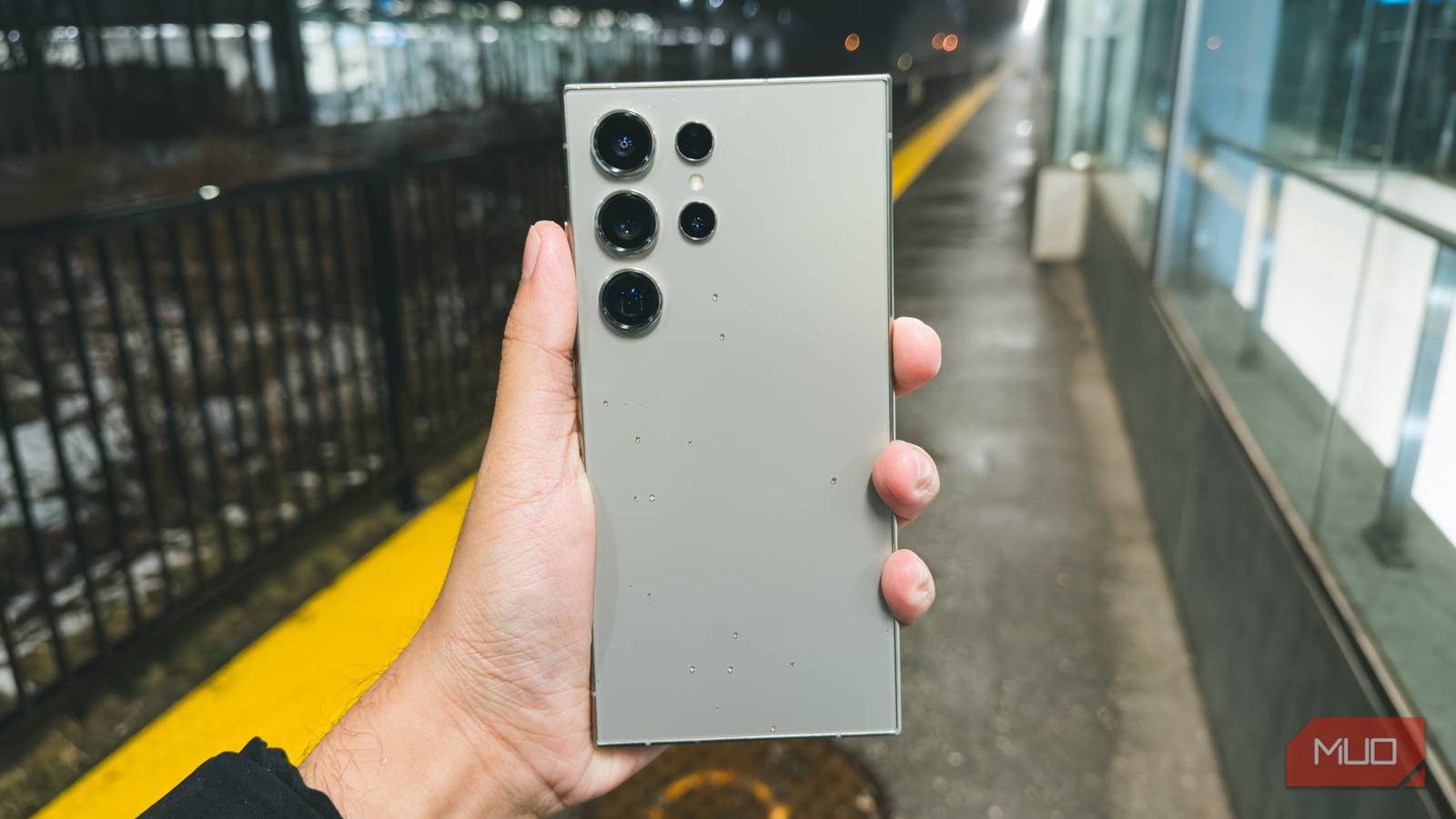
    Beyond all the popular tricks and AI gimmicks, Android phones come packed with features that aren’t talked about enough. And one of my favorite ones is the back tap feature. It essentially turns the back of your phone into a secret button, one that is always there, always reachable, and somehow still overlooked by most people.

    What I like most about back tap is that it works even when you have a thick case on, so you don’t need to compromise on protection to use it. At the same time, it doesn’t work when your phone is locked, so you don’t accidentally trigger anything while your phone’s in your pocket. In a way, it gives you a couple of action buttons your phone never had.

    Setting up back-tap gestures works differently across Android phones

    It’s still easy to do so

    Unlike iPhones, Android does not have a back-tap feature built in. Instead, most manufacturers have created their own versions of it, so enabling the back-tap feature can be as quick as diving into your phone’s settings and flipping a switch or installing a whole new app. It’s a bit messy, but still completely worth it.

    On Google Pixel phones, the feature lives inside the Gestures menu. You need to head to Settings > System > Gestures > Quick Tap to start actions and turn on Use Quick Tap. Once done, you can pick what you want your phone to do when you double tap the back. Pixel phones only support a double tap, not a triple tap, which is a bit disappointing.

    If you have a Samsung phone, there’s no built-in back tap feature by default. You need to download Samsung’s Good Lock app and use its RegiStar module to enable back-tap functionality. Once you open it, you can enable and customize what a double or triple tap does.

    For most other Android phones, using the back tap feature requires a third-party app like Tap, Tap. It uses accessibility services and sensors to detect taps. That might sound overly technical or even unreliable, but in practice, it works surprisingly well.

    What I use it for every single day

    The shortcuts I can’t live without

    Double Back tap action menu on Samsung phone
    Screenshot by Pankil Shah — No attribution required
    Triple Back tap action menu on Samsung phone
    Screenshot by Pankil Shah — No attribution required
    Back tap action menu on Samsung phone
    Screenshot by Pankil Shah — No attribution required

    Back tap offers a few different options, like accessing Google Assistant, opening apps, playing or pausing media, showing notifications, and more. It’s also handy if one of your phone’s hardware buttons is broken, and you want to capture screenshots. These are great use cases, no doubt, but I like to use them for things that would otherwise take me several taps.

    The first thing I use it for is note-taking. I have mine set, so a double tap on the back creates a new note. Sure, this is also possible with a simple widget, but accessing it usually requires leaving the app I’m in, going to the home screen that has the widget, and then tapping on it. With back tap, I can jump right into the Notes app no matter what I’m doing on my phone. It almost feels like pulling a sticky note out of thin air. And if I don’t feel like typing, I can even set it to start a voice note instead.

    The second thing I rely on daily is opening my work email in Gmail. I have multiple accounts signed in, and switching between them manually feels like a lot of work, especially when I’m in a rush. Instead, I now simply triple tap on the back of my phone and jump to my work inbox.

    It can do a lot more

    Where it shines

    Pixel 9 Pro XL in Green against white background Credit: Zarif Ali / MakeUseOf

    If you look past the obvious shortcuts, back tap can do a lot. For messaging apps like Slack, WhatsApp, Messenger, and others, you can set up a back tap to get to a specific conversation or group chat. The same works for your Instagram DMs or even text messages.

    You can also set up a back tap to jump to a specific folder in the Files app. And this also works for Google Drive folders, so you can jump to folders that you’ve backed up.

    In Samsung Wallet and other similar apps, this gesture can help you quickly pull up all your digital IDs, payment cards, or event tickets. This is handy when you’re traveling somewhere and need fast access to these things.

    It gets better as you install more apps

    The best thing about the back tap feature is it gives you more options as you install more apps. Every new app you install is another potential shortcut. For instance, you can install the Pomodoro app, which lets you start the timer for focused work sessions. With Amazon, you can jump straight to deals, orders, and cart. With Gemini, you can use its camera feature or voice mode to talk to AI with a couple of taps. And the list goes on.

    Android panel ridiculous shortcut turned
    Share. Facebook Twitter Pinterest LinkedIn Tumblr Email
    Awais
    • Website

    Related Posts

    The Shortcut Behind Some AI Optimization Tools

    March 13, 2026

    Is It Safe To Eat Ground Beef That Has Turned Gray?

    February 23, 2026

    How to daisy-chain multiple monitors from a single cable

    February 19, 2026

    I finally found a great use for my TV’s USB port

    February 19, 2026

    A 32-inch 4K OLED 240Hz monitor for $799.98 is the kind of “finish the setup” deal that’s hard to ignore

    February 18, 2026

    AI is helping hackers make new malware faster and more complex than ever – and things may only get tougher

    February 18, 2026
    Leave A Reply Cancel Reply

    Top Posts

    At Least 32 People Dead After a Mine Bridge Collapsed Due to Overcrowding

    November 17, 20250 Views

    Here’s how I turned a Raspberry Pi into an in-car media server

    November 17, 20250 Views

    Beloved SF cat’s death fuels Waymo criticism

    November 17, 20250 Views
    Don't Miss

    Why entity authority is the foundation of AI search visibility

    March 17, 2026

    The webpage is no longer the unit of digital visibility. For years, we’ve built our…

    Vibe Coding Plugins? Validate With Official WordPress Plugin Checker

    March 17, 2026

    Generalizing Real-World Robot Manipulation via Generative Visual Transfer

    March 17, 2026

    LinkedIn updates feed algorithm with LLM-powered ranking and retrieval

    March 17, 2026
    Stay In Touch
    • Facebook
    • YouTube
    • TikTok
    • WhatsApp
    • Twitter
    • Instagram
    Latest Reviews

    Follow the AI Footpaths | Towards Data Science

    March 17, 2026

    49 Kitchen Utensil Holders With Strong Aesthetic Opinions

    March 17, 2026
    Most Popular

    13 Trending Songs on TikTok in Nov 2025 (+ How to Use Them)

    November 18, 20257 Views

    How to watch the 2026 GRAMMY Awards online from anywhere

    February 1, 20263 Views

    Corporate Reputation Management Strategies | Sprout Social

    November 19, 20252 Views
    Our Picks

    At Least 32 People Dead After a Mine Bridge Collapsed Due to Overcrowding

    November 17, 2025

    Here’s how I turned a Raspberry Pi into an in-car media server

    November 17, 2025

    Beloved SF cat’s death fuels Waymo criticism

    November 17, 2025

    Subscribe to Updates

    Get the latest creative news from FooBar about art, design and business.

    Facebook X (Twitter) Instagram Pinterest YouTube Dribbble
    • About Us
    • Contact Us
    • Privacy Policy
    • Terms & Conditions
    • Disclaimer

    © 2025 skytik.cc. All rights reserved.

    Type above and press Enter to search. Press Esc to cancel.