


Threads has over 150 million daily active users. Great for reaching new audiences. Also, a discovery problem.
How do you get seen when millions of conversations are happening at once?
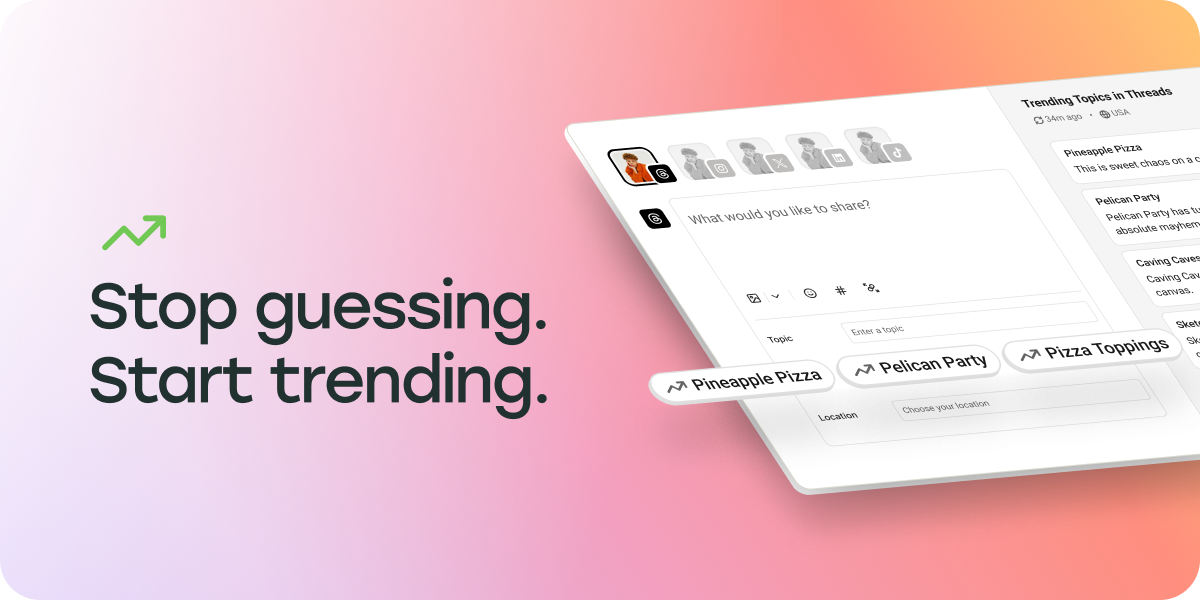
Enter: Trending Topics for Threads, right in Buffer. It brings real-time trending conversations directly into Buffer’s composer.
Built in partnership with the Threads team, Trending Topics surfaces what’s trending on Threads to anyone, no matter your location, through Buffer’s API access.
The discovery challenge on Threads
The Threads algorithm rewards genuine conversation and authentic engagement. Success comes from joining discussions people actually care about, at the moment they care about them.
The trick is knowing what those discussions are.
What topics are resonating right now? Which conversations have momentum? What should you be talking about to reach new audiences who share your interests?
We built Trending Topics in Buffer to solve this.
How Trending Topics works
When you open Buffer to create a Threads post, trending topics appear right in the composer.
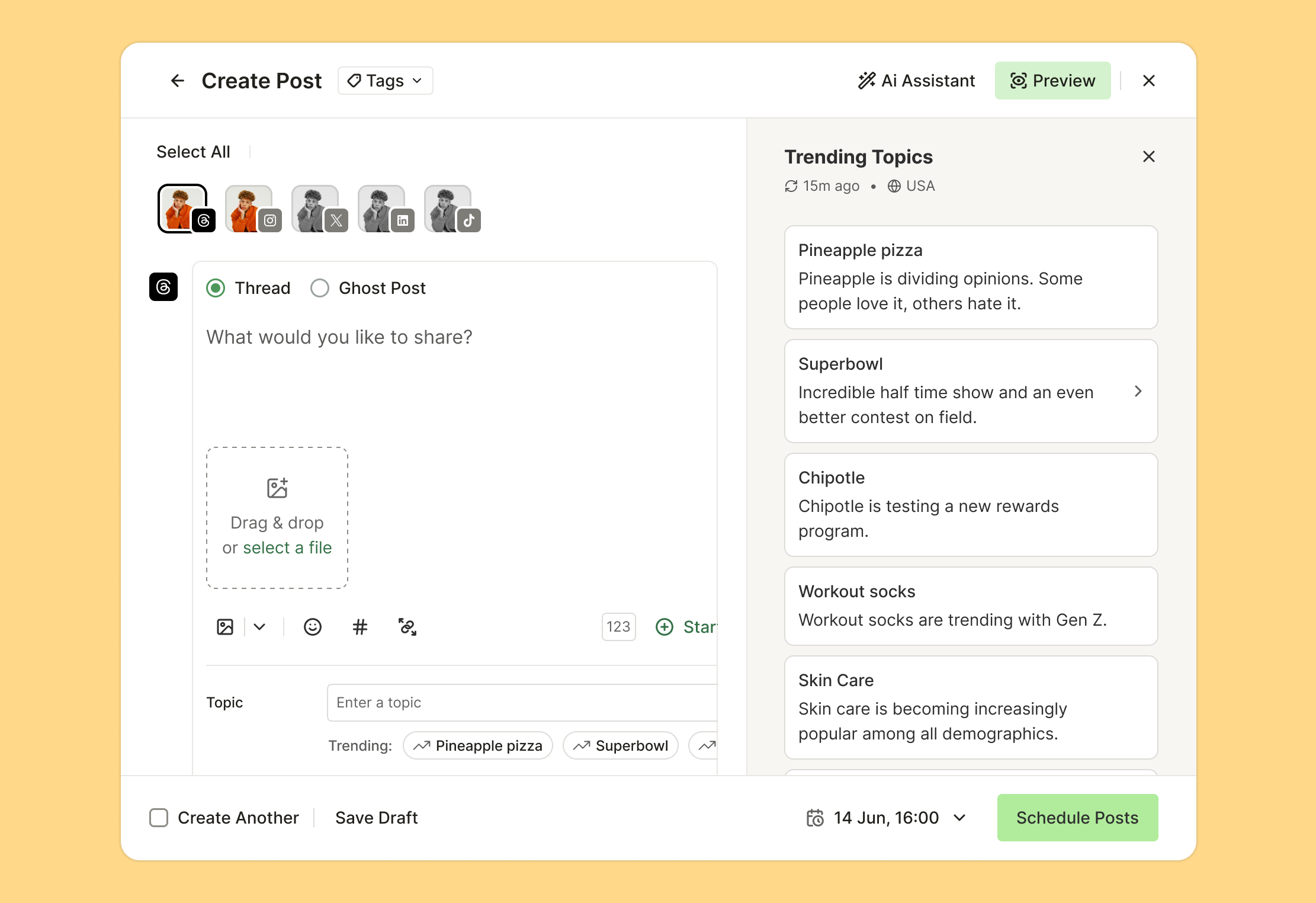
You’ll see what’s trending, browse actual posts from each conversation, and understand the context before you jump in. Then create your post and join a discussion that already has audience attention.
Fun fact: Threads currently only shows trending topics to users in the US and Japan. But through our partnership, we make US trends accessible to everyone, everywhere.
A real example: My quantum physics experiment
Last week, I wanted to test the feature myself. I saw “Quantum physics” trending and thought, “Well, this could be interesting.” I’m no physicist, but I’ve watched enough sci-fi to have opinions. I brainstormed a post with AI that was equal parts curious and tongue-in-cheek, hit send, and went to bed.
I woke up to 54,000 views and 90+ reposts.

The post resonated because it added value to a conversation people wanted to have. That’s the power here. You’re participating in real conversations at the right time.
The whole process took maybe 10 minutes. Saw the trend, brainstormed a relevant angle, wrote the post, scheduled it, done. The next morning: 54,000 views.
It isn’t just me either. Other folks on our team have also experimented with Trending Topics and seen real results. For example, Amanda, our Staff Product Manager, posted her take on The Muppet Show and generated a ton of conversation and 6k views.

What I learned testing Trending Topics
The experiment taught me a lot of things (and not just about quantam mechanics).
Relevance matters more than reach. I spent time browsing the quantum physics topic before posting. Some people were just dropping “quantum physics” into random posts. Those got almost no engagement. You can’t just slap anything onto any trending topic. The posts that work best connect the trend to something you genuinely have perspective on.
Timing is everything. Trending topics have momentum curves. Jump in at the right moment and you catch the wave. Trending Topics helps you find that sweet spot.
It amplifies good content. A trending topic won’t save a bad post. But if you have something valuable to say about a topic people care about, Trending Topics helps you reach the audience that wants to hear it.
Trending Topics is the newest addition to our Threads features. Here’s everything you can do with Buffer for Threads:
Schedule your posts so you show up consistently, even when you’re offline. We support every Threads format: text, images, videos, carousels, ghost posts.

Track your performance with analytics that show likes, replies, views, quotes, and reposts. See what’s working, do more of it.
Manage your community from a unified inbox. Reply to comments, keep conversations going, build relationships in a focused workspace.
Use AI to refine your content. Our AI Assistant helps you adjust tone, improve clarity, or try different variations before you post.
Crosspost to other platforms. Create once in Buffer, publish to Threads and everywhere else simultaneously. Or customize for each channel.
Built as an official Threads partner
Buffer is an official Threads partner. We work directly with Meta’s Threads team to build features on official APIs. Our product managers, engineers, and marketers attend Threads API summits. We collaborate on what features make sense and how they should work.

We’re active on Threads ourselves, using the platform daily. These tools exist because we needed them ourselves.
How to start using Trending Topics
Trending Topics is available now for everyone using Buffer with Threads. It’s included in all plans, including free.
Here’s how it works:
- Connect your Threads account to Buffer (takes about 30 seconds)
- Open the composer to create a new post
- Select Threads as your channel
- Trending Topics shows up automatically
- Browse what’s trending, find something relevant, create your post
If you have a Threads account connected to Buffer, Trending Topics is already there.
Everything Buffer offers for Threads (the complete list)
For a comprehensive reference of Buffer’s Threads features, here’s everything:
Content creation:
- Post scheduling with automatic publishing
- All post formats supported (text, images, videos, carousels, ghost posts)
- Trending Topics in the composer
- AI Assistant for content optimization
- Crossposting to multiple platforms
- Topic tagging for discovery
Analytics:
- Engagement metrics (likes, replies, views, quotes, reposts)
- Performance tracking over time
- Post-level analytics
Community management:
- Unified comment inbox
- Reply management
- Suggested responses
- Community score tracking
Productivity features:
- Calm workspace for focused content creation
- Team collaboration
- Multi-account management
- Calendar view for planning
- Available on web, iOS, Android, and browser extensions
Try it yourself
Connect your Threads account to Buffer and see what’s trending while you write your next post. Maybe you’ll find your own quantum physics moment!
Trending Topics is available now on all Buffer plans, including free.
