


I’ve had doubts about LastPass for almost as long as I can remember. The 2022 breach disclosure was only a tipping point. My problem wasn’t just the breach itself, but how slow, vague, and initially misleading LastPass’s response was. This was also around the time LastPass limited the free tier to a single device. It all begged the question: do I want to continue using a service I can’t trust?
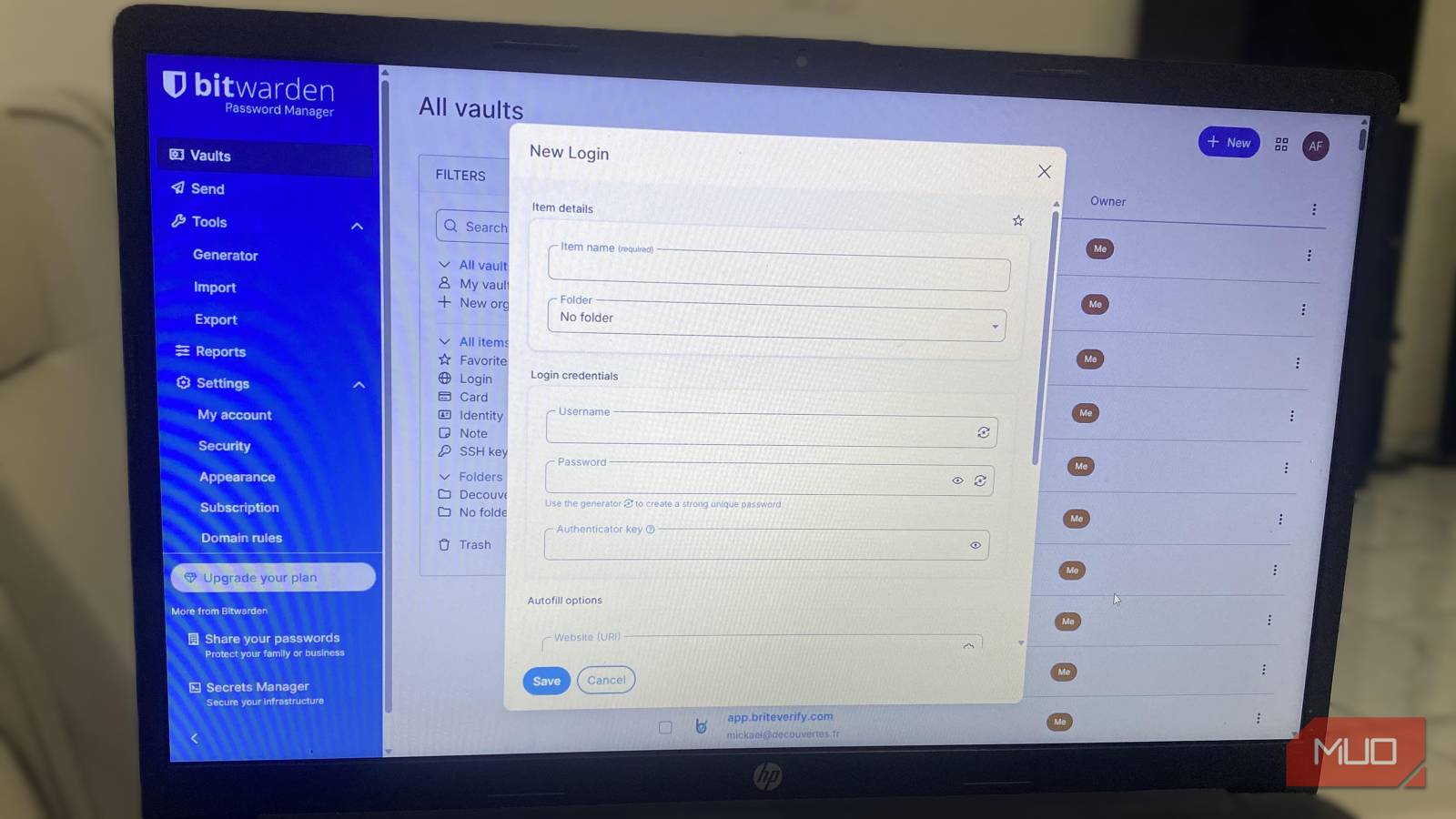
Going open-source seemed like the right call. Open-source offline password managers like KeePassXC are great, but not as convenient and user-friendly as cloud-based options, so I switched to Bitwarden. Bitwarden has proved to be a far more secure option than LastPass.
Open-source isn’t a philosophy — it’s a security model
Why being able to inspect the code changes who you trust
I get that open-source is sometimes thrown around as a feel-good label; however, it’s fundamental to Bitwarden. What it means in practical terms is that the full codebase for Bitwarden is publicly available and continuously scrutinized. The 2025 System and Organization Controls (SOC) report is one such independent assessment. These are comprehensive reports you can read to see what was tested and what was fixed.
However, Bitwarden’s handling of vulnerabilities convinced me this wasn’t merely theoretical. There have been community-reported issues. Some of these came during audits, while others were from independent researchers. The key points were that bugs were disclosed, patched, and explained publicly. This is the level of visibility that most proprietary tools, including LastPass, lack.
But for me, I didn’t want to make the same mistake twice. So I didn’t simply take their word for it. I skimmed their GitHub issues, read audit summaries, and checked community discussions. This way, I was verifying rather than trusting promises blindly.
Zero-knowledge stopped being a buzzword once I understood the boundaries
Knowing what Bitwarden can’t see mattered more than what it can do

Bitwarden doesn’t see or store your master password because all encryption happens on the local device before syncing. This way, the only information passed to Bitwarden’s servers consists of encrypted data blobs. This design minimizes the level of damage that can occur when something goes wrong. However, some metadata, like item counts, folder structure, and sync timestamps, isn’t encrypted.
It’s also easier to trust a tool knowing that there is no vendor lock-in. So if sometime in the future Bitwarden shuts down, you don’t have to panic because you can fully export your vault and move it to the next service you choose. I currently don’t self-host Bitwarden, but this is an option that is available, and it gives total control. It’s an option you can explore if you are considering repurposing an old laptop.
True data ownership, however, implies that recovery is unforgiving, and losing your master password may permanently cost you your vault. This is the real cost of zero-knowledge and is intentionally baked into Bitwarden’s design.
The free tier covers everyday security
No artificial limits on devices, vault size, or core protection

After using LastPass for years, it was a breath of fresh air to see how robust Bitwarden’s free tier is. This plan includes features that LastPass locks behind paid plans. It includes unlimited passwords, unlimited devices, passkey management, and built-in TOTP generation.
Although you only get granular sharing for family and organizations with Bitwarden’s Premium plan, the free plan still accommodates basic sharing. On the $20 annual Premium plan, you also get advanced security reports, emergency access, and additional 2FA options.
Bitwarden’s free tier would suffice for most individuals. I only upgraded because the emergency access and vault health reports in paid plans are invaluable for my security needs, since I am always using and testing several new services daily. Still, for context, LastPass’s Premium plan costs $36 per year.
Migrating my vault was uneventful
and that’s exactly the point

Before exporting data from LastPass, I needed to do some house cleaning. I deleted old logins, merged duplicates, and renamed a few messy entries. These aren’t mandatory steps, but they help. Exporting from LastPass could pose a security risk because it creates a CSV file in plaintext. I saved this CSV in an encrypted drive, imported it immediately into Bitwarden, and instantly deleted it.
At the end of the import, most of my folders and organizations were perfectly preserved. Then I disabled LastPass’s browser extension before enabling Bitwarden’s. This step was important to avoid autofill conflicts and keep the transition smooth.
The next thing I did was spot-check critical logins like email accounts, banking tools, and work accounts. I didn’t get rid of LastPass immediately. I needed to have a rollback safety net in case something went wrong. After about a week, I deleted my LastPass account and haven’t looked back.

I’m Done With Google Password Manager: Here’s What I Use Instead
If you’re still using Google Password Manager, you’re missing out.
The extension, mobile app, and authenticator work as a single system
Over the years, Bitwarden has been reliable, and I use the browser extension across several browsers: Chrome, Firefox, and Brave. I save a lot of time using keyboard shortcuts: Ctrl + Shift + L for autofill and Ctrl + Shift + 9 for password generation.
I use the mobile apps across Android and iOS devices, and they work seamlessly. Offline access is great as long as the vault is synced. And my go-to multifactor authentication is the Bitwarden authenticator app (Bitwarden Authenticator) to complete an ecosystem of open-source, reliable password management. It’s a huge upgrade from LastPass, and the best part is that I actually own and control my data.

- OS
-
Cross-platform
- Developer
-
Bitwarden
- Price model
-
Free, Premium available
- Services
-
Password manager, password generator, secure file sending, credential management, etc.
Bitwarden is a secure, open-source password manager that helps you generate, store, and autofill strong passwords across all your devices. It uses end-to-end encryption, meaning only you can access your data—not even Bitwarden itself. With support for passkeys, secure notes, and cross-platform apps, it’s a privacy-focused alternative to built-in browser password managers.
