


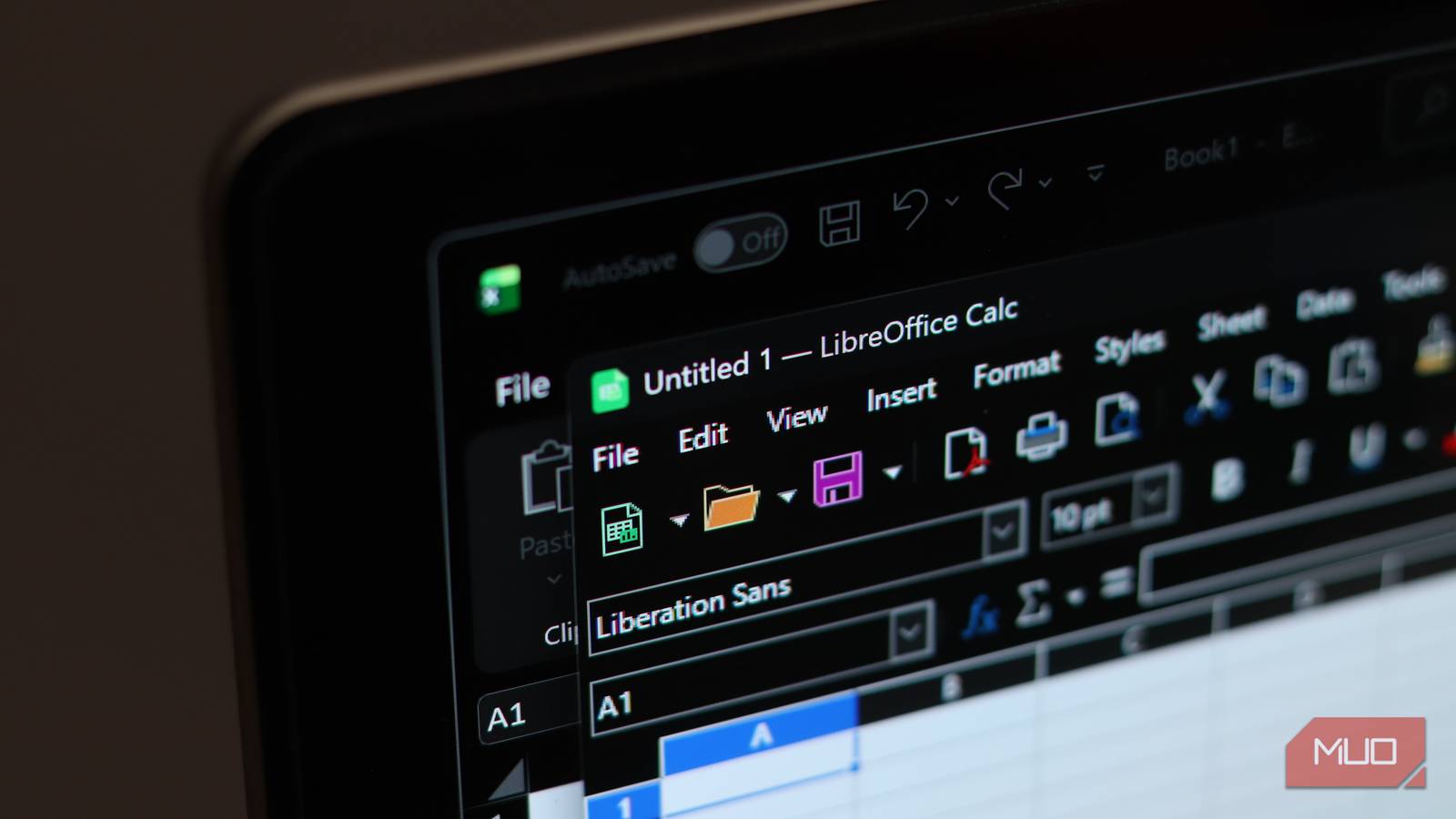
The discussion around open-source productivity suites is usually dominated by one name — LibreOffice. I even got around to using it when I tried going fully open-source for a week. However, for someone like me, who isn’t a power user, there were aspects of LibreOffice that just didn’t click. Specifically, the need for modern conveniences, such as collaboration and mobility, made me switch to something else.
I ended up settling for another open-source productivity suite called OnlyOffice. While it lacks some of the advanced features of LibreOffice and not everything is free, I discovered it meets my needs. I don’t think I’ll go back to LibreOffice anytime soon. Well, not unless it includes some of the features that OnlyOffice provides in its generous package.
OnlyOffice has a better interface
OnlyOffice mirrors Microsoft Office’s design philosophy
One of the biggest reasons I was put off by LibreOffice was its interface. It’s not ugly by any means, but I can’t get over how it looks like an older version of Microsoft Office, before Microsoft transitioned it to the popular Ribbon interface. The menus are dense, clunky, and cluttered, making it harder to use, especially for new users. LibreOffice feels like it’s hanging on to an old and unwelcoming design philosophy.
OnlyOffice, on the other hand, has fully embraced the Ribbon UI, similar to modern versions of Microsoft Office. It’s something Microsoft has perfected over the years to make it intuitive and enjoyable to use. The Ribbon interface makes everything feel like a cohesive, modern workspace rather than a collection of individual tools.

I use these free open-source apps instead of Microsoft Office
Why pay for Office when these apps do the job?
It’s one of the things that makes the transition from Microsoft Office to OnlyOffice effortless. There’s practically no learning curve because everything is where it’s expected to be. I also like how OnlyOffice has tabs. Since I prefer a browser-based workflow, the tabs streamline my workflow and make managing multiple documents easier while keeping my desktop uncluttered.
Real-time collaboration is easier to set up in OnlyOffice
It’s free and, best of all, optional

LibreOffice is primarily an offline solution with no cloud features baked into its DNA. While a majority of LibreOffice’s users prefer it this way, it can be a hindrance to modern workflows, especially when it comes to collaboration.
There is LibreOffice Online, which runs the full office suite in a browser through a self-hosting solution like Nextcloud or OwnCloud. It lets you edit documents from anywhere and collaborate with others in real time. However, setting this up isn’t straightforward for most users.
OnlyOffice offers its own native cloud solution, DocSpace. It allows me to break my projects into rooms, where I can invite others to co-edit documents in real-time. I also get the standard suite of professional collaborative features—tracking changes, version history, real-time comments, and mentions. Furthermore, I can use AI agents in this collaborative space, provided I have the API keys and credits for the models and prompts.

I replaced Google Drive with a self‑hosted cloud and the freedom is worth it
A self-hosted cloud is very liberating and surprisingly not as hard to set up.
To use DocSpace, I just signed up for an account, which made transitioning from a solitary experience to a collaborative one effortless. Alternatively, I can create my own hybrid cloud setup if I want total control over my data. The best part is that it’s optional — I don’t have to use DocSpace if I don’t want to.
OnlyOffice has an office mobile app
LibreOffice only has one with viewing capabilities
LibreOffice is also primarily a desktop app, which is a disadvantage for people like me who sometimes need to finish working on the go. There have been many times when I needed to make last-minute edits or review documents, but I didn’t have a computer. One thing I did have at the time, though, was my phone.
That’s why it helps that OnlyOffice has a free Android and iOS app that translates the desktop experience to mobile very well. Furthermore, it can connect to various cloud services, including DocSpace. This gives me access to my documents wherever I go. LibreOffice doesn’t have an official app like this, and it’s a major sticking point for me.
There’s the LibreOffice Viewer app for Android. However, it’s mainly a viewer app (as the name suggests) with experimental editing capabilities. Hopefully, LibreOffice gets an app that works across platforms, has full editing, and built-in cloud syncing capabilities in the future.
I’m not denying that LibreOffice is the gold standard
People usually switch from Microsoft Office to LibreOffice when they’re looking for a free alternative. That’s for a good reason, as LibreOffice is the purest form of open-source there is — community-driven and completely free and unrestricted. Furthermore, it offers a level of depth that OnlyOffice doesn’t always match. This is especially true when it comes to customization, database integrations, and macro support.
However, a lot of this freedom comes with complexity that many average users, myself included, don’t want to deal with. I have a mindset that prioritizes usability over complexity, and I know I’m not alone. Sure, OnlyOffice has some advanced features locked behind paid subscriptions, but I prefer it over LibreOffice because it respects my time, especially when it comes to creating a modern workflow.
