


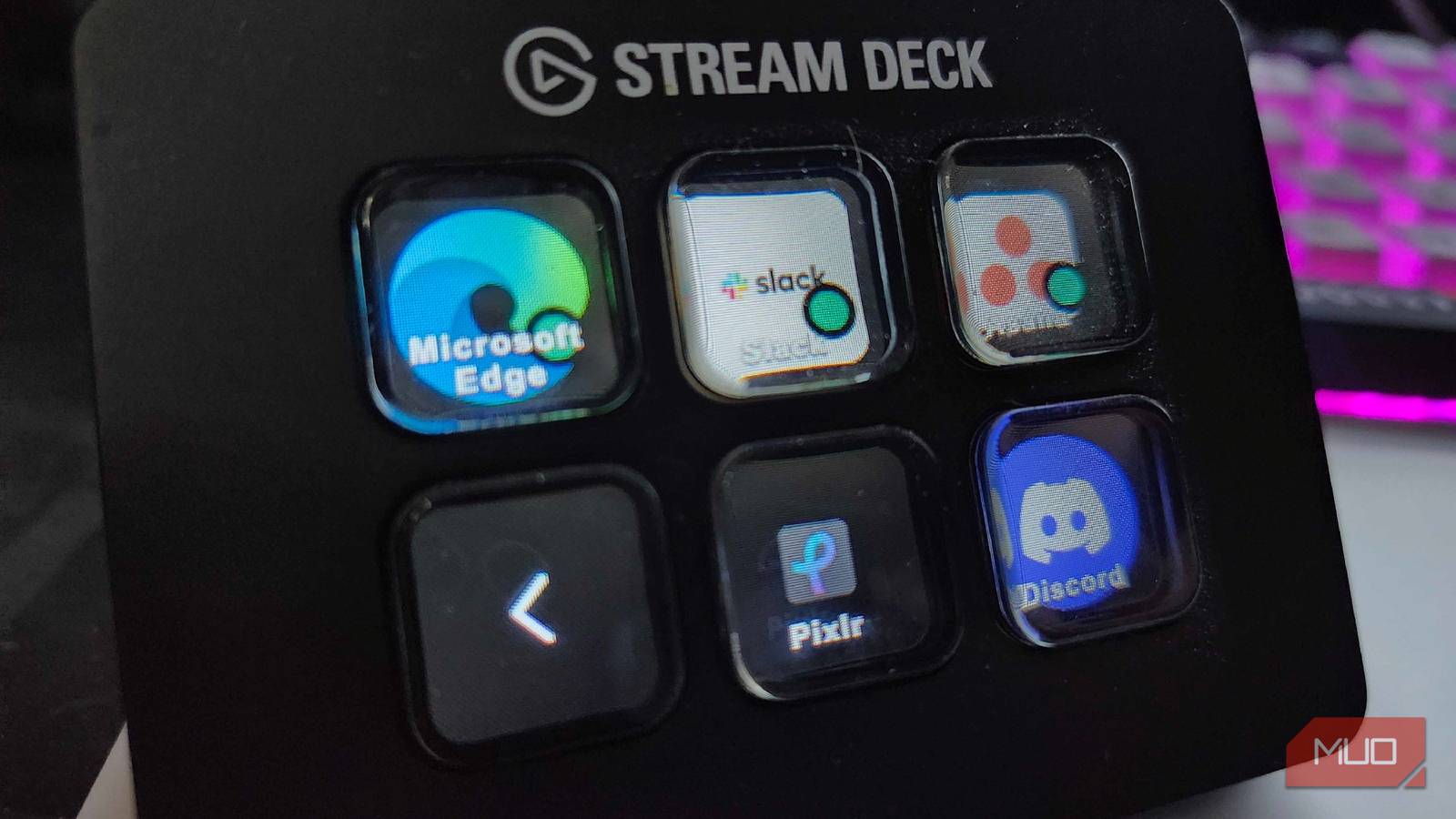
Trying to utilize every piece of tech that I own for more than one purpose has been quite an exciting adventure. While I typically use my ElGato Stream Deck Mini during streams on Twitch or TikTok, I’ve spent a fair amount of time turning it into one of the most useful pieces of tech on my desk. From quickly launching different programs to intricate macros that make swapping between programs a breeze, there are plenty of uses outside the realm of gaming for this thing.
I’ve previously discussed how much I enjoy using my Stream Deck, but I’ve since spent more time learning about plugins that can make it even more useful. Now, I can bypass many keyboard shortcuts and just use the Mini for nearly every task in my daily life. It’s a great tool that can be made even better.
From Discord to daily drivers, it’s filled to the brim

While the Stream Deck is handy enough on its own, there are plenty of additional tools that users can access through the Stream Deck Plugin Shop. Some of these plugins may be something as simple as different colorways for your buttons and icons, but if there is something in particular you want to try using the Stream Deck for, there’s a good chance that there is a plugin for it.
For example, if you do a lot of work in Photoshop, there’s a specific plugin just for that. Triggering your own custom Photoshop shortcuts is easier than ever, and in a world where there are too many keyboard shortcuts and not enough time in the day to memorize them all, this could be one of the greatest tools at your disposal.

I Don’t Stream, but the Stream Deck Changed How I Work
The best productivity upgrade I never saw coming.
SuperMacro is my new favorite plugin, however
I can set up any macro I need with this plugin
Having an app-specific plugin is a great thing, but when I’m navigating around my PC or using something like PowerToys or FancyZones on my dual-monitor setup, that’s where SuperMacro comes into play. I’ve been challenging myself to learn new tips and tricks to stay productive during the work day, and pairing a Stream Deck with tools like this has been an absolute dream come true. Activating zones, setting up custom zones, or using any portion of this powerful tool has been simplified beyond belief by setting up Macros and pressing a button on the Stream Deck.
I have a specific folder dedicated to the available shortcuts on my Stream Deck, and I can easily focus on the Windows that are in specific zones, move different windows with a tap, or apply a custom layout without batting an eye. It doesn’t matter if I’m working or playing; using SuperMacro to set these up was a breeze.

- Brand
-
Elgato
- Integrations
-
Windows 10, macOS 10.15
- Color
-
Black
- Weight
-
6.2 Ounces
Making profiles helps me separate work from play
Depending on what I’m doing, I can quickly swap my shortcuts

Using plugins and shortcuts is one thing, but having too much of a good thing can lead to a disorganized and chaotic mess. That’s why I’ve slowly started building several different profiles in my Stream Deck software, so I can easily switch between work and play modes. If I need easy and quick access to the Discord Soundboard, for example, I can swap to my Discord-centric profile and have everything I need with a few button presses. It even works with TeamSpeak, for those who know about the supremacy of that app.
The main gripe I have with this is having to open the Stream Deck software and switch profiles when I need something different. But in reality, a few clicks are better than needing to memorize and remember about 25 different shortcuts, isn’t it?
No Stream Deck? No problem
ElGato has mobile software available to try

I’m a firm believer in trying something before I buy it. If you happen to have an older tablet or phone lying around, ElGato does offer an app version of the Stream Deck. Using the mobile software delivers the same features as a Stream Deck Mini, with six buttons available for free to use however you’d like. There are also in-app purchases that allow users to maximize their usage with more buttons, so if you don’t need the tactile feel of real buttons, this could be a cost-effective way to maximize your gaming and productivity.
You can also access the full plugin store, so you can use tools like SuperMacro or the Photoshop tools directly from your phone. While I personally prefer having proper buttons that I can press at a whim, this could prove incredibly useful for those who want a way to keep their old tablet working hard and being used to prevent e-waste.
Experimentation and patience are encouraged
See what works best for you and try it out for yourself
Every person uses their PC for different things, and finding out new ways to supercharge how I use my computer on a regular basis has become a new pastime for me. Using my Stream Deck for all of these different macros, eliminating extra steps in my daily life, is just the beginning.
Knowing that ElGato lets users experiment with a mobile version of the device is excellent, too. While I’ll always stand behind physical buttons, those who want to save a few bucks and find a way to streamline their day have an amazing opportunity awaiting them. Just be patient, learn how everything works, and start finding new ways that your computer can be used. I promise you it’s worth the time and effort, as your daily tasks will become much simpler and streamlined as a result.
