


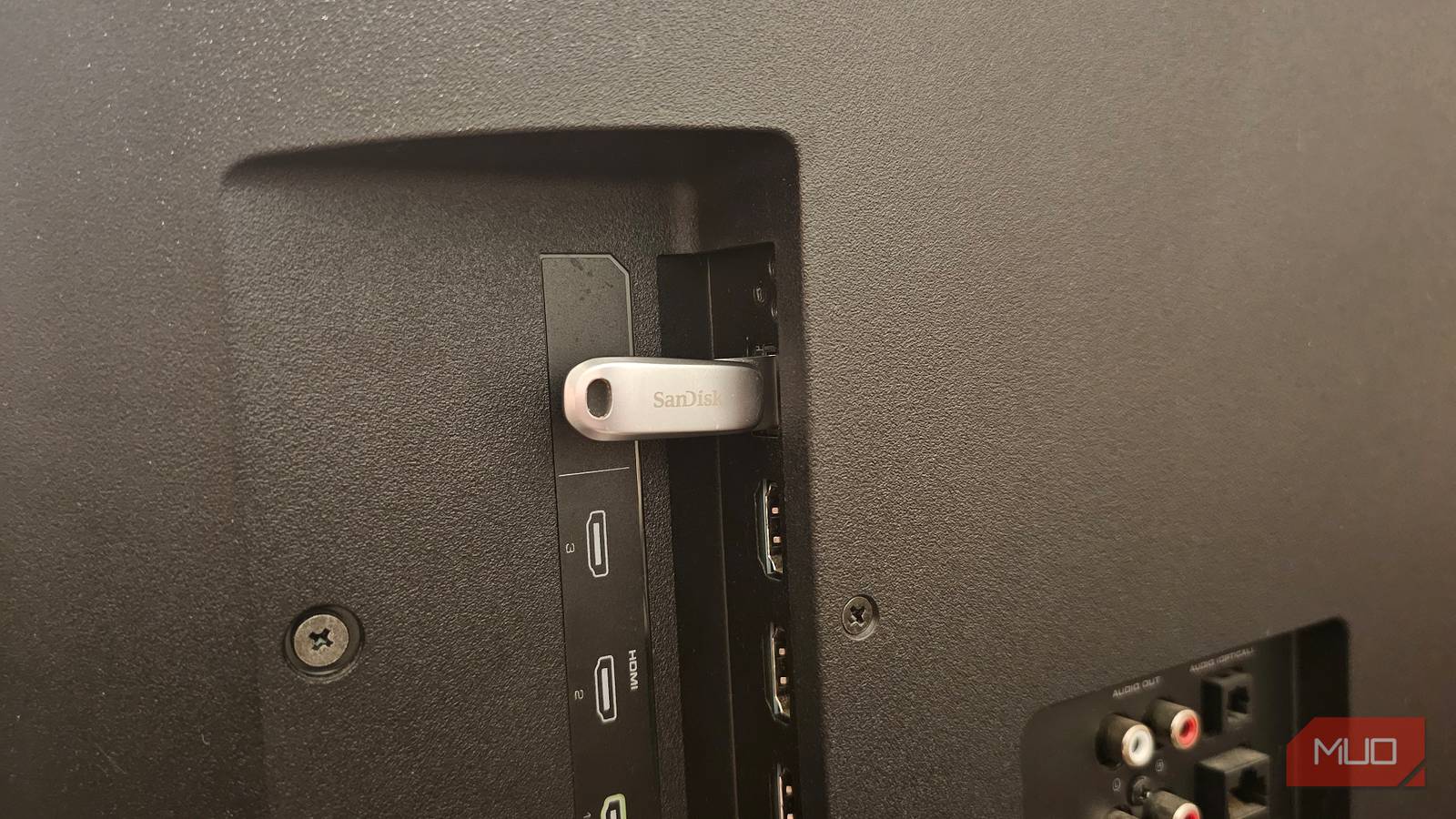
For years, my TV’s USB port was almost invisible to me. It just sat there on the side panel doing nothing, just collecting dust. I used my TV for things that mattered most to me: watching shows and movies. Sometimes, I would wonder why the USB port is even there on a TV. I assumed it was outdated, useless, or meant only for technical stuff a casual user doesn’t need. Turns out, I was completely wrong.
One day, I plugged something into it just out of curiosity. It was then that I realized the USB port is one of the most underrated and underutilized features on my TV. It unlocked a surprising number of tricks for me, and I wish I’d known them earlier.
A great way to watch your media collection

This was the first feature that made me realize I was actually missing out on something. Modern TVs can play media directly from a USB drive. Once I plugged in my USB drive, my TV instantly opened a built-in media player, so I can enjoy my collection of movies and songs, without any extra setup or buffering issues. That felt utterly satisfying. Now, I can play my downloaded movies or songs when the internet is slow or not working, and I have the freedom to watch my personal videos right from my camera.
The biggest advantage is that I can enjoy videos at their full quality, no compression involved. The local files played via USB look fantastic, especially on larger screens. Most TVs can easily handle JPEG, MP4, MP3, and other common file formats. If your TV doesn’t support a format, you can always use audio or video converters to reformat them.
Charge and power your devices
A convenient power source I wasn’t using

I didn’t expect a lot from this one. After all, most TVs don’t pack powerful USB ports for fast charging your devices. However, I’m surprised how easily it became a part of my everyday setup. The USB port on my TV works just fine for charging low-power devices like wireless earbuds and headphones. Plus, it can top up my gaming controller. Yes, it won’t and cannot replace a fast charger for you, but it’s super convenient. I often run out of wall outlets behind my TV.
The TV’s USB port can also power Amazon Fire TV Stick, Roku Stick, and other popular streaming devices. Of course, these come with a power adapter, but I would like to skip the wall outlet and plug them directly into the USB port on my TV.
Turn your TV into a workstation
The most unexpected upgrade

My husband has to work with a lot of Excel sheets, documents, PDFs, and presentations. He has a laptop and a large monitor setup at the office. But for days when he’s working from home, he plugs in his USB drive and opens files directly on the TV. Sometimes, he even connects his laptop to the TV or goes for screen mirroring, and our TV instantly transforms into a massive productivity display. You can also review your presentations, read your notes, and display long documents right on your TV’s big screen. It’s not a true replacement for a true multi-monitor setup, but it’s absolutely convenient for casual work or brainstorming.
For a more fleshed-out workstation, you can pair a mouse and keyboard for easier navigation and better control. This is especially useful if you use your TV’s web browser or frequently type passwords.
Turn your TV into a giant photo frame
One of my favorite uses

I have multiple USB drives full of my vacation pictures, random shots, and sweet memories, which I like to cherish from time to time. Rather than enjoying them on my laptop all the time, I can plug my drive into the TV and start a slideshow. And this way, my TV is instantly transformed into a big, digital photo frame.
I’ve started doing this very often during get-togethers, family dinners, and other gatherings at my home when I don’t want to greet my friends and family with a giant black screen. I can even get transitions and go for background music for that extra vibe. My guests really enjoy those nostalgic memories, as it instantly fills the space with smiles and stories.
Record live TV
A clever, hidden feature

Some modern TV models also let you record live TV directly to a USB drive. This feature is known as Personal Video Recorder or PVR. Some brands may use a different name for this functionality. For instance, LG calls it Time Machine while Samsung refers to it as PVR or DVR. When you insert a compatible and properly formatted USB drive that has enough storage space, PVR lets you record live broadcasts directly. You can record shows automatically, pause live broadcasts, rewind or fast-forward content without downloading any apps.
It’s worth knowing that all the TVs do not support this feature. You can browse through the settings menu or check your model’s specs on the manufacturer’s website.
Update software manually
An old-school way to keep your TV up-to-date

Just like your smartphones, tablets, and laptops, your TV also requires software updates. Usually, you shouldn’t have any issues updating your TV. You can even enable automatic updates so your TV can download new software versions when they are available. However, sometimes your TV might refuse to connect to the internet, or your Wi-Fi just isn’t working. In such a case, you might think that there’s no way to download updates on your TV. Fortunately, that’s not the case.
Most manufacturers allow you to download software updates from their website to your USB drive. All you need to do is connect a compatible USB drive to a smartphone, tablet, or laptop, head to the TV manufacturer’s website, search for your model number, and download the latest software version. Next up, eject the drive and plug it into your TV. Now, your TV will ask you if you want to install the software manually.

Did You Know You Can Plug These 10 Devices Into Your Smart TV’s HDMI Port?
The HDMI port on your smart TV has so many uses.
Start using your TV’s USB port today
I spent years overlooking my TV’s USB port. I never thought it would one day become one of the most versatile features on my TV. From playing high-quality media to live TV recording, that single port unlocked a lot of functionality for me. If you’ve also never touched your TV’s USB port, trust me, you’re missing out on a lot of built-in features on your TV. Sometimes, the smartest upgrade isn’t going for a new tech. It’s unlocking the full potential of what you already have.
