


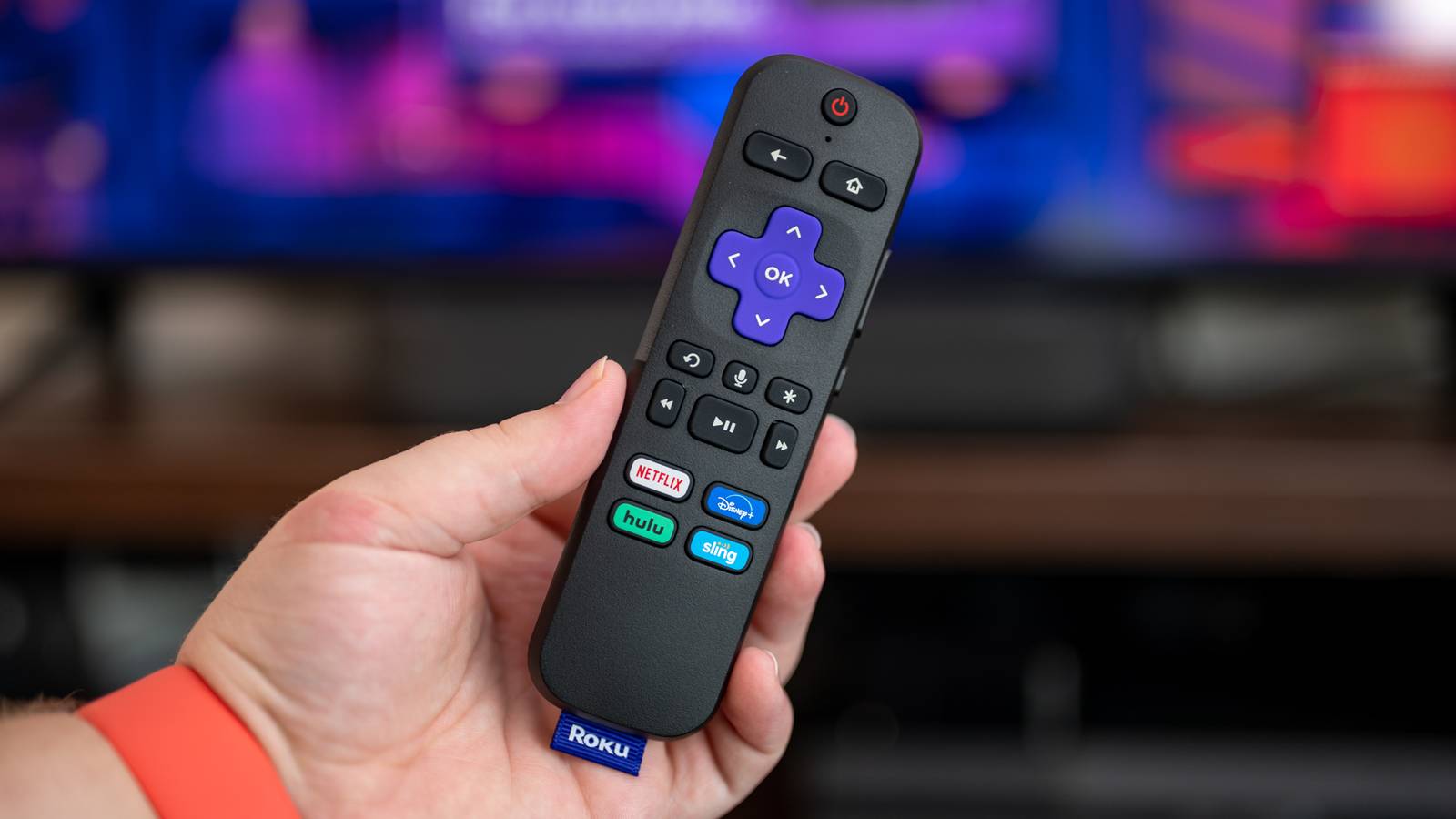
Have you ever tried to plug your Roku into an HDMI port, only to wish you had an HDMI extender because it blocked an adjacent port or just didn’t fit right? Roku will actually give you a completely free HDMI extender, and it’s easier than you might think to claim it.
Roku doesn’t include an HDMI extender in the box like Amazon
Amazon includes one in the box, while Roku does not.

Most of Amazon’s streaming media player sticks include a short HDMI extender in the box. This might sound like something that nobody would use, but you’d be surprised.
Amazon’s method of including an HDMI cable in the box is definitely preferable, but it does cost extra money for the company to ship every user an HDMI extender, whether they’ll need it or not.
On the other hand, Roku has opted to not include an HDMI extender in the box for whatever reason. It could be that Roku’s market analysis says that there’s just not enough people who need them, or maybe they’re just trying to pinch every penny they can.
Regardless of the reason, your Roku stick likely didn’t include an HDMI extender in the box. However, it’s easier (and cheaper) than you may think to get a free HDMI extender for your Roku—it’s just not as instant as finding one in the box.
Requesting a free HDMI extender takes just a few minutes
Just fill a form out with your Roku serial number.

While Roku doesn’t include an HDMI extender in the box, they do have a very simple online form to fill out in order to have one shipped to you. All you’ll need is the serial number off your Roku device, an address, and a computer or phone to request it on.
There have been some reports that the serial number shown on the TV or in the Roku UI hasn’t worked for some customers, while the serial number physically printed on the device worked just fine. If you have the physical device accessible, just go with that route, as it’s been the most reliable when filling out the form.
It’s definitely not as convenient to have to order an HDMI extender from Roku instead of finding one in the box or going to Best Buy or Amazon to get one within a day or two. However, it’s free, and that’s a price I simply can’t argue with.
Why would you even need an HDMI extender for your Roku?
Some ports are harder to access than others.

There are some TVs that put the HDMI port in a position where either a streaming media player stick blocks other ports on the TV, or even on the stick itself. Older Roku streaming stick models had the power adapter come out the side, while newer ones have moved the power input to the rear. If your power adapter comes out to the side, there’s a good chance that it blocks adjacent ports on your TV.
I have definitely been in a situation where I wished I had an HDMI extender, and it almost always has to do with streaming media players. There are just sometimes when you need that little bit of extra flexibility that the extender gives you.
Whether your TV suffers from this fate or not, I’d recommend requesting an HDMI extender from Roku. It would be better to have it on hand for when you need it, than to get a new TV down the road and wish you had already requested one.

- Brand
-
Roku
- Resolution
-
2160p (4K)
The Roku Streaming Stick 4K is a cheap and painless way to stream all your favorite movies and shows in ultra-crisp 4K resolution.
-
- Connective Technology
-
Wi-Fi
- Brand
-
Roku
Roku’s Streaming Stick Plus is the thinnest 4K streaming stick available today. It comes with a Voice Remote, and its ultra-slim design is perfect for frequent travelers as well as those who want to keep their wall-mounted TV as clean-looking as possible.
-
- Dimensions
-
3.7″L x 0.8″W x 0.5″H
- Connective Technology
-
Wi-Fi
The Roku Streaming Stick HD features HD streaming and live TV support with a sleek HDMI streaming media player form factor. The included remote can control your TV’s volume, and the Roku app store has thousands of apps to browse through. Plus, it natively supports platforms like Netflix, Disney+, Apple TV+, Prime Video, and more.


While I don’t have a Roku to claim this free HDMI extender with, I’ll definitely be telling my friends with Roku streaming sticks about it. A free HDMI extender is something that can benefit you in so many ways, so if it’s being offered, you should definitely claim it.
