


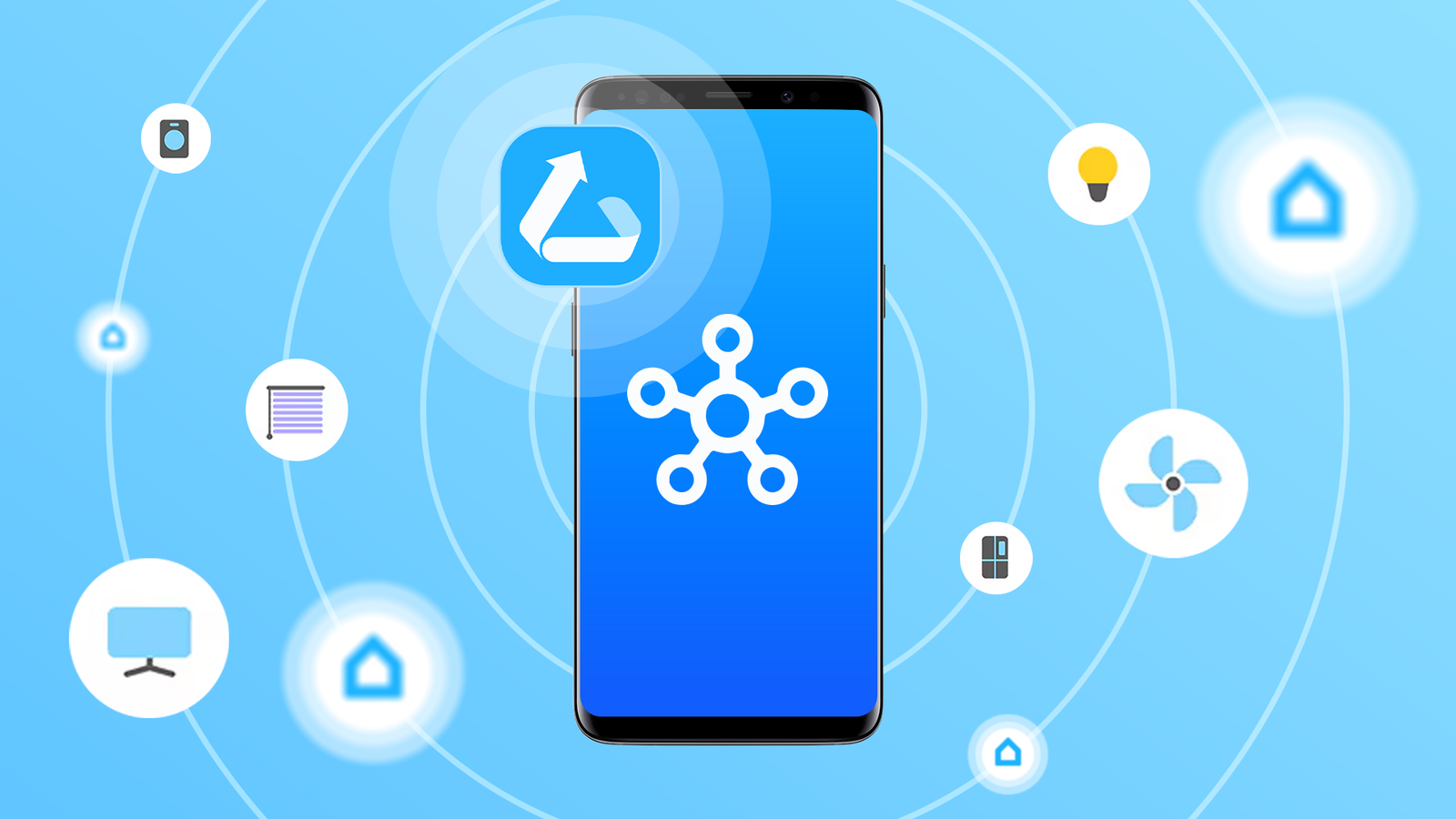
Sensors are one of the most underrated parts of a great smart home. You can use them to measure temperature, humidity, presence, and so much more. But what if you didn’t have to buy anything? I used an old Samsung Galaxy phone as a sensor, and it’s surprisingly easy.
What is Galaxy Upcycle?
I used an official Samsung app called Galaxy Upcycle to achieve this. It’s built into the SmartThings platform, but it only works with Samsung phones. Essentially, you opt in to the service through the SmartThings app on your primary phone, then download Galaxy Upcycle on the old phone or tablet.
Galaxy Upcycle takes advantage of the high-quality microphone and camera sensors that come with modern phones and tablets. The old device can be used as a light sensor or a sound sensor, and the software running on the device is optimized for low-power, continuous operation—though Samsung still recommends keeping it plugged in.
It’s really a pretty simple concept, but it’s yet another great way to repurpose an old Android phone or tablet. So let’s get into how exactly to set this up and get it running.
5 ways to repurpose an old Android phone
How many phones have you owned over the course of your life? I generally sell my old ones, but sometimes there’s one that’s either not worth much or isn’t in good condition. That doesn’t mean they need to sit around in a drawer. Here’s what you want to do with that old device.
How to turn your old Galaxy phone into a smart sensor
First of all, your old phone or tablet can’t be too old. It needs to be a Galaxy S9, Note 9, or newer. Essentially, most Samsung phones running Android 9 or later will work. The primary device needs to be a Samsung phone as well, unfortunately. Galaxy Upcycle is found in the “Labs” section of the SmartThings app, but it’s not present on non-Samsung phones.
With all that out of the way, let’s get down to business. First, open SmartThings on your primary phone. Tap the menu icon in the bottom corner, and then select “Labs.” Look for the “Galaxy Upcycle” service and tap on it. You will see a brief explanation of the feature until the app displays a QR code on your primary phone’s screen.
Grab up your old Galaxy phone and use the camera app to scan the QR code. This will automatically open the Galaxy Store page for the Galaxy Upcycle app. Install it. Open the app and go through the prompts. Choose whether you want the device to function as a “Light Sensor” or a “Sound Sensor.”
You’ll now add the “sensor” to your home in SmartThings. Assign the sensor to a specific room and then give it a new name if you’d like. After the sensor has been added, you can tap “Turn off screen” to put the phone into a low-power Upcycle monitoring mode. This requires granting the app admin access to your phone. You’re all done!
It’s possible to use your device as both a light sensor and a sound sensor at the same time. Open Galaxy Upcycle and tap the menu icon in the top corner of the sensor screen. Select “Manage Devices” and then tap the plus icon next to the sensor you haven’t enabled yet. Follow the steps to get it set up.
Using your new sensor in SmartThings
Now that your device is active, you can use it for monitoring and routines. Here are some examples of what the sensors can do:
- Light Sensor: The ambient light sensor on the phone measures the room’s brightness on a scale of 1-7. This is far more precise than a simple “day/night” schedule. I put the phone in my office and set up a routine that turns on the lights behind my monitor if the reading drops below three.
- Sound Sensor: The phone’s microphone listens for specific sounds, such as baby crying, glass breaking, dog barking, knocking, siren, and more. It can also measure volume and tell you if sound is being detected or not. A simple routine would be to send a notification to a parent if crying is detected.
Now, it’s obviously not cost-effective to go out and buy a bunch of old Samsung phones to use as smart home sensors. However, using what you already have is always a good thing. Don’t let an old phone rot in a drawer when it can make your smart home more powerful.

6 Ways to Repurpose Old Tech for Your Smart Home
New models of smartphones get released on a constant churn, and even if you don’t upgrade every year, it’s a safe bet that your current phone is not your first. The chances are that you have some old phones lying around your home. The same is probably true of other devices such as tablets and e-readers.
