



A new year has begun, and we all start off with great intentions. If you’ve promised yourself that you’re going to do more with Home Assistant this year, you may be facing the common issue of not knowing what to automate next. Here are three Home Assistant projects you might want to take on this weekend.
Set up room-level presence detection
There are plenty of ways you can use Home Assistant to determine whether your home is occupied or not. You can use geolocation for members of your household to determine if anyone is detected within your “Home” zone via the companion app. You can see if mobile phones are connected to your local Wi-Fi, or use the occupancy data provided by third-party products such as your smart thermostat. For an even more accurate measure, you can use a Bayesian sensor that combines several of these methods and predicts the likelihood that you are home or away.
Knowing whether someone is at home is useful, but it can be even more useful to track presence more accurately. It’s possible to determine not only when people are in a specific room, but even which people are in which rooms. This makes it possible to create automations such as music that follows you from room to room, personalized smart speaker notifications based on which person has entered the room, and even climate control automations that only heat or cool the room you’re currently in.
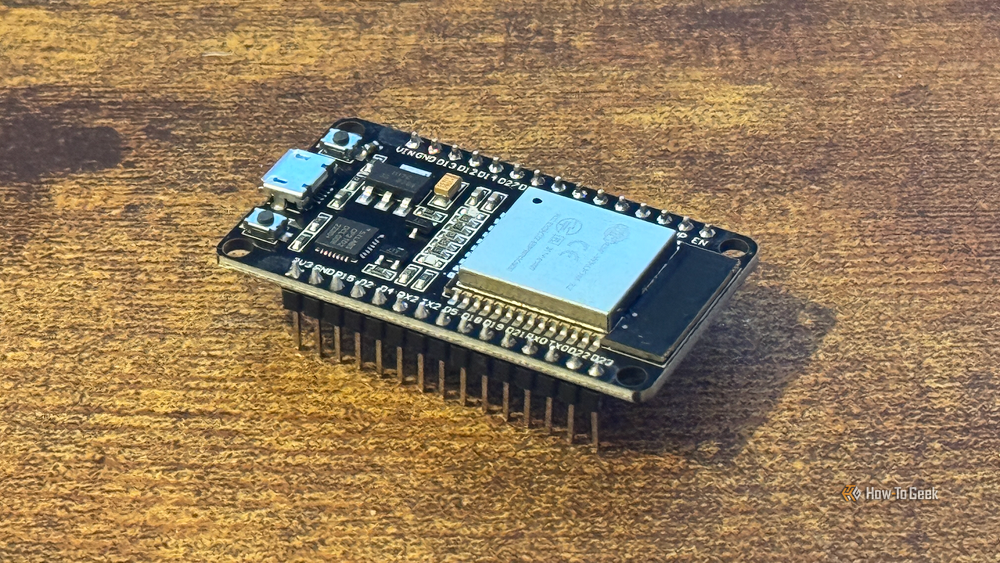
A popular way to track room presence is by using cheap ESP32 microcontrollers running ESPresense. These sensors detect the Bluetooth signal from your smartphone, smartwatch, or other portable Bluetooth tracker. By measuring the strength of the signal, Home Assistant can try to determine which room you are in, and by adding further nodes, you can make the presence detection even more accurate.

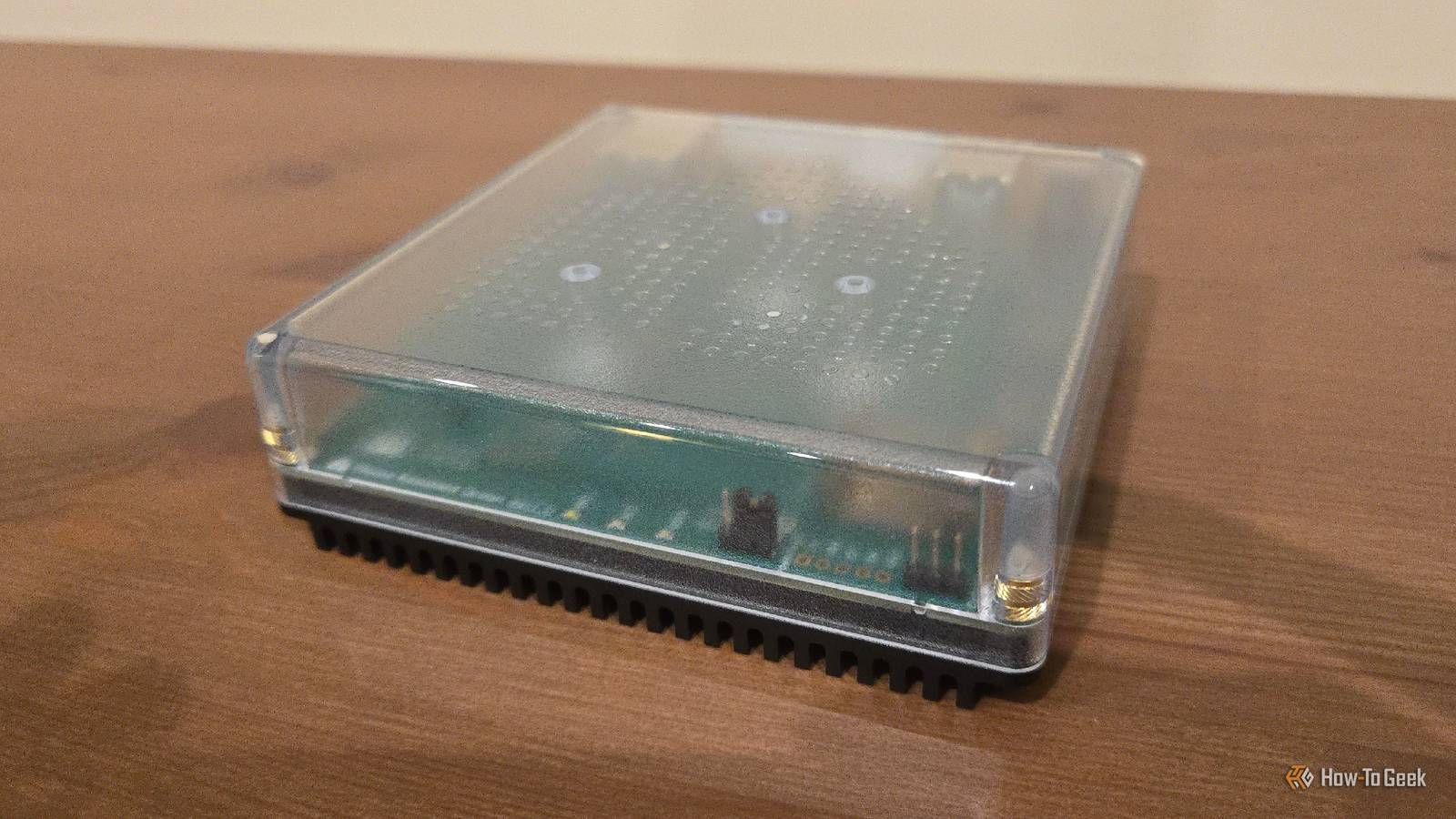
These Are the 7 Best Ways to Run Home Assistant
Find the best hardware for your smart home hub.
Create an automated smart home watchdog
The Home Assistant logs hold a ton of useful information. They can tell you when automations set to “single” mode have been retriggered before the current run has finished. They can tell you when devices are dropping their connection, when templates are throwing errors, or when Home Assistant integrations are failing to connect.
The trouble is, you only see this information when you actively go and look in the logs. An integration may be failing, and you will be blissfully unaware of the problem until something goes wrong or you remember to check over your logs. Ignoring the logs can be a mistake.
The good news is that you can get Home Assistant to notify you when there are errors or warnings in the logs. By default, logging happens silently, but by turning on fire_event for the System Log integration, Home Assistant will fire a system_log_eventevent every time a warning or error is written. You can turn on fire_event by adding the following to your configuration.yaml file:
system_log:
  fire_event: true
Once this is turned on, you can create a notification to alert you when a warning or error appears in the system log. By adding the following in the message field of your notification action, the first item from the error message payload will be included in your notification:
{{ trigger.event.data.message[0] }}One downside of doing this is that initially, you may be bombarded with errors and warnings. You might initially want to filter for errors only until you find the causes of the errors. You can then start working on fixing the warning messages, too. You may also end up in an infinite loop if your notification automation fails, generating an error of its own in the system logs.

Build a chore tracker for your family
I’d wanted to set up a chore tracker for my kids for a while, to help motivate them to complete their chores every day. Setting it up was much easier than I expected. That’s because, as with many things in Home Assistant, someone else has usually had the same idea and done a lot of the hard work for you.
There are multiple different chore trackers available for Home Assistant that have been created by members of the community. I opted for the KidsChores integration, which is a custom component that does most of the heavy lifting for you.

All you need to do is set up options such as the names of the people who will be doing the chores, the chores you want them to complete, how often you want them completed, and how many points they earn for completing those chores. You can also add in rewards that can be purchased with the points they earn.
My kids now complete daily and weekly chores, mark them as completed on a wall-mounted tablet, and once I approve them, they earn points that they can cash in for treats. It’s really motivated them to complete chores such as tidying away after meals and doing piano practice, and the tracker makes it simple to manage as a parent.
One of the biggest issues with Home Assistant is that because the software is so powerful, there’s an almost endless list of things you can do with it. Half the challenge is deciding what to work on next. If you’re stuck for ideas, why not give one of the projects above a try?
