Close Menu
SkytikSkytik

    Subscribe to Updates

    Get the latest creative news from FooBar about art, design and business.

    What's Hot

    At Least 32 People Dead After a Mine Bridge Collapsed Due to Overcrowding

    November 17, 2025

    Here’s how I turned a Raspberry Pi into an in-car media server

    November 17, 2025

    Beloved SF cat’s death fuels Waymo criticism

    November 17, 2025
    Facebook X (Twitter) Instagram
    • About Us
    • Contact Us
    SkytikSkytik
    • Home
    • AI Tools
    • Online Tools
    • Tech News
    • Guides
    • Reviews
    • SEO & Marketing
    • Social Media Tools
    SkytikSkytik
    Home»SEO & Marketing»Google Takes Search Live Global With Gemini 3.1 Flash Live
    SEO & Marketing

    Google Takes Search Live Global With Gemini 3.1 Flash Live

    AwaisBy AwaisMarch 26, 2026No Comments2 Mins Read0 Views
    Facebook Twitter Pinterest LinkedIn Telegram Tumblr Email
    Google Takes Search Live Global With Gemini 3.1 Flash Live
    Share
    Facebook Twitter LinkedIn Pinterest Email

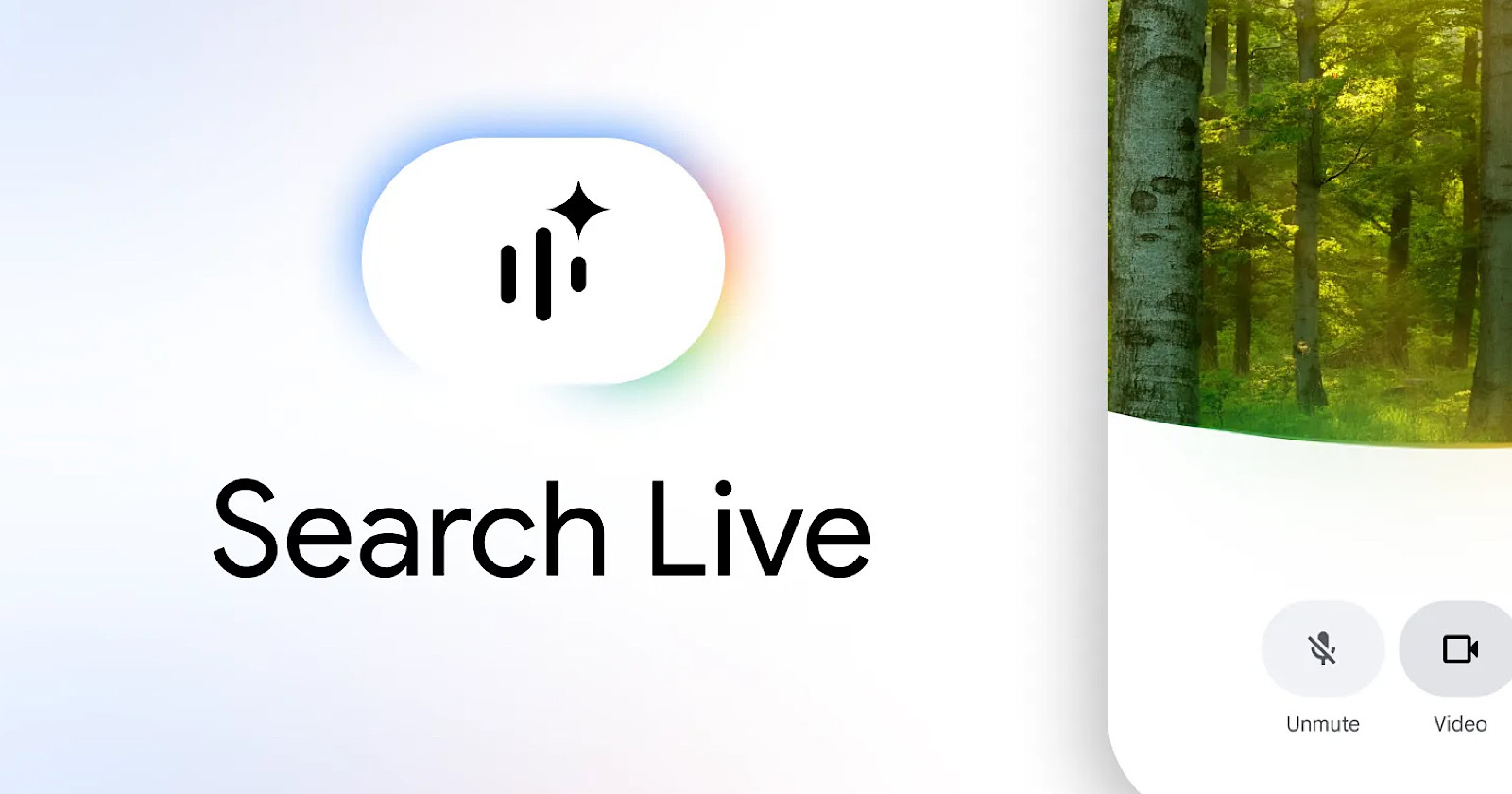
    Google is expanding Search Live to more than 200 countries and territories, bringing voice and camera conversations to AI Mode globally.

    The expansion is powered by Gemini 3.1 Flash Live, a new audio model that Google calls its highest-quality yet. It’s inherently multilingual, so you can speak with Search in your preferred language without switching settings.

    Search Live was previously limited to the U.S.

    What’s Changing

    Search Live lets you talk to Google Search inside AI Mode instead of typing a query. You ask a question out loud and get an audio response, then continue with follow-ups. Web links appear on screen alongside the voice responses.

    The feature also supports camera input. Point your phone at a product label or a piece of equipment and ask Search about what it sees. Google Lens users can tap a “Live” option to start a conversation about what’s in the camera view.

    With today’s expansion, both voice and camera capabilities are available in every market where AI Mode is active.

    The New Model

    Gemini 3.1 Flash Live replaces the previous audio model powering Search Live. Google published benchmark results alongside the announcement.

    Gemini Live can now follow a conversation thread for twice as long as the previous model, according to Google. Though the company didn’t specify what the previous limit was.

    Beyond Search, 3.1 Flash Live is available to developers in preview through the Gemini Live API in Google AI Studio.

    Why This Matters

    Search Live turns search into a spoken conversation with camera input. Until now, the feature was limited to U.S. users. Today’s expansion makes it available in the markets where AI Mode is live, across more than 200 countries and territories.

    There’s no public data yet on how many people use Search Live or how it affects query volume. But Google has been building toward this for the past year. The company launched Search Live in June, added video input in July, and upgraded to Gemini 2.5 Flash Native Audio in December. Each update expanded what the feature can do and who can use it.

    Looking Ahead

    Google didn’t announce additional Search Live features alongside this expansion. The focus is on geographic reach and the underlying model upgrade.

    How the model performs in production across different languages and markets will be worth watching as adoption data becomes available.

    Flash Gemini global Google live search Takes
    Share. Facebook Twitter Pinterest LinkedIn Tumblr Email
    Awais
    • Website

    Related Posts

    Google Search Live expands globally where AI Mode is available

    March 26, 2026

    Automated traffic is growing 8x faster than human traffic: Report

    March 26, 2026

    How To Avoid Top Down SEO Systems Failures With The Visibility Governance Maturity Model

    March 26, 2026

    Google updates structured data for forum and Q&A content

    March 26, 2026

    Are We Due Another Florida-Style Update?

    March 26, 2026

    How to use IMPORTRANGE in Google Sheets (step-by-step guide)

    March 26, 2026
    Leave A Reply Cancel Reply

    Top Posts

    At Least 32 People Dead After a Mine Bridge Collapsed Due to Overcrowding

    November 17, 20250 Views

    Here’s how I turned a Raspberry Pi into an in-car media server

    November 17, 20250 Views

    Beloved SF cat’s death fuels Waymo criticism

    November 17, 20250 Views
    Don't Miss

    Google Search Live expands globally where AI Mode is available

    March 26, 2026

    Today, Google released Google Search Live globally where AI Mode is available, for these languages…

    Google Takes Search Live Global With Gemini 3.1 Flash Live

    March 26, 2026

    A Self-Adapting, Tool-Enabled, Extensible Architecture for Multi-Protocol AI Agent Systems

    March 26, 2026

    What is MuleSoft? [2026] | Zapier

    March 26, 2026
    Stay In Touch
    • Facebook
    • YouTube
    • TikTok
    • WhatsApp
    • Twitter
    • Instagram
    Latest Reviews

    The 8 Most Anticipated U.S. Restaurant Openings of Spring 2026

    March 26, 2026

    Introducing a Calmer, More Flexible Buffer

    March 26, 2026
    Most Popular

    13 Trending Songs on TikTok in Nov 2025 (+ How to Use Them)

    November 18, 20257 Views

    How to watch the 2026 GRAMMY Awards online from anywhere

    February 1, 20263 Views

    Corporate Reputation Management Strategies | Sprout Social

    November 19, 20252 Views
    Our Picks

    At Least 32 People Dead After a Mine Bridge Collapsed Due to Overcrowding

    November 17, 2025

    Here’s how I turned a Raspberry Pi into an in-car media server

    November 17, 2025

    Beloved SF cat’s death fuels Waymo criticism

    November 17, 2025

    Subscribe to Updates

    Get the latest creative news from FooBar about art, design and business.

    Facebook X (Twitter) Instagram Pinterest YouTube Dribbble
    • About Us
    • Contact Us
    • Privacy Policy
    • Terms & Conditions
    • Disclaimer

    © 2025 skytik.cc. All rights reserved.

    Type above and press Enter to search. Press Esc to cancel.