


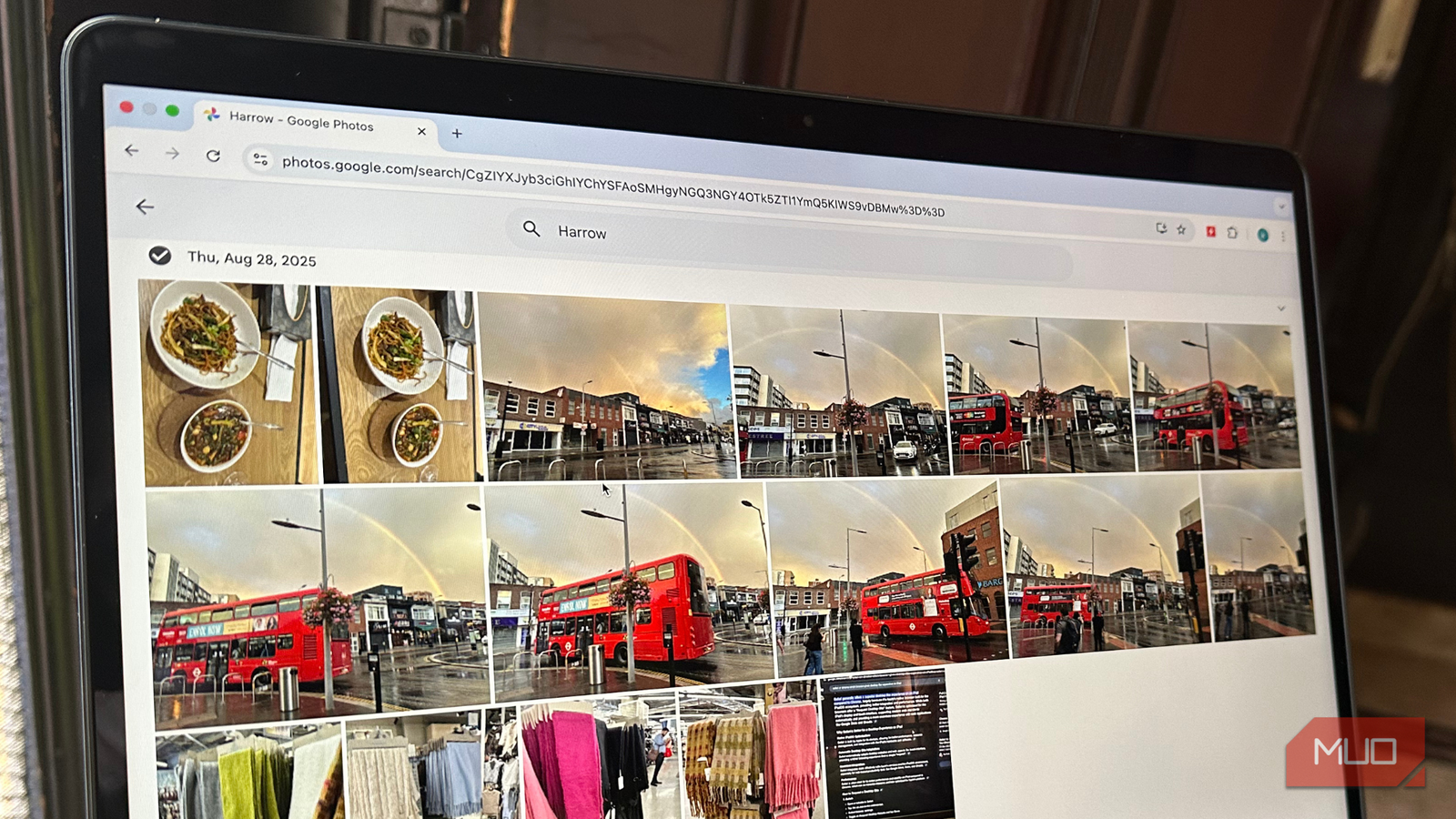
Google Photos is one of the most popular and beloved Google products. For most people, it’s smart, fast, and incredibly convenient. Google Photos automatically syncs your photos across your devices, organizes them using AI, recognizes faces, creates memories, and lets you search for your beach photos or screenshots you took a few years ago.
The problem is that this convenience has led many people to confuse Google Photos with a proper backup tool. The thing is, Google Photos is a photo management and syncing tool, and not a proper backup management system. If you treat it as your only way to secure your precious photos, it is quite risky. One mistake and you might lose years of photos. Most people realize this only when something goes wrong. If you care about your irreplaceable photos, you have to understand the difference.
Syncing and backup are not the same
Most people get tripped up here

First and foremost, let’s understand that syncing and backup are two different things. Syncing, or sync, refers to the process of ensuring that data across two or more devices is consistent and up-to-date. If you delete one photo on a synced device, it will also be deleted from your other devices. And Google Photos works exactly the same way. If you delete a photo from your phone, it will also be deleted from Google Photos. If you delete a photo from Google Photos, it will disappear from both your synced devices and the cloud. If you accidentally empty the trash, Google Photos will permanently remove your items after the 60-day recovery period. So you see, syncing is focused on consistency and not safety.
Backup systems work differently. A true backup tool keeps separate and independent copies of your data. It creates, stores, and manages a copy of your data to protect against corruption, accidental deletion, ransomware, hardware failure, account loss, and human error. Backups are usually stored separately from the original location, like network-attached storage (NAS), external hard drives, or cloud storage. An effective backup system is designed to prevent permanent data loss. You can restore your files, even if something goes wrong with the original source.
Google Photos excels at syncing, but it was never designed for backups.
The risks of using your Google Photos as your only backup
One mistake away from data loss

Most users feel that relying on Google Photos is completely safe until something goes wrong. Let’s talk about some real risks that users don’t think about.
- Accidental deletion is permanent: Google Photos syncs everything, including deletions. Yes, it remains in the trash folder, but only for a limited time. If you miss that window, you could lose your memories.
- Account lockouts and bans happen: In some cases, Google accounts might be suspended or disabled. The most common reasons include policy violations, false positives in automated systems, hacking, spamming, or verification problems. If you can’t access your Google account, you can’t access your Google Photos.
- Compression or quality loss: Depending on your chosen settings, Google Photos may compress your photos and videos. While modern compression techniques are good, they aren’t lossless. Once your photos are compressed (storage-saver), you can’t revert to the original quality.
- No versioning or historical recovery: Backup tools let you roll back to earlier versions of your files. On the other hand, Google Photos doesn’t keep the history of your library. If something goes wrong, you can’t go back to a previous state.
- One service, one point of failure: When you put all your trust in a single service, where everything is tied to one account, it’s risky. If that service throws any issues, you have no recovery method. On the other hand, a good backup strategy always assumes that failure will happen and prepares accordingly.
How proper backups work

Now, if Google Photos isn’t a real backup solution, then what is? A proper backup means having extra copies of your data that stay safe even in the case of account issues, accidental deletion, or device failure.
The simplest and most reliable way to protect your data is to go for the 3-2-1 rule. It’s a time-tested data protection technique that prevents data loss. It basically means 3 copies of your data, 2 different types of storage, and 1 copy that is stored off-site. Talking about the photos, it could mean the originals on your phone or computer, a copy on an external hard drive or NAS, and one copy in cloud backup storage. This ensures that losing one copy doesn’t mean losing everything.
A true backup tool should give you the following:
- Independence: When you delete a file, it isn’t removed from everywhere.
- Version history: You can recover the older versions of your files.
- Protection: Accidental taps or deletes shouldn’t destroy your data.
- Offline access: Your files should be accessible even without an internet connection.
- Safety: Your data shouldn’t be tied to a single account.
Some of the most common backup methods include external hard drives with automatic backups, cloud backup services like Backblaze or iDrive, and NAS systems with file snapshot support.
In short, backup is all about making sure that your photos are stored safely, no matter what happens.
The right way to use Google Photos
It’s helpful when used correctly

Now, this doesn’t mean you should stop using Google Photos. It just means that you should use Google Photos for what it’s good at. For instance, you can rely on Google Photos for viewing and sharing your memories, syncing photos across multiple devices, or quickly accessing your photo library anywhere. You can also use Google Photos’ AI search and organization tools, which reduce manual clutter and offers an efficient way to relive your memories. While using Google Photos, make sure you’re not relying on it for backing up your important photos or using it as your recovery tool.
You can also go for smart layering. For instance, use Google Photos for everyday access and convenience. On top of it, adopt a separate backup system that protects everything in the background. So, you have your memories safe and untouched.

Convenience isn’t the same as safety
If you’re still using Google Photos, you’re backing up your data the wrong way. See, Google Photos isn’t bad. It’s great at syncing, organizing, and helping you find your photos quickly. However, many users assume it’s also helping them keep their data safe. But it’s not. Your photos are precious and irreplaceable, so it makes no sense to rely on a syncing service. Google Photos isn’t designed for long-term data protection. If you like Google Photos, enjoy it as a convenient tool, but don’t see it as a backup tool.
