


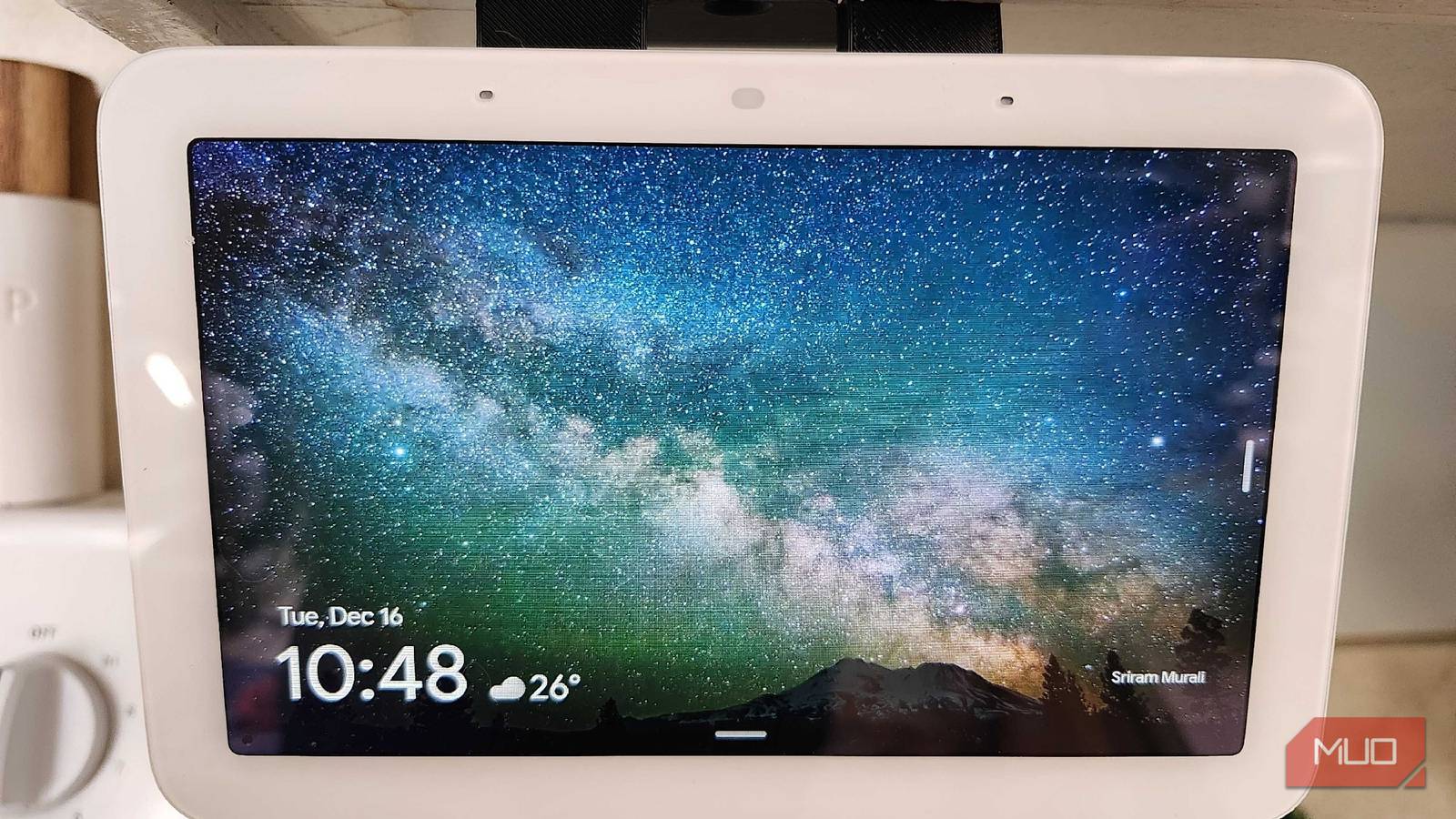
While I’ve been a firm believer in the Google Home ecosystem for quite a while, I would be lying if I wasn’t at least a little jealous of the folks who have had Alexa + roll out onto their devices recently. Taking Alexa from one of the worst to easily the best home assistants, my Nest Hub has been falling behind for quite some time. Sure, it was great for little things here and there, but seeing all the new Alexa + features had me considering making the switch to the Dark Side.
Now that Gemini has hit my Nest Hub, I can take a bit of a breath and relax. There’s a lot of extraordinarily good stuff here, and I’m glad that Google is finally making the jump into the next generation with Gemini. However, as with any new software, be prepared to navigate some initial challenges.
Chaining commands is an amazing feature
Finally, I can ask for more than one task at a time

One of the most annoying aspects of owning a smart home hub was having to ask it to perform more than one task. Typically, I have to ask my Google Assistant to do tasks one at a time, waiting a moment between each to get them done. Now with Google Gemini, I can chain commands together and watch them run quickly and efficiently.
Seeing as I have my Nest Hub hanging from a cabinet in the kitchen, this can be incredibly helpful as I bark orders while making something for dinner. The more I can get done in one fell swoop, the happier I am, and Gemini can make that happen without blinking a virtual eye.

Gemini isn’t as useless as it was when you tried it two years ago
AI that I first despised is now my Google Assistant replacement.
Google Keep integration is surprisingly handy
Instantly getting my notes on my phone is a blessing

I’ve found that Google Keep is the perfect way for me to keep all of my thoughts centralized in one place. Being able to access them on my PC, my phone, and anywhere else that happens to have an internet connection is a blessing. Now, I can quickly yell something at my Nest Hub, and it will sync this note across all platforms. I used to have fun creating shopping lists and doing things like that, but now? I can actually take some proper notes and check them wherever I’d like.
Yes, I can still take down shopping lists and things like that, but I can also use this for more in-depth notes. I’ve been getting a lot more creative in the kitchen lately, and I can note things like how something fried or baked, and what I can try to do differently next time. I can even name it and ask Gemini to let me add it to the note, all hands-free while I’m working a few feet away.
It’s still my favorite smart home controller
Gemini just makes things work better overall
One of the nicest parts of the Nest Hub is having all of my smart home controls in one central location. No matter if I want to control my Android TV stick that I used on my aging smart TV, or if I need to brighten the house up during the winter months, everything I need is right at my fingertips. It’s incredibly user-friendly, both for voice recognition and touch.
Pair that with a genuinely great speaker, and I’ve got the ultimate way to engross myself in the kitchen, or any other room in the house that I may move this to in the future. If I want to check my Wyze cameras to see what’s going on outside or switch to a different show on the living room TV, simple on-screen prompts or excellent voice recognition can make it happen quickly.
Gemini on Nest Hub lacks generative AI features
Most people may see this as a victory, however

One of the biggest draws for some folks using Alexa + is the ability to create images with AI. Even though Google is going all in on AI-powered search results and image generation via Nano Banana, you can’t use your Nest Hub to create AI photos. While this isn’t a feature that I would really be using in any particular situation, some folks may be disheartened to learn that Gemini on Hub can’t do this.
Maybe it’ll be added in as a feature in the future, seeing as Gemini on Hub is in its early stages. Powered by a modified version of Flash 2.5, Gemini has enough smarts to make things like this happen, but it may be just a little too early to expect the little Hub that could to do something as complex as generate an image and display it. I mean, it would be nice if it could turn a recipe into a nice little infographic like it can on the web, but we can only ask for so much right now.
All in all, Gemini is a great new addition
It can only get better from here
As Google Gemini slowly gets rolled out to more devices in the future, I can’t wait to see how things continue to grow and advance from here. Google Assistant has slowly become more obtuse and frustrating over the years, and Gemini has already impressed me over the past week or so that I’ve had it on here.
With consistent updates, I can see Gemini becoming far more useful than Google Assistant ever was on this device, and I’m glad that I’ve had the chance to upgrade it. It made my Nest Hub feel like a whole new piece of equipment, and I’m eager to see what other changes Google has in store for me over the next few updates.

- Brand
-
Nest
- Display
-
7″ Touchscreen
- SMART ASSISTANTS
-
Gemini
