Close Menu
SkytikSkytik

    Subscribe to Updates

    Get the latest creative news from FooBar about art, design and business.

    What's Hot

    At Least 32 People Dead After a Mine Bridge Collapsed Due to Overcrowding

    November 17, 2025

    Here’s how I turned a Raspberry Pi into an in-car media server

    November 17, 2025

    Beloved SF cat’s death fuels Waymo criticism

    November 17, 2025
    Facebook X (Twitter) Instagram
    • About Us
    • Contact Us
    SkytikSkytik
    • Home
    • AI Tools
    • Online Tools
    • Tech News
    • Guides
    • Reviews
    • SEO & Marketing
    • Social Media Tools
    SkytikSkytik
    Home»Guides»Fix an iPhone That Keeps Turning On and Off
    Guides

    Fix an iPhone That Keeps Turning On and Off

    AwaisBy AwaisJanuary 12, 2026No Comments4 Mins Read0 Views
    Facebook Twitter Pinterest LinkedIn Telegram Tumblr Email
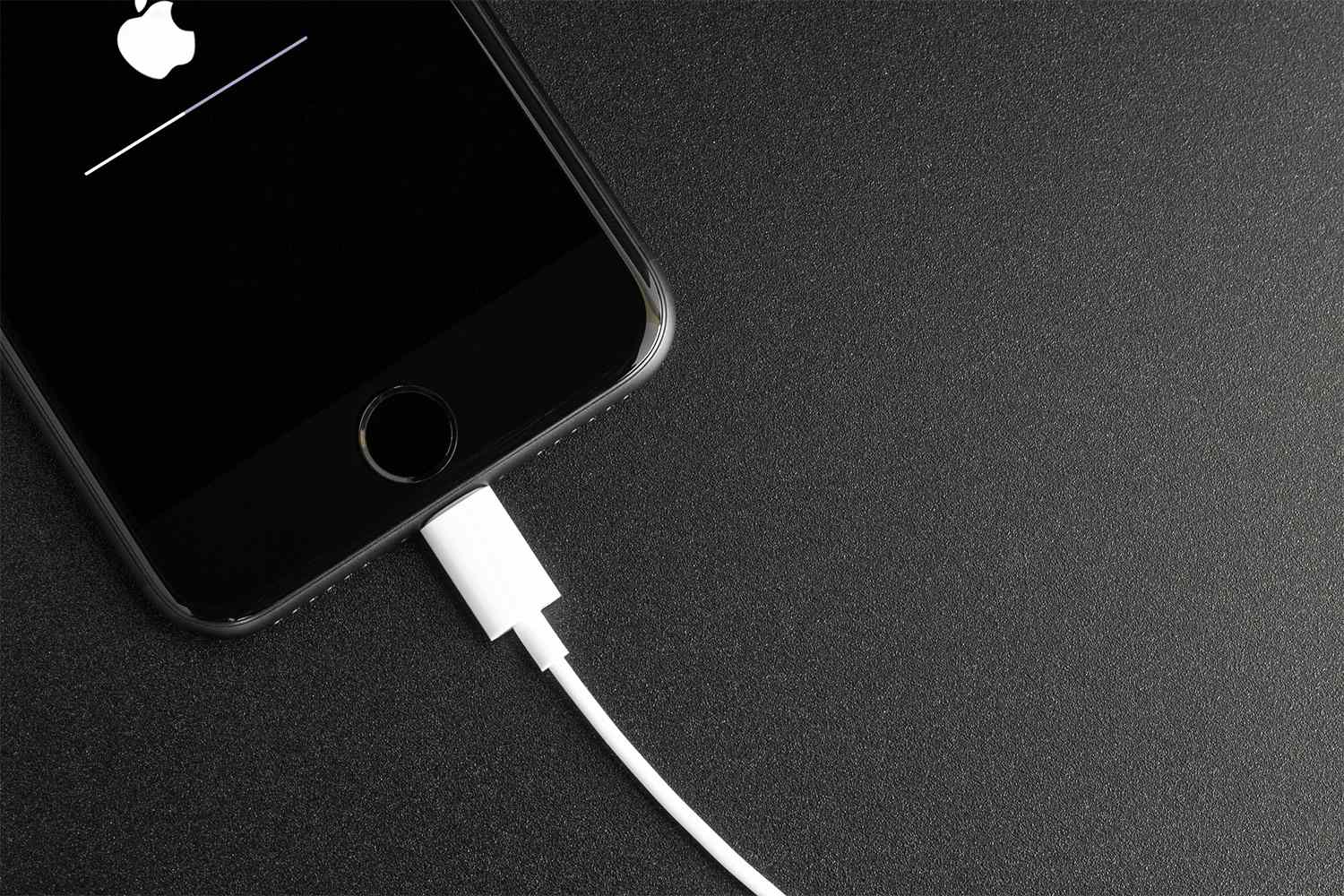
    Fix an iPhone That Keeps Turning On and Off
    Share
    Facebook Twitter LinkedIn Pinterest Email

    The Download

    • Restarting your iPhone can fix a problem if it keeps turning on and off.
    • If your iPhone shuts off suddenly, check its battery health in the settings to see if it needs replacing.
    • Updating your iPhone’s iOS can also fix problems with it turning on and off unexpectedly.

    Batteries deteriorate over time, and as they wear down, your iPhone might shut off unexpectedly. Here’s what can cause an iPhone to turn on and off without warning, and some solutions that have been effective for us.

    How to Fix an iPhone That Keeps Shutting Down

    Several potential solutions are available. Follow these steps from start to finish, beginning with the easier fixes.

     If your iPhone won’t stay on long enough to try these steps, visit an Apple Store or use another device to access Apple’s support website.

    1. Restart your iPhone. Don’t just put it to sleep and wake it. Ensure the iPhone turns off completely. Once it’s off, hold down the Sleep/Wake button until you see the Apple logo on the screen to power it back on.

    2. Check your battery health. The Battery Health section will indicate if your battery needs replacement.

      To check your phone’s Battery Health, go to Settings > Battery > Battery Health. If you see anything other than “Normal,” it might indicate that you need to replace the battery.

    3. Update iOS. In rare cases where the iPhone randomly shuts off, the problem may lie with the operating system, and an iOS update could resolve it.

      We recommend plugging in your iPhone before you start the update process. If your iPhone powers down during an OS update it can be very hard to get it working again.

    4. Restore the iPhone from a backup while in DFU Mode. First, back up your iPhone through your computer. Then, put your iPhone into DFU Mode and restore it from the backup you just made.

    5. Contact Apple for a battery replacement. If none of the previous steps resolve the problem, it’s likely a battery issue. The battery might be defective or at the end of its lifespan.

      Apple is your best option for assistance, so contact Apple Support.

    Causes of an iPhone that Keeps Turning On and Off

    There are several reasons your iPhone is turning off:

    • The battery is no longer able to hold a charge and needs replacing
    • The phone has been damaged by water
    • An app is causing some conflict

    FAQ

    • Why does the iPhone’s ringer keep turning off?

      It’s possible you’re accidentally changing the phone’s sound settings by pressing the buttons. You can turn this feature off by going to Settings > Sounds & Haptics and toggling off Change with Buttons. Do Not Disturb mode is also a common culprit; check those settings as well.

    • How do you fix it when the Wi-Fi keep turning off on an iPhone?

      First, try turning Wi-Fi off and on again and/or restart your iPhone. If that doesn’t solve the issue, try forgetting the network on your phone and reconnecting to it. You can also try resetting your Wi-Fi router.

    • How do you fix it when the iPhone’s alarm keeps turning off?

      There are a number of things you can try to fix an iPhone alarm that isn’t working. You can try rebooting the phone, deleting and recreating the alarm, and updating the iPhone’s operating system. If all else fails, you can try restoring the iPhone to factory settings.

    • Why does my data keep turning off on my iPhone?

      First, contact your cell phone service provider and make sure there isn’t an outage. If that’s not the issue, try removing and re-inserting the SIM card in your phone. You could also be turning Airplane Mode on accidentally.


    Thanks for letting us know!

    Get the Latest Tech News Delivered Every Day

    Subscribe

    Tell us why!


    fix iPhone turning
    Share. Facebook Twitter Pinterest LinkedIn Tumblr Email
    Awais
    • Website

    Related Posts

    Three OpenClaw Mistakes to Avoid and How to Fix Them

    March 9, 2026

    Why Your AI Search Evaluation Is Probably Wrong (And How to Fix It)

    March 9, 2026

    What AI Sees When It Visits Your Website (And How To Fix It)

    March 2, 2026

    How to daisy-chain multiple monitors from a single cable

    February 19, 2026

    I finally found a great use for my TV’s USB port

    February 19, 2026

    A 32-inch 4K OLED 240Hz monitor for $799.98 is the kind of “finish the setup” deal that’s hard to ignore

    February 18, 2026
    Leave A Reply Cancel Reply

    Top Posts

    At Least 32 People Dead After a Mine Bridge Collapsed Due to Overcrowding

    November 17, 20250 Views

    Here’s how I turned a Raspberry Pi into an in-car media server

    November 17, 20250 Views

    Beloved SF cat’s death fuels Waymo criticism

    November 17, 20250 Views
    Don't Miss

    GSI Agent: Domain Knowledge Enhancement for Large Language Models in Green Stormwater Infrastructure

    March 19, 2026

    arXiv:2603.15643v1 Announce Type: new Abstract: Green Stormwater Infrastructure (GSI) systems, such as permeable pavement, rain…

    ChatGPT checkout converted 3x worse than website

    March 19, 2026

    Beyond Prompt Caching: 5 More Things You Should Cache in RAG Pipelines

    March 19, 2026

    How to create a dropdown list in Google Sheets

    March 19, 2026
    Stay In Touch
    • Facebook
    • YouTube
    • TikTok
    • WhatsApp
    • Twitter
    • Instagram
    Latest Reviews

    Google Expands UCP With Cart, Catalog, Onboarding

    March 19, 2026

    Make.com pricing: Is it worth it? [2026]

    March 19, 2026
    Most Popular

    13 Trending Songs on TikTok in Nov 2025 (+ How to Use Them)

    November 18, 20257 Views

    How to watch the 2026 GRAMMY Awards online from anywhere

    February 1, 20263 Views

    Corporate Reputation Management Strategies | Sprout Social

    November 19, 20252 Views
    Our Picks

    At Least 32 People Dead After a Mine Bridge Collapsed Due to Overcrowding

    November 17, 2025

    Here’s how I turned a Raspberry Pi into an in-car media server

    November 17, 2025

    Beloved SF cat’s death fuels Waymo criticism

    November 17, 2025

    Subscribe to Updates

    Get the latest creative news from FooBar about art, design and business.

    Facebook X (Twitter) Instagram Pinterest YouTube Dribbble
    • About Us
    • Contact Us
    • Privacy Policy
    • Terms & Conditions
    • Disclaimer

    © 2025 skytik.cc. All rights reserved.

    Type above and press Enter to search. Press Esc to cancel.