


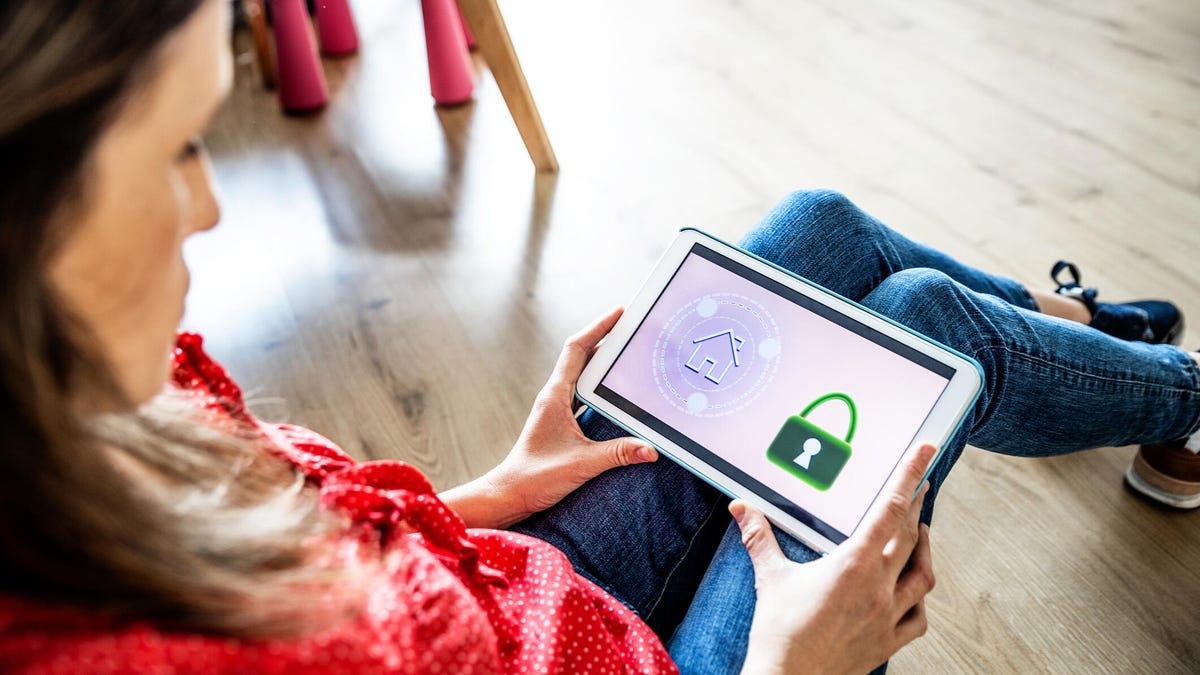
If there’s one home upgrade you’ll make in the upcoming year, I’d suggest something software-related. A password manager is the perfect fit for existing home technology, routers and smart home management. It also makes your life significantly easier while ensuring devices like security cameras and smart locks stay protected from broad online hacking attempts.
Basic password managers are built into popular browsers including Safari and Chrome, but third-party options offer even more value. They let you store all your logins and other sensitive information in one place, flag outdated passwords and generate strong passwords on demand. Here are answers to some common questions about how they work.
What is a password manager, exactly?
A password manager helps you create and save all kinds of login information for your daily life. A full, standalone password manager app can hold hundreds of different logins and autofill them for you so you don’t have to worry about remembering any passwords.
This software typically uses a master key to unlock, which can also be biometric info, like a fingerprint or a facial scan. Password managers usually offer extensions so you can plug them right into your browser of choice, too. All information syncs across your devices so you can log in or sign up from anywhere with the same results.
Password managers also offer additional help, like security advice and organizing other aspects of security around your home.
Why are password managers important for home security?
Password managers are far more than an online tool (though they’re very helpful there). You can load them up with passwords that you use to access and log in to smart home devices, including a variety of home security technologies.
Even in a highly compatible home security system, you’re likely to have multiple passwords to juggle. That includes a password for your Wi-Fi, a password for the system itself, and a password for a compatible voice assistant like Alexa. Setting up a single device can involve creating multiple passwords. Even if you plan on using an existing login for apps Google Home or Apple Home, the setup process often requires creating a separate password for the company’s own app, too. Without full compatibility, the list of passwords gets even worse.
Because we don’t always need our smart home passwords every single day, it can be hard to remember these passwords or where we noted them down. Add new requirements that home security devices use, like two-factor authentication and longer, more complex passwords, and you can see how some software assistance is more than welcome.
Can a password manager improve home security if I already know my passwords?
This is what it looks like when you connect a device to a router using Wi-Fi.
It certainly can. Password managers can auto-generate passwords for new logins, saving you precious brainpower and time. You can set parameters for the length of the password or for certain kinds of characters it must contain, but the app will do its best to create and store the toughest password possible.
That doesn’t just save you some headaches, it’s also great for home security. One of the easiest ways any home is hacked is through a very weak or nonexistent Wi-Fi password. As you enter your old home security passwords into a password manager, it will usually tell you if they’re weak or strong, and whether you should replace them with a much stronger, generated version. Again, all you have to remember is your master key password.
Do password managers work with all home security devices?
If the security device has an app or login where you have to enter the password, the password manager can work with it. In many cases it can autofill right away with a biometric login that takes a couple of seconds. In some situations, you may have to copy the password right from the app and paste it into a login box.
But password managers are useful for more than that around the home. Their digital vaults contain a wide variety of information, including keypad access codes, safe codes, a little entry on where you hid the spare key and a whole lot more. You can even scan and store valuable documents securely. A password manager will come in handy no matter how you approach home security.
Arlo’s app is simple and intuitive to use, but it requires a login.
Do I have to pay for a password manager?
Some password managers are free, and others require a small subscription fee (usually $2 to $3 a month). It’s no surprise that the paid versions come with the most features and the best security options, including emergency access, the ability to create multiple identities, and secure password sharing. Free versions tend to be more limited.
It’s also important to watch for password managers with top-notch security. A password manager is the last kind of app you’d ever want to see hacked or struggling with security. That’s one reason no one’s recommending the beleaguered LastPass anymore.
Which password managers are best?
ExpressVPN’s password manager, Keys, is another solution for people who prefer to bundle services.
We maintain an updated list of the best password managers, including recommendations for options like Bitwarden, 1Password and Dashlane. If you’re looking for a free password manager, check out the free version of NordPass, the Norton Password Manager or the open-source KeePass. For the record, I use 1Passowrd, which costs a couple bucks per month, and it’s never let me down, although it doesn’t read every login page correctly, so occasionally I need to copy and past.
If I delete a password manager, are my passwords gone forever?
Not at all. Sometimes people want to change password managers, or in rare cases, a password manager may shut down.
First, you should be able to download a specialized CVS file or use a similar secure transfer option to move passwords to a new password manager or, in the worst case, print them out. You can then delete any created files afterward.
Second, you should be able to find an account-delete option in the password manager app. Jump through the hoops, and you can permanently delete all your passwords and profiles from the company’s servers. This method often includes recommendations on transferring passwords, too.
Finally, if you’re looking to improve your security or stay away from potential data breaches, head on over to our tips on deterring burglars, as well as our list of the best security cameras that don’t require any subscriptions. And keep on the right side of the law with a look at our top spots to never install a home security camera.
