


:max_bytes(150000):strip_icc():format(jpeg)/canva-in-copilot-b1276750de3044a98cb4f1357eded74b.png)
Byte-Sized Brief
- Copilot can now create and edit Canva designs.
- The integration lets you search and summarize projects.
- Text and image editing features are coming later.
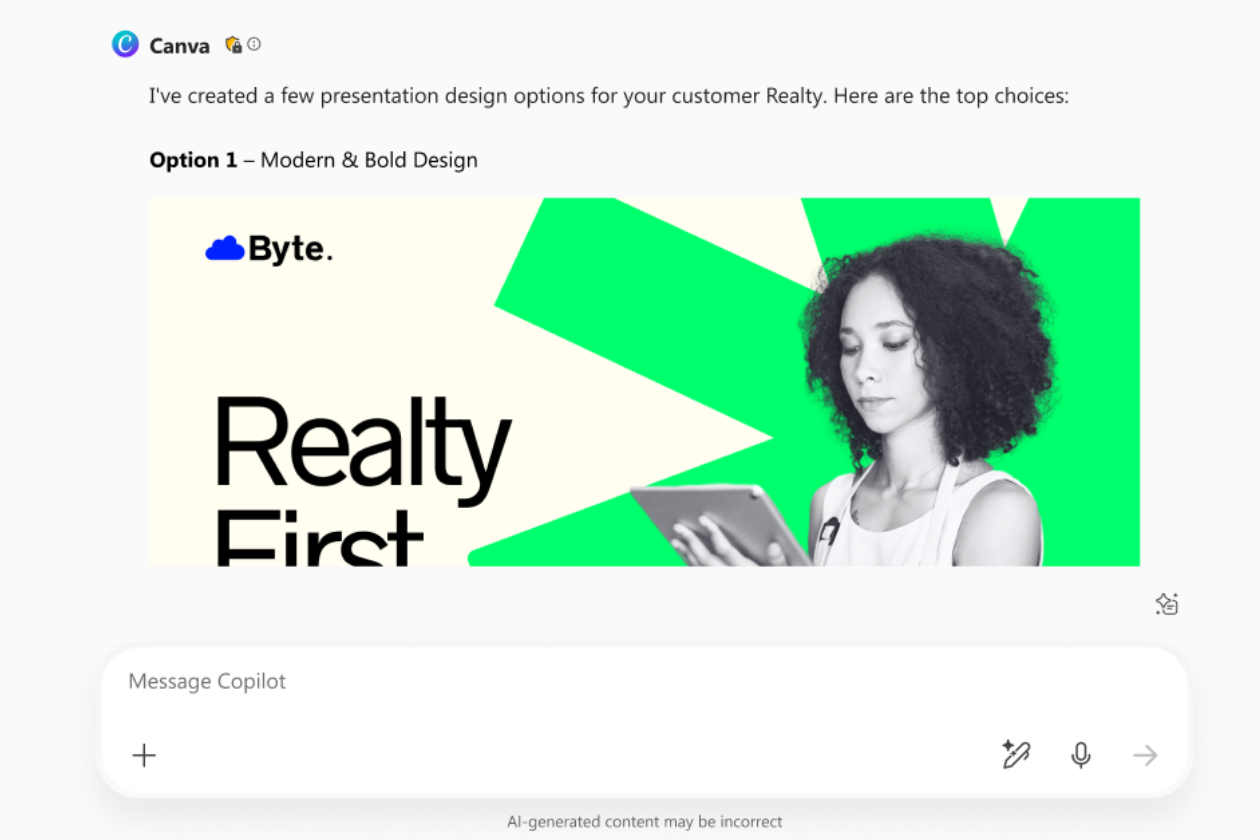
Microsoft Copilot can now tap directly into your Canva account and handle design work from a simple prompt. You can ask it to build a presentation, spin up graphics for social media posts, or resize something you already made. The connection comes from Canva’s MCP Server, which allows the chatbot to access your content and take action rather than just describe what to do.
You can also browse or summarize older projects without digging through folders, which is especially handy if you deal with lots of client files or shared work. More features are coming soon, including tools that can fill branded templates with structured data suggested by AI and the ability to make quick edits to text or images inside existing designs.
The Bottom Line
Copilot can now build and edit Canva projects straight from a prompt. A direct link between the platforms lets you create and manage visuals without switching apps.
Thanks for letting us know!
Tell us why!
