Close Menu
SkytikSkytik

    Subscribe to Updates

    Get the latest creative news from FooBar about art, design and business.

    What's Hot

    At Least 32 People Dead After a Mine Bridge Collapsed Due to Overcrowding

    November 17, 2025

    Here’s how I turned a Raspberry Pi into an in-car media server

    November 17, 2025

    Beloved SF cat’s death fuels Waymo criticism

    November 17, 2025
    Facebook X (Twitter) Instagram
    • About Us
    • Contact Us
    SkytikSkytik
    • Home
    • AI Tools
    • Online Tools
    • Tech News
    • Guides
    • Reviews
    • SEO & Marketing
    • Social Media Tools
    SkytikSkytik
    Home»Guides»Common Android Gestures Explained
    Guides

    Common Android Gestures Explained

    AwaisBy AwaisDecember 23, 2025No Comments3 Mins Read0 Views
    Facebook Twitter Pinterest LinkedIn Telegram Tumblr Email
    Common Android Gestures Explained
    Share
    Facebook Twitter LinkedIn Pinterest Email

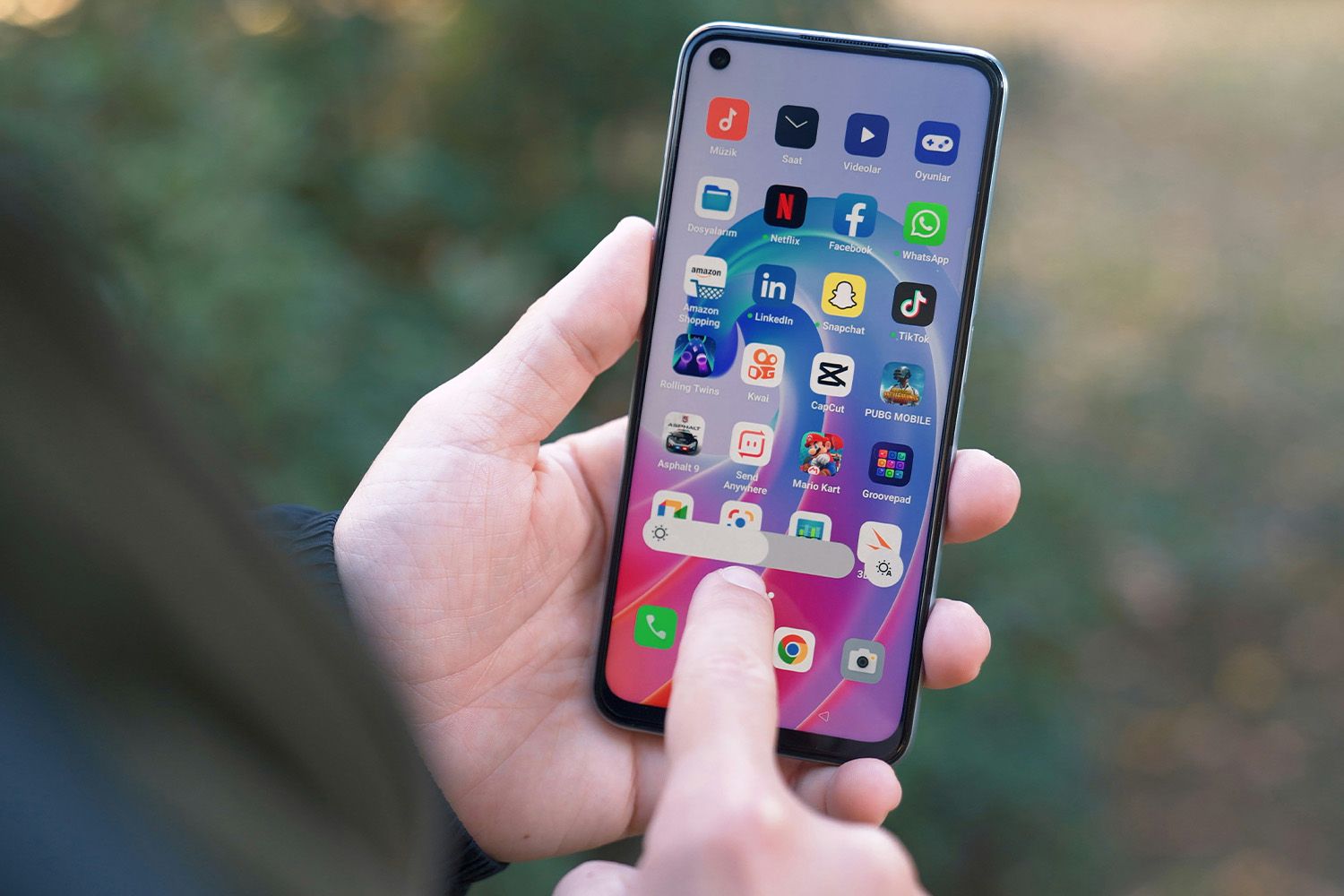
    Android devices can sense a variety of gestures, along with multiple touches at once (known as multi-touch). Here’s a list of common gestures you can use to interact with your Android phone or tablet.

    These gestures are available on most Android devices, regardless of manufacturer and software version. However, not every phone, version, and app uses every type of touch.

    Drag, Swipe, or Fling

    Slide your fingers along the screen to type or drag items from one screen location to another, or to swipe between Home screens.

    Scrolls are swipes or flings with an up and down motion rather than side to side.

    Drag from the top or bottom edge of the screen into the middle of the screen to open menus in many programs.

    Pull downward (drag or fling) from the top area of the screen to the middle of the screen to refresh the contents in apps such as Mail.

    The difference between a drag and a fling is in style. Drags are controlled, slow motions with which you do something on the screen. Swipes and flings are general flicks around the screen, like the motion used to turn a page in a book.

    Pinch Open and Pinch Closed

    Move two fingers close together in a pinching motion, or spread them farther apart.

    This is a universal way to adjust the size of something within apps, such as a photograph inside a web page.

    Twirl and Tilt

    Twirl two fingers to spin selected objects in some programs.

    A two-fingered drag often tilts 3D objects within apps such as Google Maps.

    The Android Buttons

    Evgeny Opanasenko / Unsplash


    Many Android phones and tablets have buttons, though they’re not physical buttons anymore.

    A common arrangement is a Home button in the center with an Overview and Back button on either side. The arrangement might be slightly different based on your device, but the general idea is standardized on Android now.

    Tap, Click, or Touch

    Getty Images 


    Programmers know this as a click rather than a tap because the coding refers to it as onClick().

    However you refer to it, this is the most basic interaction and is performed with a light touch of your finger. Use this for pressing buttons, selecting things, and tapping keyboard keys.

    Double Touch or Double Tap

    This gesture is also called double click. This is similar to the double click of a computer mouse.

    Rapidly touch the screen, lift your finger, and touch again. Double-taps are often used to zoom in on maps or to select items.

    Long Click, Long Press, or Long Touch

    Long pressing is touching an item and pressing for a few seconds without sliding your finger.

    Long presses on application icons in the system tray allow you to move them to the desktop. Long presses on widgets allow you to move or adjust the size. Long touches on the old desktop clock allowed you to remove it. Generally, the long press is used to display a contextual menu when the app supports it.

    A variation is the long-press drag. This is a long press that allows you to move objects that would ordinarily be harder to move, such as rearranging icons on the Home screen.

    Thanks for letting us know!

    Get the Latest Tech News Delivered Every Day

    Subscribe

    Tell us why!


    Android Common Explained Gestures
    Share. Facebook Twitter Pinterest LinkedIn Tumblr Email
    Awais
    • Website

    Related Posts

    Spectral Clustering Explained: How Eigenvectors Reveal Complex Cluster Structures

    March 11, 2026

    Aliasing in Audio, Easily Explained: From Wagon Wheels to Waveforms

    February 25, 2026

    What is a computer use agent? Claude computer use, explained

    February 23, 2026

    Why Google Runs AI Mode On Flash, Explained By Google’s Chief Scientist

    February 19, 2026

    How to daisy-chain multiple monitors from a single cable

    February 19, 2026

    I finally found a great use for my TV’s USB port

    February 19, 2026
    Leave A Reply Cancel Reply

    Top Posts

    At Least 32 People Dead After a Mine Bridge Collapsed Due to Overcrowding

    November 17, 20250 Views

    Here’s how I turned a Raspberry Pi into an in-car media server

    November 17, 20250 Views

    Beloved SF cat’s death fuels Waymo criticism

    November 17, 20250 Views
    Don't Miss

    [2601.15871] Why Inference in Large Models Becomes Decomposable After Training

    March 17, 2026

    [Submitted on 22 Jan 2026 (v1), last revised 15 Mar 2026 (this version, v3)] View…

    Top Blog Platforms for SEO: Which Sites to Conside

    March 17, 2026

    Self-Hosting Your First LLM | Towards Data Science

    March 17, 2026

    YouTube tests sticky banner after ad skip

    March 17, 2026
    Stay In Touch
    • Facebook
    • YouTube
    • TikTok
    • WhatsApp
    • Twitter
    • Instagram
    Latest Reviews

    Post, Story, and Reels Dimensions

    March 17, 2026

    How nonprofits can build a digital presence that actually drives impact

    March 17, 2026
    Most Popular

    13 Trending Songs on TikTok in Nov 2025 (+ How to Use Them)

    November 18, 20257 Views

    How to watch the 2026 GRAMMY Awards online from anywhere

    February 1, 20263 Views

    Corporate Reputation Management Strategies | Sprout Social

    November 19, 20252 Views
    Our Picks

    At Least 32 People Dead After a Mine Bridge Collapsed Due to Overcrowding

    November 17, 2025

    Here’s how I turned a Raspberry Pi into an in-car media server

    November 17, 2025

    Beloved SF cat’s death fuels Waymo criticism

    November 17, 2025

    Subscribe to Updates

    Get the latest creative news from FooBar about art, design and business.

    Facebook X (Twitter) Instagram Pinterest YouTube Dribbble
    • About Us
    • Contact Us
    • Privacy Policy
    • Terms & Conditions
    • Disclaimer

    © 2025 skytik.cc. All rights reserved.

    Type above and press Enter to search. Press Esc to cancel.