


Because SocialBee covers other major social media platforms as well, I can keep one content strategy across TikTok, Instagram, LinkedIn, Pinterest, Google Business Profile, and YouTube, while still tailoring each social media post to its native format.
What I like about SocialBee
- You can schedule your TikTok directly with auto-publish for both personal and business accounts
- One content calendar to manage multiple TikTok accounts and other networks
- Content categories that keep your posting schedule consistent without extra work
- AI tools to help write captions, suggest hashtags, and generate post variations when you are short on time
- TikTok profile analytics that are more complex compared to other TikTok scheduling tools, including reach, impressions, audience growth, and best time to post insights
- PDF reports you can share with clients or stakeholders
What could be better
- There is a bit of setup at first while you build content categories and posting slots, although it pays off once your content calendar is in place
Pricing
- Free trial: 14 days
- Paid plans: Start at $29 per month
2. NapoleonCat
When I work with brands that rely heavily on comments and DMs for TikTok success, NapoleonCat is a solid option. It combines a TikTok scheduler with a strong social inbox, so you can schedule TikTok posts and handle engagement from the same dashboard.
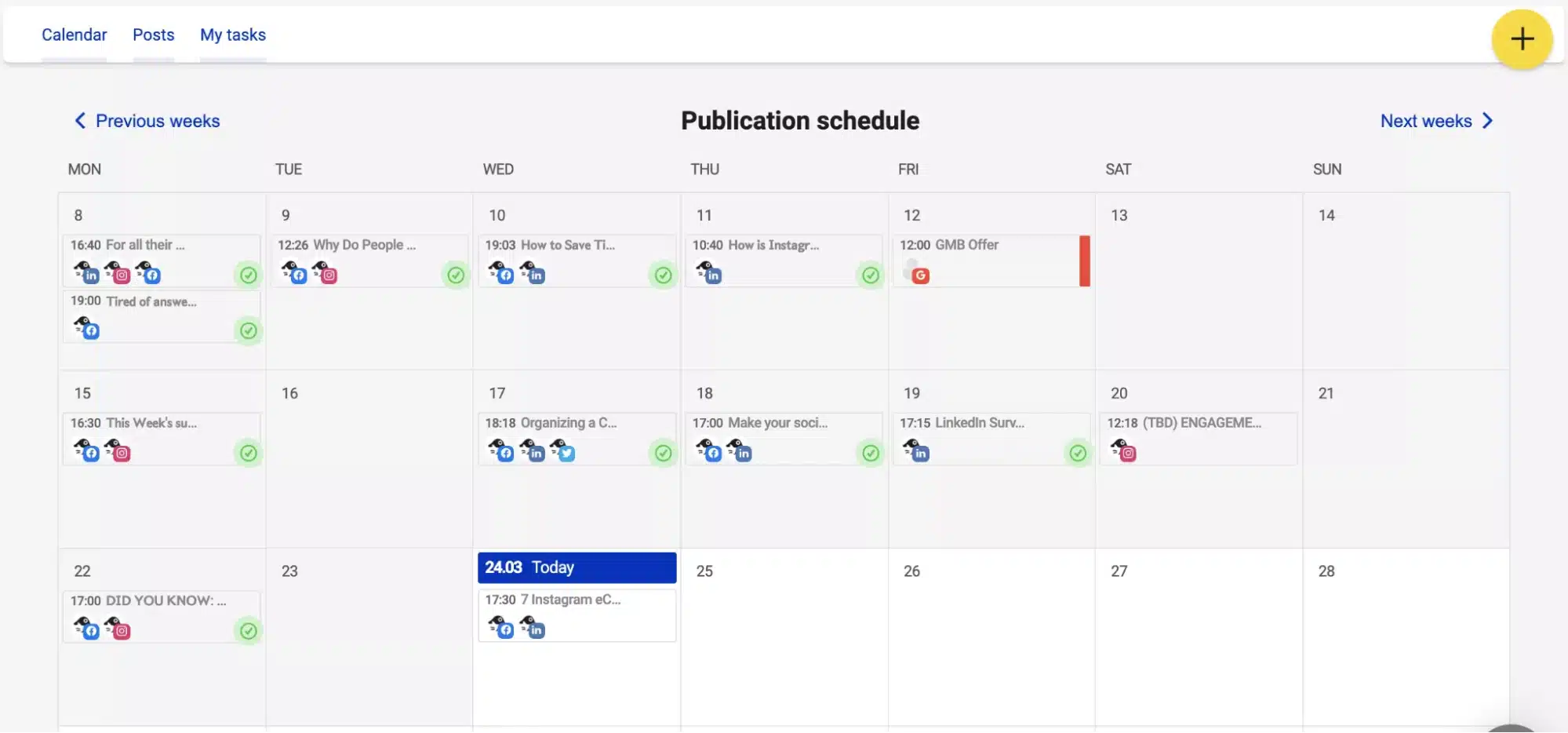
You can queue TikTok content, set the preferred time and date, and manage scheduled posts for other platforms in the same calendar. This helps if you want to keep your TikTok presence aligned with what you publish on Instagram or Facebook.
NapoleonCat’s strength is still its customer care layer. For teams that get a lot of questions in comments, the ability to moderate and reply alongside scheduling and reporting can save a social media manager a lot of context switching.
What I like about NapoleonCat
- Unified view for TikTok inbox, plus other platforms
- Scheduling and publishing for multiple social networks, not only TikTok
- Useful analytics to track performance and audience behavior over time
- Good fit for support heavy brands that want engagement and scheduling together
What could be better
- Historical data and advanced reporting are limited on lower plans
- The interface can feel busy when you manage many conversations at once
Pricing
- Free trial: 14 days
- Paid plans: Start at $89 per month
3. StoryChief
StoryChief is not a TikTok-only tool. Use it when you want to plan campaigns that span blog posts, newsletters, and social media, then plug TikTok into that bigger content strategy. Its content calendar and AI assistance make it useful for teams that want one place to brief, create, and distribute content.
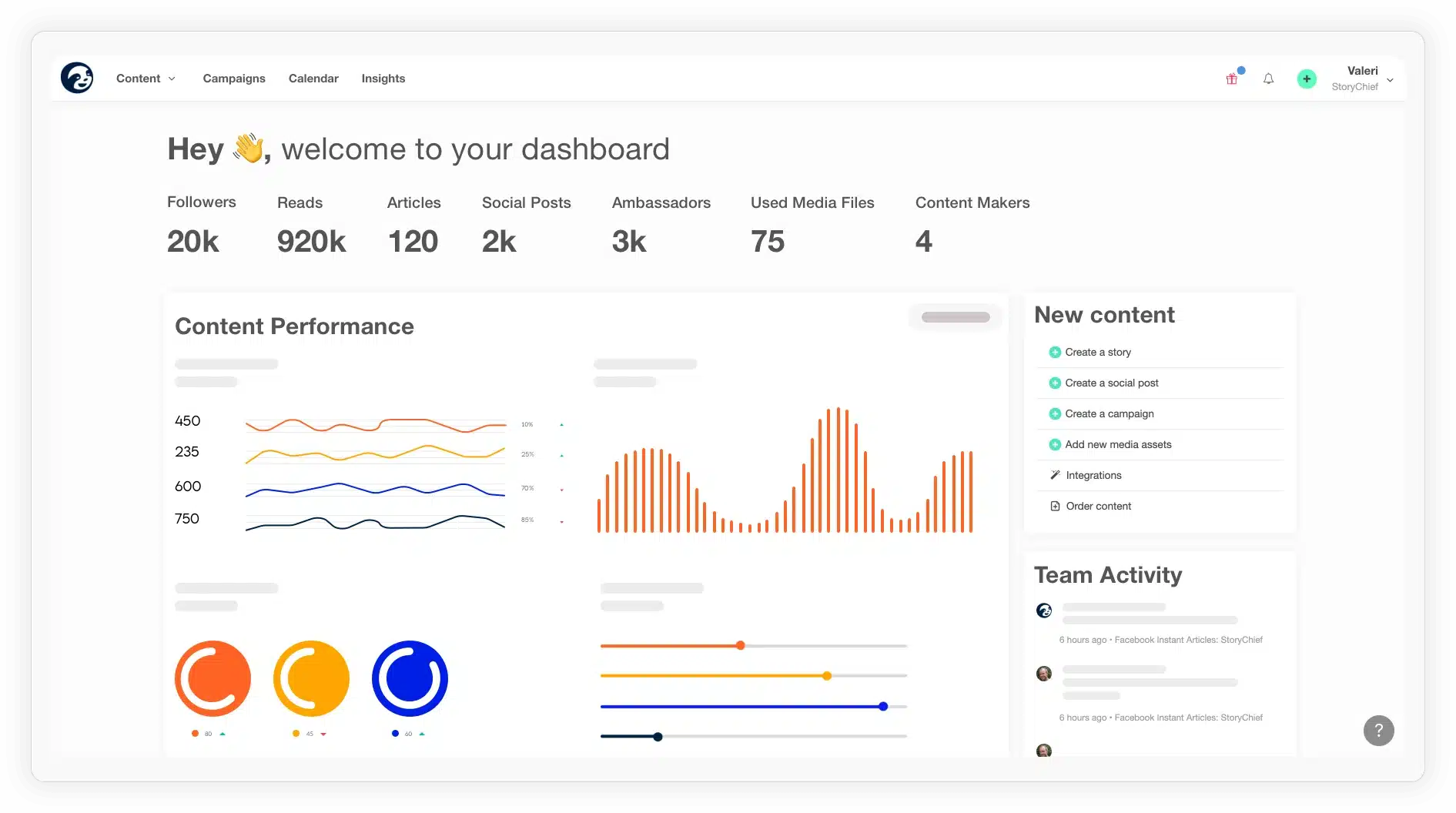
For TikTok specifically, StoryChief lets you collaborate on scripts and captions, keep all your hooks and angles in one place, and then schedule or pass content to your social channels. If you already run your editorial calendar there, TikTok becomes another channel in the same workflow rather than a separate project.
What I like about StoryChief
- Calendar first approach that keeps campaigns and TikTok content in sync
- Collaborative workspace for writers, editors, and social media managers
- AI tools to help draft captions and repurpose long-form content into short scripts
What could be better
- Analytics are geared more toward content performance overall than deep TikTok-specific insights
- Pricing can feel heavy for small teams that “only” need a TikTok scheduler
Pricing
- Free trial: 7 days
- Paid plans: Start at €23 per month, billed quarterly
4. Loomly
Loomly works well if you want a straightforward social media calendar with TikTok scheduling built in. I like its visual layout when I am planning a week or month of content across several platforms, including TikTok.
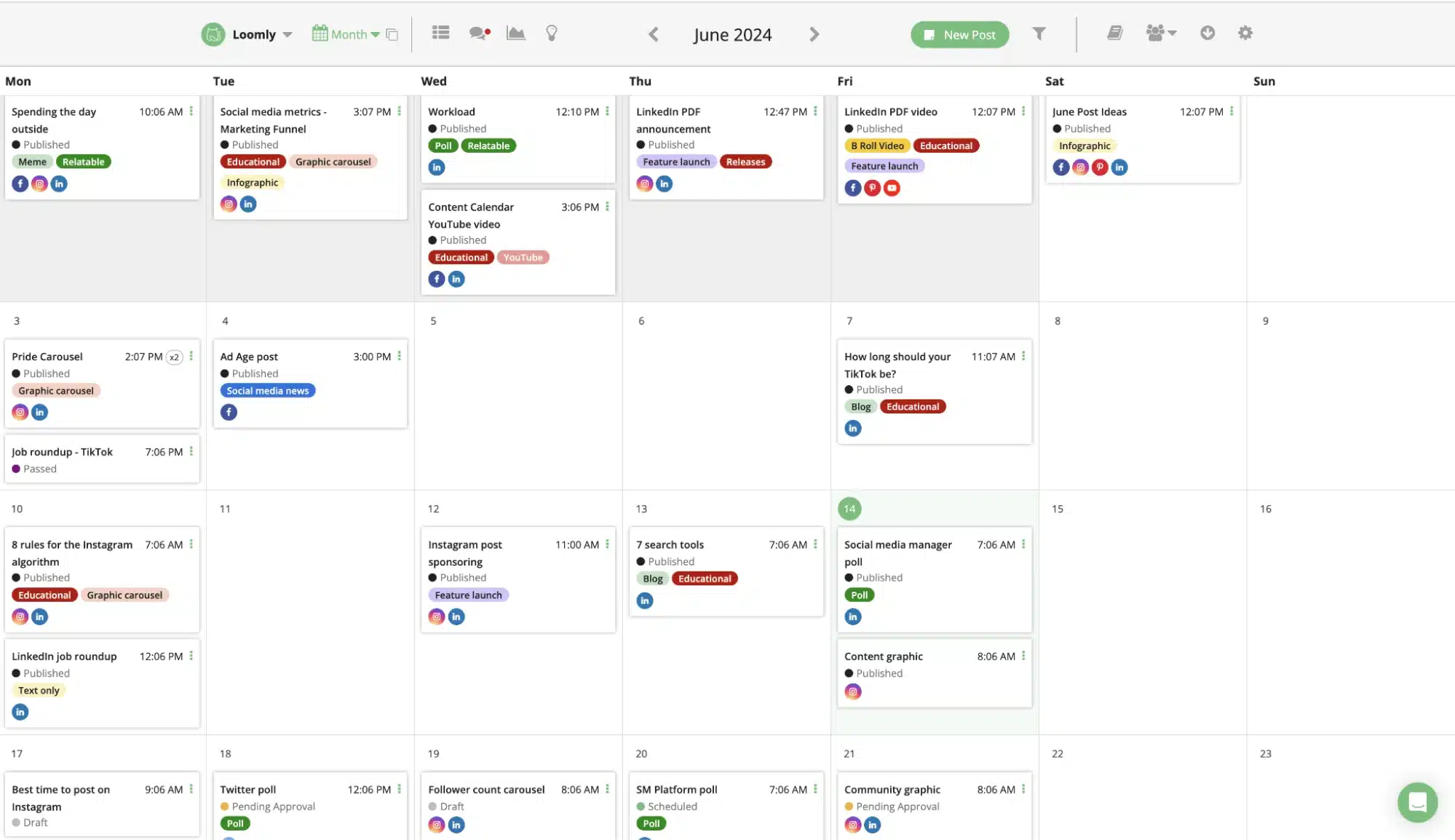
You can upload videos, add captions and hashtags, preview posts, and either schedule TikTok posts to auto-publish or use the mobile app for reminder-based publishing. Loomly also suggests post ideas and helps keep your calendar from drying up, which is helpful if you are a small business owner wearing multiple hats.
What I like about Loomly
- Clean calendar view that makes it easy to see scheduled posts across channels
- Support for TikTok videos, along with other major platforms
- Built-in post ideas and optimization tips that are handy when you are planning content in advance
What could be better
- TikTok scheduling still relies on TikTok’s limitations, so you may need manual steps for sounds or edits
- Pricing climbs as you add profiles and users, so it can get expensive for agencies
Pricing
- Free trial: 15 days
- Paid plans: Start at $65 per month
5. Agorapulse
Agorapulse is built for teams that want a complete social media hub and a strong TikTok integration. It supports TikTok scheduling and auto publishing, a unified social inbox, listening, and detailed TikTok analytics, so you can manage your full TikTok presence from one place.
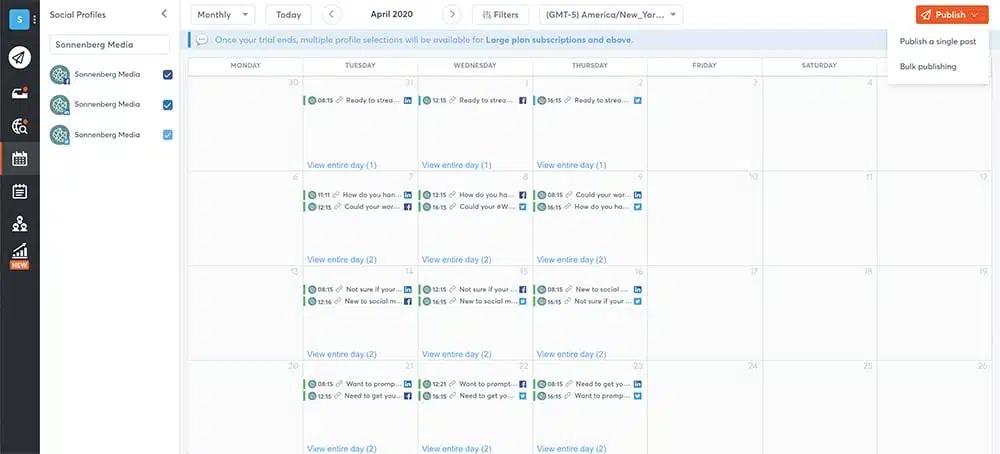
I find it particularly useful when there are several people involved in content creation, approvals, and engagement. You can schedule TikTok posts for multiple TikTok accounts, reply to comments from the same inbox, and pull reports that show what is actually working.
What I like about Agorapulse
- Reliable TikTok video scheduler with auto-publish and best time to post features
- Unified inbox to handle TikTok comments alongside other social networks
- Strong analytics, including TikTok-specific metrics like views, likes, and shares
- Good fit for agencies and in-house teams that need collaboration and approvals
What could be better
- The interface and feature set can feel heavy if you only need basic TikTok scheduling
- Pricing sits at the higher end compared with lighter tools
Pricing
- Free trial: 15 days
- Paid plans: Start at $99 per month
6. TikTok native scheduler
TikTok’s built-in scheduler is the default option I recommend testing before you pay for anything; you can access desktop scheduling if you have a TikTok business or creator account. Through the desktop web uploader and scheduling interface, you can upload a video, write your caption, add hashtags, choose a cover image, and set the date and time for your scheduled post. At the moment, TikTok lets you schedule content up to ten days in advance.
The big advantage is that you are working directly inside TikTok and using the platform’s own video scheduler. You can use TikTok’s built-in video editor or edit in CapCut, then schedule the finished clip from your browser. There are no extra costs, which makes this a true free TikTok scheduler for basic needs.
There are also some hard limitations. If you spot a typo, you usually need to delete the scheduled video and upload it again. You cannot build a multi-account content calendar, and you are limited to that short ten-day window, which is not ideal if you want to plan campaigns further in advance.
What I like about the TikTok native scheduler
- Free TikTok scheduler for business and creator accounts
- Desktop scheduling from the official web uploader
- Simple way to test whether a consistent TikTok posting schedule improves your performance
What could be better
- Ten-day cap on scheduled posts
- No scheduling from the TikTok mobile app
- You cannot edit scheduled posts without deleting and recreating them
- No unified content calendar or cross-posting to other platforms
Pricing
- Free for all eligible TikTok accounts
7. Buffer
Buffer is a lightweight option if you want to easily schedule TikTok posts and keep things simple. It supports TikTok alongside platforms like Instagram, Facebook, LinkedIn, and YouTube, so you can run a basic content calendar and get reminders or auto-publish from one place.
I tend to recommend Buffer to small business owners or creators who want a friendly interface, basic TikTok analytics, and a free plan to start with. You can upload your video, add captions and hashtags, select your preferred time, and let Buffer handle publishing or reminders.
What I like about Buffer
- Very simple user experience for scheduling TikTok videos and other content
- Free plan that supports up to three channels and ten scheduled posts per channel at any given time
- The Essentials plan remains affordable when you only need a few profiles
- Handy best time to post and analytics features on paid tiers
What could be better
- Analytics are not as deep as dedicated TikTok analytics tools
- Larger teams may outgrow the collaboration and approval features quickly
Pricing
- Free plan available and 14-day free trial for paid plans
- Paid plans: Start at $99 per month
8. Later
Later is a good fit if you are a visual planner who wants to see your TikTok content on a drag-and-drop calendar. It supports TikTok, Instagram, Pinterest, and other platforms, which is handy if you are repurposing the same short video for Reels and YouTube Shorts.
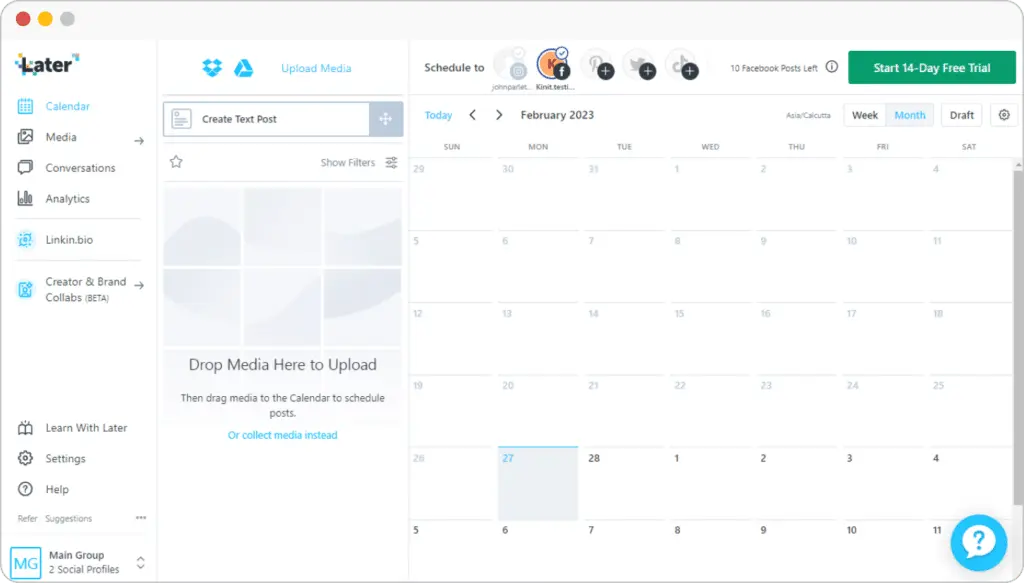
In practice, I use Later to queue TikTok videos on a grid, test different posting times, and keep an eye on analytics such as engagement and watch time. Later also includes a customizable TikTok link in bio feature to connect TikTok traffic back to your website or key landing pages.
What I like about Later
- Strong visual calendar for planning TikTok and other short-form content
- Helpful posting time suggestions based on your past performance
- Built-in media library that keeps video assets organized
- Link in bio tools that help convert views into clicks
What could be better
- Free tiers are very limited, and the Starter plan caps how many posts you can schedule each month
- Some TikTok features still need manual posting when you use trending sounds
Pricing
- Paid plans: Start at $25 per month
9. Planable
Planable is the tool for when approvals, previews, and collaboration are the main priority. It lets you plan and schedule TikTok posts in a collaborative workspace where clients and stakeholders can see exactly how a video, caption, and cover will look on the TikTok profile before it goes live.
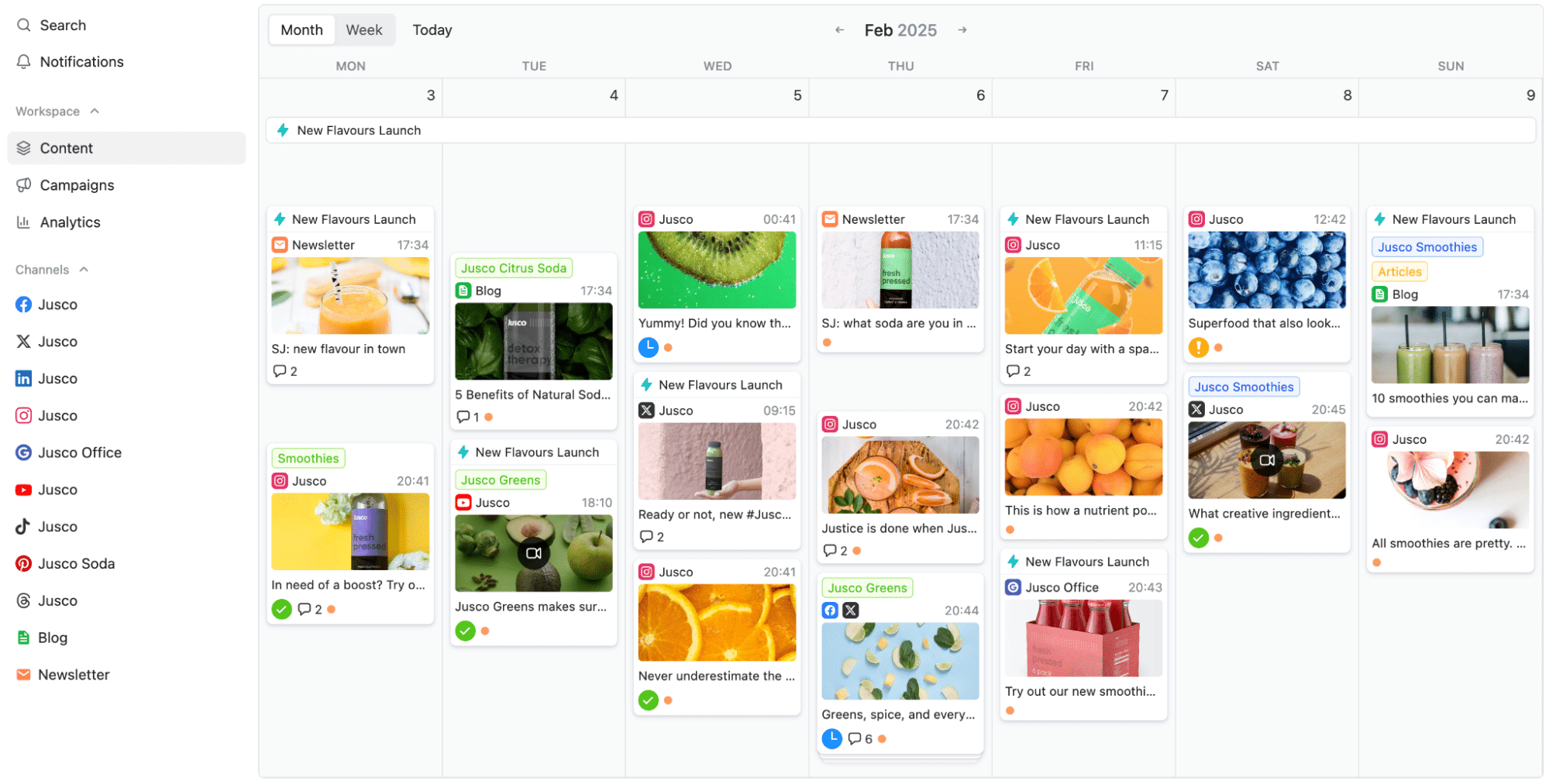
You can store TikTok content in workspaces, comment on drafts, and use approval flows so nothing gets published without a sign-off. For agencies that manage multiple accounts, this reduces back and forth and keeps everyone aligned on the TikTok marketing strategy.
TikTok publishing works through Planable’s integration and mobile workflows, so you can either schedule for auto-publish where the API allows it or use push notifications to finish a post inside the TikTok app when you need to add stickers or sounds.
What I like about Planable
- Collaboration first interface that mirrors how posts will look on TikTok
- Clear approval workflows for teams and clients
- Separate workspaces that keep multiple TikTok accounts and brands organized
What could be better
- No built-in TikTok analytics, so you still need native insights or another analytics tool
- Users report occasional bugs
Pricing
- Free trial: for up to 50 total posts
- Paid plans: Start at $39 per month
| If Planable’s collaboration features are useful but you need stronger scheduling, analytics, or multi-platform management, check out this complete guide comparing the top Planable alternatives for 2025. |
Frequently asked questions
1. What is the best tool to schedule TikTok posts in 2025?
The best TikTok scheduler depends on how you work. If you only need a simple way to schedule the occasional video, TikTok’s own scheduler or a lightweight tool can be enough. If you want multi-platform scheduling, better analytics, and team collaboration, a tool like SocialBee is usually a stronger fit because it combines TikTok scheduling, AI content creation, calendar planning, and reporting in one place.
2. Are there any free TikTok scheduling tools?
Yes, there are free or freemium options. TikTok’s own scheduler is free to use, and some tools on this list offer free plans with limited profiles or scheduled posts. Free plans are great for testing workflows, but in my experience, most businesses outgrow them once they need more accounts, more posts, or better analytics.
3. Do TikTok scheduling tools hurt reach or engagement?
Scheduling tools themselves do not automatically hurt your reach. What matters more is the quality of your content and whether you post at times when your TikTok audience is active. Many tools, including SocialBee, include analytics and suggested posting times based on your past performance, which can actually help you improve reach by making your posting schedule more consistent and data-driven.
Choose the best TikTok scheduler for your team
Choosing the right TikTok scheduling tool is less about finding the “flashiest” platform and more about matching features to the way you work. Some tools in this list are lightweight and budget-friendly; others are built for agencies that live inside their dashboards all day.
If you only need basic TikTok scheduling, the native TikTok scheduler or a simple tool might be enough. If you manage several social media channels, collaborate with a team, or report to clients, it usually pays to invest in a tool that can schedule, analyze, and organize everything in one place.
SocialBee sits in that second group. It supports direct TikTok scheduling, helps you generate captions with AI, suggests the best posting times based on your past results, and lets you schedule content for more than ten social platforms from a single calendar.
If you are ready to streamline your TikTok publishing and bring the rest of your social media with it, starting a SocialBee trial is an easy way to test that workflow.
