


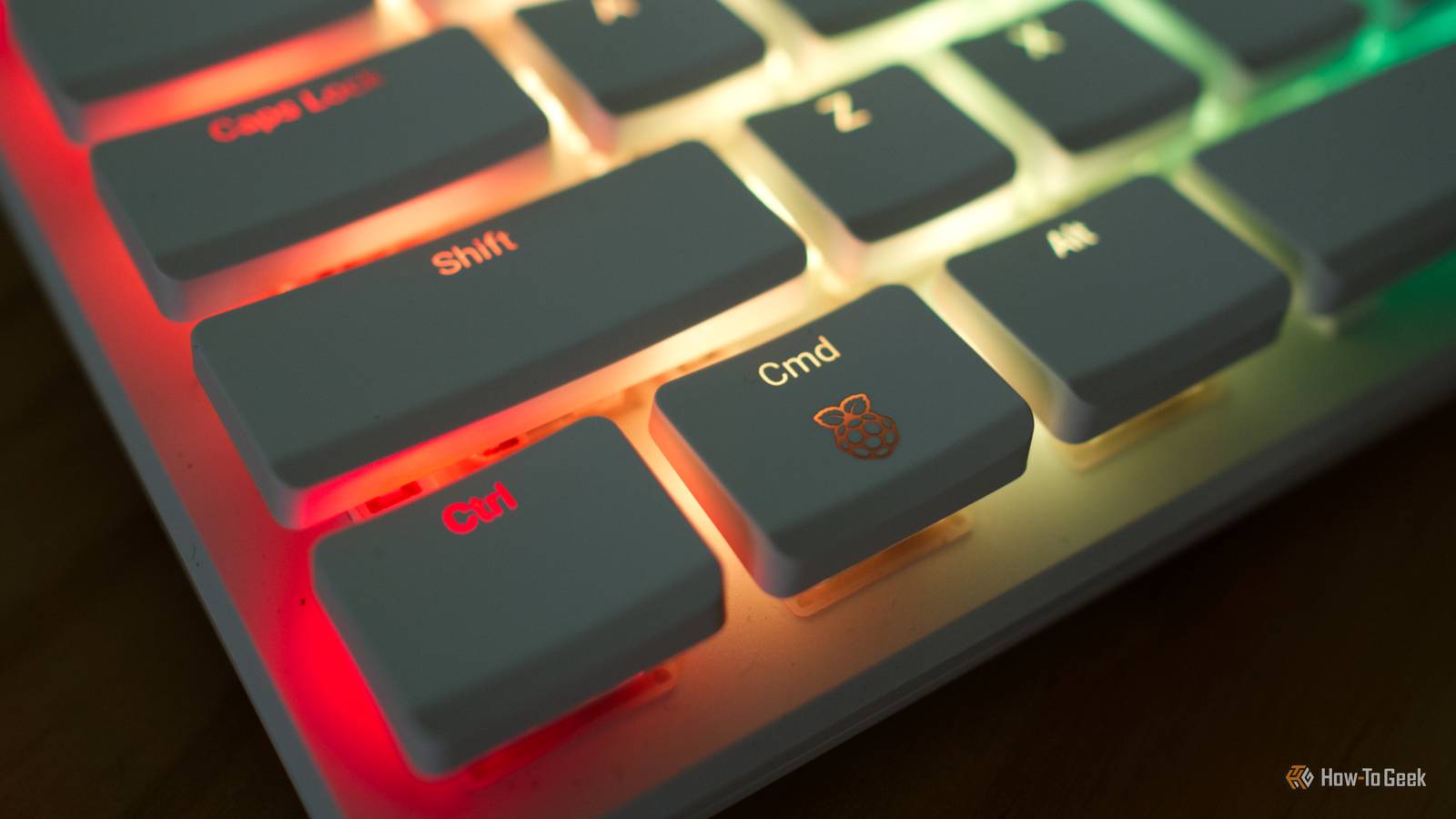
My Raspberry Pi 500+ has finally been delivered, but I kept the order brief so I could keep the cost down. In spite of my attempts at being frugal, I’d be lying if I said I hadn’t toyed with the idea of throwing a few more items on the order.
Here are three purchases I’m still eyeing up.
An overpriced, oddly-shaped touchscreen

The Corsair Xeneon Edge is an expensive, weirdly-shaped, 14.5-inch LCD touchscreen with a resolution of 2560×720. It’s slim and wide, or long and narrow, depending on how you decide to use it. While primarily aimed at gamers and creatives as an add-on monitor to read chat windows, monitor system stats, and display user interface elements, I think it would pair perfectly with my Raspberry Pi.
At $250, it’s a tall ask (costing more than the $200 Pi 500+, and five times what the base model Raspberry Pi 5 Model B would set you back). Despite this, I think it would be the perfect primary screen for the all-in-one keyboard case design of the Pi 500+.
I can see it used horizontally in desktop mode behind the low-profile mechanical keyboard chassis of the Pi 500+, or mounted vertically in scenarios where you’re short on space. The unit uses magnets to attach to its removable stand or anything else you want to use, like a 3D printer or wall plate, as some sort of smart home display. Yes, it’s an overpriced desk ornament, but I don’t need a massive display for my Pi 500+ because it’s mostly going to be used for small projects, and I really need the desk space.
Thankfully, there are many cheaper small touchscreens available like the GeeekPi 7-inch LCD, which normally retails for $60. It’s not got the same space-saving short and wide design, but it’s a fraction of the price and would do the job just fine.
There are many more alternatives on marketplaces like AliExpress, like the Wisecoco 7.84-inch GPU monitoring display, which lacks touch but is a steal at under $100 retail. If you want to use your Pi outdoors or in a brightly lit environment, the Wisecoco 7-inch touch display (which was on sale for around $120 at the time of writing) features 2000-nit brightness.

- Brand
-
Corsair
- Color
-
Black
The Corsair Xeneon Edge is like a giant Stream Deck with a fully customizible touchscreen.
The Raspberry Pi DAC Pro HAT

One thing that I want to use my Raspberry Pi for is to add Bluetooth audio and AirPlay to an old stereo receiver that I’ll be relocating nearby. The only problem is that the Pi doesn’t have any dedicated audio outputs, which means you’ll have to extract audio from an HDMI output (either using an adapter or by routing audio from your monitor, assuming it has an output).
That’s where the Raspberry Pi DAC Pro ($25) comes in. It connects to any Pi with a 40-pin GPIO header and offers the best audio quality possible on a Raspberry Pi. There’s no soldering necessary since the DAC Pro comes with an attached header and offers standard RCA output (stereo left and right ports) plus a 3.5mm stereo output with a headphone amplifier.
You can save some money by opting for the DAC+ ($20), which uses a slightly inferior digital-to-analog converter, but I’d rather go all-in and get the best possible audio quality.
A nice mouse or trackball

Most people probably don’t associate the Raspberry Pi with a desktop replacement, but that’s exactly what the Pi 500+ is designed for. It’s a cheap and cheerful desktop computer with 16GB of RAM and a built-in NVMe drive, which vastly improves on earlier models by refining the typing experience.
Rather than a cheap membrane keyboard, the Pi 500+ has a fancy, clicky, and oh-so-satisfying mechanical keyboard. The switches are (non-replaceable) Gateron blues, and there’s even an addressable RGB LED beneath each one. The problem here is that this shows up the nasty old Microsoft mouse that I had to dig out in order to make use of the Pi.
I didn’t expect to like typing on this computer so much, but here we are. It’s not got the “thwok” that many would expect from a mechanical keyboard, but as someone who is coming from Apple’s Magic Keyboard (and who prefers the low-profile typing experience it delivers), I’m having a great time.
Now all I need is a mouse to match. I use Apple’s Magic Trackpad on my main Mac, and I love it. I prefer not having to move my arms all over the desk, so I’m tempted to keep it weird and pick up a trackball instead. There’s something alluring about odd pointing devices, and I might finally have an excuse to buy one.
I’ve got my eyes on a Kensington SlimBlade ($120) or the Kensington Expert ($110). Beyond the aesthetic, there are plenty of reasons to upgrade to a trackball mouse.

- Sensor
-
Optical
- Connectivity
-
2.4GHz USB Receiver, Bluetooth, Wired USB-C, Wireless
Kensington’s TB800 trackball mouse features an ambidextrous design with a central scroll dial, side-mounted scroll and zoom wheels, plus eight programmable buttons. It’s an excellent and highly-customizable trackball mouse for those who crave ergonomics or creative functionality.
Whatever Pi you have, there are many great accessories to add to your shopping list. microSD cards are always handy, a powered USB hub allows you to connect many more accessories, and an E-Paper display has all sorts of uses.
