


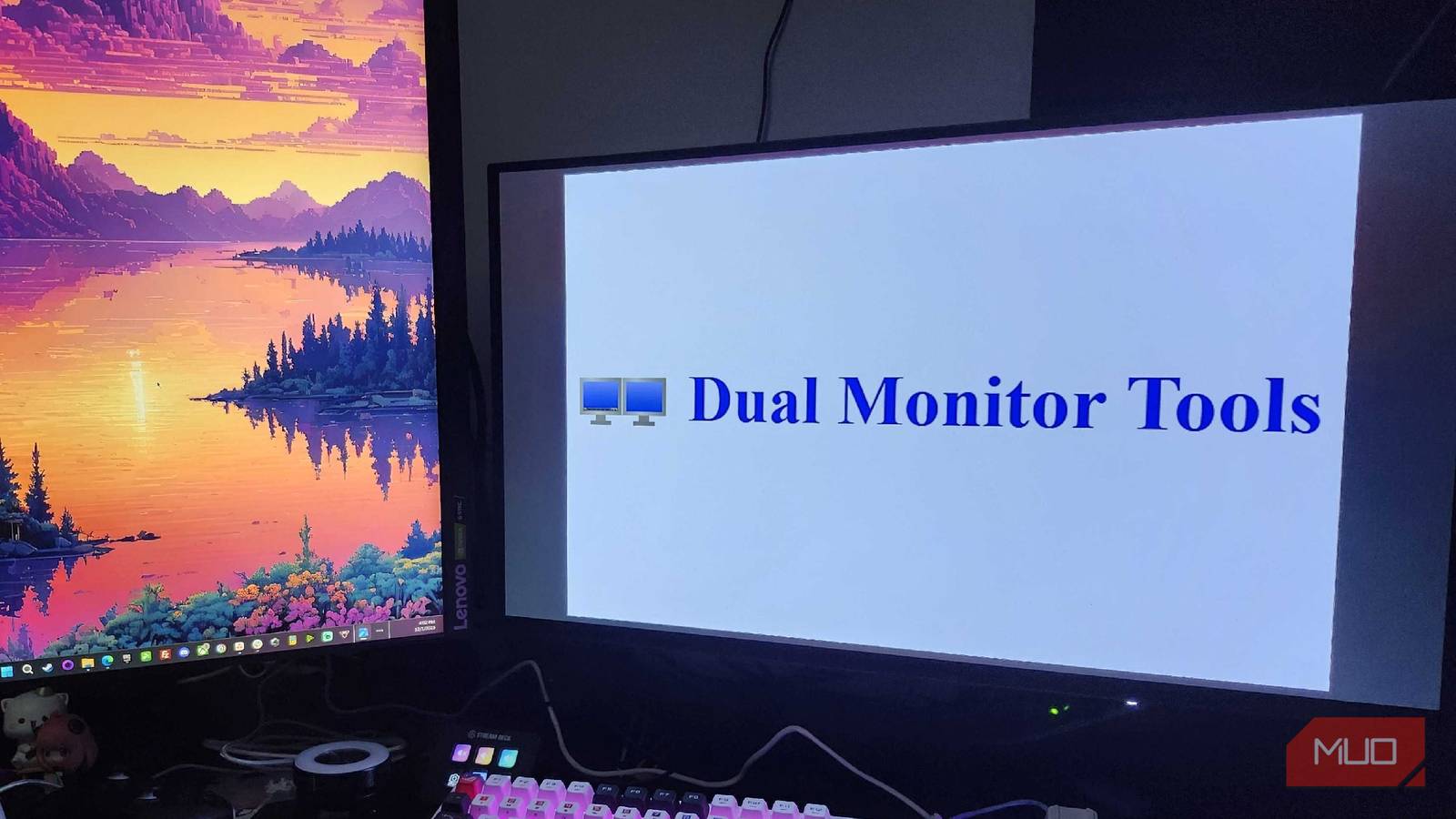
I’ve talked about my love of dual-monitor setups in the past, and even how I view certain orientations to be superior overall. Having dual monitors has supercharged my productivity, allowing me to get more done in a day than I ever could have before. But there are a few tools that make the dual-monitor experience even better than you may have expected.
From locking your cursor to a specific screen to setting up the ultimate wallpaper across your monitors, I was genuinely shocked to see how much value Dual Monitor Tools offers in such a small package. From tweaks to make the dual monitor experience better than ever to subtle fixes for those who are overly caffeinated like myself, this proved to be much more effective than I could have imagined.
The number of options for customization is very nice
If you’ve been searching for an all-in-one program that can help you maximize your workflow, you’ve come to the right place. Dual Monitor Tools takes the idea of dual monitors and supercharges it, making it a must-have for anyone hoping to become a production powerhouse.
No matter if it’s getting rid of dead space between different-sized monitors or just finding a way to simplify the launching process for different applications, it does it all. It’s also surprisingly effective when it comes to customization requests. If you’ve been struggling to make your wallpaper look good between different aspect ratios or orientations, let Dual Monitor Tools take care of the hard bits for you. Users can even swap screens on a whim, just by setting a specific keyboard shortcut within the app itself. Just like this formerly exclusive Mac tool, Dual Monitor Tools is helping me manage my productivity to the max.
When it’s not in use, it hides in the taskbar
I love it when an app isn’t extremely power-hungry

I’ve been working on upgrading and updating my PC ever since I started building it in 2020, and one of the biggest issues I commonly encounter is apps eating all of my memory. Even with 32GB of DDR4 RAM in my build, there are times when having too many programs open can easily eat through that like it’s nothing. After examining the Task Manager in Windows for a while, I was incredibly happy to see that Dual Monitor Tools hardly contributed to any sort of memory usage.
Even with the program running for a few hours, I still only saw a peak memory usage of roughly 50MB, which is nothing compared to other Windows tasks or using something like an internet browser with admittedly too many tabs open. The program is incredibly lightweight on all fronts, with the download being roughly 700KB and the installed file only taking up 1.14MB on my SSD. I feel like I’m back in the 90s again when I see a program only take up that much space, as everything else feels like it’s constantly ballooning in size.

3 Surprisingly Useful Microsoft Apps You Won’t Find Pre-Installed on Windows
These underrated Microsoft apps can transform how you use your PC.
Sometimes, I’m zipping a bit too quickly and lose track of my cursor

I have to be honest with you all—some days, it feels like my hands move faster than my mind can keep up with. Especially with a dual monitor setup, this can spell disaster if you’re trying to recall where in the world your cursor is. That’s why I was incredibly pleased to see an option available that I can lock my cursor to whichever screen I’m currently using, and set up an additional keyboard shortcut to let me move it to another screen. Maybe it’s too much caffeine in the morning, or maybe I’m just moving too quickly for my eyes to keep up with a high-DPI mouse, this can sometimes be a disaster.
Now I can confine my cursor to exactly which screen I’d like to use. There’s a chance you may be asking what the point of a dual monitor set-up is if you’re not taking advantage of all of the real estate that you’re given. That’s perfectly valid! Sometimes, I’ll use my secondary monitor to display a conversation, and if the talk has been quiet for a while, I can keep my cursor confined to just one spot while I wait for the conversation to pick back up again. Then, my cursor will be freed from its solitary confinement of just one display.

- Brand
-
KTC
- Screen Size
-
27 inch
- Display Technology
-
OLED
Some folks don’t care for third-party software
It feels like too many places online don’t care about your safety

After visiting the Dual Monitor Tools website for the first time, I had to make sure I wasn’t transported back to 1998. This page looks like a blast from the past, when GeoCities ruled the World Wide Web, and people were creating their own websites just for fun. It’s seriously outdated, and I can imagine that this could raise a few red flags for folks. One of the first searches that comes up when you’re looking for Dual Monitor Tools is whether it’s a safe program to use, after all.
I’m overly cautious with my PC and tend to check all of my programs after I’ve downloaded them. Dual Monitor Tools was no exception, and no malicious programming was flagged after downloading this software.
Once I installed the program, I ran Malwarebytes to ensure I hadn’t just poisoned my computer with something I couldn’t recover from. Thankfully, I discovered that there wasn’t anything to worry about, and I could go about customizing my PC to become even more of a productivity powerhouse than ever before.
I’m very thankful for this program and what it does
Once I discover all of the caveats, I’ll be unstoppable in my day-to-day usage
As with any new piece of software, there is a bit of a learning curve behind Dual Monitor Tools. But even now, after only using this software for a little while, I can already see a massive improvement and completely understand what they’re aiming for. Sometimes, there are programs out there that you never realized you needed, and this is easily one of the best I’ve come across yet.
Between locking my cursor to one screen to help me from getting distracted, or searching for a map while I’m playing a game on another screen, this is the perfect example of thinking outside of the box. Now, I just need to sit down and find out everything it has to offer.
