


Sometimes writing your ideas in your notes isn’t enough. That’s when you need to get your thoughts out of your head and onto something visual where you can see how things connect. The right visualization tool can help turn those scattered thoughts into clear structure and can be the difference between productive brainstorming and wasted effort.
The challenge is that different thinking styles call for different approaches. Some ideas work best in strict hierarchies where relationships are clearly defined. Others need a more flexible canvas where you can sketch loose, messy connections without worrying about order. And when you are documenting processes, you do not want to spend time wrestling with boxes and arrows just to show a simple workflow. This is why having the right tool for the right task matters.
Mermaid
Diagrams that live in your documentation
Mermaid flips the usual diagramming process by letting you write diagrams as simple text instead of dragging shapes around. You type a few code-like lines, and Mermaid instantly turns them into a clean, properly arranged visual. It becomes even more powerful when those text-based diagrams live in version control right beside your actual code, since they stay organized, easy to update, and always in sync with your work.
Mermaid supports flowcharts, sequence diagrams, class diagrams, Gantt charts, and other technical visualization types. The text syntax remains readable even before rendering, so reviewers understand your intent from the syntax alone. When rendered, diagrams display professional layouts and clean aesthetics. Mermaid strikes a rare balance by being simple to write, easy to review, and polished once rendered. It is also available in various other productivity tools such as Logseq and Excalidraw.
Excalidraw
A collaborative whiteboard
Excalidraw feels like drawing on a whiteboard, except you can do it from anywhere and share instantly. Everything looks hand drawn, which makes brainstorming less intimidating. When ideas are rough sketches instead of pixel-perfect diagrams, it’s easier to throw things out there without overthinking.
The tool handles shapes, arrows, text, and images, along with grouping and hyperlinking capabilities. Real-time collaboration through shareable links allows multiple people to sketch together simultaneously. It also works well asynchronously, since collaborators can leave visual annotations directly on the canvas for others to review later without needing synchronous meetings. Excalidraw is available in Obsidian as a community plugin, too, which makes it easy to share your notes.
Excalidraw fits situations where speed matters more than precision. Wireframing interfaces, mapping game mechanics, or roughing out system architecture all benefit from this sketching environment. The approachability of the hand-drawn style encourages iterative thinking rather than trying to get everything right the first time.
Freeplane
Fast, Keyboard-Friendly Mind Mapping
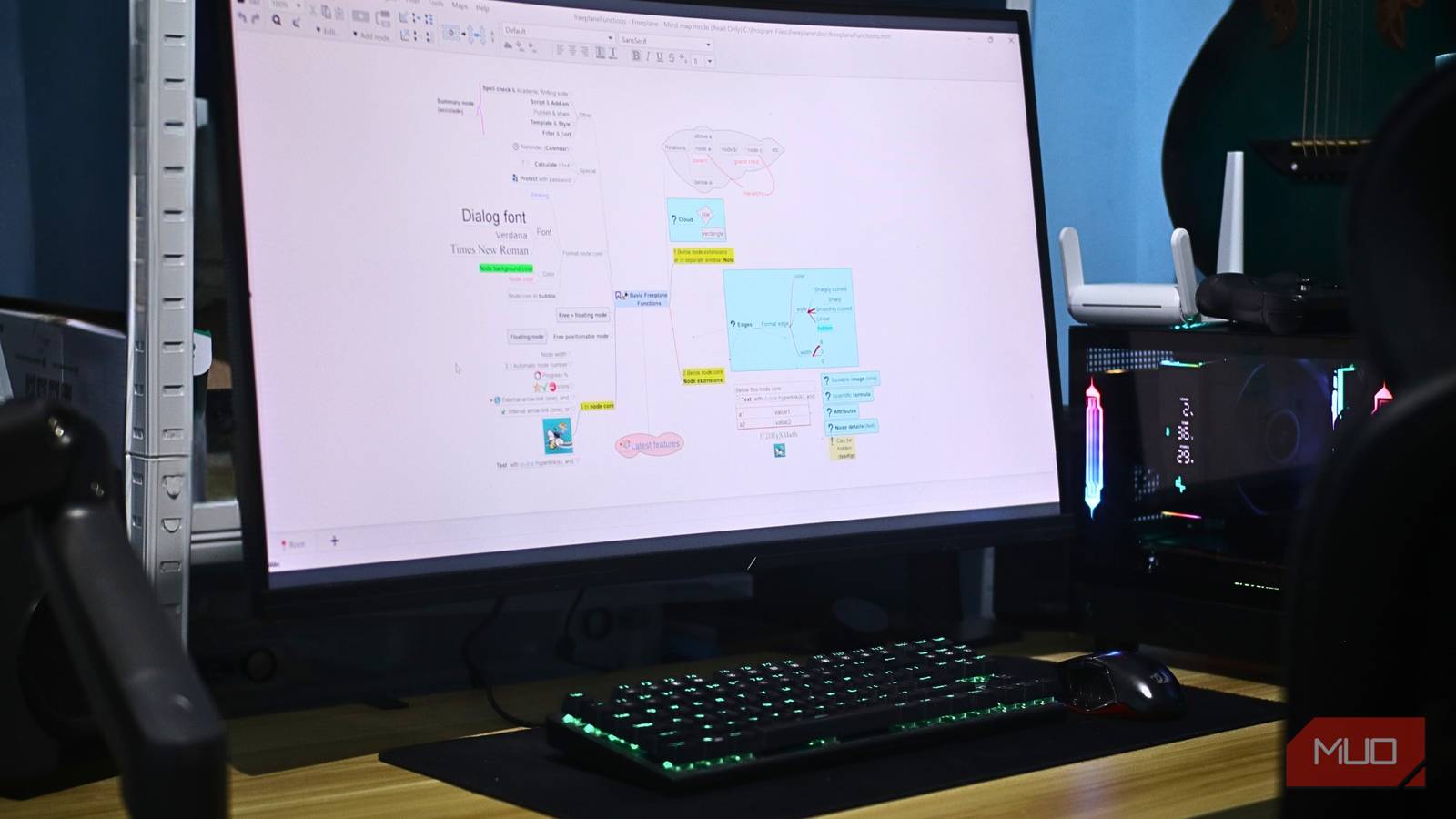
Freeplane is one of the most underrated open-source projects that you should definitely check out. This free mind-mapping tool lets you create visual diagrams for brainstorming by starting with a central idea and branching outward. Creating mind maps with Freeplane is fast and does not require your hands to leave the keyboard. You can create sibling nodes using Enter, use Tab to create child nodes, and press the Space bar to fold and unfold sections when you are working with large maps and need focus.
What makes Freeplane stand out is the control over each node. You can add different colors, icons, and styles to categorize information visually. When planning big projects, you add deadlines and priorities directly to nodes, turning brainstorms into task lists without switching tools. Keyboard shortcuts make navigation fast, and collapsing entire sections works great when presenting ideas to others. For anyone thinking in hierarchies or needing to break down large problems into smaller pieces, Freeplane handles that beautifully.

- OS
-
Windows, Linux, macOS
- Price model
-
Free
Freeplane is a powerful and completely free mind-mapping tool that helps you organize ideas, manage projects, and visualize complex information with ease. It works on Windows, macOS, and Linux while giving you full control over your data without relying on cloud subscriptions.
Obsidian Canvas
A canvas board to arrange your thoughts
Obsidian Canvas solves a different problem than traditional mind mapping. Instead of enforcing a hierarchical structure, it provides infinite space to arrange notes however makes sense spatially. You drag existing notes from your vault onto the canvas, position them, and draw connections between related ideas. This approach works when ideas connect in multiple directions rather than flowing top-down.
The integration with your existing Obsidian vault eliminates the need to copy and paste content or manage duplicates. Your notes already exist, and Canvas simply visualizes their relationships spatially. I even used it before when I turned my Obsidian notes into progress charts. Creating new cards on the canvas also generates new notes in your vault, so brainstorming visually does not create messy scratchpad files to clean up later. In the end, Canvas helps you understand your ideas not just as notes, but as a connected system you can navigate visually.

- OS
-
Windows, macOS, Linux, Android, iOS, iPadOS
- Developer
-
Dynalist Inc.
- Pricing model
-
Free
- Initial release
-
March 30, 2020
Obsidian is a fast and flexible note taking app that lets you build a connected knowledge base using plain text Markdown files. It works offline, syncs across devices with optional services, and gives you complete control over how you organize and link your thoughts.
yEd
Flowcharts that automatically arrange themselves
There are many good flowcharting apps available today, but my personal go-to choice is yEd. Its killer feature is automatic layout. You can throw shapes and connections onto the canvas in whatever messy order makes sense while thinking, then hit auto-arrange, and yEd organizes everything according to flowchart conventions. This saves an enormous amount of time compared to manually nudging boxes around.
The tool works across Windows, Mac, and Linux through Java. People use it to map software architecture, document business processes, and create entity-relationship diagrams for databases. It handles various diagram types, including UML and BPMN, which helps when working with technical documentation needing specific standards.
Export options include PDF, SVG, and PNG, so diagrams drop into presentations or documentation without quality loss. If documenting anything with formal structure or clear process flows, yEd makes the diagramming part fast, so you can focus on thinking.

- OS
-
Windows, macOS, and Linux
- Developer
-
yWorks
- Price model
-
Free
yEd is a free and versatile diagramming tool that helps you create flowcharts, mind maps, network graphs, and complex visual layouts with ease. It offers powerful automatic layout algorithms that organize your diagrams instantly, making it ideal for students, professionals, and anyone who needs clean and clear visuals.
Picking the right tool for the job
Choosing the right tool makes visual thinking easier and more productive. Each option here solves a different problem. Freeplane is great when you need a clean hierarchical organization. Obsidian Canvas helps you explore connections and think spatially. yEd gives you structured, polished diagrams with almost no manual effort. Excalidraw is perfect for rough sketches and collaborative brainstorming. And Mermaid lets you build clear, maintainable diagrams using plain text.
You probably will not need them all. Pick the one that suits your current workflow and try it out. You might be surprised how quickly the right tool turns scattered thoughts into real progress.
