


Using cloud-based AI tools can be frustrating. Since I primarily use Obsidian for note-taking, whenever I wanted to ask ChatGPT or NotebookLM about something, I had to copy my notes into a separate window. My personal knowledge base felt locked away from the AI that could actually help me synthesize it. I also worried about my private notes being sent to servers I don’t control. Then I discovered MCP, and everything changed.
MCP stands for Model Context Protocol. It’s a general protocol for connecting AI models to external tools, but what makes it transformative for me is how well it integrates with Obsidian and LM Studio. Instead of copying and pasting, my local AI model can now read, search, and even write to my vault automatically. By using an MCP layer with my local tools, everything is now completely free, all my data stays on my computer, and AI is now integrated with my notes in ways cloud tools simply cannot.
Here’s what I can do with my local Obsidian MCP setup
Direct AI to Obsidian vault integration
With my local Obsidian MCP setup, my tools now interact seamlessly. Instead of treating my vault as a collection of static files, MCP turns it into something my AI assistant can actively work with. It gives me a full set of Obsidian-specific tools that allow the model to read, search, modify, and organize my notes directly on my computer. Also, there are benefits to running offline LLMs on your machine over using a paid AI service API, such as better privacy and free unlimited use.
My setup allows me to fetch the contents of any file instantly, whether I need to reference an old idea or pull details from a project note. If I want to gather multiple notes at once, I can batch-read entire folders. I can run simple or complex searches whenever I need to find something buried deep in my vault. I can also list recent changes, access my periodic notes, or browse entire directories when I need an overview of my work.
For more complex tasks, such as writing and editing. I can also set model reasoning to High, which should produce better results for tasks that require better context understanding and reasoning. The results can then be sent to the Obsidian MCP to directly append the new content to a specific note in my vault. All of this happens seamlessly without switching windows, copying text, or manually managing files. My local LLM can interact with my vault directly.
While it is possible to use Retrieval-Augmented Generation (RAG) as a simpler and faster way to connect your Obsidian vault to your local LLM, it is limited to data retrieval only. This works if you only need to give context to your LLM from your notes, but if you want your model to directly interact with your Obsidian vault, you will need an MCP layer.
Setting it up was surprisingly simple
It only took a few minutes!
The term MCP may sound intimidating at first, but the actual process of setting it up is actually pretty straightforward. You’ll need to install a few things, connect them together, and everything should just work.
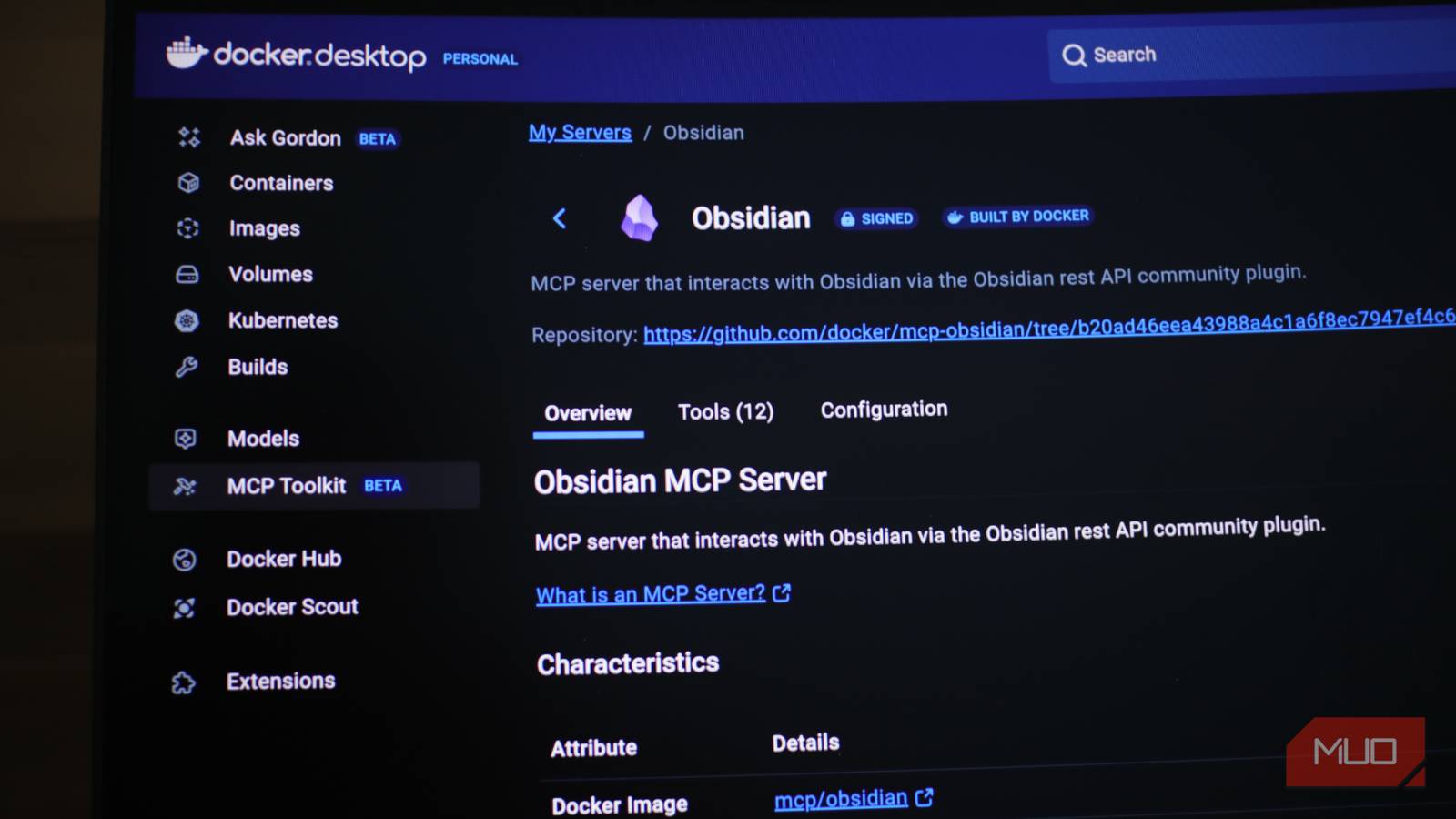
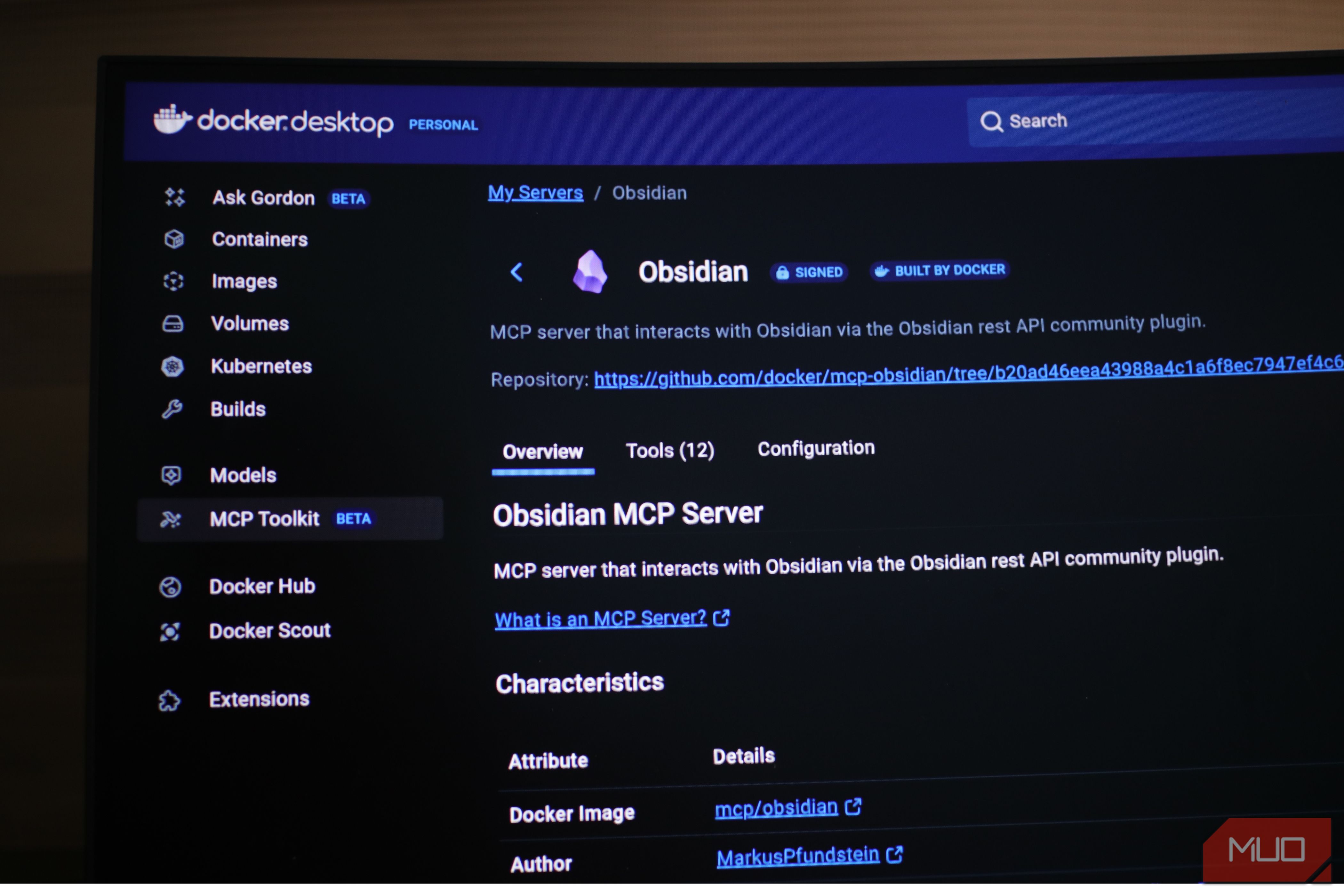
Start by installing Docker Desktop on your PC from the official site. Docker handles the backend infrastructure, so you don’t have to manage servers or complicated configurations. Then, install the Obsidian MCP server inside Docker from the MCP Toolkit section.
Obsidian MCP will ask for your Obsidian API. To get the API, you’ll need to open Obsidian and install the Local REST API community plugin. This plugin lets external tools talk to your vault securely. Go to Options and grab your Obsidian API key from the plugin settings, add it to the Obsidian MCP API field, and hit check.
Now it’s time to connect your local LLM to the MCP. Install LM Studio from their official download site, and download your preferred AI model from the app. Then go back to the Docker MCP Toolkit, click on Clients, and download LM Studio. This will automatically connect the Obsidian MCP to LM Studio.
To start using the setup, launch LM Studio and host an AI model in the Developer tab. Once it’s running, go to the Chat tab, click the plug icon at the bottom of the prompt box, and enable mcp/mcp-docker. Your chat interactions should now connect directly to your Obsidian vault!
While most chat models should work with this setup, I found that smaller 8B models did not comprehend the idea of directly interacting with the MCP and often gave instructions instead of actually doing the work. In my testing, models with reasoning capabilities, such as the OpenAI/gpt-oss-20b model, were able to interact with my Obsidian vault through the MCP server. So, I recommend starting with openai/gpt-oss-20b when first testing this setup.
Try it today
Give this a shot. If you already use Obsidian and have a decent PC, you have everything you need to start. The setup process only takes a few minutes, and once it is running, you will immediately notice how different this feels compared to cloud AI tools. You get an AI that actually understands your vault because it works directly inside it; you get your privacy back, and you gain real control over your tools. That combination saves time and makes your workflow feel smoother and more personal. Start setting it up today and see how it transforms the way you work with your notes.
