


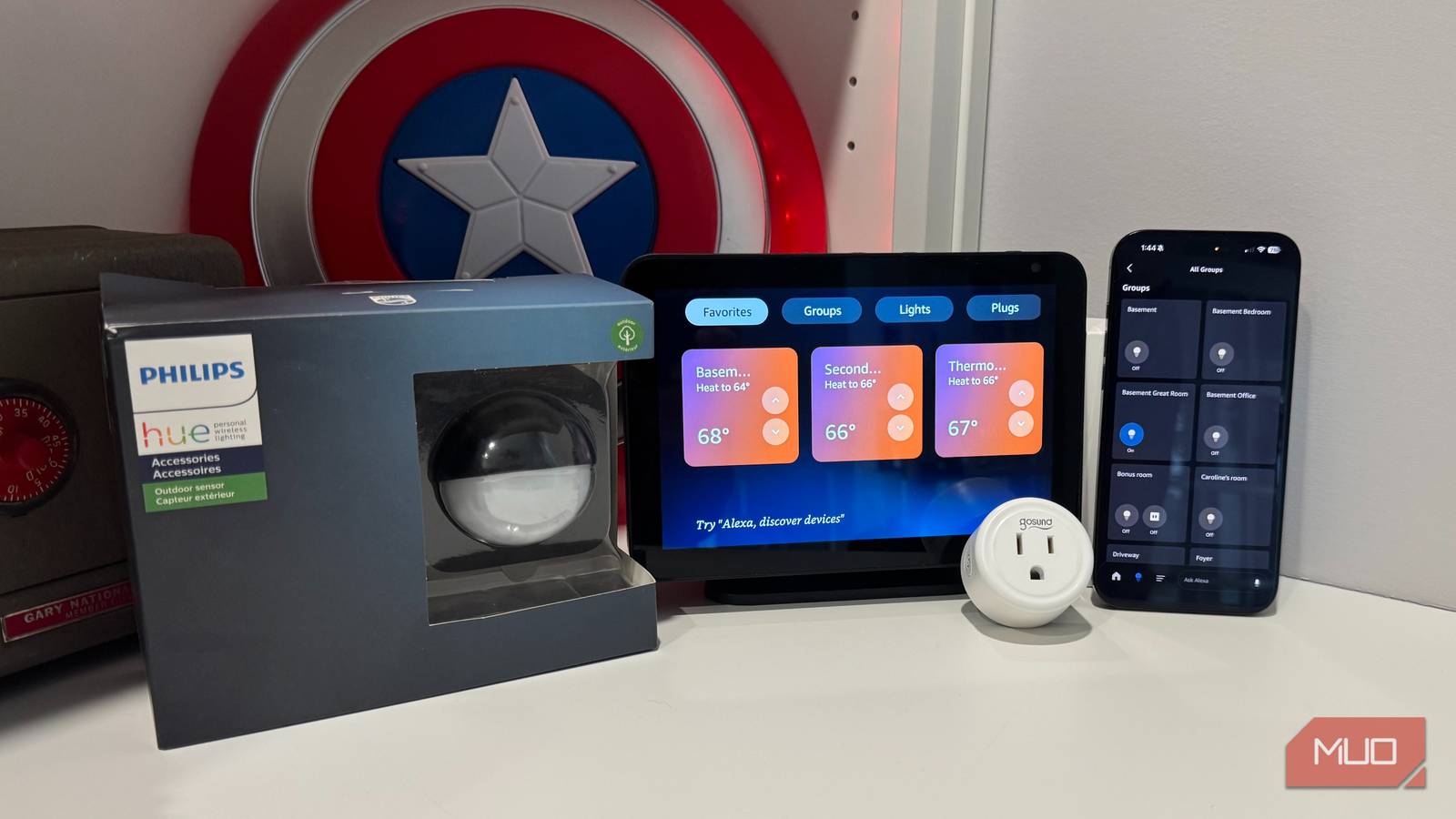
I had too many smart home apps cluttering my phone. I had the Govee app for my string lights and TV back lighting, Philips Hue for my ceiling can lights, and another app for my Abra wall switches and smart plugs. Every time I wanted to adjust something, I’d swipe through screens trying to remember which app controlled what. It got old fast. I imported everything into Amazon Alexa and consolidated four apps down to one. My whole setup runs smoother now, and I’m not constantly hunting for the right controls.
The problem with smart home app sprawl
When every device needs its own dashboard

I had separate apps for my Govee smart string lights, Govee light strips for bookcases, Philips Hue can lights, Govee TV lights, and Abra wall switch and smart plugs. Turning off all the lights before bed was a pain—open one app, wait for it to connect, turn off those lights, then repeat with the next app. Half the time, I’d get annoyed and leave stuff on.
Manufacturer apps exist for good reasons—firmware updates, advanced features, and detailed controls. For everyday use, though, they’re way more than necessary. I just wanted the lights on or off, maybe dimmed a bit. Having five different apps turned into more work than it solved.
The one app to rule them all
The “works with Alexa” advantage

After some research, I ultimately chose Alexa, despite there being more sophisticated (but more complicated) alternatives. Almost everything these days works with Alexa, so that made things easier. I brought over my Govee string lights, Govee light strips, Philips Hue can lights, Govee TV lights, Abra wall switch, and Abra smart plug pretty easily. For devices with native support, you just enable the skill in the Alexa app and link your account.
The “Skills” system handles these integrations. You find your device’s manufacturer, enable their skill, sign in with your existing credentials, and Alexa discovers everything. The whole process took minutes per device rather than hours. The app works as your controller without Echo devices in every room, but having a few around makes voice commands easier.
Bridging the gaps with IFTTT
When native integration isn’t available

Some devices don’t have direct Alexa support. IFTTT (If This Then That) serves as a bridge solution for those outliers. My smart garage doors (myQ) required this workaround, and setting it up was simpler than I expected. You create an “applet” that connects your device to Alexa through IFTTT’s platform. It’s the best way to control smart devices with Alexa that don’t natively integrate.
Some IFTTT automations have a delay—a second or two at most—but I’ll take that for having everything in one place. IFTTT has a free tier that covers basic stuff, but you’ll run into limits if you want a ton of complex automations. Their Pro subscription runs about $3 monthly and lifts those restrictions; it’s worth considering if you’re going deep on the smart home stuff.
What I gained from the switch
Beyond just convenience

Having everything in one app saves time daily. Creating routines became way easier because I can combine devices across brands in a single automation. My bedtime routine now controls Govee, Hue, and Abra devices simultaneously without jumping between apps. And now with Alexa+, I can turn off and on a list of specific rooms with a single voice command.
Now, with Alexa as my single smart app, guests can control lights with voice commands through the Echo Dot, Echo Show, and Echo Hub devices I have throughout the house.
Troubleshooting got simpler, too. When something doesn’t work, I check one app instead of four. Grouped controls are clutch—I created an “outdoor lights” group that includes lights from three different manufacturers (in my back and front yards), and they all respond to one command.
Why I didn’t choose Home Assistant (yet)
The more powerful alternative I’m not ready for

Home Assistant is technically the superior solution. It offers local control without cloud dependency, extensive customization options, stronger privacy protections, compatibility with virtually everything, and robust community support. If you want complete control over your smart home and integrate everything at a deep level, Home Assistant is the way.
The trade-off is steep, though. It needs dedicated hardware like a Raspberry Pi, coding knowledge for YAML configurations, and a bunch of time for setup and keeping things running. I’m an engineer who’s worked with MATLAB, Python, HTML, and C/C++, but it’s been years since I’ve done real programming. With young kids and work, I’m looking for things I can set up once and not think about.
Home Assistant stays on my radar for when life calms down. The capabilities are impressive, and I’ll probably migrate eventually. But today, I needed something that worked immediately without a learning curve.
One app beats four any day
Consolidating everything into Alexa cut my four apps down to one and removed the daily friction I didn’t realize was there. Controlling my entire home from one interface beats the old system, where I’d forget which app controls what.
For most users, Alexa or similar platforms offer enough control without complexity—unified voice commands, simple routines, and thousands of compatible devices. Smart plugs work especially well in this setup, making every device smart. The same goes for using the Abra switches to solve smart bulb issues by keeping your wall switches on 24/7. My only regret is not doing this sooner.
