


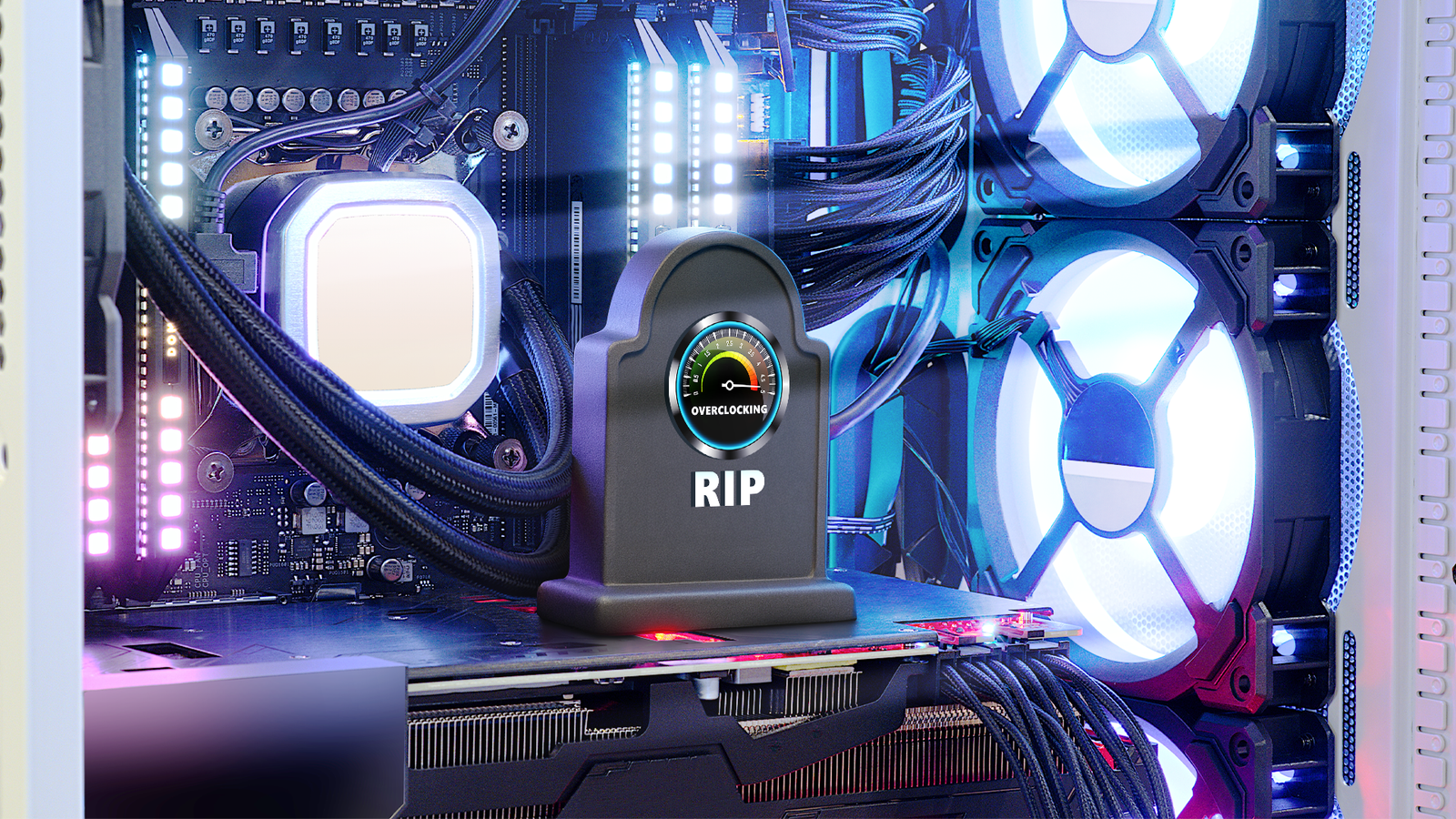
Most of your PC components come out of the factory set to use a certain amount of electricity. In some cases, lowering this amount, or “undervolting” the components, can improve their performance or increase efficiency. But if you want to dabble in undervolting, leave these parts alone.
The integrated CPU
Generally speaking, undervolting is a low-risk way to net a lot of benefits: less power usage, lower heat, quieter fans, and an overall longer device lifespan. In older chips, this was viable and even encouraged by manufacturers, who offered tools for users to tweak core voltages and find a perfect balance of efficiency, power, and temperature. But these days, things aren’t so easy.

Nowadays, a fair number of OEM and CPU vendors prevent undervolting at the firmware level. This is probably due to a specific vulnerability known as Plundervolt mostly affecting Intel—it uses voltage manipulation to get into protected memory and target sensitive data. Because of these blockers at the firmware level, many chip manufacturers use Undervolt Protection with their 10th and 11th Gen CPUs. If you have such a component, you’d have to jump through extra hoops to do any undervolting.
For example, with most computers, you can tweak voltage through your BIOS. If you did have a computer that prevented you from doing that, you’d have to use third-party tools to undervolt the integrated CPU instead, which isn’t novice-friendly. All in all, it’s not worth the hassle to undervolt this component, with potential problems that, while unlikely to strike unless you do something really crazy, still outweigh the marginal benefits you’d get out of doing it.
Your integrated GPU
If you have your own dedicated CPU or GPU, undervolting them isn’t such a big issue. But if you have an integrated chip, things get a lot more difficult. Dedicated parts in your own rig have their own power and cooling, but in an integrated GPU, the power and thermal resources are shared with the CPU. This makes undervolting either half of the chip a complicated affair, as your undervolting will affect both the CPU and GPU, and you can’t alter one without affecting the other.

This simultaneous impact makes it really hard to do any benchmarking, since you might pass stress tests for either half of the component but crash under load. It can be difficult to get an exact result you want with an integrated chip since two things are being affected at once, which makes getting any kind of precise outcome a frustrating exercise.
Admittedly, there are some integrated chips that will allow you to undervolt either one half of the set up or the other, in which case, you’ll have a much easier time. That said, if you don’t have an integrated chip that allows this, it might be more hassle than it’s worth to bother undervolting it.
Don’t touch your RAM
You may already know, or at least sense, that undervolting your RAM is a bad idea. You’d be correct: there’s really nothing to be gained by undervolting your RAM. Instead, you’ll likely face a variety of painful issues, such as boot loops, blue screens, and data corruption.

This is because memory modules like DDR4 and DDR5 sticks have very strict voltage tolerances. When you enable an EXPO or XMP profile, your RAM will go just above its normal operating voltage so it can stabilize with the higher frequencies. Even if you only turn down that voltage a little bit, you run the risk of application crashes, memory training failures, and failure to POST.
Furthermore, even advanced RAM doesn’t really draw that much power, so there’s really no benefit to undervolting RAM at all.
AIO fans and pumps
Finally, we have the last thing that you should just leave alone: AIO fans and pumps. I know it can sound tempting to run your fans at extremely low voltages or speeds, but this is a slippery slope down a big ditch. Modern AIO coolers are built around thermal adaptivity. The pump and fans respond dynamically to your computer’s CPU temperature, and that depends on the system load and things like ambient temperature. Moreover, most modern fans and pumps are designed to operate under PWM speed control rather than DC voltage control.

In a closed-loop liquid cooler, the pump requires a minimum voltage to respond to changes in thermal demand, and if you undervolt it, the pump’s capacity to respond will be impacted by the lower headroom. This doesn’t outright damage the pump, but it does impact its ability to cool down the PC when temperatures start to rise. Thermal throttling will become a big issue, and you could severely impact the longevity of your CPU and other components.
Needless to say, if your purpose for undervolting in the first place was lowering temperature output, then undervolting your AIO fans and pumps is the exact opposite of what you want to do.
Ultimately, you can undervolt just about any component in your PC, and in many cases, there are perfectly good reasons to do so. Even the components we talked about here today could be undervolted if you wanted to do that. But there are just as many components that you should leave alone. If you’re new to undervolting, it’s best to stick to the basics and only mess with what you know won’t cause a problem. Then again, it’s probably best to do that when you’re experienced, too.
