


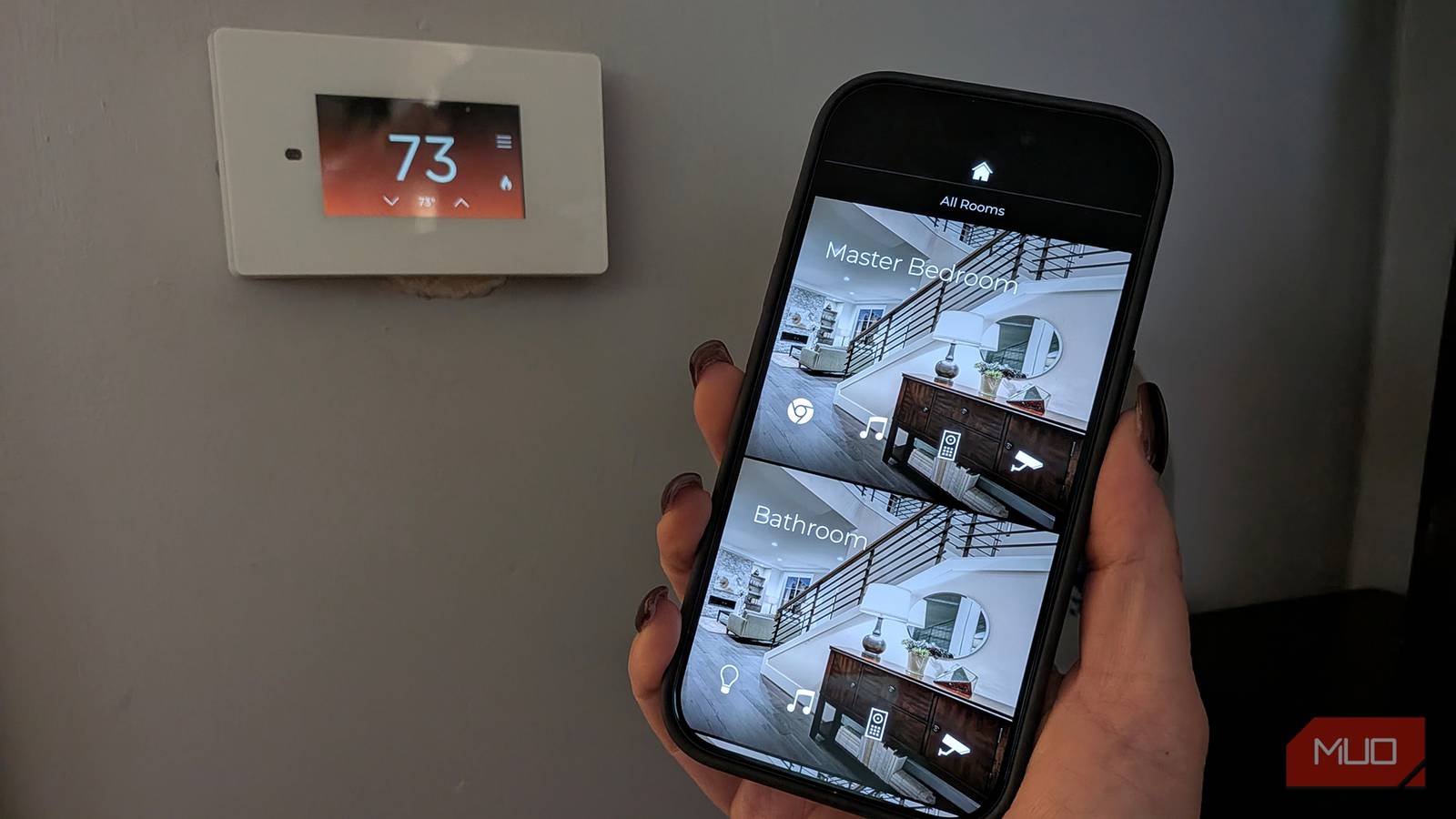
Everyone has a smart home nowadays, with connected devices like a smart TV, smart video doorbell and/or door lock, smart lights, smart robot vacuum, and more, all controlled through a smart speaker or display and app. They are designed to work seamlessly, especially within the same ecosystem, like Google Home, Amazon Alexa, or Matter. But sometimes, you might find that the system is lagging. Maybe one device keeps dropping its connection or is slow, you can’t load the app properly on your computer, or products simply aren’t responding to commands.
There are a few reasons this can happen, and it often traces back to common smart home mistakes you might be making that can slow down your connection on one or more devices, maybe the entire system. The good news? Usually a quick fix, adjustments in settings, or upgrade of equipment can solve the problem.
An outdated wireless router
It’s time to upgrade

The first thing you need to do is look at your router. A smart speaker might function as the command center, but the router is the heart, the control center of a smart home. So, it’s crucial that it can keep up with the needs of your smart home and all your connected devices. You’ll want a router with Wi-Fi 7, which provides speeds up to four times faster than Wi-Fi 6. You can also opt for a Wi-Fi 6E router, which adds a different band with faster speeds for compatible devices compared to traditional Wi-Fi 6. Upgrading your wireless router could be the simplest fix to smart home problems.
If you live in a large home with three (or more) floors and lots of connected devices, you can consider a mesh system, though some find that a system with hardwired access points works better. A mesh system consists of nodes or satellites placed throughout the home. Keep the main router in the basement or tucked in a closet while these devices extend the signal throughout the home, even in typically dead zones. This will ensure a stronger and potentially faster connection.
Improper router placement
Too many obstructions

Even if you have a fantastic, powerful, new router, you need to make sure it’s positioned in a good spot. Obstructions like walls, cupboards, and doors can impede the signal to your devices. There’s a reason, after all, that the latest routers look sleek and stylish: you’re encouraged to place them in front and center instead of hiding them away like we used to do.
Try to position it somewhere central, or at least close to the most important devices in your network, like your connected wireless video doorbell, nearby the smart TV, or where you work in your home office. If you have a dual-band router that uses both 2.4 and 5GHz frequencies, or a tri-band model that adds 6GHz, one router setting that could be quietly hurting your internet speed is being connected to the wrong band. Try switching bands to see if this alleviates the lag.
Too many devices
See what’s the hog
Nowadays, protocols like Matter help all types of devices from many brands “talk” to one another. This makes it enticing to get so many smart home upgrades. You might even break out old smart devices you had lying around and connect them all over the house. It’s great to be able to make use of all the smart home gadgets you can. But keep in mind that too many devices can congest the network as they compete for resources, overwhelming the router.
Your best bet to fix the problem is to streamline by only connecting devices you need. Even consider connecting some via Ethernet if possible (think a gaming console), or using different bands for different devices. Check your router’s companion app or type its IP address into a web browser to examine connected devices and see what’s using the most bandwidth. Naturally, if someone is streaming 4K video, someone else is playing games online, and another person is downloading large files, devices like your security camera might lag unless you prioritize it. Which leads to the next potential mistake.
Not prioritizing devices
Give priority to what needs it most

Did you know that the latest routers work with companion apps that let you prioritize network traffic? This means you can log in and choose which devices should get priority in terms of network traffic over others. This might be your laptop and computer during work hours, your smart TV and connected gaming system in the evenings, and the smart security cameras at night.
This will ensure that you aren’t dealing with a lagging Zoom call or buffering video game because other less important smart devices are hogging the network. Take a look at the options for prioritizing devices and you might find that shifting things around can improve the speed and reliability. Your kids might be upset if their Netflix streaming is impacted while you’re trying to work from home. But the proper speed will be prioritized to the most important devices at the right times.
Slow internet network
Free up the internet highway

Internet services aren’t cheap, especially if you want ultra-fast speeds. But while it’s tempting to save while opting for a slower, entry network package, if you want to run a smart home efficiently, or at all, you need to have the proper internet speeds. How fast should your internet be? Ideally, get a plan with at least 500 Mbps to handle all the devices you want to connect, and bandwidth intensive ones. For a smart home with lots of devices and heavy usage, go for at least 1Gbps.
Think of it like a highway. A slow internet connection with a smart home filled with demanding connected devices is like a main freeway in the middle of rush hour with gridlock traffic. By contrast, a fast internet connection with just as many devices is like a winding, rural country road without a car in sight that you can speed through to your heart’s content.
Keep your smart home running smoothly
Keep these tips in mind

Along with these tips noted above, consider not just how many smart home devices you have but what kinds. Smart cameras and video doorbells, for example, use a lot of data compared to a basic smart light or plug. If you have a few complex smart gadgets versus someone else who just has smart lights all over the home and a speaker or two, your gadgets are likely eating up more data.
The number of people in your home matters, too, along with their habits and time of usage. If you have a family of four or more and everyone is getting online at the same time in the evenings, a decent internet speed won’t cut it: you’ll need something ultra-fast. Further, if you work from home and you tend to be doing a lot online while running smart home gadgets, it could be taxing on the system. The right gear, setup, and internet plan, however, should result in a fast, efficient, and convenient smart home experience.

- Brand
-
Amazon
- Display
-
None
- Dimensions
-
5.7 x 5.7 x 5.2 inches
- Weight
-
34.2oz
- Clock
-
Yes
- Integrations
-
Amazon Alexa
While a good router is at the heart of a smart home, the command center is the smart speaker. The Amazon Echo Dot is an affordable option to get started with a smart home or expand into a different room.
