


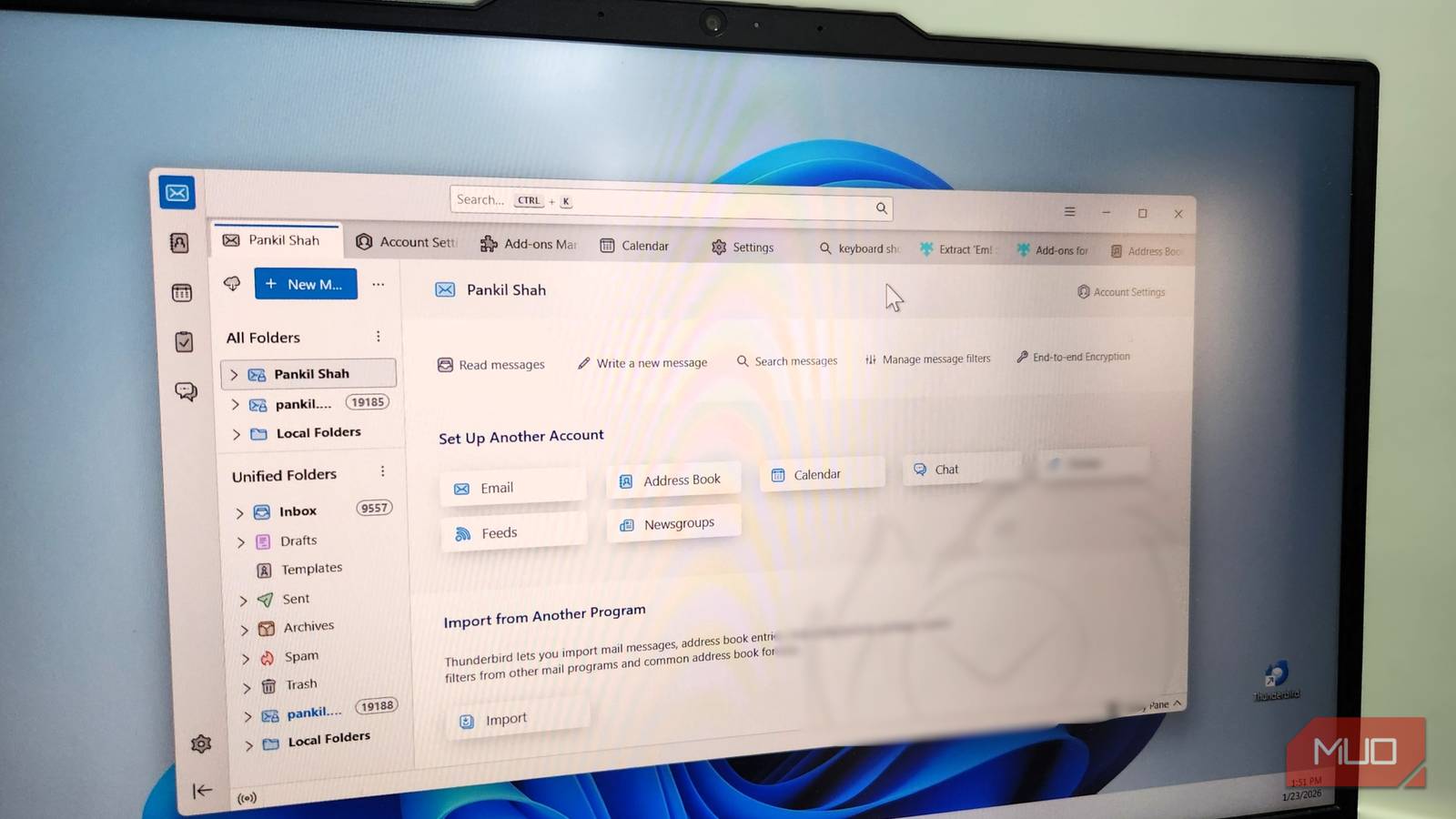
Ever since Microsoft deprecated its Mail app, I have been trying different email clients to find a true replacement. I tested several popular email apps, including eM Client, Mailspring, Spark, and a few others, but the one that stood out the most was Thunderbird.
It’s a free, open-source app from Mozilla that handles multiple accounts smoothly, stays fast, respects my privacy, and gives me control over how everything works. It almost feels like one of those apps that should ship with Windows.

- OS
-
Android, Windows, Linux & Mac
- Price model
-
Free (open-source)
A unified inbox that makes everything easier to manage
One inbox to rule them all

Opening an email client in my browser is easy enough, but one of the biggest reasons I like using Thunderbird is its unified inbox. You can enable it by selecting Folder modes > Unified Folders. It brings emails from all your accounts in an organized space, which means you don’t have to open multiple browser tabs and switch between them just to catch up.
I use different emails for personal, work, and temporary stuff, and having them all in a single view is a huge help. Of course, I can still view each account individually if needed.
To make things even more manageable, you can head to Tools > Message Filters to create smart rules that automatically sort your mail. I have set up a filter to star everything from my work domain. Another filter moves lower-priority messages, such as newsletters, to a different folder to reduce clutter. It’s much like Outlook Rules and is just as easy to set up.
Another big benefit to the unified inbox is search. Any time I want to look for a particular email but can’t remember where I received it, I can simply use the search box and it brings up results from all the accounts.
Deep customization, color coding, and keyboard shortcuts
Total control, zero friction
Another thing I like about Thunderbird is that it gives complete control over the interface. You can customize the toolbar layout so you only see the buttons you actually use. There’s also the option to hide the status bar if it feels distracting.
In the app menu, you get the option to alter the font size and density, which is perfect if you want to see more or fewer emails on screen. In the Appearance tab, you can set how messages are sorted and threaded.
One of my favorite features is message tags. It lets me assign color-coded labels like Important, Personal, Work, To Do, and Later. This makes it easy to differentiate messages at a glance. You can also create more tags if the defaults are not enough.
And if you’re someone like me who loves using keyboard shortcuts, Thunderbird supports plenty of them. You can use keyboard shortcuts for just about everything, from creating a new message and forwarding one to adding tags and filtering your inbox.
Useful add-ons that extend Thunderbird’s features
Power up with smart extensions

One of the things that makes managing emails fun in a browser is the huge range of third-party extensions you can install. The good thing is that Thunderbird offers the same freedom through its own add-on ecosystem. There are tools for everything, from improving search to automating repetitive tasks, and even changing how messages are displayed.
For instance, there’s an add-on called Extract ‘Em!, which lets you extract attachments from an entire account or folder in one go. It’s perfect for cleaning up old emails in bulk.
Text Marker lets you highlight specific text in your message with colors, just like you would inside a PDF. This makes it easy to highlight the important stuff in a long email. Another handy add-on is Mail Merge, which can send personalized emails to multiple recipients by pulling their names and addresses from a list.
The Quicktext add-on lets you create templates for routine emails, so you don’t have to type the same response over and over again. Thunderbird is already a capable email client on its own, but with the right add-ons, you can customize your experience however you like.

I secured my email with encryption — for free
Added layers of security for nothing.
No ads and no tracking
No strings attached

The thing about any half-decent email client, be it Mailbird, Mailspring, or any other similar app, is that they’re either paid or filled with annoying ads. Thunderbird is completely different in this regard. It runs entirely on donations, which means you are never forced to pay, only encouraged to support if you find it valuable.
Thunderbird is also big on privacy. All your data is stored locally and not on some remote server owned by the company. Also, it doesn’t build any kind of profiles or monitor your data in any other way.
What I like about Thunderbird is that it’s fully customizable and makes managing multiple emails a joy. It also doesn’t try to sell me a subscription or monitor my inbox. If you are still bouncing between browser tabs or struggling with cluttered inboxes, Thunderbird is absolutely worth a try.
