


:max_bytes(150000):strip_icc():format(jpeg)/GettyImages-539343734-9ae680b62d3f4f98949aafd51aefc098.jpg)
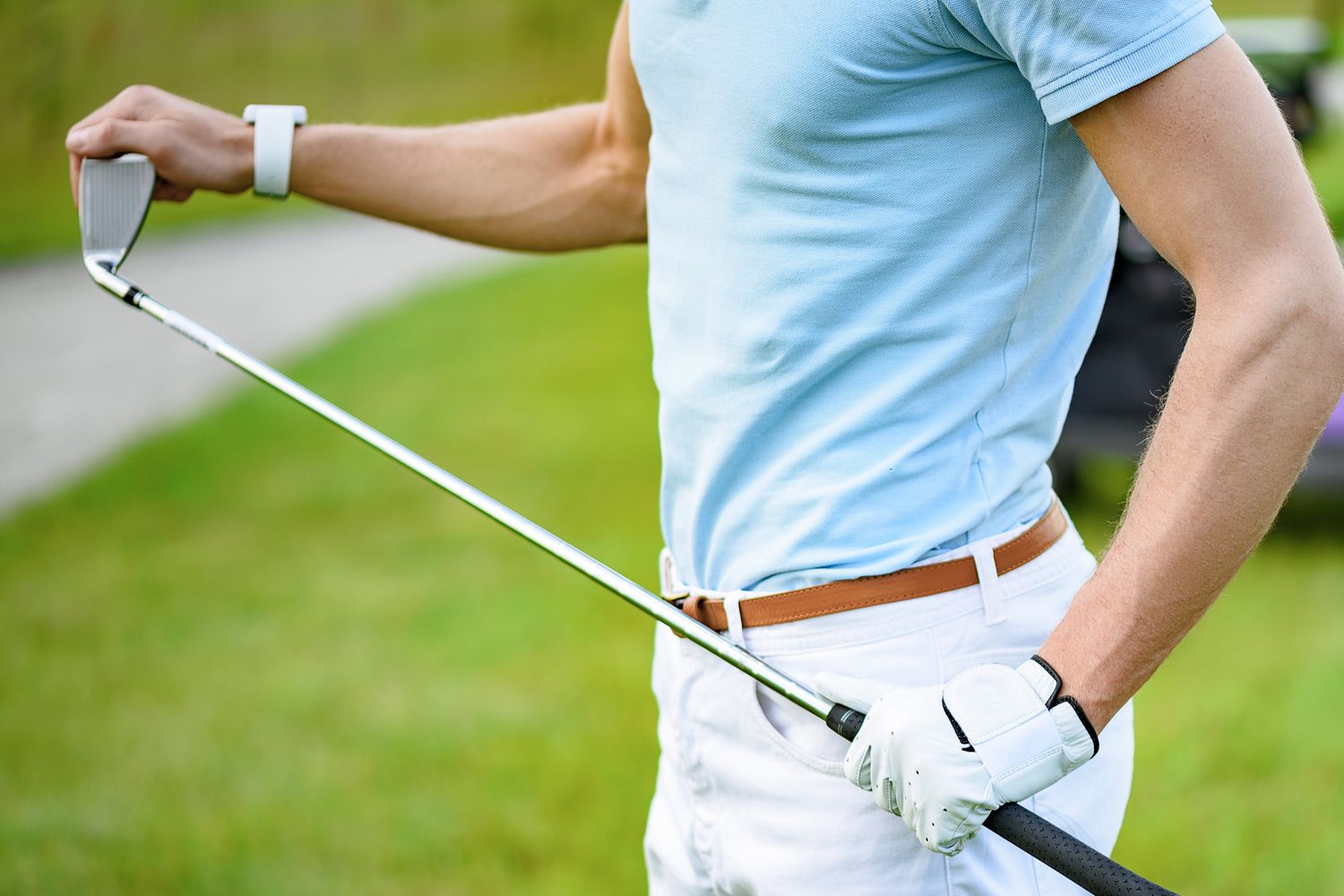
The Apple Watch is a great device for keeping track of your health and workouts. For golfers, it can be especially useful, with apps designed to improve your game and make golfing more enjoyable.
Here’s a list of our top picks for golf apps on Apple Watch, covering stats, tracking, scorekeeping, shot selection, and more.
What We Like
Fun social features add a collaborative feel.
Simple interface makes the app easy to use.
Track points for in-golf games like Skins.
TheGrint describes itself as a golf society, with features that allow golfers to connect with golfing friends, see their scores, and comment on their games.
The free version of the app includes handicap scoring and a GPS range finder for more than 40,000 golf courses worldwide. Set up foursomes and compete with other groups in real-time, learn your strengths and weaknesses by viewing stats, and track points for in-golf games like Skins.
Upgrade to a Handicap membership for $19.99 per year and get a handicap from the USGA. Pay $39.99 yearly for a Pro membership and take advantage of next-level performance statistics.
You’ll also be able to use the app’s Scorecard Picture Service, where you take a picture of your written scorecard to have the app transcribe and upload it for you.
What We Like
See real-time swing metrics.
Easy to use with a simple interface.
Track swings on the course or at a driving range.
With the Apple Watch, you don’t need a Zepp sensor for some swing-analyzing features.
Zepp is a training system that aims to improve your game before you head to the course. The free app’s video features allow you to capture your swing and add special effects, such as ball tracing and voiceovers. When you’re finished, share your highlight reel with friends or the Zepp community.
When you add a Zepp sensor in addition to the free app, you gain the ability to measure club speed, backswing, and more. But when you use an Apple Watch, you don’t need a sensor to get some of your swing metrics, including temp, hand speed, and hand plane. Just glance at your wrist to see this data.
Buy a Zepp Golf Sensor to take your training to the next level if you want to hone your skills in more detail.
As an iPhone app, Golf Pad offers an impressive slew of free features, including detailed scoring, maps, a one-tap shot tracker, and social media integration. Find your distance to the pin, and take advantage of shot tracking and elevation. There’s no registration required, so you can jump right in and use it as you golf.
To use Golf Pad with your Apple Watch, however, you’ll have to upgrade to the $29 /year Golf Pad Premium, which also includes other features like handicap scoring and advanced player statistics.
What We Like
Great visual interface.
GPS tracking.
See 3D maps of tens of thousands of golf courses.
Club recommendation feature.
Measure your shot distance.
What We Don’t Like
You’ll need a premium subscription to unlock some of the most useful features.
App may track your location even when you’re not using it, which drains battery life.
Tag Heuer, typically known for its high-end watches, has created one of the slickest golf apps around. Tag Heuer Golf (formerly called Fun Golf GPS) is professionally designed and continuously supported with bug fixes and new features.
Access maps of more than 39,000 golf courses and check your distance to the green, while flagging hazards. Measure your shot distance, save your scores, and get pro insights on how to improve your game. You can also save your rounds as workouts in the Apple Health app to stay on top of your fitness.
Download and use Tag Heuer Golf for free. You’ll need to upgrade to a paid subscription to access additional features, including saving your scores and seeing real-time stats. Subscriptions range from $7.99 per month to $49.99 per year.
Thanks for letting us know!
Tell us why!
