


:max_bytes(150000):strip_icc():format(jpeg)/GettyImages-878859950-68d2d536efb94293a137ba38b8fc3ecf.jpg)
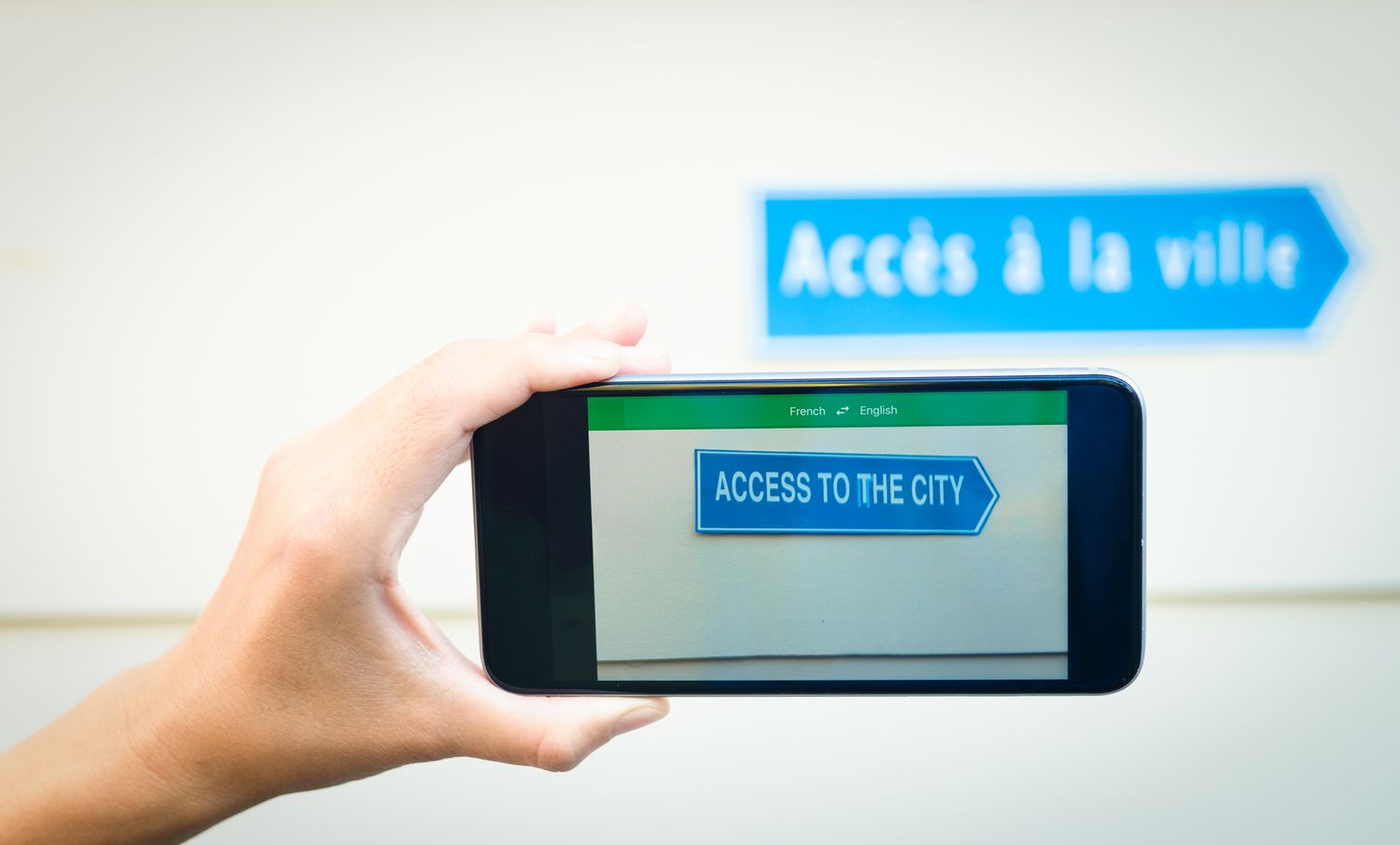
These apps can help make language barriers a problem of the past. We’ve rounded up our five favorite translation apps out of the dozens available.
What We Like
Languages are free to download for offline use.
App is free to use without any subscription required.
Connect devices to have conversations inside app.
Want to translate text into Klingon? Microsoft Translator can do so. Or, you can use Microsoft’s internet-free ability to translate to and from any language as you travel. Simply download the language you’ll need ahead of time.
Microsoft Translator also offers various features, including alternate translations, phrasebooks, camera translation, and conversation translation.
Microsoft Translator is free to download and use for both Android and iOS devices. Plus, no premium subscription is required.
Download For:
What We Like
Write blurbs to translate with your finger.
Use 108 languages when typing.
Use camera to translate images in 94 languages.
For situations where voice translation isn’t appropriate, Google Translate offers a unique, handwritten translation tool inside its translation app. Use your finger to write what you want to translate and receive the phrase back in over 100 languages.
Google Translate offers camera translation, typing translation, and voice translation, and you can use the included phrasebook to find and save phrases for easy access. Google Translate is also a great online translator as well as an offline translator.
Google Translate is free to download and use for iOS and Android devices.
Download For:
What We Like
Easy built-in phrasebook for finding quick phrases.
Voice-to-voice capability in over 100 languages.
App provides different dialects to choose from.
What We Don’t Like
Offline mode, other features require Premium subscription.
Interface is a bit more difficult to figure out than other apps.
Voice translation only with Premium subscription.
If you’re looking for an app that offers quick phrases for finding food, navigating an emergency, or simply communicating with new people, iTranslate is the perfect tool for you. It includes an in-depth phrasebook and offers translation in over 100 languages.
This app allows you to select different dialects depending on the language you choose and offers offline mode, website translation, and more. However, you’ll need a Premium subscription to use these tools.
This app is free to download and use for both Android and iOS devices. After a seven-day free trial period, you’ll have to pay for a yearly subscription.
Download For:
What We Like
See dictionary with each translation.
View examples of the translated text.
Hear phrase in Spanish with touch of a button.
What We Don’t Like
Voice translation is a bit slow.
Ads inside app without upgrading.
App may not understand localized slang used.
SpanishDictionary.com Learning is the perfect English-to-Spanish and Spanish-to-English translator out there. The app only focuses on Spanish, complete with a dictionary and examples for each translation. You also have the option to hear the phrase you translate by tapping the speaker icon.
Although the voice translation is a bit slow, SpanishDictionary.com Learning is great at translating text, whether it’s short phrases or paragraphs. The app is free to download and use, but requires an upgrade to remove ads.
Download For:
What We Like
Translate via camera, text, and speech.
Over 175 languages.
Type responses in translation keyboard.
What We Don’t Like
Only available for iOS at this time.
Premium is costly for this type of app.
Ads without Premium subscription.
While you’re out and about as you travel, you’re often using your camera to snap photos of your trips. You can also use your camera to take pictures of words and phrases you need translated with the Pocket Translator app.
Take a photo, and the app will translate the text in the image, perfect for road signs, menus, etc. You can also translate via text and speech in over 175 languages.
Although Translate is free to download and use for iOS devices, there are ads without a Premium subscription. You’ll also need a subscription to unlock smart voice and automatic image translation, but you can try it out with a seven-day trial.
Thanks for letting us know!
Tell us why!
