


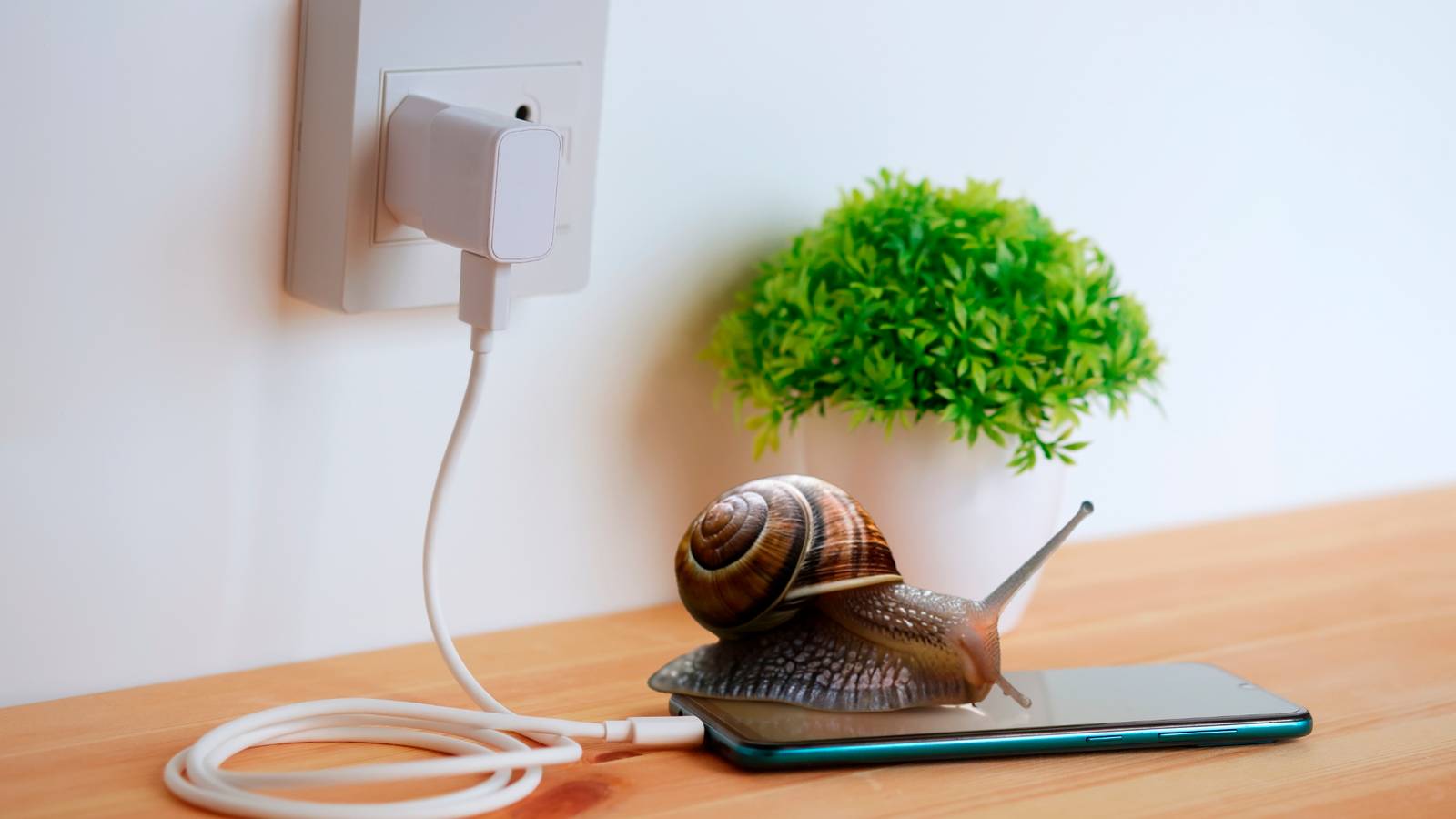
A smartphone can slow down for many reasons. Sometimes it’s because of certain settings you’ve turned on, and other times it’s because a few pre-installed apps are running quietly in the background without you even realizing it. But here’s something most people don’t expect: your charger can slow your phone down, and there’s a real reason behind it.
If a sluggish phone is something you want to fix immediately, it’s important to understand how it happens and what to do next.

Don’t Fall for These 10 iPhone Charging Myths
Some myths were meant to be busted.
Heat generation plays a major role
That cheap charger might be cooking your phone

Many people end up using random, uncertified chargers for their Android phones and iPhones, often without much thought. While this might seem harmless at first, it can cause problems over time. Cheap or low-quality chargers don’t regulate power properly, which can cause the battery to heat up more than it should.
When your phone starts to overheat, the system automatically slows down the processor to protect internal components. This is why everything feels sluggish. And if you continue using your phone while it’s charging through a damaged or a poor-quality charger, the slowdown becomes even more noticeable. Over time, this doesn’t just affect performance; it can cause long-term damage to the battery and other internal parts.
Cables matter just as much
The overlooked wire slowing everything down

There’s no shortage of charging cables in the market. With countless brands and price points to choose from, it’s easy to assume that all cables work the same. But that’s not quite true. If you’re using a very cheap, low-quality cable, it could quietly be holding your phone back.
For instance, imagine plugging your phone into a fast charger, but it still takes hours to reach 100%. That’s partly because the cable can’t carry that much power. Poor-quality cables usually have thin internal wiring, which restricts the flow of electricity. This results in trickle charging, where your phone receives power very slowly. In some cases, the phone may even slow down while charging because it’s barely getting enough power to run smoothly.
In short, even with a good adapter, a bad cable can slow down your phone’s overall experience. A decent-quality cable ensures proper power delivery, faster charging, and a phone that performs normally.
Pushing your phone harder than necessary
When your charger makes your phone sweat

When an adapter or charging cable is low-quality or starts to wear out, it can put additional strain on your smartphone. This happens because the phone has to compensate for inconsistent or insufficient power delivery, which forces it to work harder than it should. Over time, this extra effort not only consumes more energy but can also generate heat, which further impacts the device’s efficiency.
As a result, you may notice that your phone’s performance begins to dip. Apps may load more slowly, multitasking can feel sluggish, and battery life can drain faster than expected. In essence, what starts as a small issue with a weak cable or adapter can gradually affect your phone’s overall responsiveness.
A dirty charging port could also be to blame
The silent saboteur hiding in your charging port

Yes, a slow adapter or a poor-quality charging cable can definitely hold your phone back, but the charging port itself can also be part of the problem. Over time, dust and tiny debris can build up inside the port, especially if you keep your phone in a pocket or a bag. This buildup prevents the charging cable from making proper contact with the port, which disrupts power flow.
When that connection is not solid, your phone may charge inconsistently, switch between charging and not charging, or fall back to very slow trickle charging. In some cases, your phone may look like it is charging normally, but the power it is receiving is simply not enough to charge or efficiently support smooth performance.
That is why keeping the charging port clean is just as important as using a good adapter and a cable. It ensures a stable connection and helps your phone charge at the speed it is meant to.
The fix is simpler than you think
The secret to a stress-free smartphone

To prevent unnecessary strain on your phone, the simplest solution is to use high-quality accessories. While it may seem like a large, one-time investment, it can pay off enormously by protecting your device in the long run and maintaining its performance. Since many smartphone brands don’t include a charging adapter in the box, it’s a good decision to purchase one directly from the brand to ensure compatibility and safety. Always use the cables provided with your phone; third-party alternatives, especially cheaper ones, can cause inconsistent charging and extra wear on your device.
Whenever possible, plug your phone into a wall outlet instead of charging it in your car. While charging on the go isn’t harmful in moderation, relying on it every day can reduce charging efficiency. Another tip: try not to use your phone while it’s charging. This not only allows your device to charge more efficiently but also gives you a brief moment of tech-free time. A little care with accessories and charging habits goes a long way toward keeping your phone happy and performing at its best.

How to Get Rid of the Annoying “Moisture Detected” Warnings on Your Samsung
If you see a water drop icon or get moisture detection warnings on your Samsung phone, try these fixes to get it charged again.
Power up without a slowdown
There are plenty of myths about charging your phone correctly. Some still worry that overnight charging is bad for their phone, while others don’t realize that the right adapters and cables can actually affect their phone’s speed. And that’s perfectly fine. What matters is staying aware if you want your device to last longer and run smoothly. When the battery stays healthy, and performance stays snappy, there’s little reason to replace your phone. Simple habits like using quality charging accessories, keeping the charging port clean, and giving your device a little rest while it powers up can make a surprisingly big difference.
