


:max_bytes(150000):strip_icc():format(jpeg)/calendar-app-smartphone-laptop-gettyimages-2094317337-2491701cfc944670a90782c2586f339d.jpg)
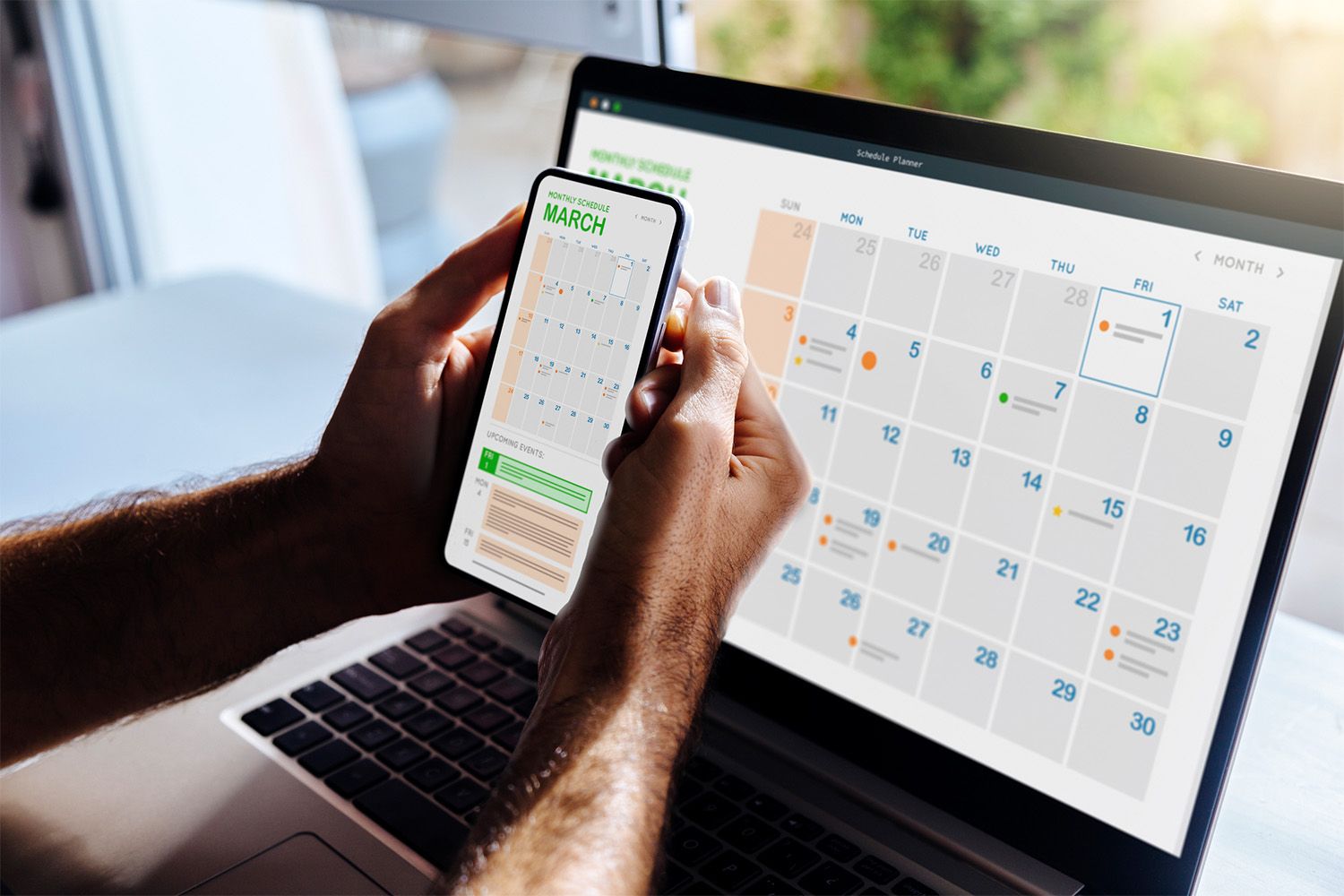
Staying organized while on the go with your Android device is possible when you use one of these best free calendar apps. You’ll find shared calendar apps, daily planners, booking calendars, calendars for shift workers, and more.
The apps listed in this article are compatible with Android 5.0 and newer.
What We Like
View by day, three days, week, and month.
Schedule events and reminders.
Syncs with other Google apps.
Google Workspace integration.
What We Don’t Like
Not as many features as the web app.
Can’t color code reminders.
Can’t format text in the event description.
When it comes to features, ease of use, and the number of users, Google Calendar is hard to beat. It’s your one-stop shop for all your calendar needs.
It handles to-do lists, reminds you of events and appointments, and displays several views of your calendar. Now that Google Workspace is available to everyone, it’s also a powerful tool for collaborating with friends, family, or co-workers.
What We Like
Eye-catching design templates.
View schedule by list, day, week, month, and year.
Includes a search feature.
What We Don’t Like
Must grant permission to access your accounts.
May not display tasks from Google Calendar.
Can’t sync Facebook events and birthdays.
If you have calendars in various apps and for multiple purposes, consolidate your schedule and events in one convenient place. OneCalendar connects to Google Calendar, Microsoft Outlook, iCloud, and WebCal. After you add a calendar, apply a color to that calendar to identify it in your OneCalendar calendar.
You don’t have to switch between calendars to create an event. Set up the event in OneCalendar and choose the calendar app where the event should be stored.
What We Like
All group members can edit a shared calendar.
Add custom calendars and Google calendars.
Sync with PCs, mobile devices, and via widget.
What We Don’t Like
Doesn’t display color coding applied in Google Calendar.
Recurring events could use more customization options.
Doesn’t have a weekly view.
When you want to keep up with family members, friends, and co-workers, add everyone’s calendars to TimeTree. You can also create custom calendars for special events, family activities, class schedules, sports groups, and more.
TimeTree can store multiple calendars that can be shared with the people you choose, but it’s sharing capabilities go beyond that. Events can be turned into message centers, with chat, photo uploads, and memos.
What We Like
Displays weather forecast on all calendar views.
Six customizable home screen widgets.
Schedule appointments across multiple time zones.
What We Don’t Like
The Premium version may not be worth the money for some.
May not recognize Google Calendar reminders.
Can’t add notes, tasks, or to-do lists to the calendar.
If you’re looking for a straightforward and easy-to-use calendar with lots of color and style, give DigiCal a test drive. It has more calendar views than the other apps in this list.
View your daily or weekly agenda. Display your calendar and events for the day, week, or month. Or, show only a calendar for the month or for the year.
DigiCal is highly customizable. Color code events, change the look of calendar views, choose a theme, enable pictures for events, and more.
What We Like
View by day, week, month, year, and tasks.
Sync with Google Calendar, etc.
Display only the calendars you want with one tap.
What We Don’t Like
Ads can be intrusive but only appear once every 18 hours.
It can take too long to sync.
Doesn’t have a pop-up reminder for tasks.
When you want to access your personal and work calendars in one place, give Business Calendar 2 a try. You can create local calendars for different activities and import calendars from your work apps.
Business Calendar 2 has other benefits. If you keep important notes in your calendar or need to refer to past events, it keeps more than a years’ worth of data.
The simple interface isn’t distracting with fancy backgrounds, so color-coded calendars, events, and tasks stand out. Plus, you can customize a widget, so your calendar looks good on your phone’s home screen.
While it may not look as sophisticated as other calendar apps, it’s a good choice when you manage multiple calendars.
What We Like
Sync with Google Calendar is optional.
Optional text message reminders.
Online booking is intuitive and well-designed.
What We Don’t Like
Need Premium to send mass messages, view reports.
Only sends reminders to clients through a text message.
May not sync correctly with Google Calendar.
Do you own a small business and need a way to make appointments with clients but can’t afford a receptionist? Goldie (formerly Appointfix) has a solution.
It’s an online scheduling app that provides you with a link to your online appointment book. Share your link in an email, on your website, or on social media and make it easy for clients to schedule meetings.
Your booking page can be customized with your business name, services and rates, a description, a logo, and a photo. You can also add your contact information, links to your social media accounts, and business hours.
What We Like
Create color-coded event types that include an icon.
Add reminders and alarms to events.
Practical, efficient, and easy to use.
What We Don’t Like
It can’t import calendars from other apps.
Can’t create lists or make notes in an event.
Can’t add a duration to events.
If you want a personal organizer that keeps track of what you need to do every day, and nothing else, Task Agenda is straightforward and productive.
Enter the details of your event, appointment, or task, and it creates a to-do list for you.
What We Like
Attach notes, photos, lists, and reminders to events.
Lock notes and lists with PIN, pattern, or password.
Organize notes and lists with labels.
What We Don’t Like
Can’t delete a single occurrence in recurring event.
A limited number of color choices in the free version.
Can’t attach PDF files to notes.
Some calendars just don’t have the room to keep track of shopping lists, to-do lists, the kids’ after school activities, and important events. If you need space on your calendar to keep yourself organized, try WeNote.
WeNote is straightforward to learn with features that include note-taking, color-coded notes and lists, reminders, and privacy. Your notes can also include photos, hand-drawn images, and audio recordings.
Plus, you can customize WeNote with color themes, font styles, and color-coded categories.
What We Don’t Like
It may take some time to get accustomed to the visual dial.
Requires a Google calendar.
Doesn’t always sync quickly with Google calendar.
If you like telling time on an analog watch face, Sectograph replicates that experience in its calendar. It displays your appointments, to-do items, reminders, and events on a round dial.
Along with showing your appointments, it shows the time left for the current event, the time until the next appointment, and a list of your events.
What We Like
Get a quick start with the informative tutorial.
Share editable calendars or as images and PDFs.
Create up to 10 calendars.
What We Don’t Like
It doesn’t import events from Google Calendar.
The alarm isn’t always reliable.
Calendars may not upload to Google Calendar properly.
If you work multiple shifts, have more than one job, do freelance projects at different businesses, or have an active family, check out Shifter.
When your jobs or activities follow a pattern, it’s easy to set up your schedule. Enter the shift information, add the shift cycle to the calendar. Then, select a pattern for your schedule and apply it to a range of dates.
When you set up your schedule, you can set shift alarms, indicate if it’s a split shift, schedule rest time, and add your per hour wage. Shifter uses this information to display statistics about the shifts you work, including hours worked and income.
Thanks for letting us know!
Tell us why!
