Close Menu
SkytikSkytik

    Subscribe to Updates

    Get the latest creative news from FooBar about art, design and business.

    What's Hot

    At Least 32 People Dead After a Mine Bridge Collapsed Due to Overcrowding

    November 17, 2025

    Here’s how I turned a Raspberry Pi into an in-car media server

    November 17, 2025

    Beloved SF cat’s death fuels Waymo criticism

    November 17, 2025
    Facebook X (Twitter) Instagram
    • About Us
    • Contact Us
    SkytikSkytik
    • Home
    • AI Tools
    • Online Tools
    • Tech News
    • Guides
    • Reviews
    • SEO & Marketing
    • Social Media Tools
    SkytikSkytik
    Home»Guides»5 Alexa Radio Stations to Play in 2026
    Guides

    5 Alexa Radio Stations to Play in 2026

    AwaisBy AwaisJanuary 10, 2026No Comments4 Mins Read0 Views
    Facebook Twitter Pinterest LinkedIn Telegram Tumblr Email
    5 Alexa Radio Stations to Play in 2026
    Share
    Facebook Twitter LinkedIn Pinterest Email

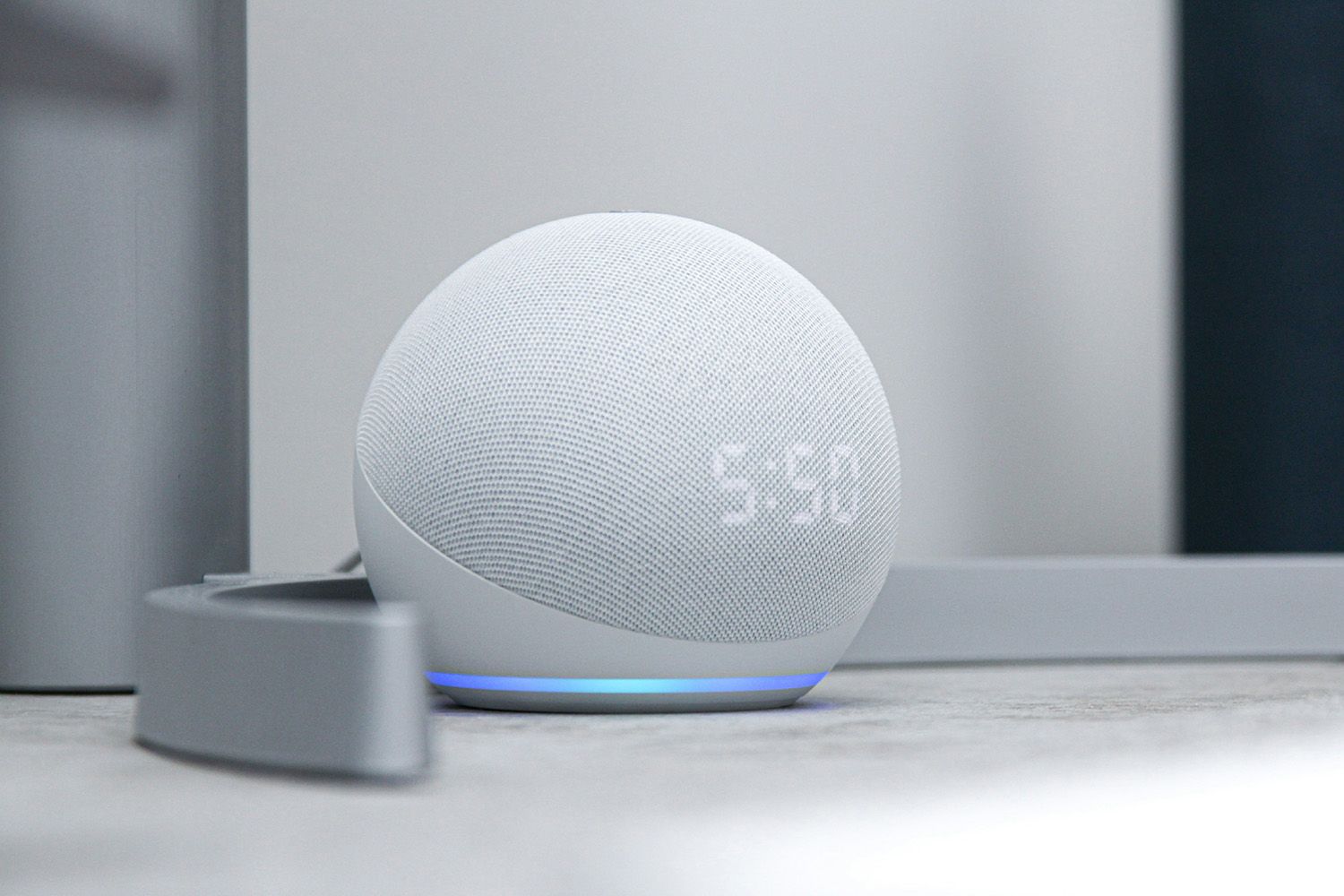
    Amazon’s virtual assistant can play almost any radio station thanks to new Alexa skills. Fortunately, all Alexa skills are completely free, so you can start listening to your favorite stations on your Amazon Echo or Fire Tablet without subscribing to a third-party service.

    Most, but not all, Alexa skills are compatible with Amazon Sonos sound systems. Alexa is not available for older Kindle Fire models.

    MyTuner Radio lets you tune into 50,000 stations from all parts of the world.

    You can ask for stations like NPR and BBC, or you can request a random station specializing in a certain genre, such as jazz, news, or sports. Just say, “Alexa, ask MyTuner Radio to play station/genre.”

    You can even get more specific. For example, try, “Alexa, ask MyTuner Radio for the best hip-hop stations in Columbia.” Alexa will give you a list of stations to choose from.

    Best for History Buffs: Radio D-Day

    To relive one of the decisive moments of World War II, say, “Alexa, open Radio D-Day” to hear an actual broadcast from June 6, 1944, that provided complete coverage of the invasion of Normandy.

    If you want to skip ahead to the Allied victory, say, “Alexa, next.”

    If you’re particularly interested in that time period, Radio Complete Day is another Alexa skill you need. Say, “Alexa, open Radio Complete Day” to hear a whole day of broadcasting from WJSV in Washington D.C. on September 21, 1939.

    Best for Nostalgia Lovers: Radio Fun Time

    If you’re a fan of old-school radio programs like Gunsmoke, Dragnet, and the Abbott & Costello Show then Radio Fun Time was made for you.

    Begin by saying, “Alexa, open Radio Fun Time.” You can request a specific show, or ask Alexa for recommendations from a certain genre. Say “Alexa, next” to skip to another episode.

    Can’t decide what you want to listen to? Say, “Alexa, open Radio Paradise skill.” You’ll hear a song from a random genre curated by professional DJs who specialize in serving diverse musical tastes.

    If you like what you hear, just say, “Alexa, ask Radio Paradise what’s playing.”

    To skip ahead to another song, say, “Alexa, next song.”

    Best for News Junkies: Radio Anchor

    No one should rely on one source for their news. Fortunately, Radio Anchor simplifies seeking out different perspectives.

    Try commands like “Alexa, ask Radio Anchor to play sports stories from The New York Times,” or “Alexa, ask Radio Anchor to play news stories from All India Radio” to expand your worldview.

    The only downside is Radio Anchor doesn’t actually play live radio streams; instead, Alexa reads the news aloud.

    How to Listen to the Radio With Alexa

    To enable Alexa skills on your Amazon Echo or Fire Tablet so you can listen to the radio, in the Alexa app select More > Skills & Games > Categories > Music & Audio or News to browse specific stations and skills > Enable Skill.

    Alternatively, you can just say, “Alexa, open skills,” and tell Alexa which skill you want to enable.

    If Alexa presents you with a numerical list of options, just say a number to confirm your choice.

    Can Alexa Play Local Radio Stations?

    There’s a chance Alexa can already play your favorite local station without the need for any skills; try saying, “Alexa, play station.” You can request stations by name, frequency, or call letters.

    Likewise, you can request certain old-time radio shows by name like “Radio Mystery Theater.” If Alexa can’t find what you want to hear, try enabling the following skills to vastly expand her repertoire.

    Radio-Locator is a helpful tool for finding information about your local stations, including frequencies and call numbers.

    Thanks for letting us know!

    Get the Latest Tech News Delivered Every Day

    Subscribe

    Tell us why!


    Alexa play Radio stations
    Share. Facebook Twitter Pinterest LinkedIn Tumblr Email
    Awais
    • Website

    Related Posts

    How to daisy-chain multiple monitors from a single cable

    February 19, 2026

    I finally found a great use for my TV’s USB port

    February 19, 2026

    A 32-inch 4K OLED 240Hz monitor for $799.98 is the kind of “finish the setup” deal that’s hard to ignore

    February 18, 2026

    AI is helping hackers make new malware faster and more complex than ever – and things may only get tougher

    February 18, 2026

    Is your Galaxy Z Trifold at risk of breaking? Fresh reports detail worsening screen issues

    February 18, 2026

    Apple Cider Vinegar’s Real Benefits, According to Registered Dietitians

    February 18, 2026
    Leave A Reply Cancel Reply

    Top Posts

    At Least 32 People Dead After a Mine Bridge Collapsed Due to Overcrowding

    November 17, 20250 Views

    Here’s how I turned a Raspberry Pi into an in-car media server

    November 17, 20250 Views

    Beloved SF cat’s death fuels Waymo criticism

    November 17, 20250 Views
    Don't Miss

    To See is Not to Master: Teaching LLMs to Use Private Libraries for Code Generation

    March 17, 2026

    arXiv:2603.15159v1 Announce Type: cross Abstract: Large Language Models (LLMs) have shown strong potential for code…

    Post, Story, and Reels Dimensions

    March 17, 2026

    How nonprofits can build a digital presence that actually drives impact

    March 17, 2026

    How Google Profits From Demand You Already Own

    March 17, 2026
    Stay In Touch
    • Facebook
    • YouTube
    • TikTok
    • WhatsApp
    • Twitter
    • Instagram
    Latest Reviews

    Why entity authority is the foundation of AI search visibility

    March 17, 2026

    Vibe Coding Plugins? Validate With Official WordPress Plugin Checker

    March 17, 2026
    Most Popular

    13 Trending Songs on TikTok in Nov 2025 (+ How to Use Them)

    November 18, 20257 Views

    How to watch the 2026 GRAMMY Awards online from anywhere

    February 1, 20263 Views

    Corporate Reputation Management Strategies | Sprout Social

    November 19, 20252 Views
    Our Picks

    At Least 32 People Dead After a Mine Bridge Collapsed Due to Overcrowding

    November 17, 2025

    Here’s how I turned a Raspberry Pi into an in-car media server

    November 17, 2025

    Beloved SF cat’s death fuels Waymo criticism

    November 17, 2025

    Subscribe to Updates

    Get the latest creative news from FooBar about art, design and business.

    Facebook X (Twitter) Instagram Pinterest YouTube Dribbble
    • About Us
    • Contact Us
    • Privacy Policy
    • Terms & Conditions
    • Disclaimer

    © 2025 skytik.cc. All rights reserved.

    Type above and press Enter to search. Press Esc to cancel.