


A smart home device without power is just an expensive paperweight. The trouble is, getting power to your smart home devices isn’t always easy, depending on where you want to locate them. The good news is that there’s a relatively simple way to supply both power and connectivity to many smart home devices.
The problem with powering your smart home the old-fashioned way
While low-power devices such as Zigbee sensors can run on battery power, many smart home devices need to be plugged into an outlet. This causes a number of problems.
Firstly, you’re limited to where you can place your smart home gadgets. If a room doesn’t have power outlets, for example, you’re not going to be able to power any devices without doing some serious electrical work or running unsightly extension cables.

Secondly, your devices also end up hogging all the outlets. If you want to use other electrical devices, you may be forced to unplug your smart home devices, leaving them offline. Other people in your household may do this without you being aware.
Your devices may also have to connect wirelessly. Wi-Fi devices can drop off the network if they’re too far from the router, and can struggle if your network becomes overcrowded.
What Power over Ethernet does for your smart home
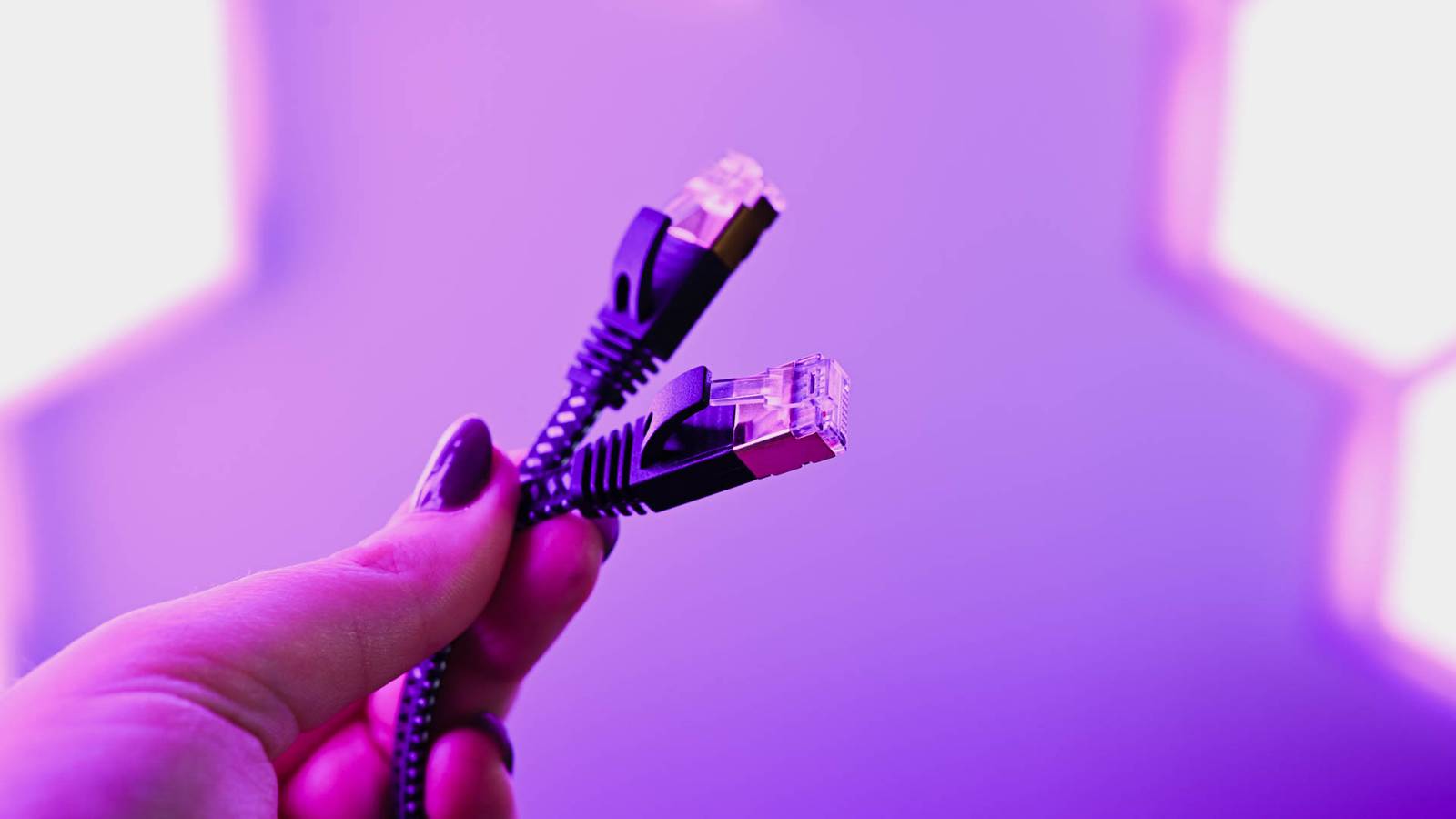
A relatively simple option for some smart home devices is Power over Ethernet (PoE). You’ll need a PoE-capable switch or injector that can provide power via an Ethernet cable. By connecting this Ethernet cable to your smart home device, you get both power and a stable wired network connection through a single cable.
There are some obvious benefits of using PoE. It frees up the power outlets around your home, since instead of having to plug your smart home devices into the wall, you can power everything from a PoE switch. You also don’t need to worry about other people unplugging your smart home devices when they need to use a power outlet.

If you don’t have power outlets in a room where you want to place a smart home device, running cable is also a much simpler task than rewiring your entire electrical system, as long as you have the right tools. Since Ethernet is low voltage, you’re putting yourself at less risk by routing Ethernet cables around your home.
If you put your router, smart home server, and the PoE switch that powers your devices on an Uninterruptible Power Supply (UPS) that can continue supplying power when your home electricity supply fails, all your local PoE smart home devices should keep working even as the lights go out.
Many smart devices work better when you switch them to PoE
There are plenty of smart home devices that can benefit from PoE. This allows you to provide them with a stable connection and place them exactly where you need them.
Security cameras are a prime example. It’s unlikely that you’ll want to place a security camera in a location that’s conveniently situated next to a power outlet. This can lead you to place them in less optimal locations. With PoE, you can run cable to the exact locations where you want your cameras and provide them with a stable connection with no Wi-Fi worries.

Video doorbells are another device that can benefit from using PoE. Many video doorbells, such as the excellent Reolink Video Doorbell PoE are specifically designed to be used with PoE. This means you only need to run a single cable to the doorbell to provide both power and a stable connection.
Smart home devices don’t have to have an Ethernet port to use PoE, either. For example, if you’re using a tablet as a smart home dashboard, you can use a PoE-to-USB adapter to provide power to your tablet. It makes it far easier to wall-mount your tablet neatly without unsightly power cables trailing across your room. You can run cable behind your wall and hide the PoE-to-USB adapter in a recessed box behind the tablet.
Other smart home devices that can benefit from PoE include wireless access points, smart home hubs and bridges, and even smart blinds.
When PoE doesn’t make sense (and what to do instead)
Of course, not every smart home device is suitable for PoE. Low-power devices such as Zigbee sensors, for example, get their power from batteries. This makes them even easier to place wherever you want them, without the need to run cable around your home. For these devices, PoE isn’t a realistic option.

Devices that require a lot of power also aren’t suitable for PoE. Even with the highest-power PoE option, after the power loss through the Ethernet cables is taken into account, you’re only looking at around 70W of usable power available to the device. That means you’re not going to be running your smart washing machine using PoE any time soon.
For power-hungry devices, you’ll need to plug them directly into a power outlet. You can still use a wired data connection for some smart appliances, such as washing machines, if they have the appropriate ports, and you struggle with patchy Wi-Fi.
Another example where a wired connection just isn’t going to cut it is with devices that move. Using PoE for a robot vacuum cleaner is unlikely to end well unless you want to clean your room in ever-decreasing circles. These devices will usually have their own rechargeable internal batteries, and you’ll have to rely on Wi-Fi.
If you’re finding that you’re having to compromise on the placement of your smart home devices because you can’t get power to them, then PoE can be a solid solution. Getting network connectivity and power from a single cable that’s relatively simple to run can free up your smart devices so that you can use them where you actually need them. It’s not suitable for your entire smart home, but there are some devices that can really benefit.
