


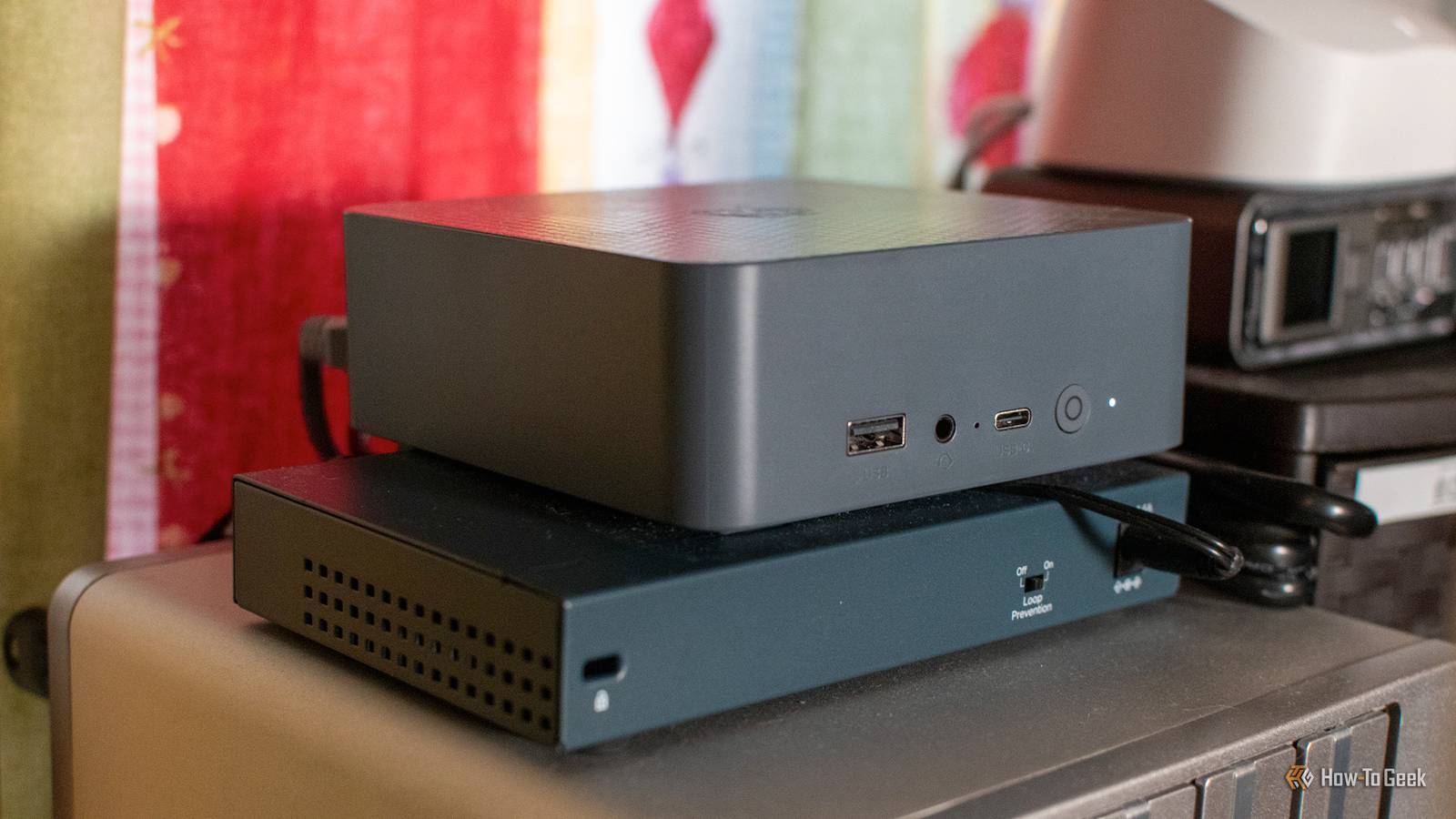
During this post-Christmas long weekend, you’re probably looking for some homelab projects to tackle. Well, I have your back! Today, I’m showing you three ways you can sever your dependence on big tech and save money while taking privacy into your own hands.
Ditch Audible and self-host your own audiobook server
Who needs a subscription when you have a server?

For me, 2025 was the year I started listening to audiobooks. The problem with that is audiobooks are expensive and most audiobook apps are annoying to use. Plus, with streaming providers like Audible, there’s always the risk of a title being modified after release without you knowing, for better or worse.
So, when I decided to embark on my audiobook journey at the beginning of the year, I quickly deployed an Audiobookshelf server. With Audiobookshelf, you’re able to build your own audiobook library, just like Plex allows you to build your own movie and TV library. You’re able to stream audiobooks on your home network, or, if you set up a VPN or reverse proxy, outside the network.
I’ve already begun building my library out from various sources, and listened to 5,685 minutes of audiobooks (or nearly 100 hours of listening). Out of the 365 days of 2025, I spent 100 of them streaming an audiobook—and with my upcoming Christmas vacation to Florida, I’ll likely stream several more hours of audiobooks before the end of the year.
Setting up an Audiobookshelf server is quite easy. You simply deploy the Docker container and attach whatever storage you want for your audiobooks. I have my NAS remotely mounted to the VM that runs Docker and that’s where my audiobooks are stored, and I’ve had no issues with it over the past year.
Once you have the server up and going, you can stream from the web client, or dedicated apps like Plappa on iOS or the official Audiobookshelf app on Android. From there, it’s happy streaming of your favorite audiobooks without having to worry about using Audible or paying any subscription fees.
Kick Spotify to the curb with Navidrome
Spotify who?

While I still prefer to have Apple Music or Spotify for music streaming, I know that there are many out there who are seeking to kick all subscriptions to the curb and self-host every service imaginable. That’s where Navidrome comes in.
Navidrome is to music what Plex is to movies/TV shows and Audiobookshelf is to audiobooks. It’s basically Spotify, but running on your own hardware using your own libraries.
You might think that building your a music library is expensive and takes a lot of time—and you’d be right in one of those thoughts. It’ll definitely take a solid chunk of time to digitize all those CDs, but you can actually find some pretty great deals on physical media at thrift stores.
Navidrome also works to play back music without having to stream. You can use Navidrome paired with a Raspberry Pi to listen to music in your car that’s played off a local media source like a flash drive or external SSD.
There’s so much Navidrome is capable of, and all you have to do is deploy the Docker container, attach some storage, and start listening. Plus, Navidrome works with all Subsonic clients, making it easy to enjoy your music both at home and on-the-go.
Stop giving Apple and Google your money by hosting your own photo server
Take privacy into your own hands.

Are you tired of big corporations spying on your photos? Maybe you’re just wanting to make sure those private photos stay private. Or, it could be the mounting cost of paying for cloud storage. Regardless of what your goals are, it’s easy to self-host your own photo server in your homelab and kick Apple or Google to the curb with Immich.
Immich is a self-hosted app that runs on your server in Docker, and it is basically a Google Photos replacement. The mobile app is superb, it has built-in (locally-run) machine learning and AI functions for facial and object recognition, and it handles everything for you. There’s even multi-user support if you want to have the family back up to Immich, too.
Once you deploy the Docker container (which is actually several containers), everything else is pretty straightforward from there. The app is easy to use and looks a lot like Google Photos, as does the web interface. There’s even tools to port iCloud Photos or Google Photos libraries over to Immich, if you want to download your pictures from other providers to centralize everything in one place.
At the end of the day, self-hosting your own photo server puts you in charge of just how secure and private the pictures stay. If you make the self-hosted app accessible only on your local network, there’s very little chance of anything ever leaking. Even opening it up to the web behind a reverse proxy is relatively safe if you follow basic procedures like using secure passwords and the like—it’s unlikely (though still possible) that a hacker would target your small photo instance when they could go after a much bigger fish like Google or Apple.
So, if you’re still paying for photo storage in the cloud, set up Immich this weekend. It’s easy and rewarding to be the one in charge of your own destiny when it comes to online storage.
These projects are just beginning to scratch the surface of what’s possible within a homelab. In my personal homelab, I am running nearly 75 services across all my virtual machines and servers, with close to 100TB of storage between all my machines. Yes, it’s a lot, but I’ve slowly expanded it over the past five years.
If you don’t know where to start with your homelab, then I have your back. I have a slew of favorite Docker containers that I think everyone should run. They’re all pretty easy to set up, and will give you a wide range of capabilities from media streaming to building a homelab dashboard and much more.
