


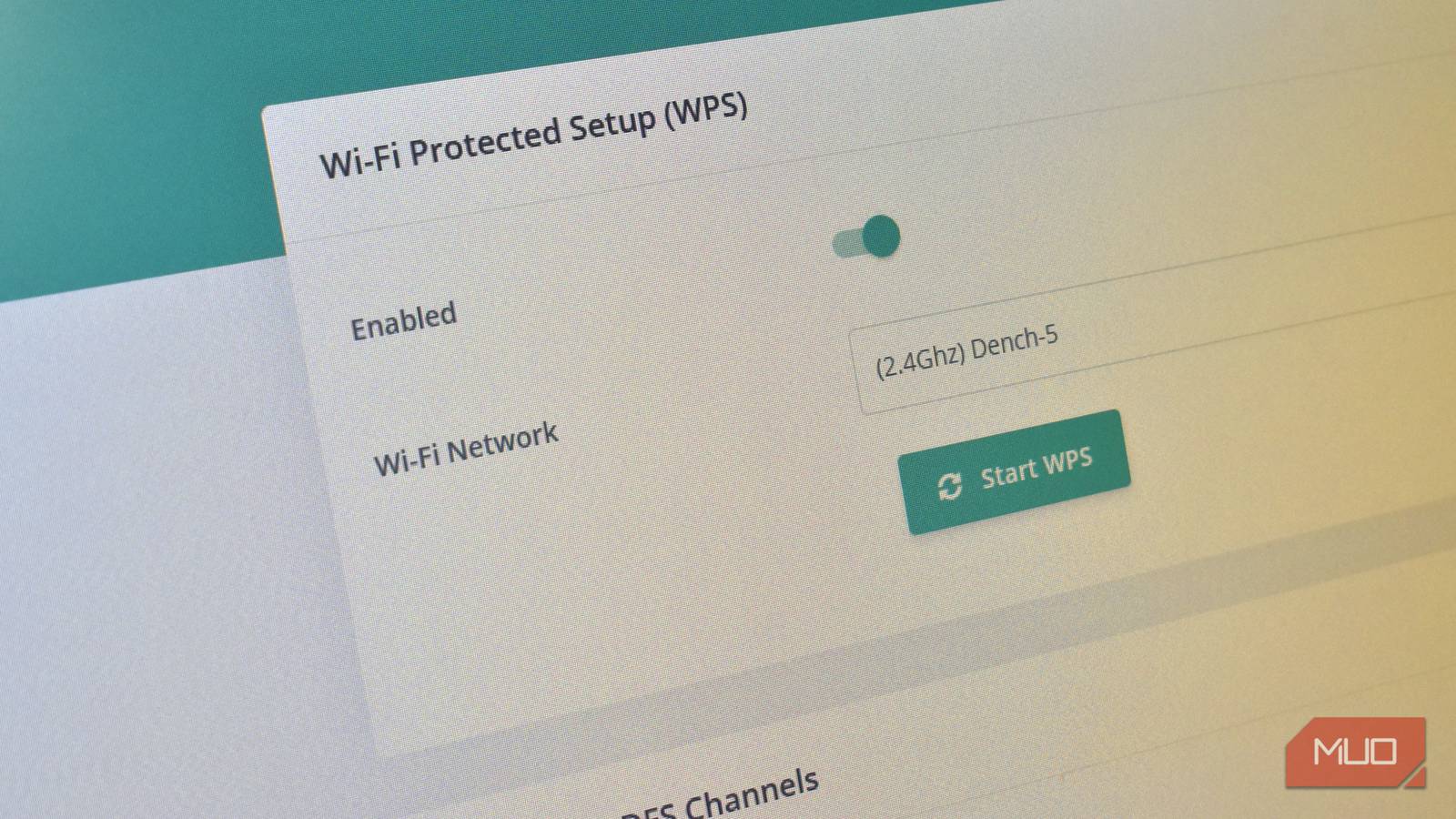
Most folks believe that Wi-Fi security begins and ends with a strong password. It’s a vital part of Wi-Fi security, of course, but don’t let a long and confusing cryptic string trick you.
Your Wi-Fi router has a heap of other security settings you should be paying attention to, and one that you need to make sure is switched off.
Wi-Fi Protected Setup, better known as WPS, can bypass even the strongest Wi-Fi passwords, and your router might have shipped with it switched on.
What WPS is supposed to do
Theoretically, WPS is super useful
Conceptually, Wi-Fi Protected Setup is a really genius solution for an age-old problem: sharing your Wi-Fi details. No one likes having to spend ages inputting a new Wi-Fi password, especially if you get one character wrong and have to start again. Find me someone who actually enjoys that process, and I’ll show you a liar.
WPS lets devices connect to your Wi-Fi by pressing a button on your router, authenticating any device attempting to connect to your network at that time. It’s a great idea for devices with fiddly inputs, such as IoT, sensors, streaming boxes, and so on. And in fairness, it does work when you want it to.
The big problem with WPS
Password? What password?

The big problem with this concept is that anyone means anyone. If someone can push that button on your router, they can connect to your network.
The most common WPS method uses an 8-digit PIN, and crucially, it isn’t checked all at once. The router validates the PIN in two halves, dramatically reducing the number of attempts required to brute-force it. In real terms, this can take hours rather than years — even on networks protected by strong WPA2 or WPA3 passwords.
Once the PIN is cracked, the attacker gets your Wi-Fi password automatically. It doesn’t matter how long or complex it is; WPS hands it over. Worse still, many routers don’t properly lock out repeated attempts. Even when they claim to disable WPS after failures, the protection is often unreliable or easily bypassed.
Some routers only support “push button” WPS, which is marginally safer. But it still enables WPS once pushed, enabling anyone nearby to connect to the router.
The other big misconception about WPS is that a strong Wi-Fi password will protect against this type of attack. Unfortunately, that’s not the case. WPS operates alongside your encryption, not within it. If WPS is enabled, WPA3 doesn’t save you. The attacker isn’t attacking your encryption — they’re abusing a legacy convenience feature the router still trusts.
You could have the most secure password ever conceived, and WPS would give the keys over regardless. That’s why it’s imperative to disable WPS on your router.
Thankfully, modern routers are starting to move away from WPS
It’s about time

Most modern routers still include support for WPS. But the good news is that the feature is a well-known security problem, so many router manufacturers opt to remove the physical WPS button, as well as ship routers with WPS turned off by default.
This is a great move because it means, unless you really want to use WPS (and there are some uses for it), you don’t have to worry about your security being compromised by this feature.
Moreover, many router manufacturers are specifically targeting PIN-based WPS, removing the option entirely from the UIs, hiding PINs, and generally trying to avoid this aging tech. The new router I received when I upgraded my internet in 2025 is the first I’ve had without a WPS button, and I don’t really remember seeing the option in the router settings.
It’s a clean sign of the times.
WPS isn’t the only router vulnerability
There are more ways to undermine your network
Guess what? That old WPS vulnerability isn’t the only thing that makes your router and home network vulnerable! There are several other default settings that can compromise your network if they’re left.
Legacy WPA Modes | Some routers still allow WPA or WPA-TKIP for compatibility with older devices. In these cases, attackers target the weakest protocol available rather than the password itself. Even a long, complex password offers little protection if the encryption method can be bypassed or downgraded. |
|---|---|
Guest Network | A poorly configured guest network can create an unexpected back door. If guest access isn’t properly isolated from your main network, anyone with the guest password may be able to see internal devices, access admin pages, or probe for vulnerabilities elsewhere. At that point, the strength of your primary Wi-Fi password becomes largely irrelevant. |
Default Router Credentials | If your router’s management interface is accessible from the Wi-Fi network — or worse, from the internet — and still uses a default or weak password, an attacker doesn’t need your Wi-Fi credentials at all. Gaining admin access allows them to change your password, disable encryption, or open the network entirely. This is especially common on ISP-supplied routers that prioritise easy setup over hardened security. |
The reality is that it all adds up, and it’s worth taking seriously. Wi-Fi security isn’t just about what you type in once. It’s about the shortcuts your router still allows behind the scenes.
