
Close Menu
SkytikSkytik

    Subscribe to Updates

    Get the latest creative news from FooBar about art, design and business.

    What's Hot

    At Least 32 People Dead After a Mine Bridge Collapsed Due to Overcrowding

    November 17, 2025

    Here’s how I turned a Raspberry Pi into an in-car media server

    November 17, 2025

    Beloved SF cat’s death fuels Waymo criticism

    November 17, 2025
    Facebook X (Twitter) Instagram
    • About Us
    • Contact Us
    SkytikSkytik
    • Home
    • AI Tools
    • Online Tools
    • Tech News
    • Guides
    • Reviews
    • SEO & Marketing
    • Social Media Tools
    SkytikSkytik
    Home»Guides»Think AI actions in Windows 11 are pointless? Microsoft is letting you banish them from the right-click menu
    Guides

    Think AI actions in Windows 11 are pointless? Microsoft is letting you banish them from the right-click menu

    AwaisBy AwaisDecember 10, 2025No Comments3 Mins Read0 Views
    Facebook Twitter Pinterest LinkedIn Telegram Tumblr Email
    Happy woman sitting on a bed with a coffee and a Windows 11 laptop
    Share
    Facebook Twitter LinkedIn Pinterest Email


    • Windows 11 has a new preview build
    • It fully removes AI actions if you’ve disabled them all in File Explorer
    • This means there will no longer be an empty folder in the right-click menu for AI actions that have been turned off

    Windows 11 just got a change for the better in terms of AI – albeit only in testing for now – which removes some clutter related to the AI actions feature.

    That functionality pertains to File Explorer’s right-click context menu, but it’s more of a refinement to existing options than anything else (and I’ll come back to why later). Even so, it’s going to be well-received; you can count on that.

    Windows Central reported on Microsoft announcing a simple but functional change in a new Windows 11 preview (build 26220.7344): “If there are no available or enabled AI Actions, this section will no longer show in the context menu.”


    You may like

    This means that if there are no possible AI actions with any given file that you’ve right-clicked, you no longer see the (empty) folder relating to said actions (or lack of them).

    AI actions include things like asking Copilot to summarize a document or pulling off image-editing tricks on your photos (like erasing an object using AI).


    Analysis: a mystifying omission
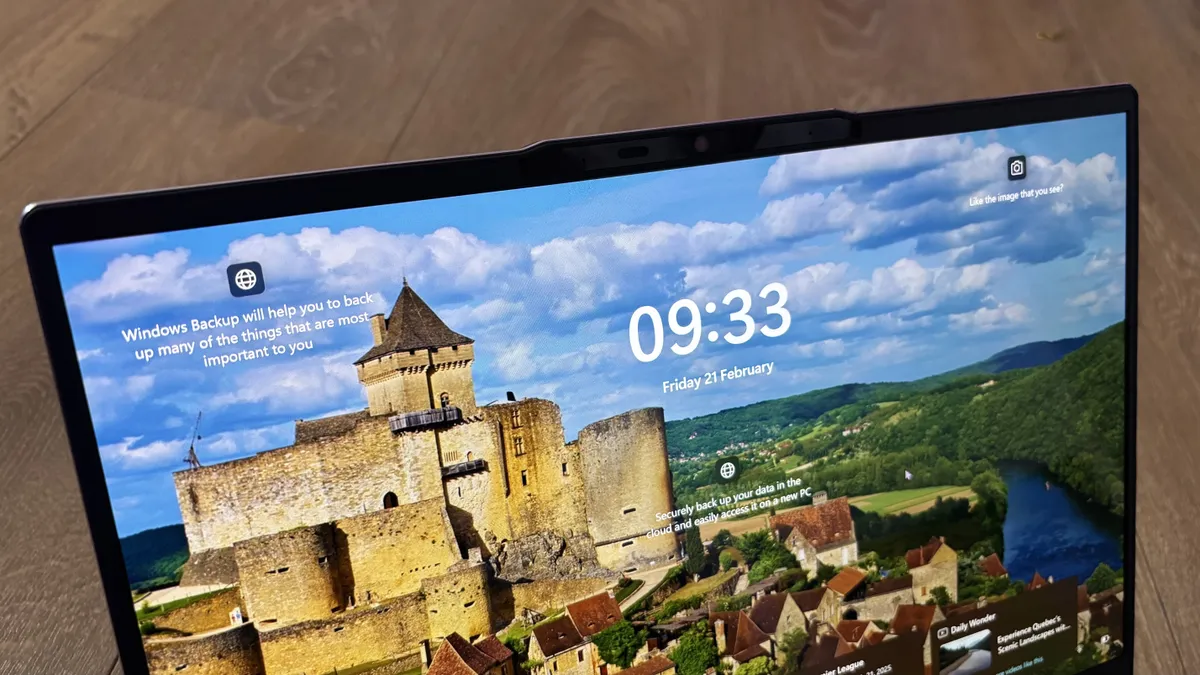
    Acer Aspire 14 AI laptop display showing the Windows 11 login screen

    (Image credit: Future / Jasmine Mannan)

    Essentially, this avoids the weird situation where you’ve gone into Settings and disabled all AI actions, and yet the AI actions option still appears in the right-click menu – even though when you mouse over it, it’s empty. Which, of course, made no sense whatsoever, and really, this is more of a fix than a feature.

    You could previously disable these AI actions, in case you were wondering, so that isn’t a new feature, although it is a relatively recent addition. The change here is Microsoft’s removal of the AI actions entry in the right-click menu if there aren’t any available AI shortcuts, as noted.

    Sign up for breaking news, reviews, opinion, top tech deals, and more.

    All this is part of Microsoft’s wider drive to declutter File Explorer’s right-click menu, which is a welcome initiative.


    A Dell Tower Plus against a white background

    The best computers for all budgets

    Our top picks, based on real-world testing and comparisons

    Follow TechRadar on Google News and add us as a preferred source to get our expert news, reviews, and opinion in your feeds. Make sure to click the Follow button!

    And of course you can also follow TechRadar on TikTok for news, reviews, unboxings in video form, and get regular updates from us on WhatsApp too.


    actions banish letting Menu Microsoft pointless rightclick Windows
    Share. Facebook Twitter Pinterest LinkedIn Tumblr Email
    Awais
    • Website

    Related Posts

    Microsoft Advertising simplifies automated bidding setup

    March 19, 2026

    Microsoft Ads launches self-serve negative keyword lists

    February 27, 2026

    Dairy Queen Just Added a Surprise New Treat to the Menu

    February 21, 2026

    Microsoft rolls out applied Performance Max learning path

    February 19, 2026

    Microsoft Advertising adds a multi image creative to Shopping ads

    February 19, 2026

    How to daisy-chain multiple monitors from a single cable

    February 19, 2026
    Leave A Reply Cancel Reply

    Top Posts

    At Least 32 People Dead After a Mine Bridge Collapsed Due to Overcrowding

    November 17, 20250 Views

    Here’s how I turned a Raspberry Pi into an in-car media server

    November 17, 20250 Views

    Beloved SF cat’s death fuels Waymo criticism

    November 17, 20250 Views
    Don't Miss

    How to Make Sure You Are One in 2026

    March 20, 2026

    Whether I’m looking for a new car, email marketing software, or pair of shoes, sometimes…

    [2510.16001] An Order-Sensitive Conflict Measure for Random Permutation Sets

    March 20, 2026

    What old patents reveal about AI search

    March 20, 2026

    What is an integration platform?

    March 20, 2026
    Stay In Touch
    • Facebook
    • YouTube
    • TikTok
    • WhatsApp
    • Twitter
    • Instagram
    Latest Reviews

    What is Google Sites? And how to use it

    March 20, 2026

    [2504.18346] Comparing Uncertainty Measurement and Mitigation Methods for Large Language Models: A Systematic Review

    March 20, 2026
    Most Popular

    13 Trending Songs on TikTok in Nov 2025 (+ How to Use Them)

    November 18, 20257 Views

    How to watch the 2026 GRAMMY Awards online from anywhere

    February 1, 20263 Views

    Corporate Reputation Management Strategies | Sprout Social

    November 19, 20252 Views
    Our Picks

    At Least 32 People Dead After a Mine Bridge Collapsed Due to Overcrowding

    November 17, 2025

    Here’s how I turned a Raspberry Pi into an in-car media server

    November 17, 2025

    Beloved SF cat’s death fuels Waymo criticism

    November 17, 2025

    Subscribe to Updates

    Get the latest creative news from FooBar about art, design and business.

    Facebook X (Twitter) Instagram Pinterest YouTube Dribbble
    • About Us
    • Contact Us
    • Privacy Policy
    • Terms & Conditions
    • Disclaimer

    © 2025 skytik.cc. All rights reserved.

    Type above and press Enter to search. Press Esc to cancel.