


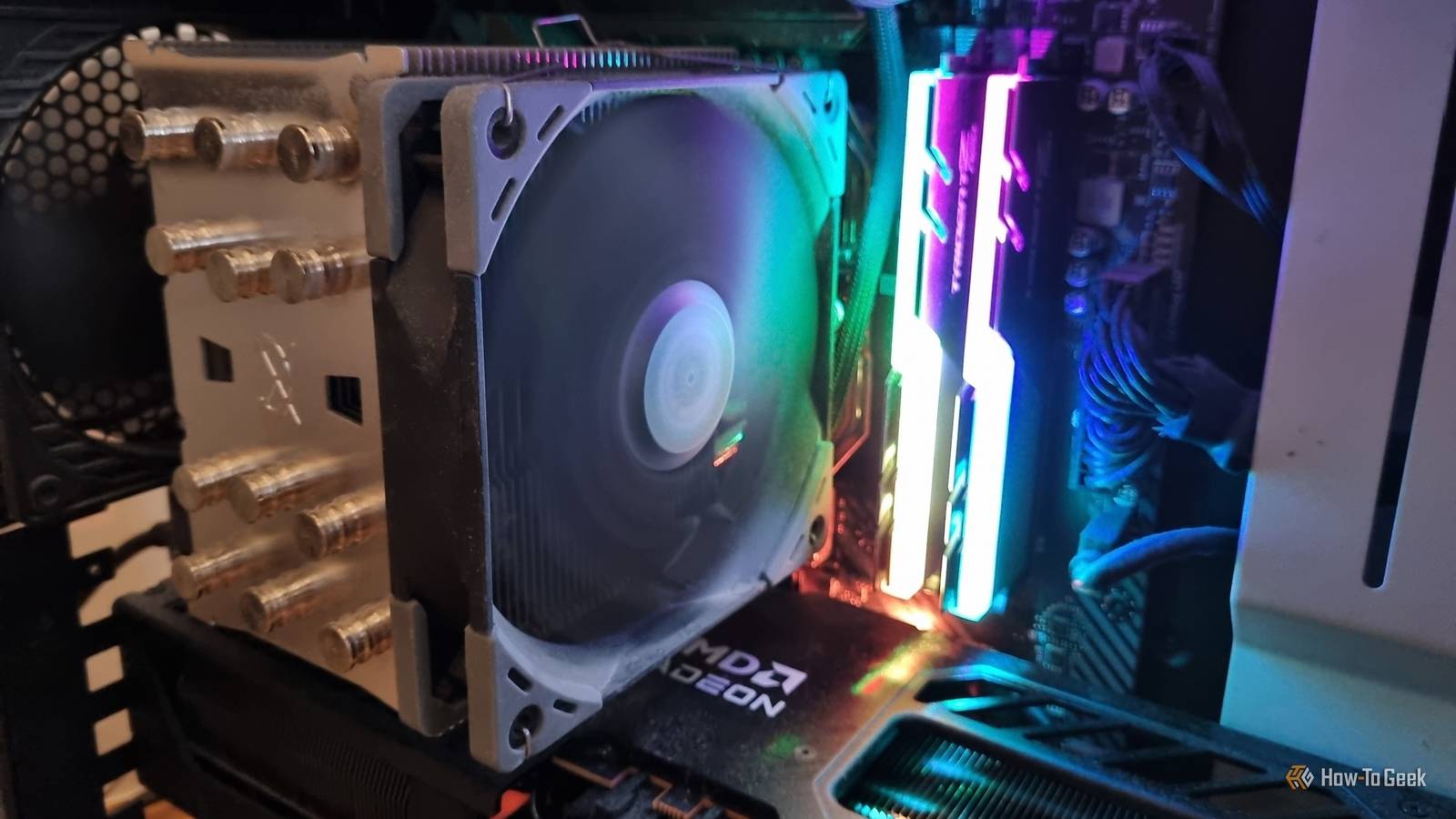
Cooling power is the lifeblood of your PC. No matter how good any of your other components are, if things get too hot in there, your PC will struggle a lot. If you’re struggling with cooling your CPU, you don’t have to upgrade to a better cooler: you should try these less costly options first.
Remove excess voltage by undervolting your CPU
Undervolting is a process in which you reduce how much voltage is flowing through your PC components. This might sound bad, but many PC components, including your CPU, often run at a baseline that is actually higher than you need, meaning you’re getting excess voltage that runs up temperatures without actually benefiting you in any way.
Cutting away that excess voltage doesn’t cost you frames or performance. A lot of modern CPUs have high voltage for their stock settings, especially those with really aggressive boosts. Not only can undervolting shave off a few degrees of temperature for your CPU, but it can also help it maintain higher, more consistent clock speeds.

Admittedly, if you’ve never undervolted anything before, it takes a bit of trial and error to make the adjustments you need. But it’s not terribly hard to learn, and once you get the hang of things, you can consider undervolting some other components in your PC to fully optimize it. You can potentially lower temps across the board and even save some costly power draw if you undervolt multiple components to only do what you need.
But if you’re a novice, there are some PC components you should not undervolt. The gains are too little, and the risk of problems too high. Start small and focus on things that aren’t going to give you bigger things to worry about than CPU temps.
Replace old thermal paste to get temps down
Thermal paste often goes overlooked. Even people who built their PCs themselves tend to forget about it as time wears on, because you never really see it and never really think about it. This is a problem because, after several years, thermal paste loses some of its efficiency. It gradually dries and loses some ability to fill the tiny gaps between your cooler’s base and the heat spreader. So if your temps are higher than you want and it’s been some time since you did it last, you might want to consider applying new thermal paste.

Of course, the quality of the thermal paste you use is also pretty important. The kind of thermal paste that came with your components out of the box is probably fine, but some aftermarket options could be even better, helping you shave off several degrees from your CPU temps. You will have to physically fiddle around with some of your components to do this, but it’s usually not too hard to access your cooler or CPU. Chances are, someone somewhere has made a tutorial online just for you!
Optimize your case airflow
If you really knew what you were doing when you put your PC together, you may already have good case airflow. But even if you did, there are still plenty of reasons to take another look at things. If you didn’t build your own rig, you should definitely take a look at your airflow, because you never know how it was all put together if you didn’t do it yourself!

First of all, ignoring the actual setup itself, your case will collect dust over time even if it’s extremely well-filtered. Fan blades, intake mesh, radiator fins—dust will gradually accumulate on all of these, and it usually goes unnoticed until there’s enough dust to actually raise your temps. Even if you have a really good, expensive AIO, this is still going to happen eventually. Whatever type of setup you have, consider giving it a nice, deep clean and see how that lowers your temperatures.
That said, you might also be able to actually change your fan setup and improve your temps. For example, a lot of cases actually ship with fewer intake or exhaust fans than it can actually support. This means you might be able to add your own aftermarket fan to your case and improve airflow. Just remember to ensure that you have more intake fans than exhaust fans: You want positive pressure to mitigate dust buildup and force all the hot air out of your case.
Ultimately, these various methods can potentially lower your CPU temps by several degrees, especially if you combine them all together. But if your CPU temps are up even after you do all of this, you may have to upgrade your cooling system or do some troubleshooting to discover exactly why you’re in so much trouble. But in the interest of saving money, you should definitely try these alternatives before upgrading your cooler: unless you just really want a new AIO anyway!
