


Google integrates Gemini within so many services and platforms that it can be hard to separate the actually useful features from all the noise. Personally, I couldn’t care less about generating AI images with Nano Banana in the Gemini app. Instead, I’m constantly searching for ways to use Google’s AI suite to enhance my productivity.
Gemini is now a fixture throughout the entire Google Workspace ecosystem, and if you aren’t using the AI chatbot’s best features, you’ll end up behind the curve. These are the Gemini in Workspace tools that save me time in every app, from Google Docs to Google Meet.
It’s available throughout the entire Workspace suite
The heart of the Gemini in Workspace experience is the Gemini sidebar, which is now present in every Workspace app. You can open the sidebar by clicking the Gemini icon in any Workspace app, and this button lives at the top of the screen next to Google apps and account buttons. The sidebar works like the standard Gemini chatbot, but with the context of all your Workspace data and the power to take actions on your behalf.
For example, you can use Help me write to generate written content in a variety of Workspace apps. Or, you can use the Gemini sidebar in Google Sheets to analyze data, build charts, and create formulas. I like to use the Gemini sidebar to take data-dense files, like PDFs or slideshows, and convert them into easy-to-digest formats. The AI helper can take a lengthy file and turn it into a podcast-style audio overview recording that’s easy to listen to, or create a simple text summary.
The Gemini sidebar saves me hours each week because I no longer need to manually comb through files. Instead, Gemini picks out the information I need to know while presenting the data in simple formats.

Gemini can do more in Google Sheets than you think
Gemini’s in your Sheets, and it’s kind of a genius.
Take notes in Google Meet calls
No need to take perfect notes in meetings

For those who like to take notes during video calls and meetings, Gemini’s Take notes for me feature can save you serious time. It works with Google Meet to use Gemini to create a text summary based on your meeting. The feature is smarter than a straight transcript, although users can optionally save a full transcript and call recording for good measure. By simply clicking the pencil icon in the top-right corner of your Google Meet window, you can start taking notes with AI.
Gemini creates a new document saved to your Drive with the meeting notes and action items. It saves time and stress during a meeting, so you can actually focus on what’s being discussed instead of needing to scramble and write everything down.
Google Meet lets all meeting participants know when Gemini is taking notes during a call.
Create document templates
Don’t waste time formatting documents in 2025
By now, most people are familiar with the standard set of document templates in word processors like Google Docs or Microsoft Word. But what if you want something new? Gemini’s Help me create feature does just that, as it can build custom templates in Workspace apps like Docs and Slides to suit your exact needs. You can use a simple text prompt to start generating a template and refine it with further chats in the Gemini sidebar.
Creating custom document templates is one of my favorite ways to use Gemini in Workspace. Formatting can be a painful process, and let’s face it, most of us want to spend time actually being productive rather than trying to force a table or chart to look right. Gemini does the heavy lifting for you, and I’ve used it to create invoice documents, spreadsheets, and music album posters in seconds.
Summarize long emails and chat threads
Catching up on Gmail and Google Chat conversations made easy

Gemini’s summaries might feel like a gimmick at first, but don’t rule them out after a quick glance. They might not be needed for every Gmail or Google Chat conversation; however, these Gemini summaries are clutch when catching up on long threads. Say you take a day off and come back to an email or chat thread with tens of messages—Gemini can summarize them in small bits, and you can use the Gemini sidebar to ask specific questions about what you missed.
Search your entire Google Drive database
Give Gemini the context of your cloud storage library

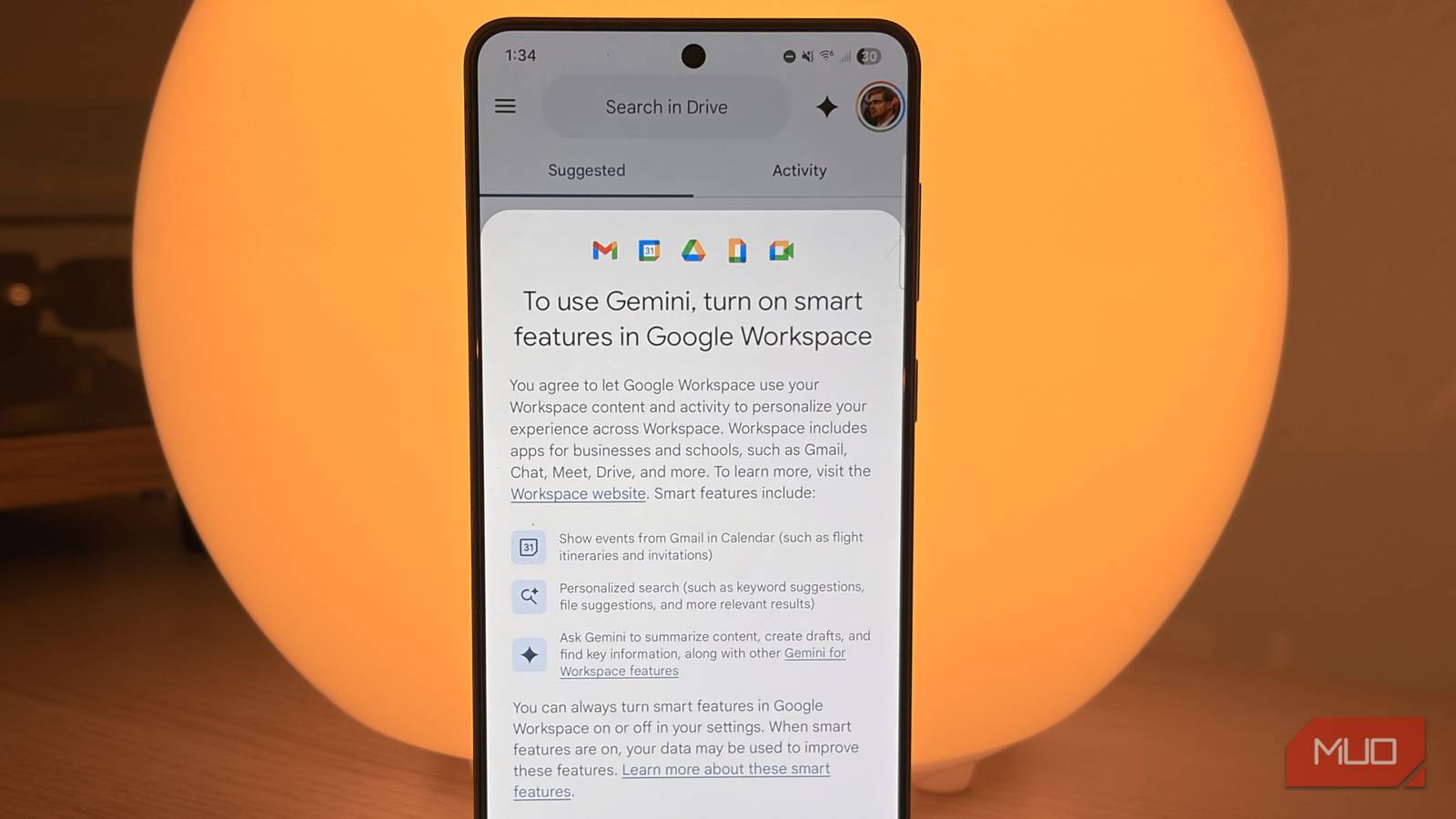
Finally, if you choose to turn on smart features in Google Workspace, you can use Gemini to intelligently search your entire Drive cloud storage database. The typical Google Drive search function is, well, not great. It can miss keywords in documents or titles and struggle to surface exactly what you’re looking for in a search query. Gemini’s natural language understanding completely solves this problem, and the Gemini sidebar is now the best way to search your Drive files.
The best part about using Gemini to search your Drive is the chatbot’s ability to extract specific information from files. Need to know whether your apartment lease allows you to paint the walls? If your lease agreement is in Drive, then Gemini can pull the specific provision from your lease in a snap. Want to find a spreadsheet value or summarize a document without opening it? Gemini can handle those functions, too.

Google Drive search is bad—here are 8 better ways to find files
Search smarter, not harder.
Why I use these Gemini in Workspace hacks
As a creative, I have no interest in using Gemini to write things for me or generate AI images. However, I’m very interested in using Gemini in Workspace to assist with tedious workflows to improve my productivity. That way, I can spend my time wisely doing the things I enjoy. By using Gemini throughout the Workspace suite, I’ve managed to shave hours off my weekly workflows, and you can too.
