


:max_bytes(150000):strip_icc():format(jpeg)/GettyImages-527100053-5b14867743a1030036f66d44.jpg)
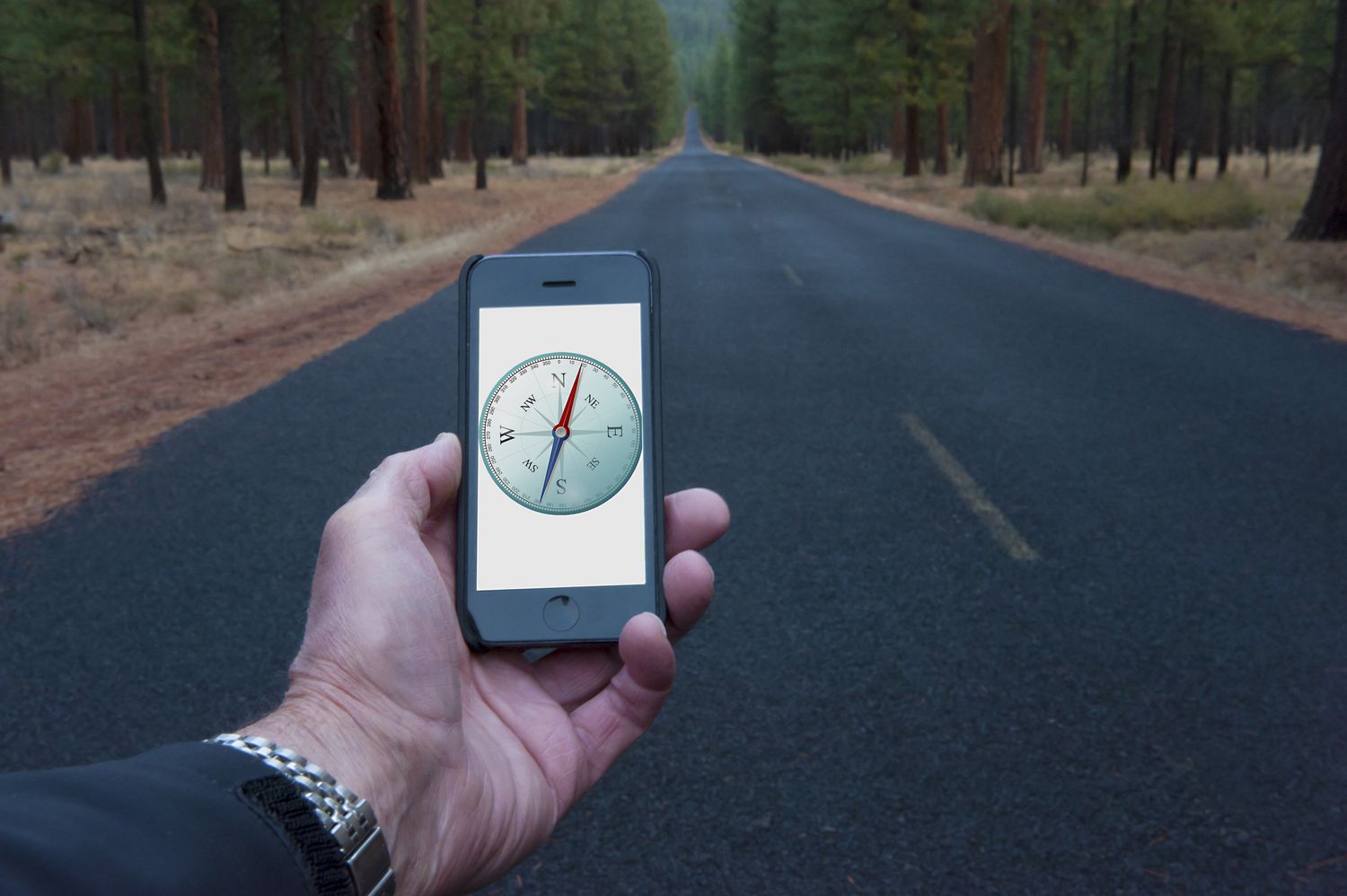
Rather than purchasing a traditional compass that you must remember to pack or carry, you can download a compass app to your phone. Check out this collection to find a compass app that meets your needs.
What We Like
Uses network or GPS coordinates for true north.
Shows magnetic north and magnetic field strength.
Copy, share, and view coordinates on a map.
If you would like a free compass app for Android for camping, off-roading, or other activities that might require letting others know where you are, Compass might fit the bill.
You’ll get the essentials, including true north, longitude and latitude, magnetic field power, and altitude speed, among others.
What We Like
Several skins and languages.
Add vertical and horizontal lines for lensatic compass.
View your latitude, longitude, and altitude.
Switch between true north and magnetic north.
Add magnetic field levels as a progress bar.
What We Don’t Like
Not available for iOS devices.
The (free) app contains ads.
No premium ad-free version available.
This free Android app promises to work anywhere in the world, making it ideal for adventurous globetrotters. It’s highly customizable and feature-rich, and includes access to magnetic field data, a speedometer, weather conditions, and time and distance traveled.
Sometimes, you want a simple app that only provides the basics. This Android compass app is easy to use and does not require unnecessary permissions.
It’s ad-free and doesn’t overload your device. However, you may experience frequent calibration notifications, but this update is simple to complete by rotating the device in a figure eight motion.
What We Like
Telescope, night, digital, and Google Maps modes.
Real-life views of the direction.
GPS speedometer and screen capture tools.
This Android app is part of the Smart Tools apps collection, which also offers helpful apps such as a metal detector, a level, and a distance-measuring app. It works with various compass modes, including Google Maps, which includes both street maps and satellite maps.
You’ll also get a GPS speedometer, a screen capture tool, and a camera view for a real-life perspective.
What We Like
Compass appears to move in 3D with tilts and turns.
Both magnetic and true north are available.
No internet or phone service required.
This compass app could be the ideal companion for boating adventures. It’s designed for marine travel, displays sun and moon positions, true and magnetic modes, and offers multiple color schemes for customization.
If you install this compass app, don’t let the permission request worry you. It requires access to your location coordinates to calculate correctly; you’ll want those handy, particularly when you’re on a large body of water with your boat.
Thanks for letting us know!
Tell us why!
