


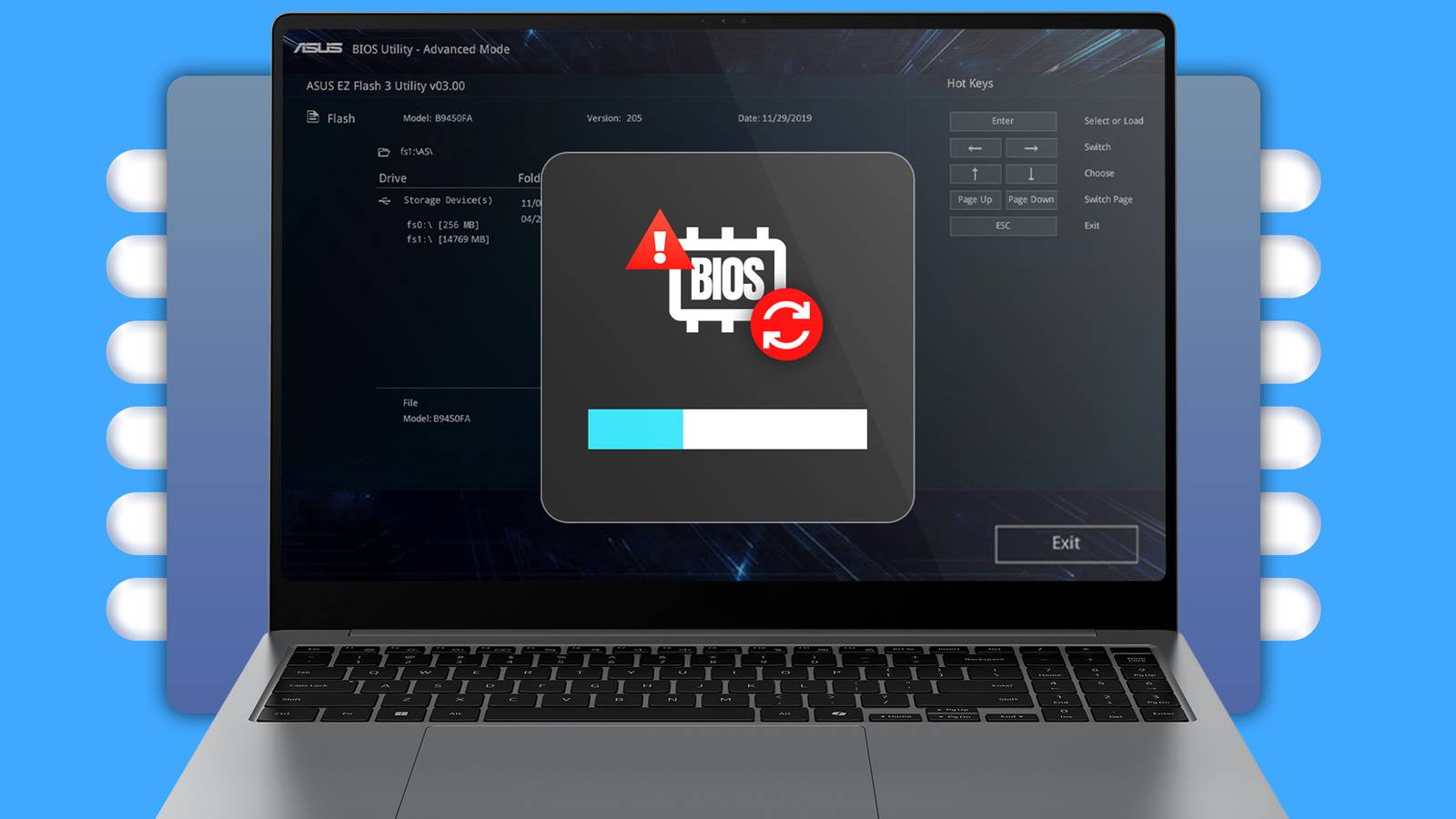
If you know what you’re doing, you can mess around with the BIOS on your computer to personalize your experience to the letter. However, if you’re new to tweaking BIOS, you should leave some settings alone, lest you cause some serious problems.
There’s no benefit to touching the Base Clock
Base clock, sometimes identified as BCLK in your BIOS, is the frequency used by every other component in your PC for timing. Memory, CPU cores, storage, PCIe, practically everything gets its timing from the base clock setting in your BIOS. I’m sure you can already see why it would be potentially risky to alter this setting. If you don’t see BCLK, it may also be called clock ratio, reference clock, or something similar.

Changing your base clock setting means changing the timing of everything that uses that clock signal. For a metaphorically well-oiled machine like a computer, even tiny changes in timing can create big problems, including data corruption or crashes. Now, CPUs get performance increases from multipliers applied to the base clock, not from the base clock itself. This means some chips with locked multipliers can technically benefit from an increase in base clock settings, since they can’t be overclocked the usual way.
That said, the improvements aren’t really enough to justify the hassle of doing this, or risking any potential mishaps due to timing changes. Even if your base clock is isolated from the rest of the system, meaning you can change it without fear of major negative impacts, there’s just not really a justifiable reason to do it.
Leave Load-Line Calibration alone unless you know what you’re doing
Load-Line Calibration (LLC in your BIOS) is responsible for determining how your computer behaves under load. For example, when your processor increases its power draw, the voltage will sag just a bit—an intentional part of the design called Vdroop. This protects your chip from having too much voltage if and when the load drops. LLC controls how much your computer compensates for the voltage sag.

You could, theoretically, raise LLC to keep your voltage constant and steady, which would keep your long-term benchmarks high. But this could also create risky conditions that could force your CPU to use more voltage than it needs at any point in time. That could significantly increase heat generation and speed up component degradation.
Of course, if you know what you’re doing, there are definitely some optimization gains to be had by tweaking your LLC. On the other hand, if you’re new to overclocking or are just browsing your BIOS settings for fun, you might want to leave this one alone until you’re a bit more experienced—or at least until you’ve watched some informative videos about it.
You don’t get much out of changing Active State Power Management
Active State Power Management, or ASPM, dictates how PCIe devices reduce power consumption while idling, putting them in low-power link states. It’s just an efficiency tool that helps keep your system’s heat generation and power draw down where possible. By allowing links to drop into idle states, you save on power. That said, ASPM can cause increased latency when your system wakes from low power state, but this usually isn’t a big deal.

Some people have claimed that their PCIe SSDs have lower performance when ASPM is turned on, but plenty of people notice no impact on those components at all. So, if you are having some odd trouble with PCIe devices, you might want to consider tweaking your ASPM and seeing if it helps. Otherwise, there’s little to gain by turning this BIOS setting off, so you should just leave it be.
Resizable Bar isn’t worth turning off unless you’re troubleshooting
This PCIe, also called ReBAR, feature allows your CPU to access your GPU’s entire VRAM buffer in one go as opposed to smaller segments. On modern GPUs, supported games can potentially get better frame pacing and performance with Resizable Bar, thanks to the more efficient transfer of assets to the GPU. This isn’t to say it can massively improve performance on any game, but it can generally help out a little bit at the least, so there’s no reason to disable it.

In recent years, most platforms have Resizable Bar on by default. If it isn’t turned on in your system for whatever reason, you should turn it on and leave it on, as there is practically nothing to gain by turning it off. The only reason you’d want to turn it off is to troubleshoot an older GPU that has trouble using ReBAR. Otherwise, you only stand to benefit by having ReBAR on.
Changing CPU Current Limit could heat things up
Called ICCMax in your BIOS, this setting sets the maximum current your CPU can draw through its VRMs. In other words, this is the max limit on how much current your chip can pull when under 100% load. It serves as a safety precaution that prevents runaway power draw and the overheating that would generally accompany that. However, you can completely remove that safety if you want.

Raising your ICCMax will allow your processor to pull more current than your motherboard’s power stages were intended to. This has some potential benefits when overclocking, but if you aren’t careful, you may set yourself up for overheating, throttling, or VRM damage if your cooling isn’t good enough to compensate for the extra heat. Needless to say, for everyday PC use, raising your ICCMax isn’t really doing much for you—many motherboards these days already have a high enough default ICCMax to allow regular boost clocks.
If you’re interested in overclocking your hardware, there’s obviously some gains to be had by increasing how much power your CPU can use. Just make sure you have enough cooling in place to compensate for the increased heat. If you’ve got no intention of overclocking your PC, there’s no reason for you to actually touch your ICCMax.
Remember, it’s not that any of these five settings should never be touched under any circumstances. One reason they are accessible in the first place is for power users and overclockers. If you know what you are doing with these settings, it’s perfectly fine to tweak them. But if you don’t need to alter these settings for some personal goal, you are almost definitely better off leaving these BIOS settings to their defaults.
If the lack of things to change makes you sad, don’t worry—there are plenty of BIOS settings you can and should change.
