


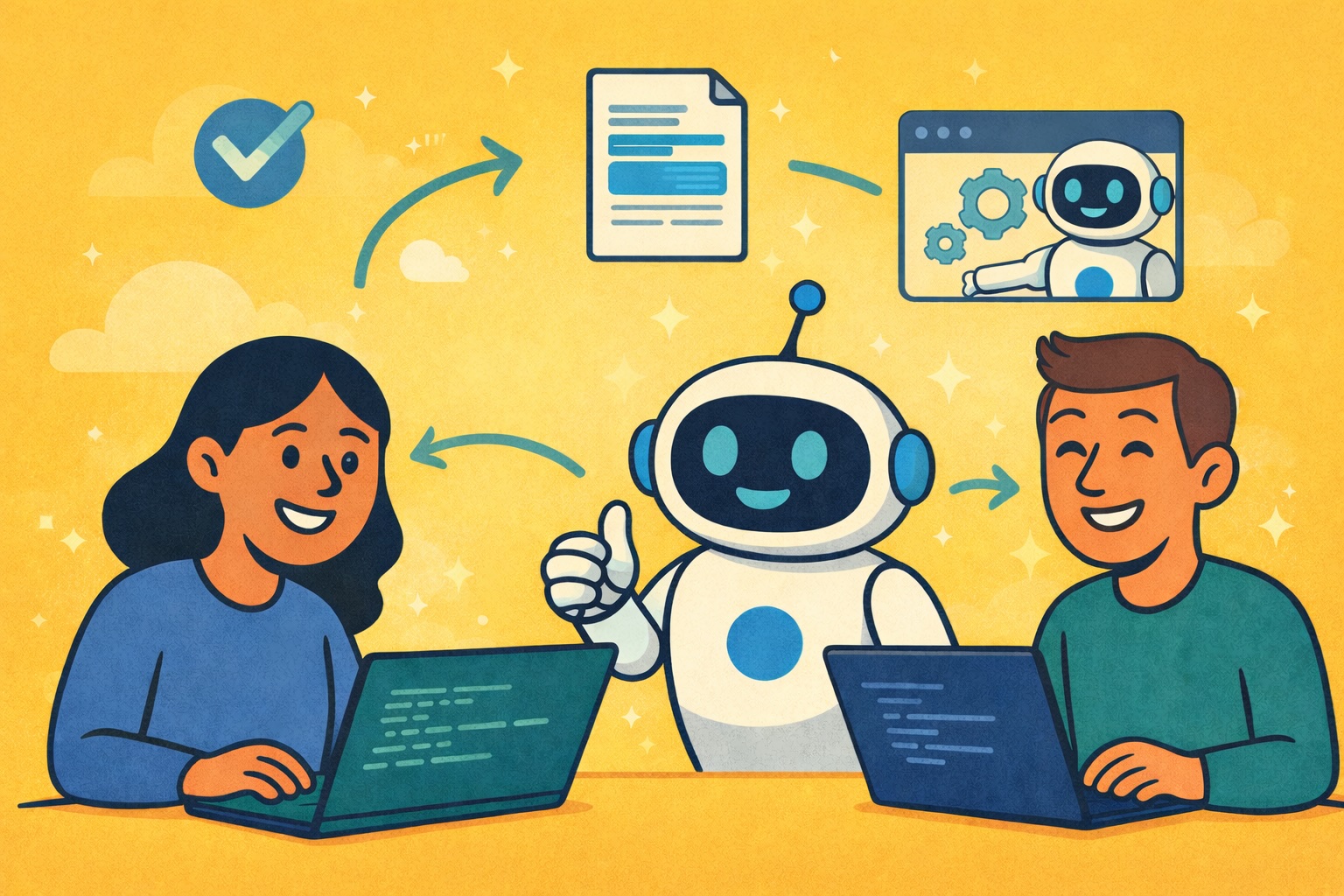
In a previous article, I of the most important techniques I utilize to code effectively with AI agents. In this article, I’m continuing with four additional techniques, all of which I use on a daily basis.
I believe that in order to be an efficient programmer today, you have to heavily utilize AI tools. If you’re not coding using AI agents, you’re falling behind. Furthermore, agents can be used for so much more than coding as well:
- Agents can read and create Linear issues
- Agents can perform deep research on a topic you’re interested in
- Agents can review log messages from production code
All of which are important tasks, programmers have to perform on a regular basis.

Thus, I’m advocating for heavy use of AI agents to be as efficient as possible. In this article, I’ll cover, on a high level, four more techniques I utilize that I believe make me a more efficient programmer.
- Macwhisper for faster agent prompting
- Claude Code review
- Parallel agents
- Interacting with GitHub using agents
I’m also very interested in hearing if you have any techniques that are important in your programming workflows. If you have specific techniques in mind, feel free to reach out, as I’d love to hear about it.
Why you should code with AI agents
I’ve previously described how coding with AI agents make me a lot more effective as a programmer. I’ve multiplied my programming output many times through the use of AI, and it simply allows me to do much more than I did previously.
A typical counterargument to AI agents is that you need to understand your code before pushing it to production. I agree with this assessment to some extent if you’re working with critical systems that are hard to perform end-to-end tests on.
However, most websites and applications are not like this. First of all, they’re not as critical, and secondly, most tasks you work on as a programmer are verifiable. This means you can often test behaviour simply by literally testing if the feature works when you interact with it.
Thus, I’m advocating for more use of AI agents and for using them for all programming-related tasks. For example:
- Create Linear issues
- Fix bugs by simply linking to the Linear issue
- Planning and developing new features
4 Techniques for coding efficiency
In this section, I’ll cover four techniques that I use for my AI-native programming workflows. These are specific techniques that I literally use every day I program.
Macwhisper
MacWhisper is a great transcription tool available on Mac. Simply put, Macwhisper allows you to press a button, talk to your computer, and the text is automatically transcribed and pasted wherever your mouse cursor is.
This is helpful because a lot of my programming workflows have moved from pure code to natural language. Using a transcription tool for coding would naturally be hard because coding requires a lot of special characters like colons, parentheses, and tabs, which are faster to type on a keyboard.
With AI agents, more and more work is done in natural langauge, instead of coding language.
Thus, whenever I prompt my Cursor agent, I usually just hold down the button and say out loud whatever I want to prompt my agent. I might, for example, ask:
Check the logs for this document id, was it processed correctly In this example, I paste in the document id after saying the sentence out loud.
The reason I use Macwhisper is simply that I talk faster than I can type. The average talking speed is around 150 words per minute, while most people can’t type 100 words per minute at maximum speed. Furthermore, you’re rarely able to type at max speed when you have to think as well.
Claude Code review
This step is split into two parts:
- After implementing a feature, I ask Cursor if the code is production-ready, and only push when Cursor is satisfied
- Whenever I make a PR, I have Claude Code to a code review as well, with no other context than the PR description, and the Git diff file to the branch I’m merging to.
This works very well. Asking Cursor if the code is production-ready makes Cursor do a review of my changes and fix any small issues that might not work as intended.
Furthermore, having a completely separate LLM review the code with no context of how the implementation was done is super helpful. This often discovers other errors that I (or Cursor) didn’t think about when implementing the code in the PR. This also significantly lowers the amount of bugs experienced in production, and is a relatively cheap addition you can make to your CICD pipeline.
Parallel agents (fire and forget)
Another important technique is to use parallel agents. Whenever I’m blocked by an agent doing some work, I always start a new agent. This could be a coding agent implementing another feature, or it could be Gemini deep research, researching a topic I’m interested in. The point is that I never simply wait on my agent without doing anything else.
When running parallel agents, you might start struggling with context switching. Switching contexts often is very taxing for your brain, and is definitely something you want to minimize.
Thus, I always make sure that I work on a task until I’m fully blocked. I try to minimize the number of times I switch context, and only start a parallel task once I’m sure I have to wait some time for my coding agent to finish its implementation.
Another important point here is that you give your coding agents enough permissions to run for an extended period of time. If you’re interrupted all the time with the cursor asking for permissions, the parallel workflow doesn’t work well.
You have to give your coding agents enough permissions. If you’re always interrupted with a permission request, it’s hard to work effectively.
Commit and PR with agents
Lastly, I want to highlight how I always interact with GitHub using my coding agents, instead of writing the commands myself. The reason I do this is that it’s simply faster, and I can do something else while my agent runs precommit hooks, commits, pushes, and makes pull requests.
Writing commit messages, pull request titles, and descriptions takes a surprising amount of time. Especially when you’re performing quick actions, such as adding translations or moving a button in the UI. Therefore, I always utilize Claude to write my commit messages, PR titles, and descriptions.
Not only does this save me time, but I also think Claude does a better job at writing these messages for me. With pull requests, for example, it’s often hard for a human to remember all of the changes made and to summarize them in a nice manner. It’s much easier for Claude to look at the Git diff and provide a summary of all the changes made.
Thus, I’ve given Cursor permission to interact with GitHub for me. Instead of performing all of the GitHub actions myself, such as:
- Pulling
- Rebasing
- Commiting
- Amending
- Pushing
- Creating PR’s
I simply prompt Cursor to do it for me. Thus, I can just fire and forget. My workflow after implementing a new feature is simply to provide the following prompt to Cursor:
Run all precommit checks (black, mypy, pytest), commit and push.
Then create a PR on this branch  and give me
the link to the PR
This is so much faster than writing the GitHub commands yourself. Not having to write pull requests myself is probably the most important bit, as this was super time-consuming previously when I made my pull requests in the GitHub UI. Now I simply click the link my agent provides me, and the PR is ready. Then I check out the Claude Code review provided to me, and fix any potential issues.
Conclusion
In this article, I’ve discussed four specific techniques I use every single day when I’m coding. I discussed Macwhisper for transcription, Claude Code reviews, parallel agents, and interacting with GitHub using my agent. Together, I estimate that these techniques save me at least 1 hour each day, which is a significant amount of time. Freeing up this time allows me to complete so many more tasks over the course of a project. I believe that being effective with AI agents is a super important skill, and definitely a topic you should spend time becoming good at.
👉 My Free Resources
🚀 10x Your Engineering with LLMs (Free 3-Day Email Course)
📚 Get my free Vision Language Models ebook
💻 My webinar on Vision Language Models
👉 Find me on socials:
🧑💻 Get in touch
✍️ Medium
